
Basic Auth
Put a username and password in front of a web service, for example a staging site, and turn it off again.
Basic Auth asks every visitor for a username and password before the site opens. It's useful for a staging site or a preview you don't want public yet. Find it in a web service's Settings → Network.
Turn it on
Switch on Enable Basic Auth. Enter a Realm/Title: browsers show it in the sign-in prompt. Here it's Staging.
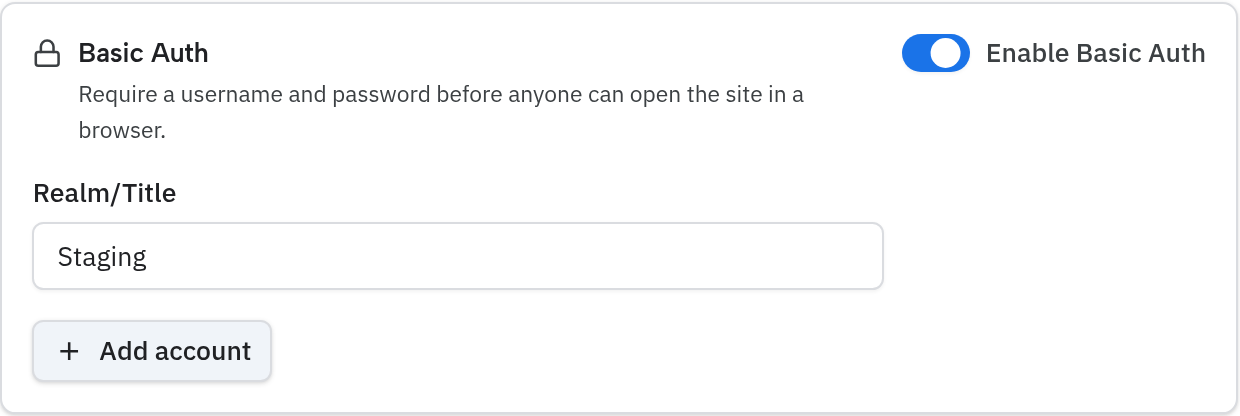
Add an account
Click Add account and enter a Username and Password. Add as many accounts as you need; − removes one.
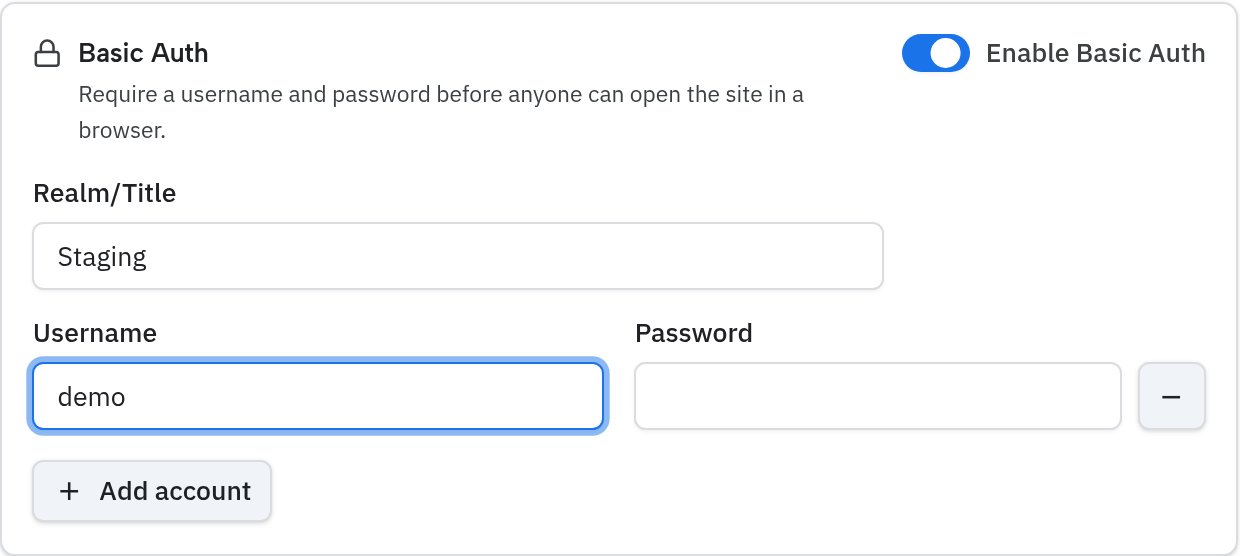
The password is stored as a hash. It isn't shown again: when you come back later, the field is empty, and leaving it empty keeps the saved password.
Commit and deploy
Click Commit 1 change. The dialog lists Basic auth going from off to on. Click Deploy 1 change.
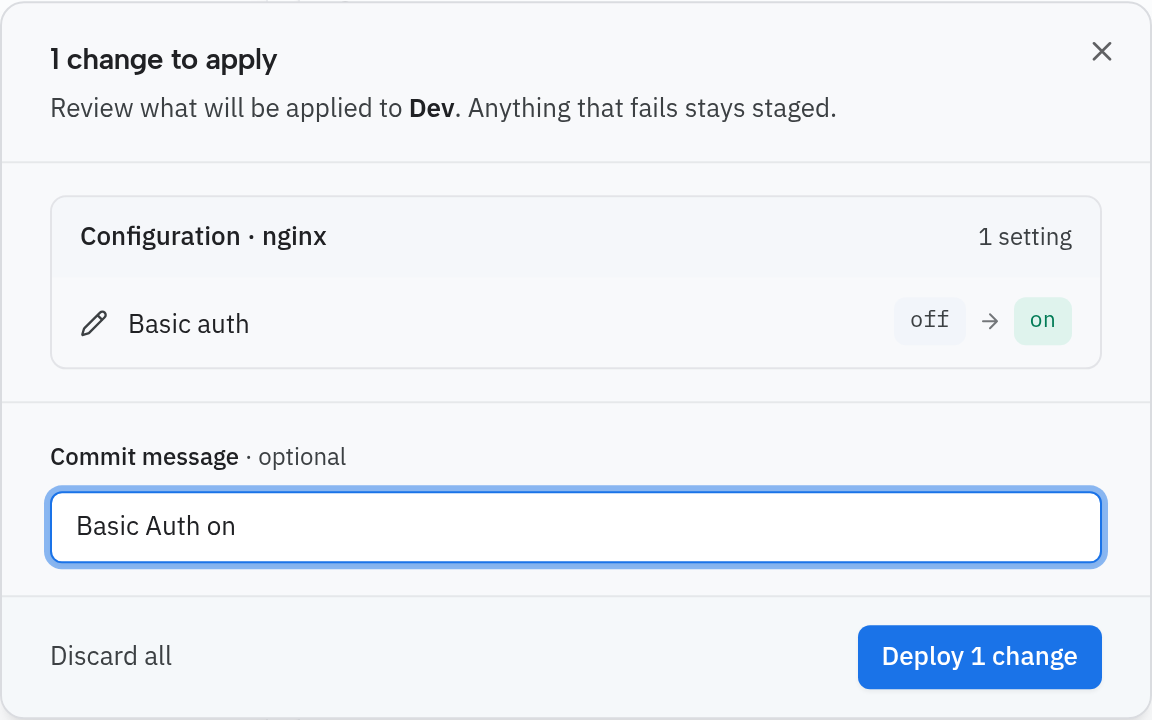
After the deploy, our site answered:
| Request | Answer |
|---|---|
| No username and password | 401, with WWW-Authenticate: Basic realm="Staging" |
| The right username and password | 200 |
| A wrong password | 401 |
Turn it off
Switch off Enable Basic Auth, then commit and deploy. The dialog lists Basic auth going from on to off, and the site opens without a password again.