
Data & storage
Databases, volumes and backups for the services in an environment.
Databases run next to your services in the same environment. Volumes give a service a disk that survives restarts, and backups cover both.
The engines
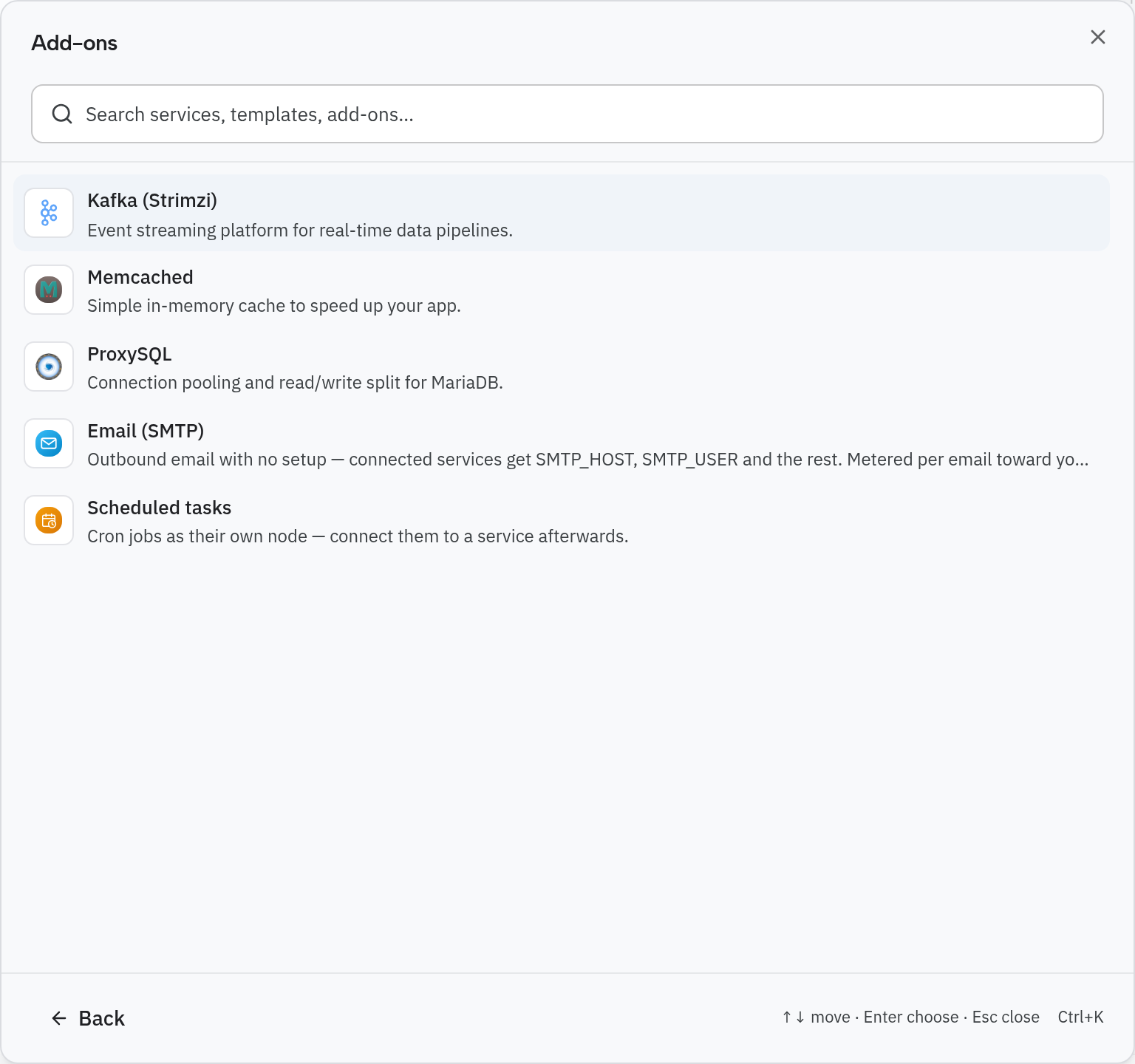
Add a database with + Service → Database or cache, and the caches and other add-ons with + Service → Add-on.
| Engine | Use it for | New databases run | High availability | Public access | In recovery points |
|---|---|---|---|---|---|
| PostgreSQL | Relational data | PostgreSQL 17 | 3 instances | Yes | Dump, plus point-in-time recovery (API) |
| TimescaleDB | Time-series data on PostgreSQL | PostgreSQL 17 with TimescaleDB | 3 instances | Yes | Dump |
| MariaDB | Relational data, MySQL-compatible | MariaDB 11.4 | A new 3-node cluster | Yes | Dump |
| Valkey | Key/value data, Redis-compatible | Valkey 8.0 | A primary and 1 replica | No | No dump |
| Memcached (add-on) | A simple cache | Memcached 1.6.39 | No | No | No |
Kafka (beta) and ProxySQL are under Add-on too.
Standard or high availability
A new database is a single instance: if it goes down, it's unavailable until it restarts. Enable HA in its Settings adds instances that take over automatically. High availability is included on the Pro and Business plans.
Turning it on is one-way. To go back to a single instance, restore a backup as a new database and move your apps onto it with Switch instance (Backups and restore).
To load an existing database, see Import a database dump.
To browse a PostgreSQL or MariaDB database and run SQL in the browser, open its database console from the db.… address on its card.