
Scheduled tasks
Run a command on a cron schedule, on its own or inside one of your services' image and variables.
Scheduled tasks is an add-on that holds your cron jobs. Each task has a name, a cron schedule and a command, and runs either Standalone or inside a connected service, with that service's image and environment variables.
Add it
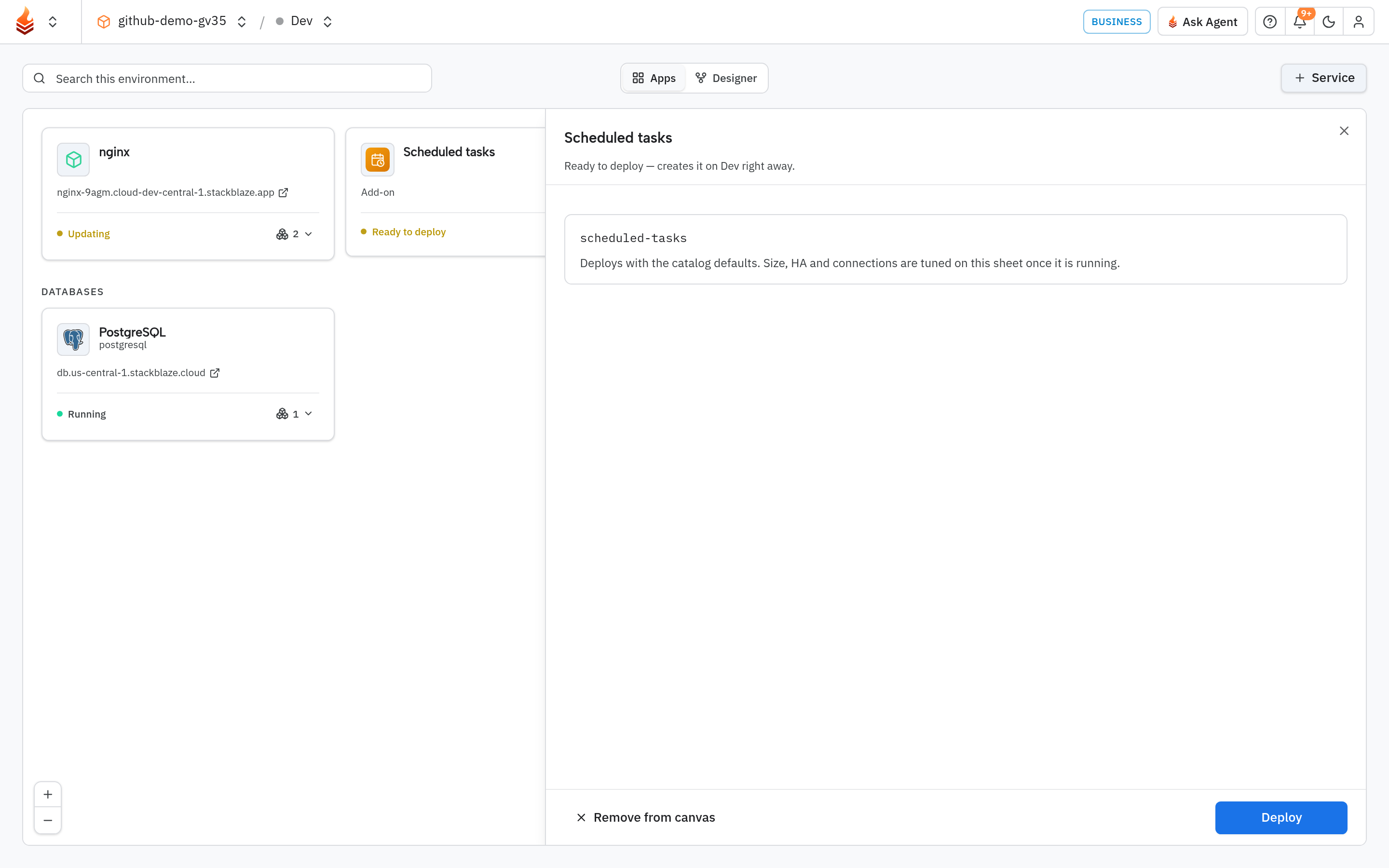
On the canvas, click + Service → Add-on → Scheduled tasks (Cron jobs as their own node — connect them to a service afterwards). Click the Scheduled tasks card, then Deploy.
Add a task
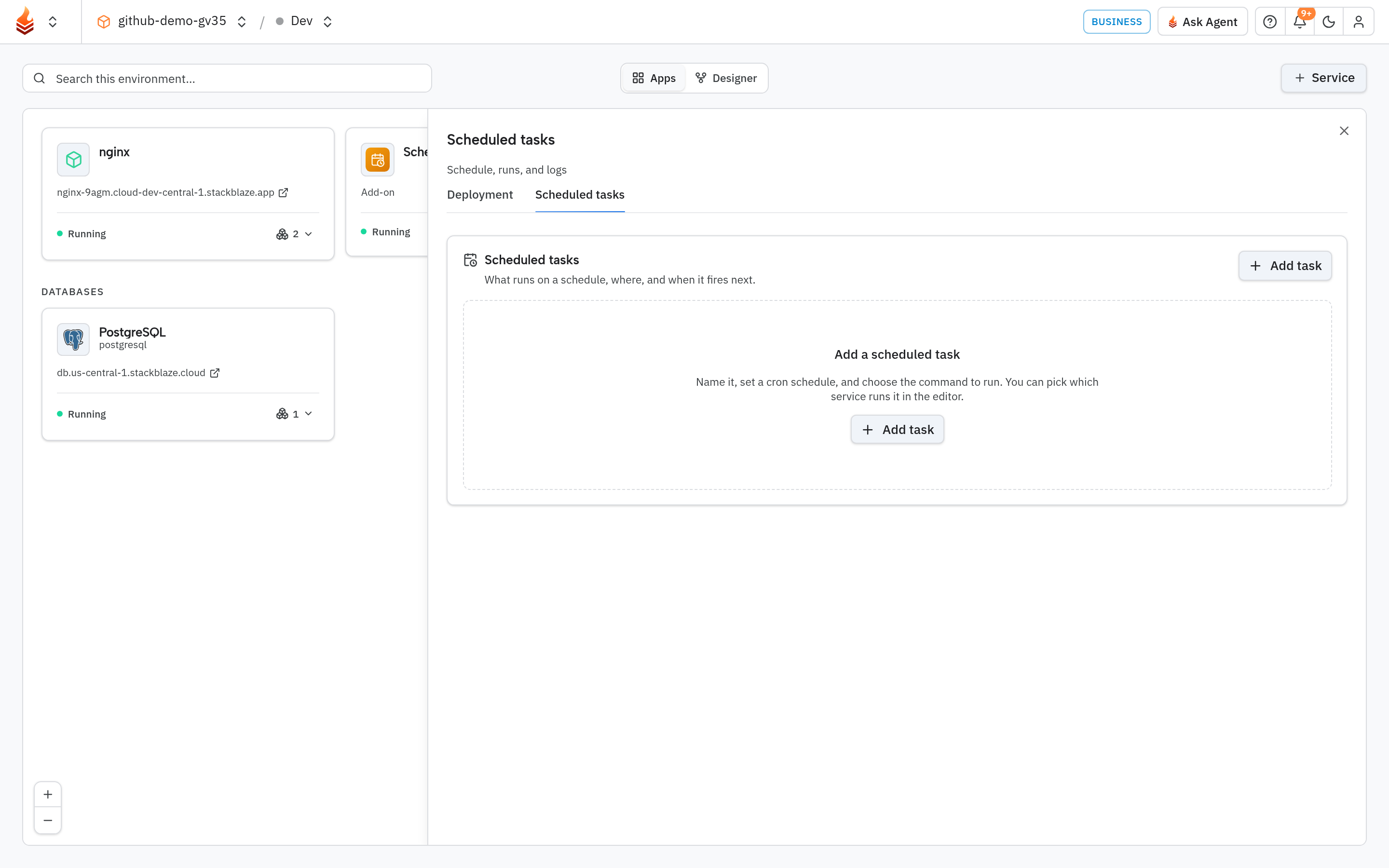
When it is Running, click the card and open the Scheduled tasks tab. Click Add task.
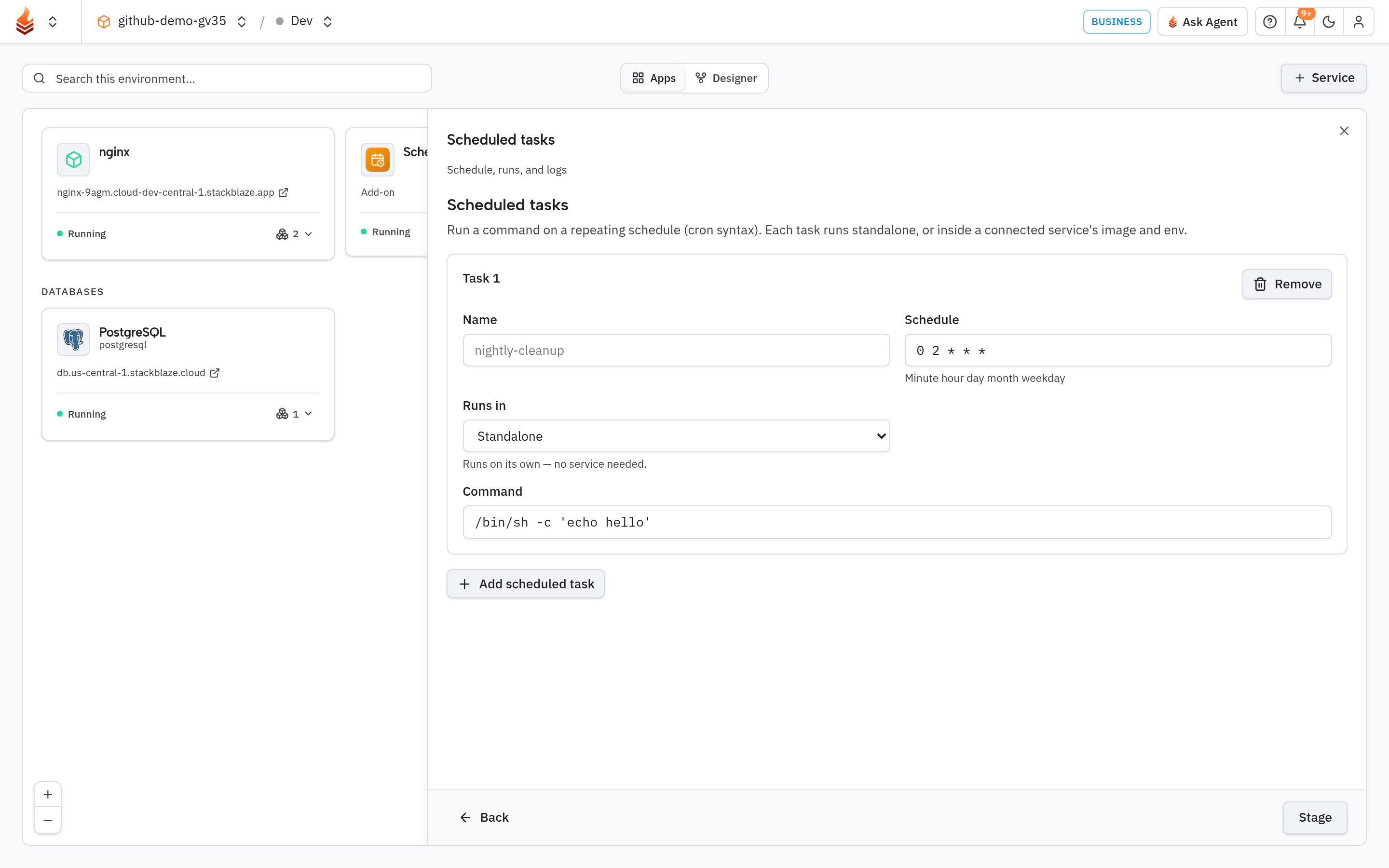
Fill in:
- Name, for example
hello. - Schedule, in cron syntax (Minute hour day month weekday). The editor starts with
0 2 * * *(every day at 02:00); this guide uses*/30 * * * *. - Runs in: Standalone ("Runs on its own — no service needed") or one of your services, here
nginx-9agm, which runs it with that service's image and env vars. - Command, for example
/bin/sh -c 'echo hello from nginx; nginx -v'.
Add scheduled task adds another one in the same editor. Click Stage.
Deploy
Click Commit 2 changes. Running the task in a service also connects the two (nginx ⇄ scheduled-tasks off → on). Click Deploy 2 changes.
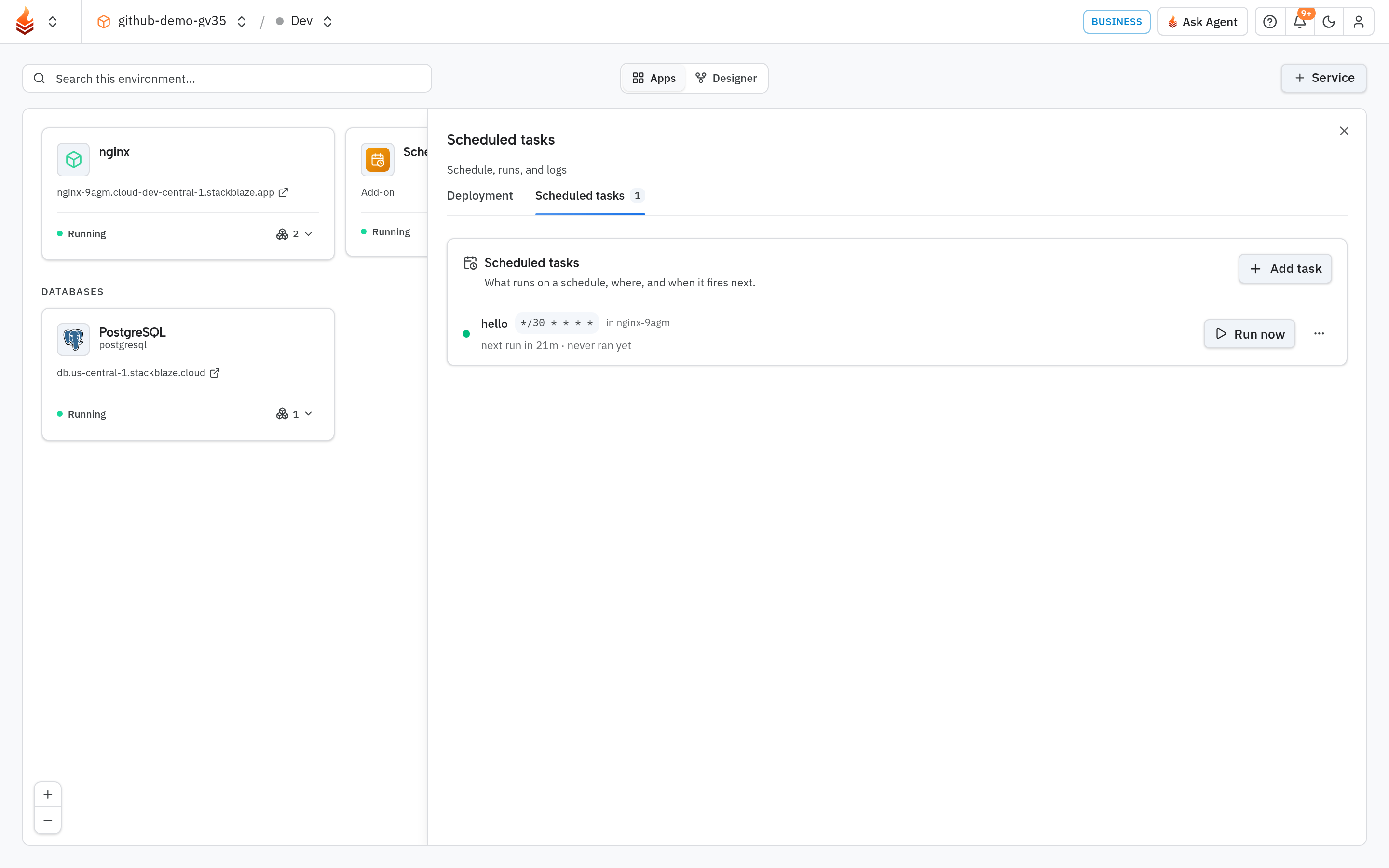
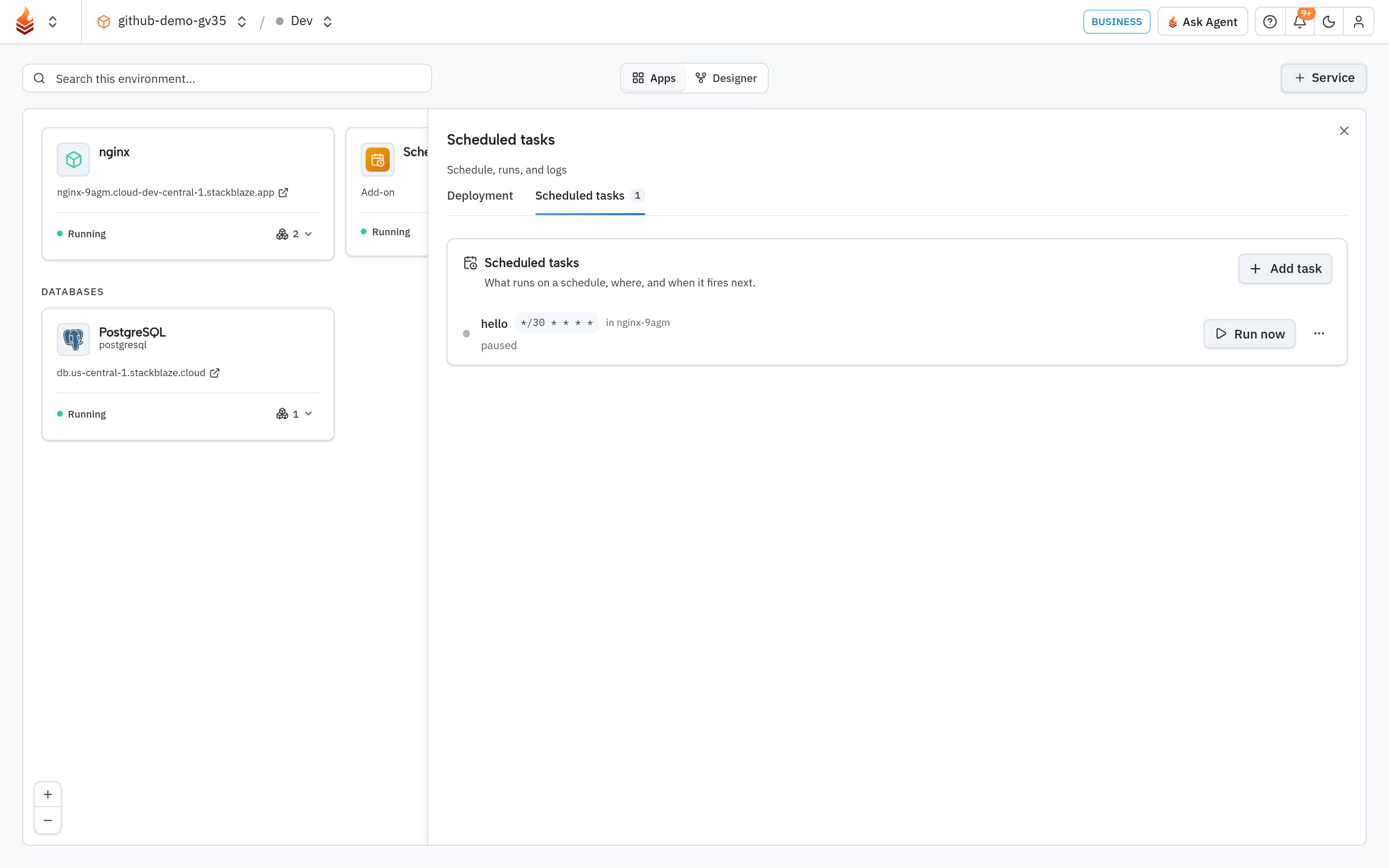
The task now shows its schedule, where it runs and when it fires next, for example hello · */30 * * * * in nginx-9agm · next run in 21m · never ran yet.
Run it now and read the output
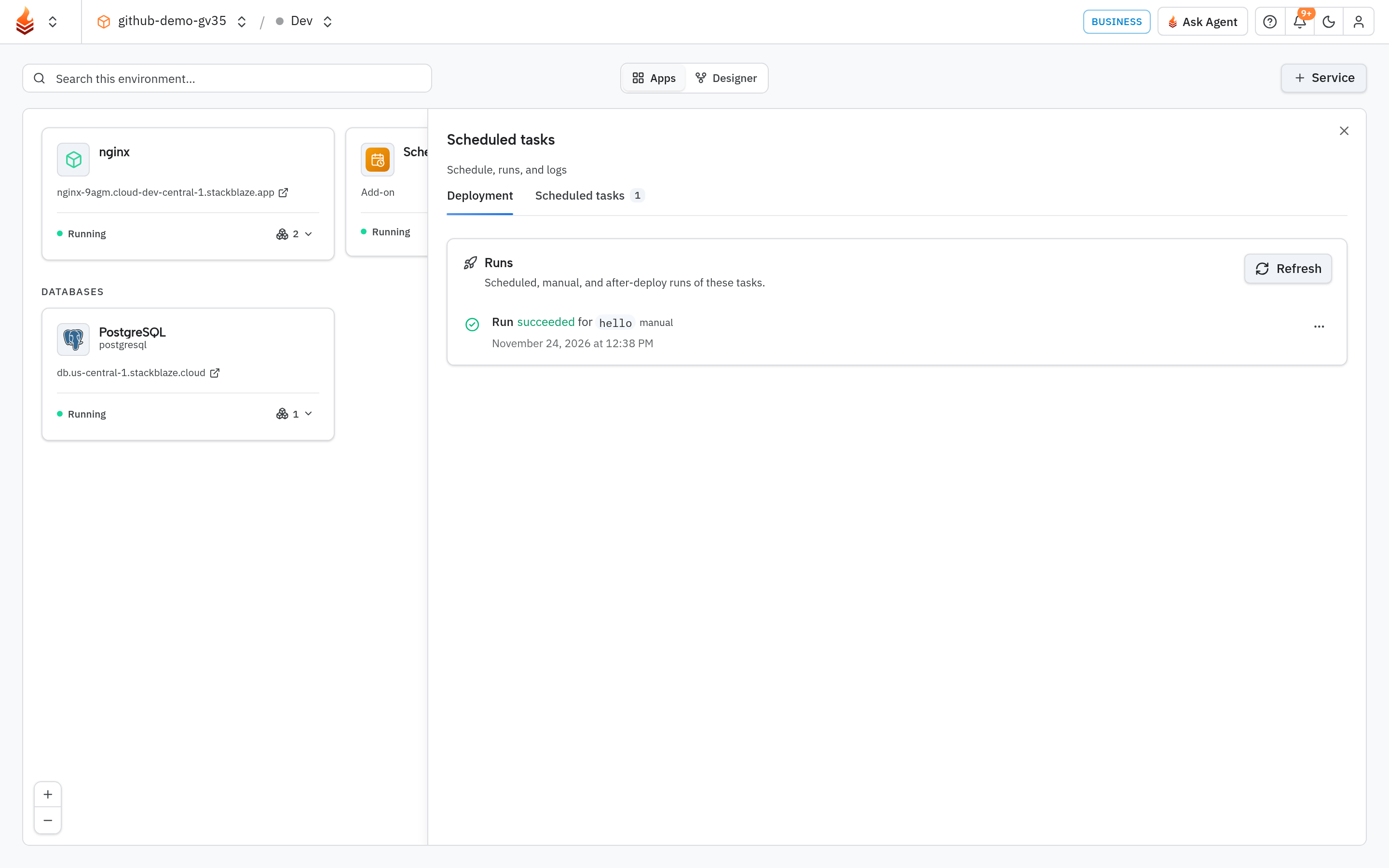
Click Run now ("Triggered hello"). The Deployment tab lists the runs — scheduled, manual and after-deploy — with their result, for example Run succeeded for hello · manual. Refresh reloads the list.
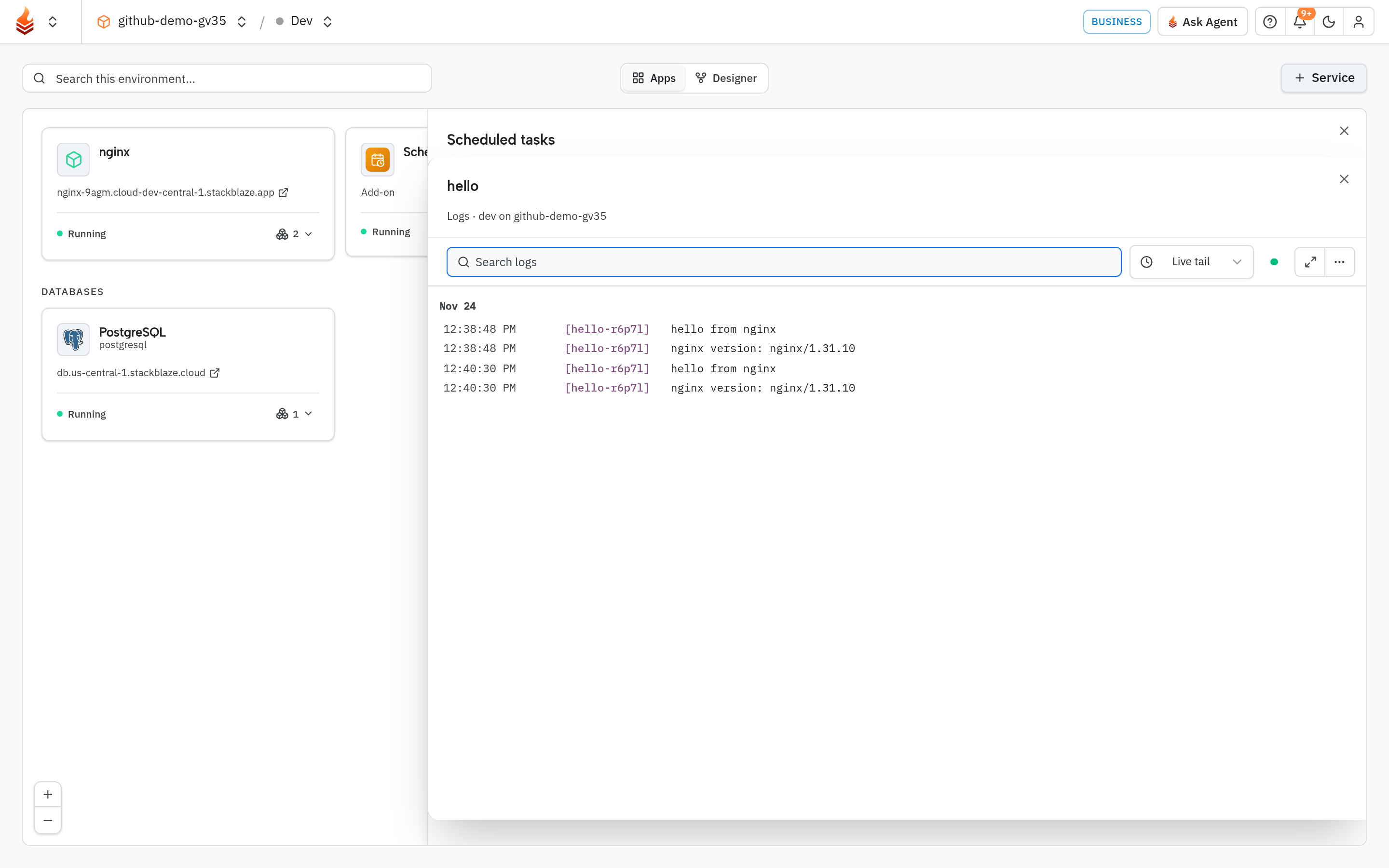
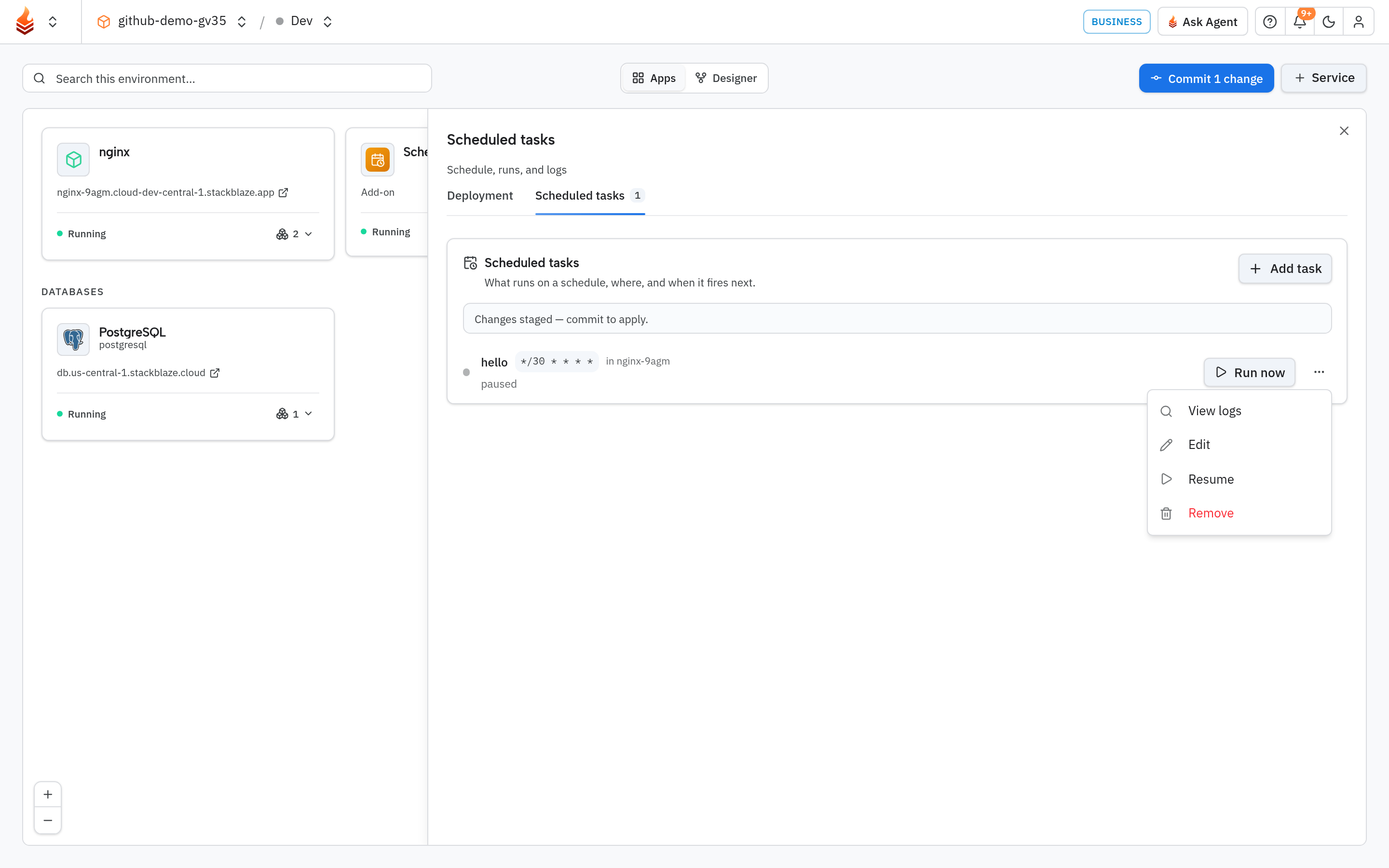
The task's menu (next to Run now) has View logs, Edit, Pause and Remove. View logs shows the task's output:
Pause, edit or remove a task
Each of these is a canvas change: it is staged until you click Commit and Deploy.
- Pause stops the task from firing. Once deployed, the task shows paused instead of its next run, and the menu offers Resume in place of Pause. Ours, paused at 23:17, skipped its 23:30 run. Run now still works on a paused task. Resume, committed and deployed, brings the schedule back ("next run in 25m").
- Edit reopens the task editor with every task, to change a name, schedule, where it runs or its command. Click Stage when you're done.
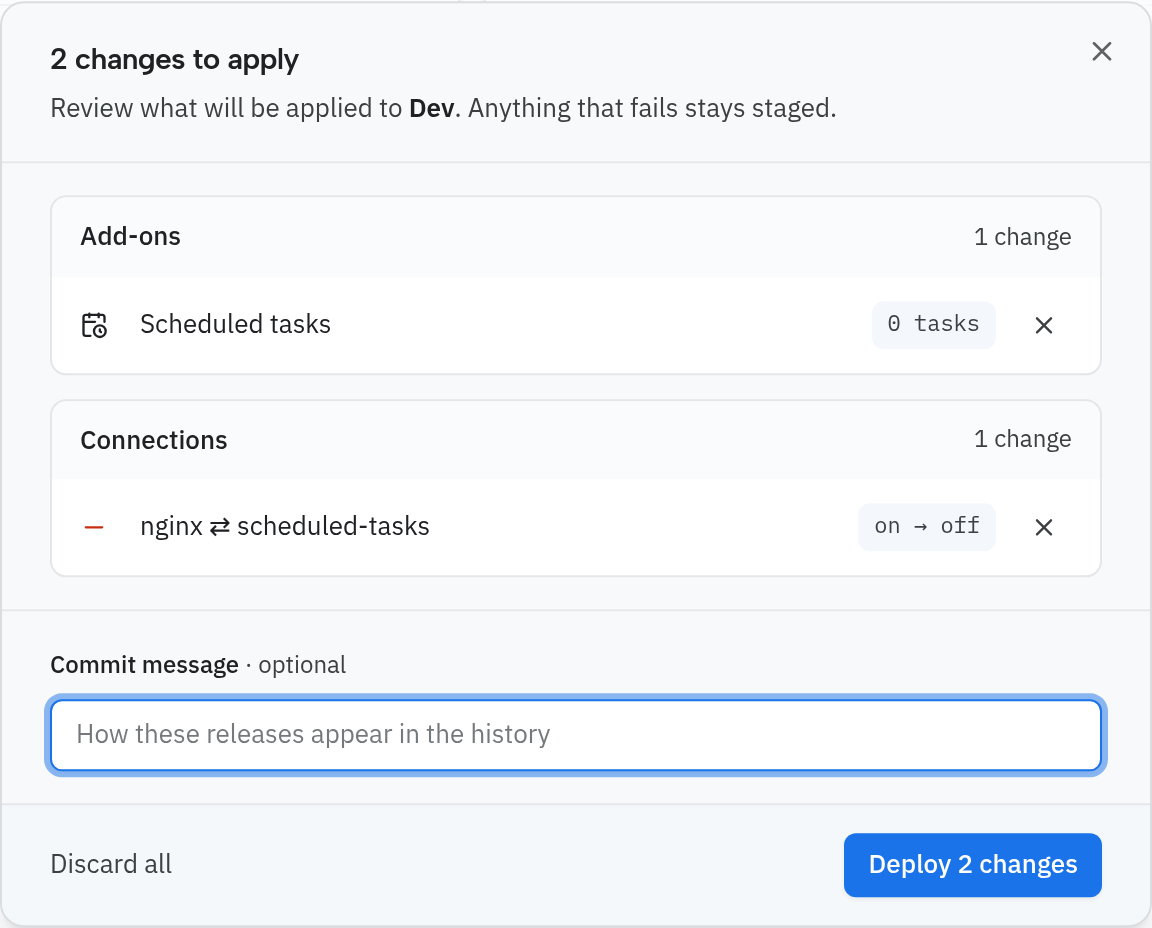
- Remove takes the task out. Removing the last task that runs in a service also disconnects that service: the review lists Scheduled tasks with 0 tasks and nginx ⇄ scheduled-tasks on → off.
How runs behave
- Schedules are in UTC. There is no time zone setting. A task set to
53 7 * * *ran at 07:53 UTC. - Each run is a new container, with the image and variables of the service it runs in (or of its own for Standalone). Nothing it writes to its own disk is kept for the next run: keep state in a database or on a volume.
- The exit code decides the result.
0is a success. A task withsh -c 'echo about to fail; exit 3'was listed as Run failed. - Runs of one task never overlap. While a run is still going, the next one doesn't start. A task on
* * * * *that sleeps 150 seconds started at 07:50:00. The 07:51 and 07:52 runs didn't start; the next run started at 07:52:33, right after the first one ended. - Each run gets the size of one instance of the service.
The run list
Click a run to see its logs. Each run's menu has:
- View logs.
- Run again: start the same task now.
- Cancel, while the run is pending or running.
- Remove, once it has finished: deletes the run from the list.
Cron syntax
The five fields are minute, hour, day of the month, month and day of the week.
| Schedule | Runs |
|---|---|
*/15 * * * * | Every 15 minutes |
0 * * * * | At the start of every hour |
0 2 * * * | Every day at 02:00 UTC |
30 6 * * 1-5 | Monday to Friday at 06:30 UTC |
0 0 1 * * | On the first of every month at midnight UTC |
The CLI also takes @hourly and @daily.
From the CLI and the API
stackblaze cron works on a service's tasks:
| Command | What it does |
|---|---|
stackblaze cron list | The tasks with their schedule, command and last run |
stackblaze cron set report --schedule "0 3 * * *" --command "node report.js" | Add a task or change one, in one release |
stackblaze cron run report | Run it now |
stackblaze cron logs report | The logs of its runs, while their containers still exist |
stackblaze cron delete report | Remove it |
--command doesn't go through a shell: use sh -c '…' for pipes and ;. --image runs another image instead of the service's.
To start a run from your own code, call POST /api/apps/{project}/{environment}/{service}/cronjobs/{task}/trigger with an API token. {service} is the service's resource name, such as crondemo-txzo. The answer names the run:
{ "status": "ok", "job": "crondemo-txzo-kuberoapp-tzcheck-mmwvu2tjn", "cronjob": "crondemo-txzo-kuberoapp-tzcheck" }