
ProxySQL
Put ProxySQL in front of a MariaDB database for connection pooling and read/write routing, connect an app to it, and see its backends and query rules.
ProxySQL sits between your apps and a MariaDB database. Apps connect to ProxySQL, which keeps a pool of connections to MariaDB and routes each query to a backend. Add a MariaDB to the environment first.
Add ProxySQL
Pick it from the menu
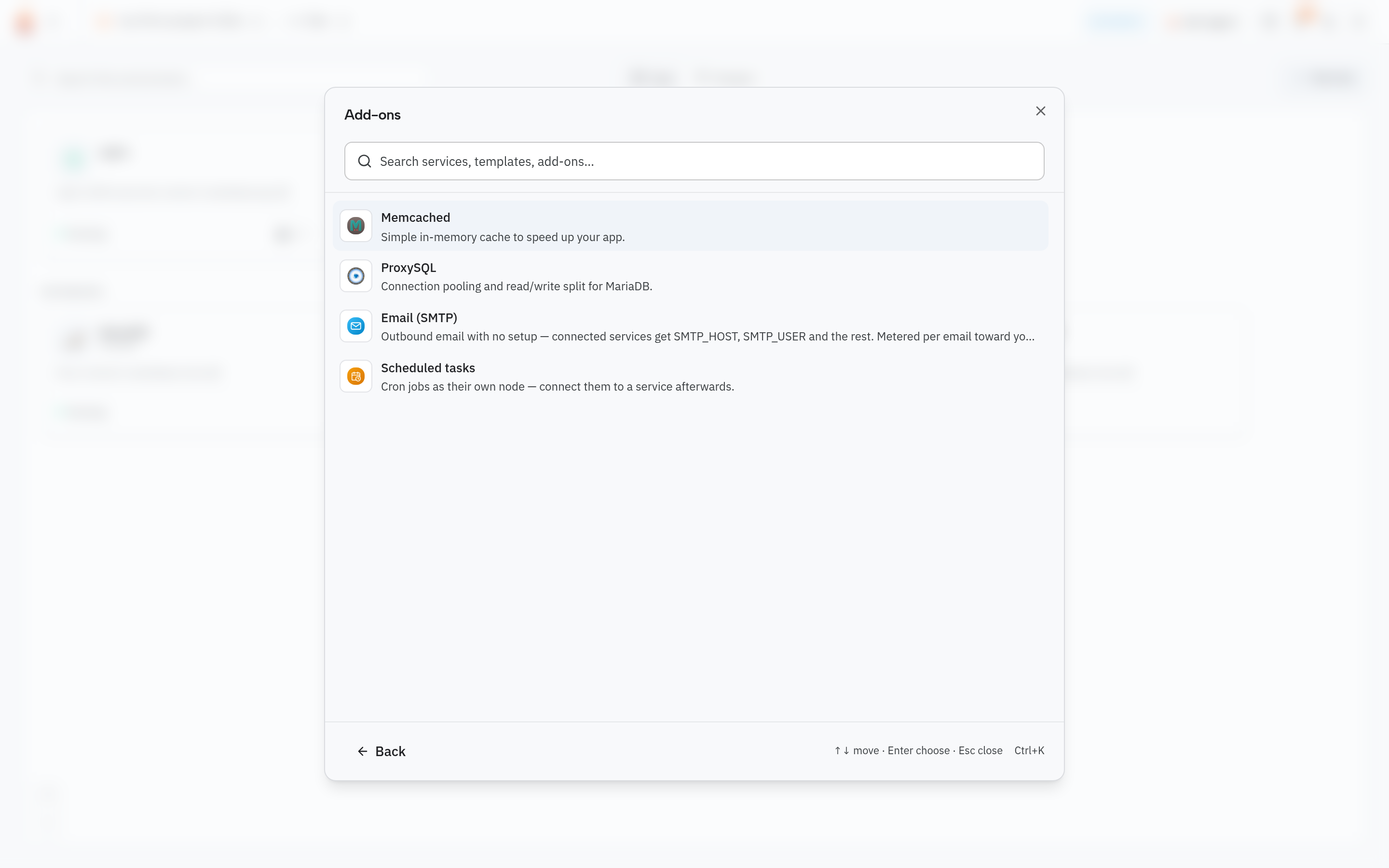
On the canvas, click + Service, then Add-on (Kafka, email, and more), then ProxySQL ("Connection pooling and read/write split for MariaDB").
Choose the MariaDB
ProxySQL's card opens on the canvas, under add-ons. MariaDB backend shows which MariaDB it will connect to. Our environment had two, so the card said "This environment has several MariaDB databases. Choose the one ProxySQL connects to." Pick one in Choose a MariaDB.
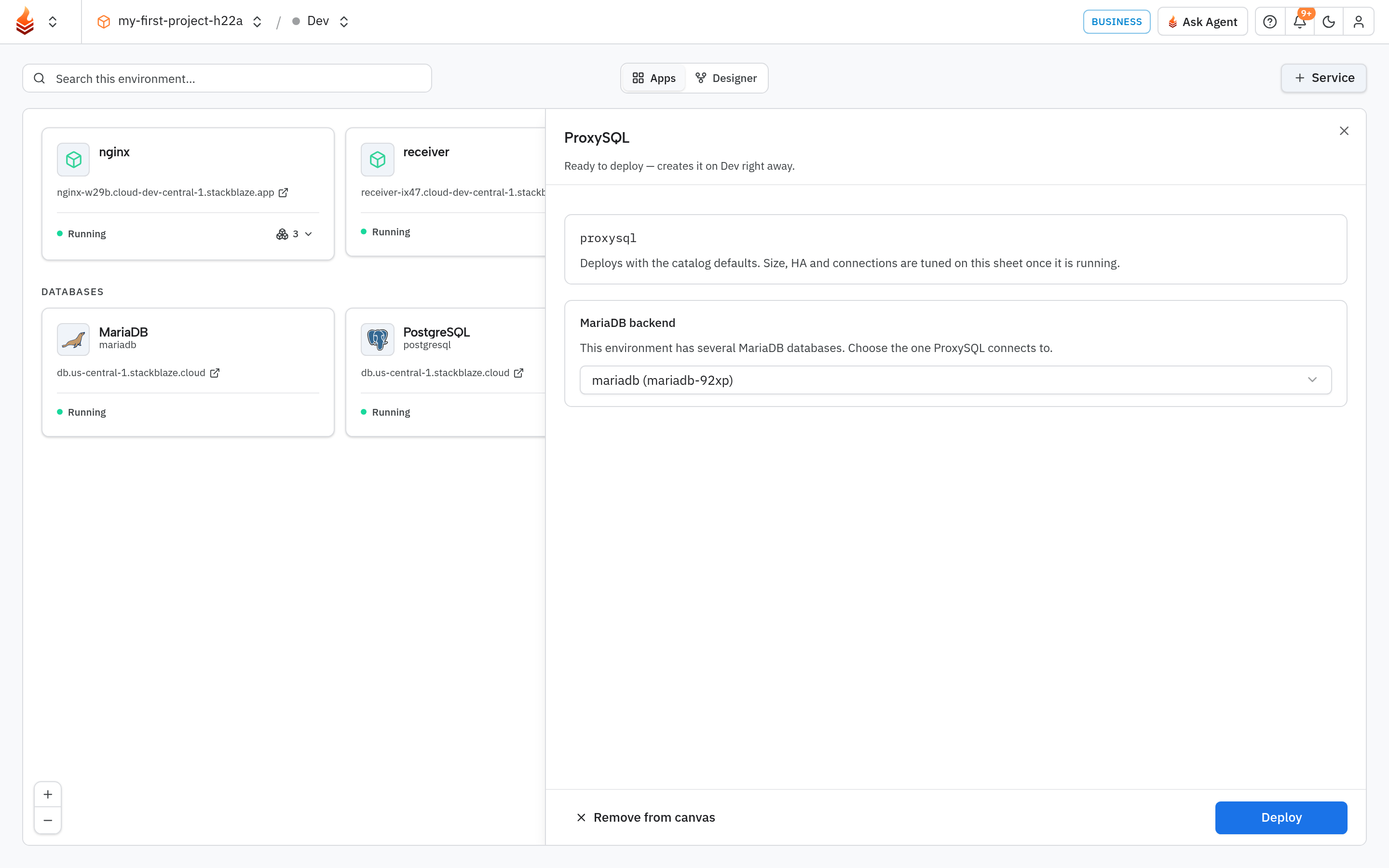
ProxySQL gets the MariaDB's app credentials itself; you don't type a password.
Deploy
Click Deploy. It's created in the environment right away and appears on the canvas.
Backends and query rules
Click the ProxySQL card and open Settings.
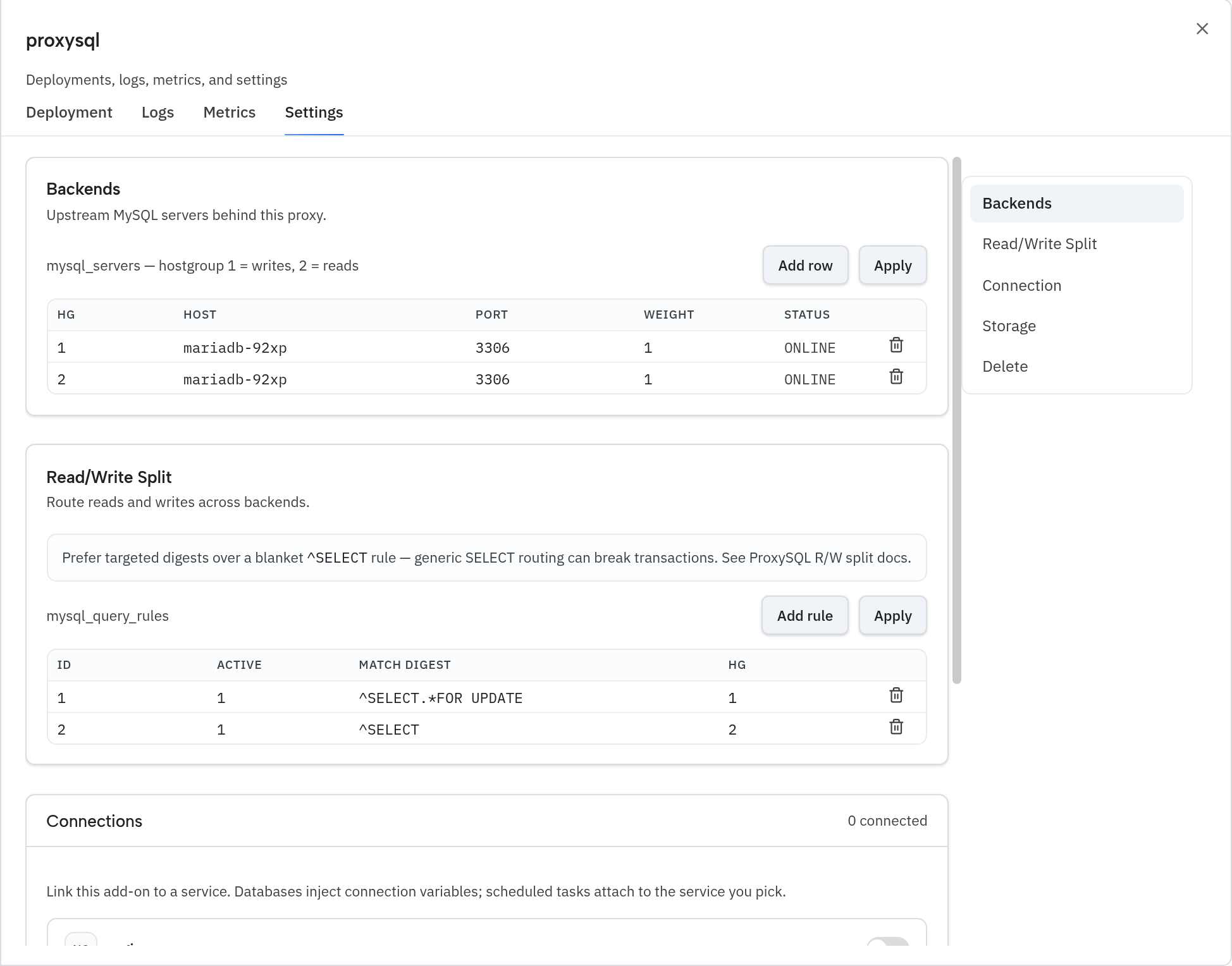
- Backends lists the MySQL servers behind the proxy (
mysql_servers): hostgroup 1 for writes and 2 for reads, each with its Host, Port, Weight and Status. Ours listed the chosen MariaDB,mariadb-92xpon port3306, in both hostgroups, both ONLINE. - Read/Write Split lists the query rules (
mysql_query_rules). The defaults send^SELECT.*FOR UPDATEto hostgroup 1 and other^SELECTqueries to hostgroup 2. The card warns: "Prefer targeted digests over a blanket ^SELECT rule — generic SELECT routing can break transactions."
Add row, Add rule and Apply change these tables. We left the defaults as they were.
Connect an app
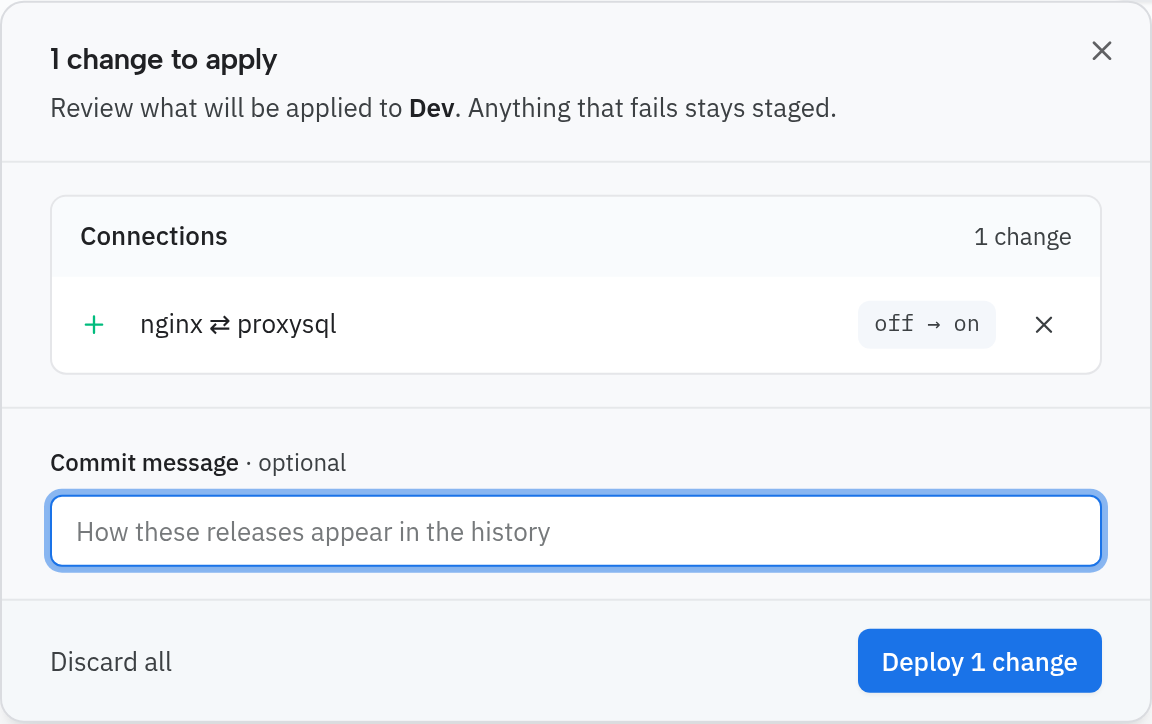
In ProxySQL's Settings, under Connections, switch on the app. The change is staged: click Commit 1 change (the dialog lists nginx ⇄ proxysql off → on) and Deploy 1 change.
The app gets the connection as variables. Our app already had a MariaDB connected, so ProxySQL's came with a PROXYSQL_ prefix:
| Variable | Value |
|---|---|
PROXYSQL_MYSQL_HOST | ProxySQL's address in the environment |
PROXYSQL_MYSQL_PORT | 6033 |
PROXYSQL_MYSQL_USER, PROXYSQL_MYSQL_PASSWORD | the MariaDB app user |
PROXYSQL_MYSQL_DATABASE | the database, here app |
PROXYSQL_DATABASE_URL | mysql://app:…@<host>:6033/app |
We ran a query from the app through those values. ProxySQL answered on port 6033 and the result came from the MariaDB, mariadb-92xp-0.
Deployments, logs and metrics
ProxySQL's other tabs are Deployment (its deploys and restarts), Logs (with a pod picker, search and Live tail) and Metrics (memory and CPU, over 2h, 24h or 7d).
Delete
Delete add-on at the bottom of Settings deletes ProxySQL and its data.