Memcached
Add an in-memory cache to an environment and connect it to your services.
Memcached is a simple in-memory cache. Add it to an environment, connect it to a service, and the service gets the cache's address in its variables.
Add it
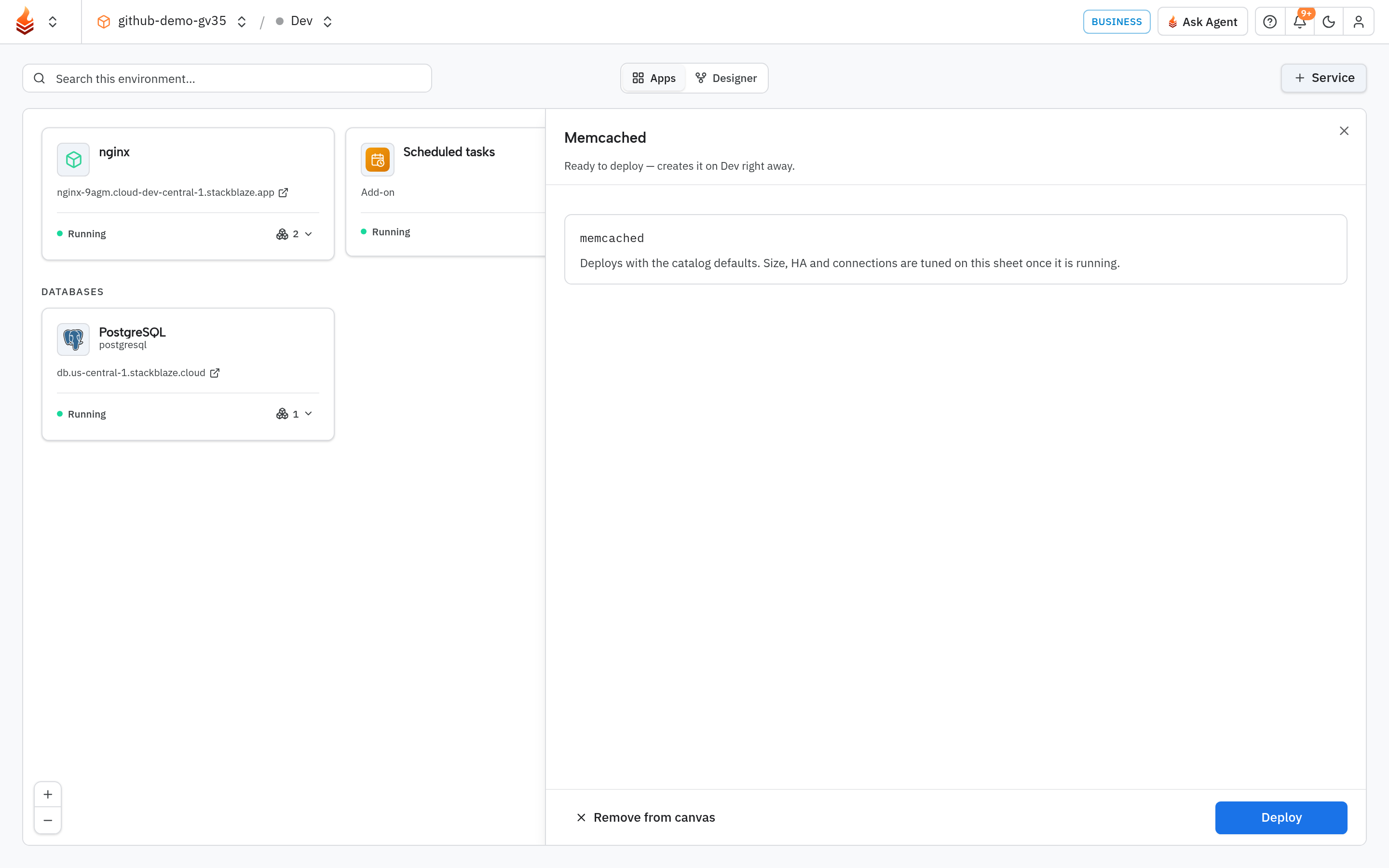
On the canvas, click + Service → Add-on → Memcached (Simple in-memory cache to speed up your app.). Click the Memcached card: it deploys with the catalog defaults. Click Deploy.
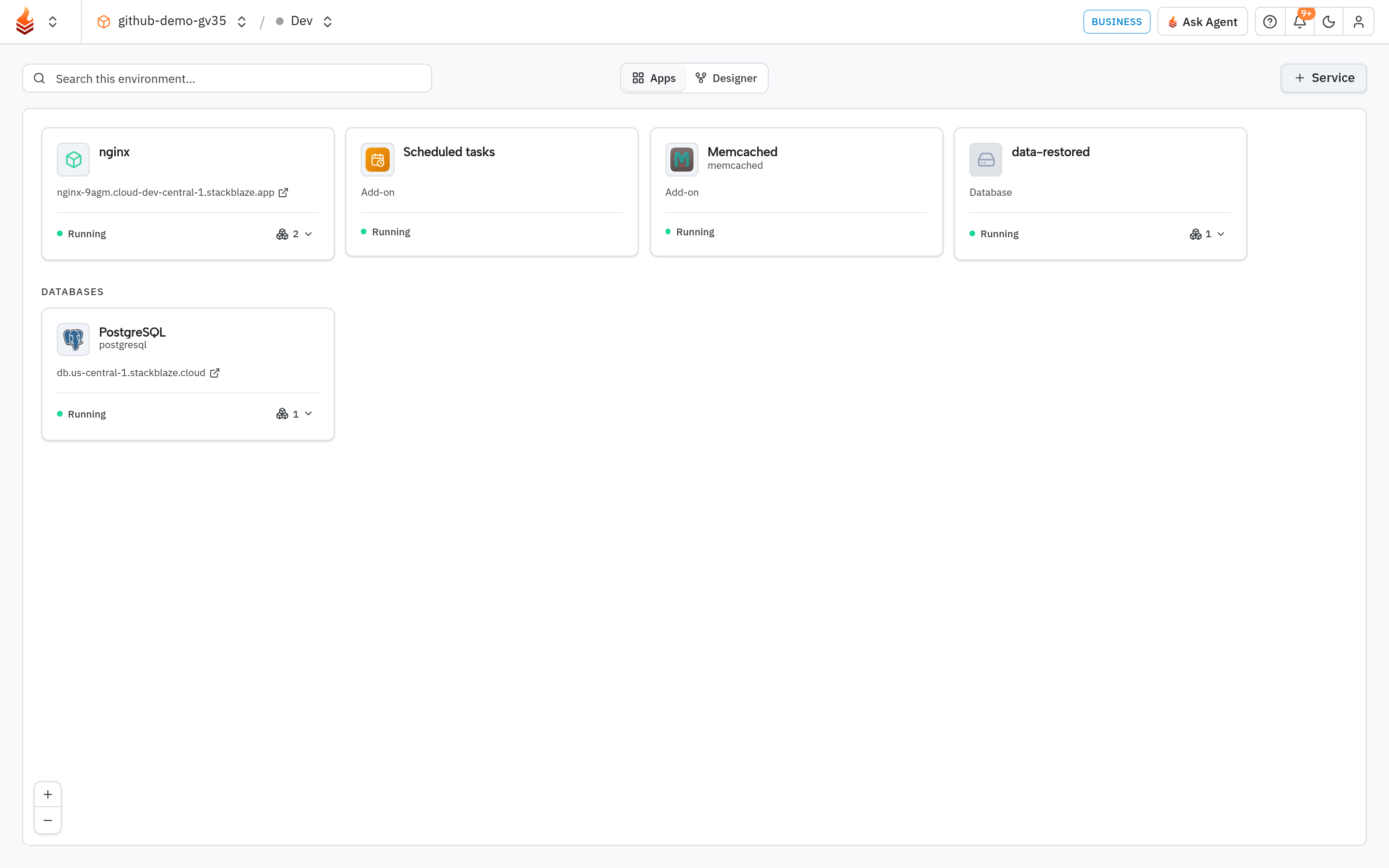
When it is ready, the card shows Running.
Connect a service
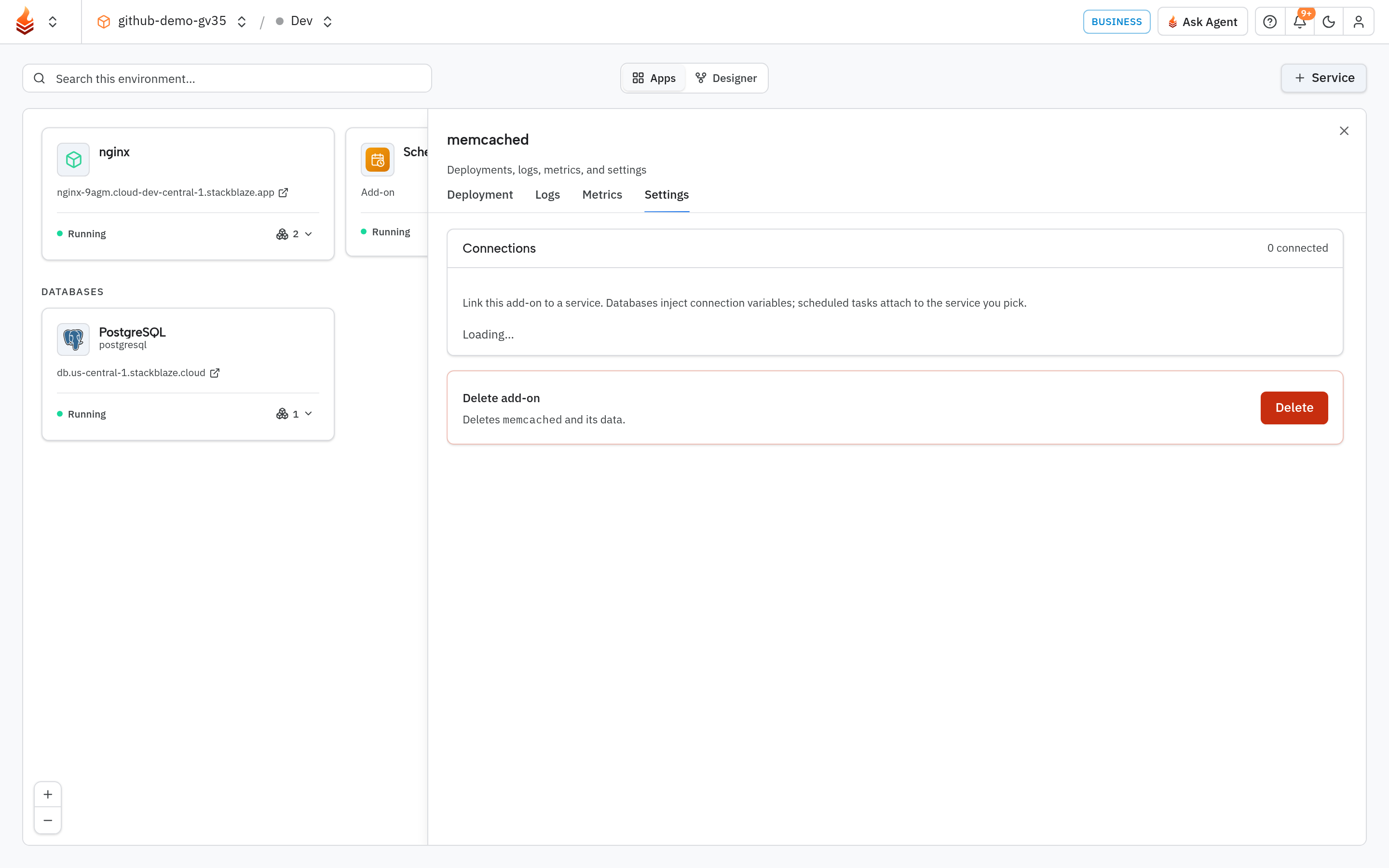
Click the card and open Settings. Under Connections, turn on the switch next to the service, then commit and deploy the change (nginx ⇄ memcached off → on).
The service gets these variables:
| Variable | Value |
|---|---|
MEMCACHED_HOST | the cache's in-cluster address, like memcached-o440.<project>-<env>.svc.cluster.local |
MEMCACHED_PORT | 11211 |
MEMCACHED_LOCATION | both together, host:11211 |
Memcached has no URL scheme, user or password: pass the host and port to your client.
From our connected service, using those variables, we stored a value and read it back:
set docs 0 60 5
hello
STORED
get docs
VALUE docs 0 5
hello
END
Defaults
Memcached deploys with the catalog defaults: Memcached 1.6.39, a 64 MB memory limit and up to 1,024 connections. The panel has no settings to change them.
A cache only
Memcached keeps everything in memory. There is no disk, no replica and no high availability:
- A restart or redeploy of Memcached empties it.
- When it's full, Memcached drops the least recently used items.
- Recovery points don't include it. A backup of our environment listed its PostgreSQL database and app volume, and no Memcached.
Keep the real data in a database and treat a missing key as normal. For data that must survive a restart, sessions, queues or richer data types, use Valkey instead.
A short Python example with pymemcache:
import os
from pymemcache.client.base import Client

cache = Client((os.environ["MEMCACHED_HOST"], int(os.environ["MEMCACHED_PORT"])))
cache.set("greeting", "hello", expire=60)
print(cache.get("greeting"))  # b'hello'
The Memcached panel
- Deployment lists the add-on's deploys and restarts, for example Deploy running for memcached:1.6.39.
- Logs streams its output, with Pod, Log source (App logs), a search box and Live tail. Open System events shows the platform's events for it.
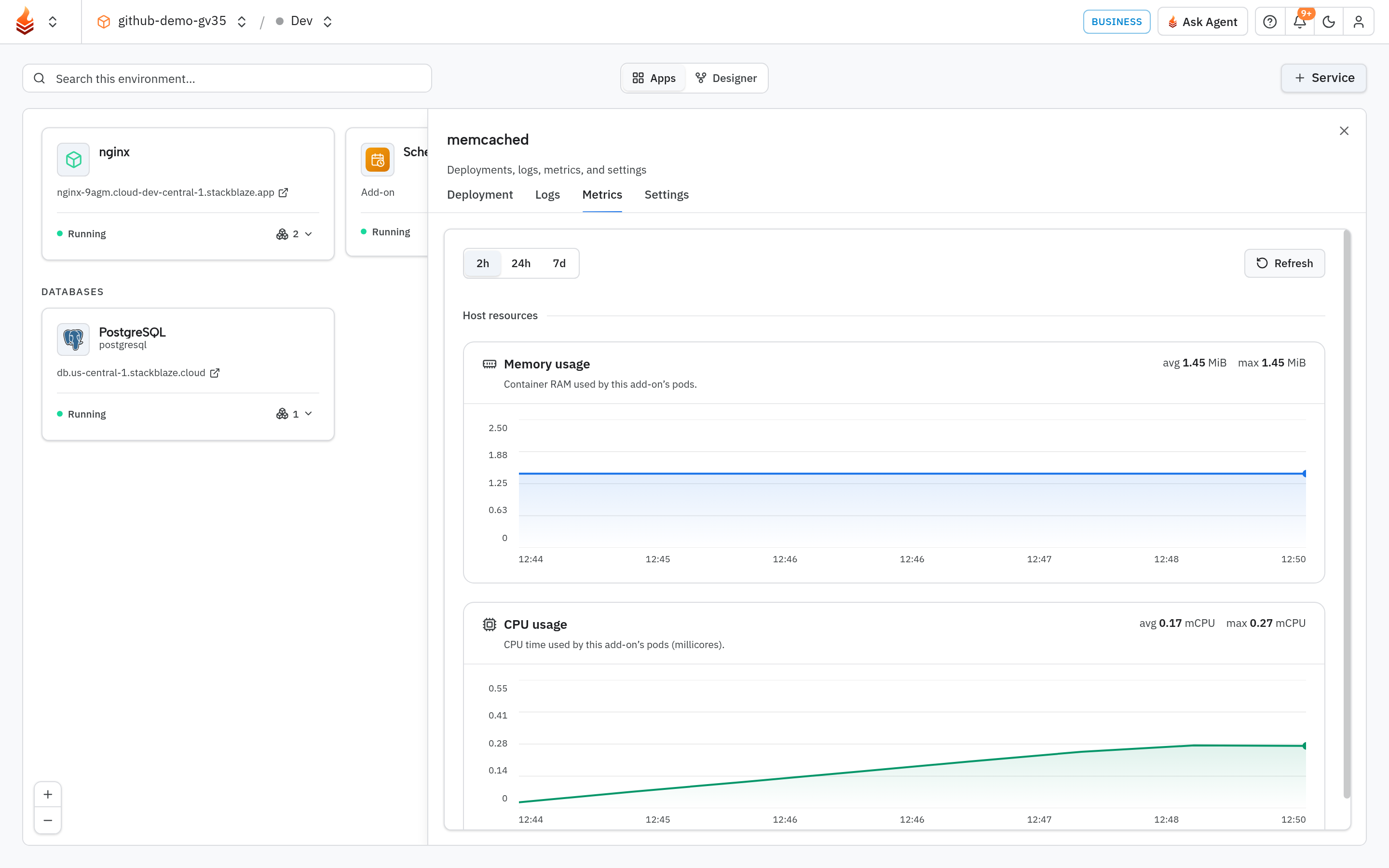
- Metrics shows Memory usage and CPU usage over 2h, 24h or 7d.
- Settings holds Connections and Delete add-on.