
Ask Agent
Ask the StackBlaze agent about your projects and apps from any page, attach an app with @, and pick up past conversations.
Ask Agent, in the header on every page, opens the assistant in a side panel. It can look at your projects and apps to answer questions about them, and change them for you. Click the button again, or the panel's close button, to hide it.
Ask Agent operates StackBlaze for you. It isn't the same as an AI agent, which is a service you deploy that answers your own users with your instructions. To use StackBlaze from your own AI coding tool, see Use StackBlaze from your AI coding tool.
Ask a question
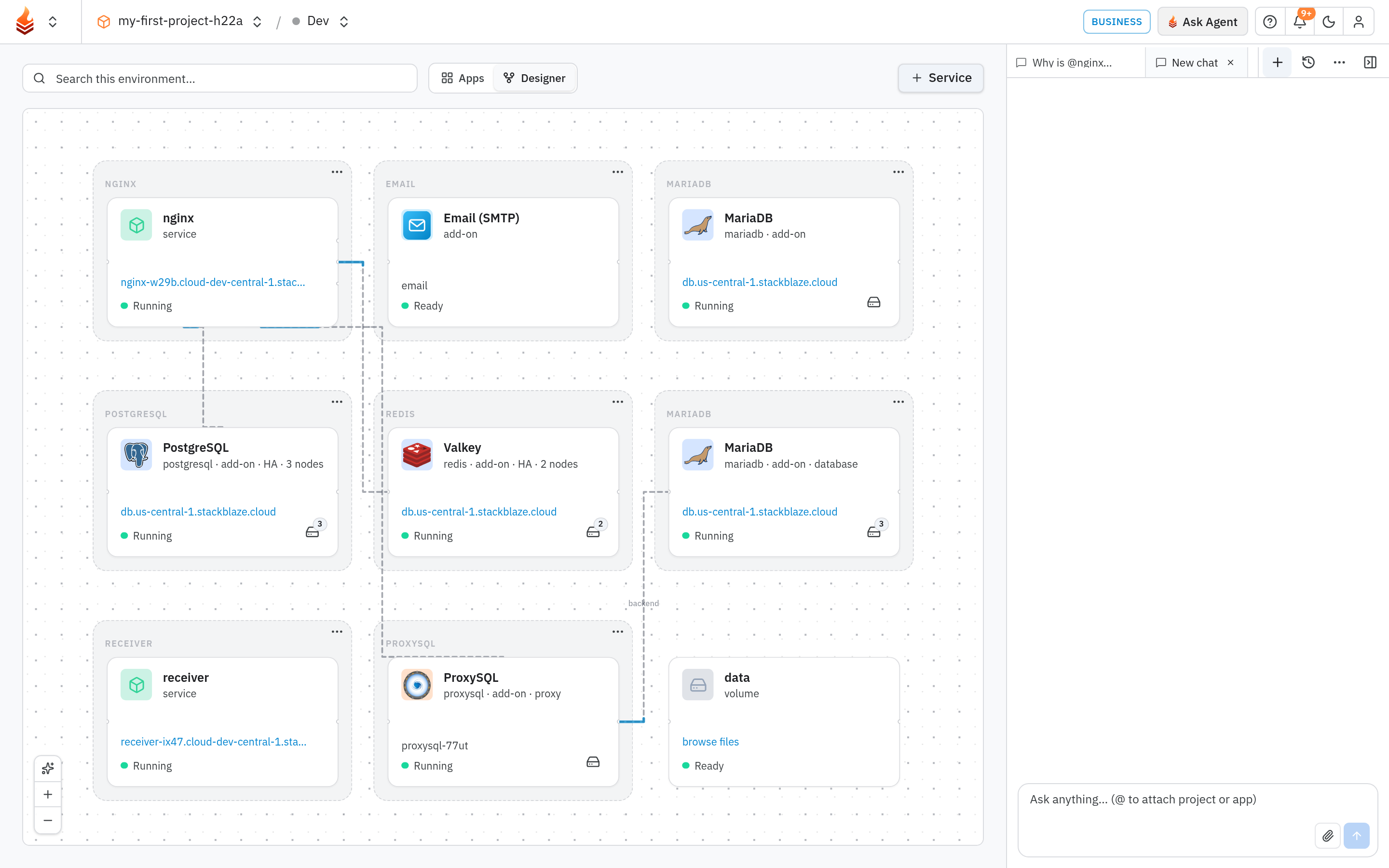
Start a conversation
Click New conversation at the top of the panel. Type in Ask anything….
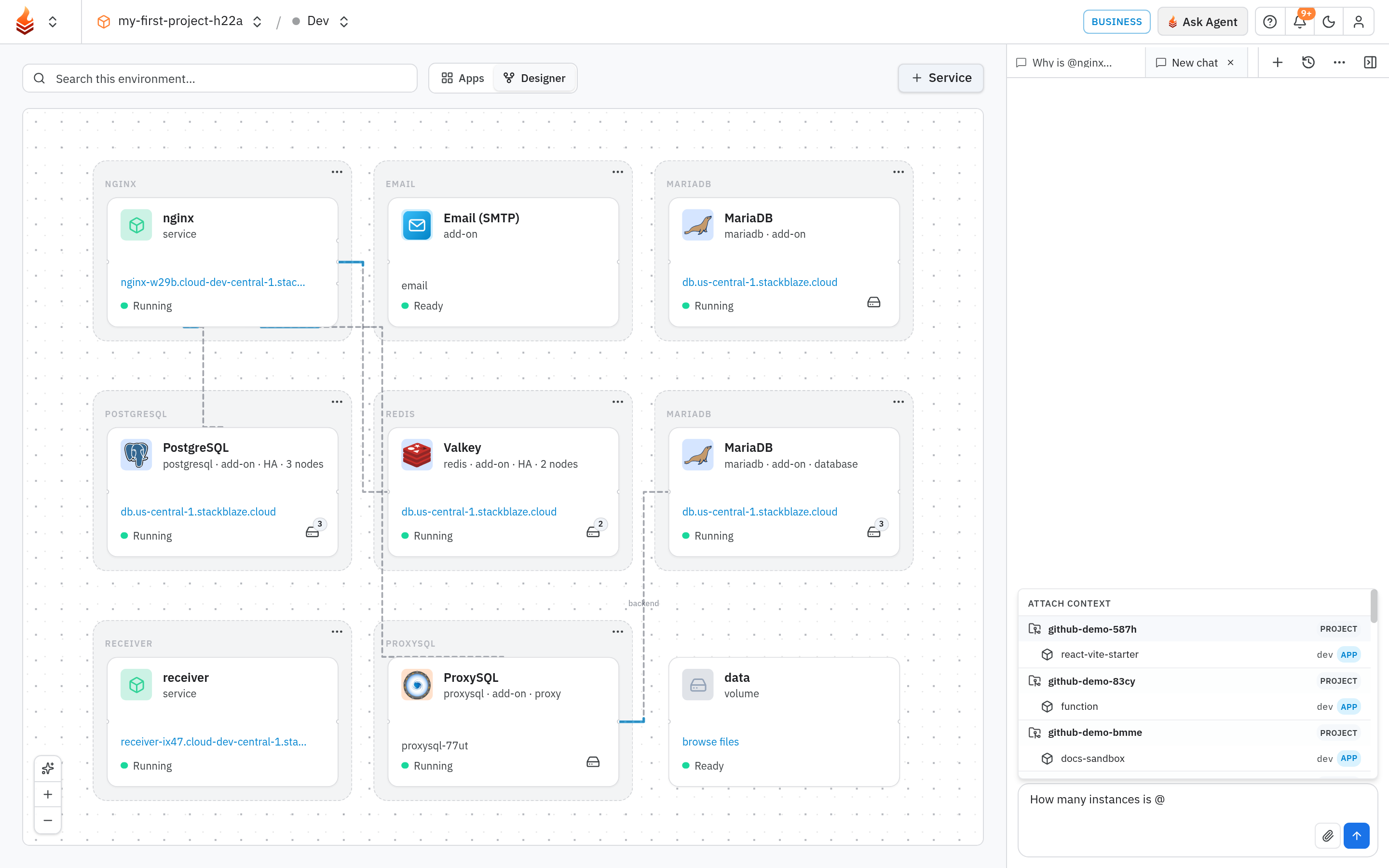
Attach a project or app with @
Type @ to attach context. The list, ATTACH CONTEXT, shows your projects and, under each, its apps and add-ons with their environment. Pick one, or keep typing to narrow it down.
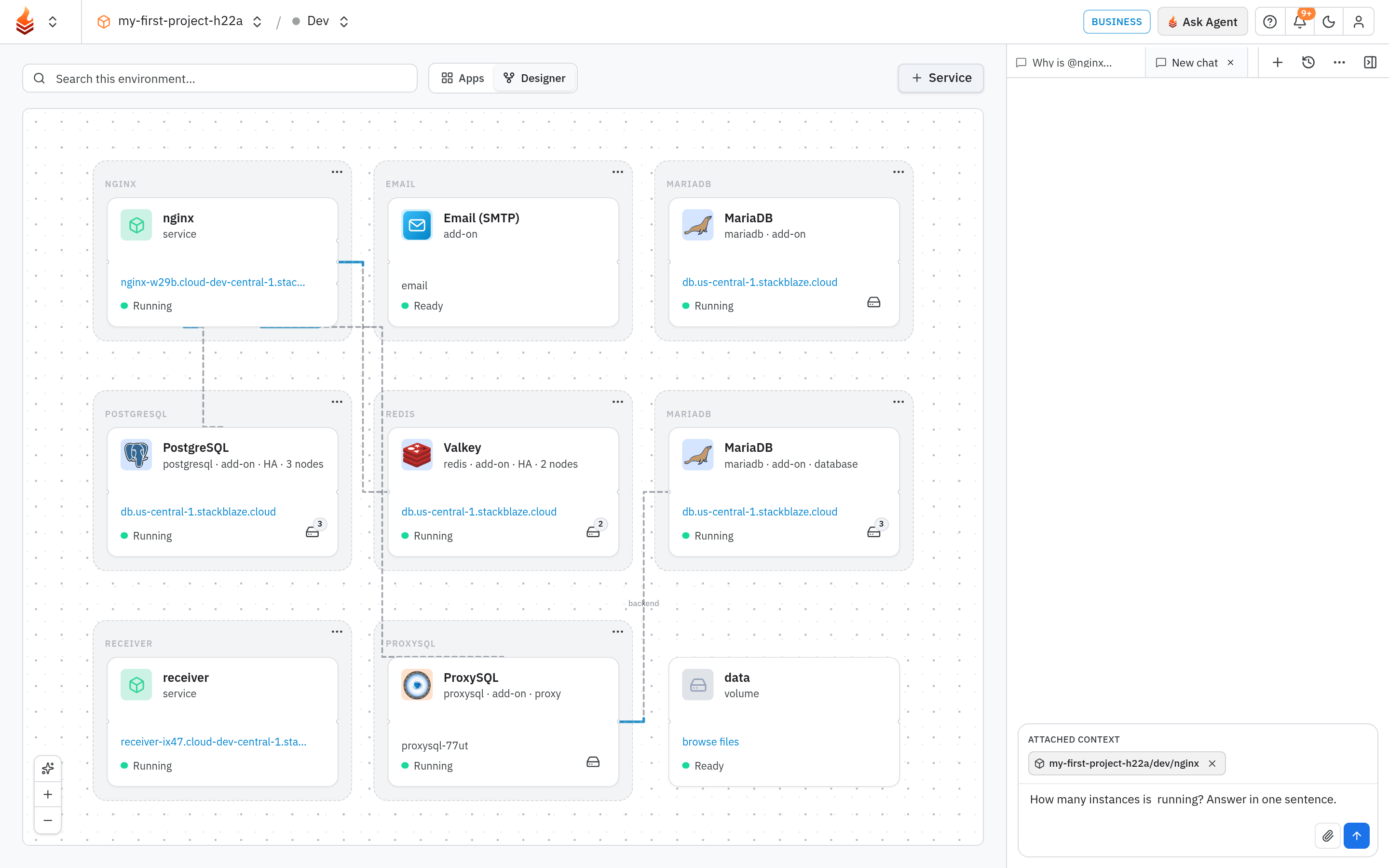
Here the question is "How many instances is @nginx-w29b running? Answer in one sentence."
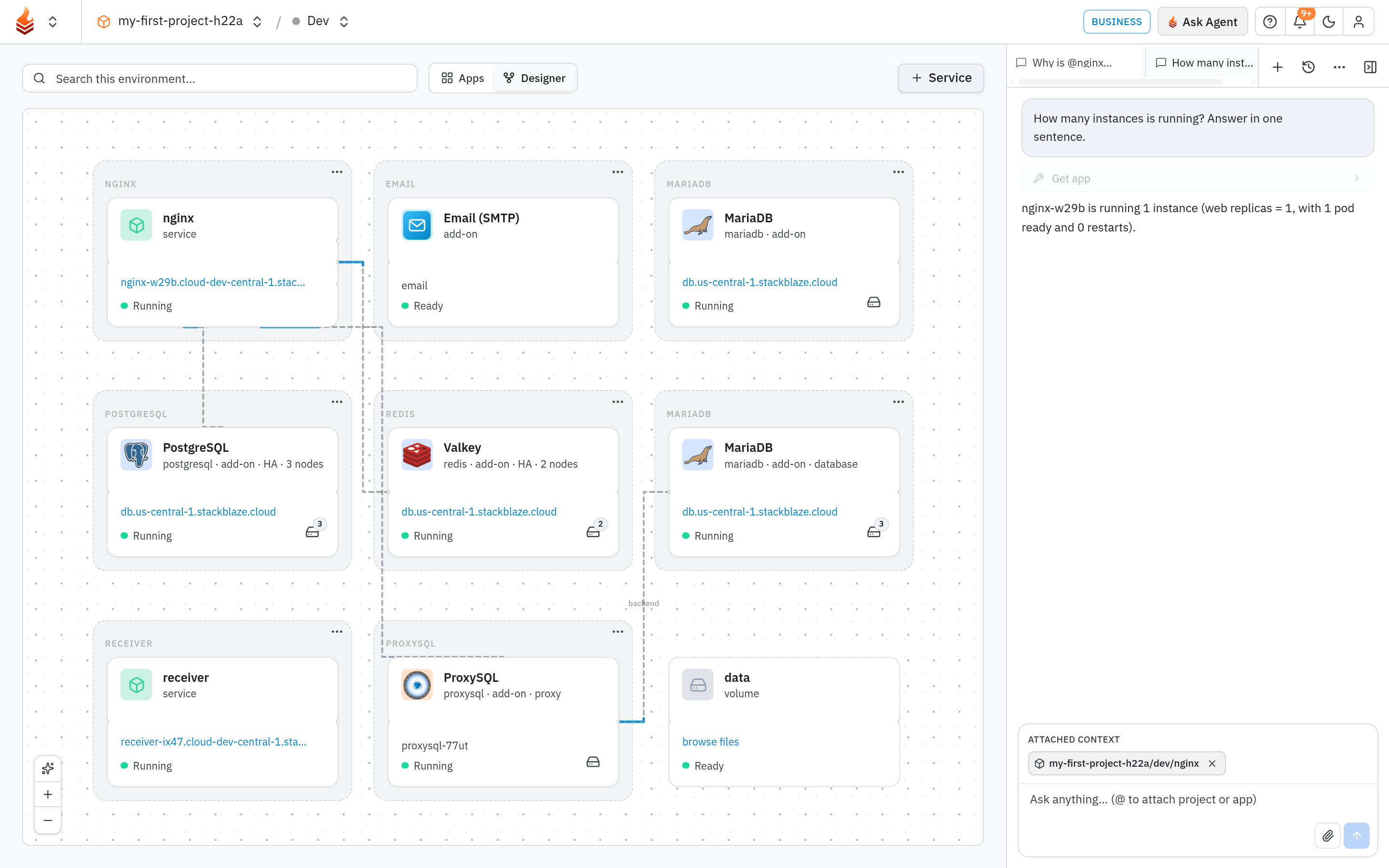
Send it
Press Enter or click Send message. The panel shows each step the agent takes, then its answer. Ours ran a Get app step and answered: "nginx-w29b is running 1 instance (web replicas = 1, with 1 pod ready and 0 restarts)." The attached app is listed under ATTACHED CONTEXT.
Next to the message box, Attach image adds a picture ("or paste / drop"). Messages you sent have an Edit message button.
Past conversations and options
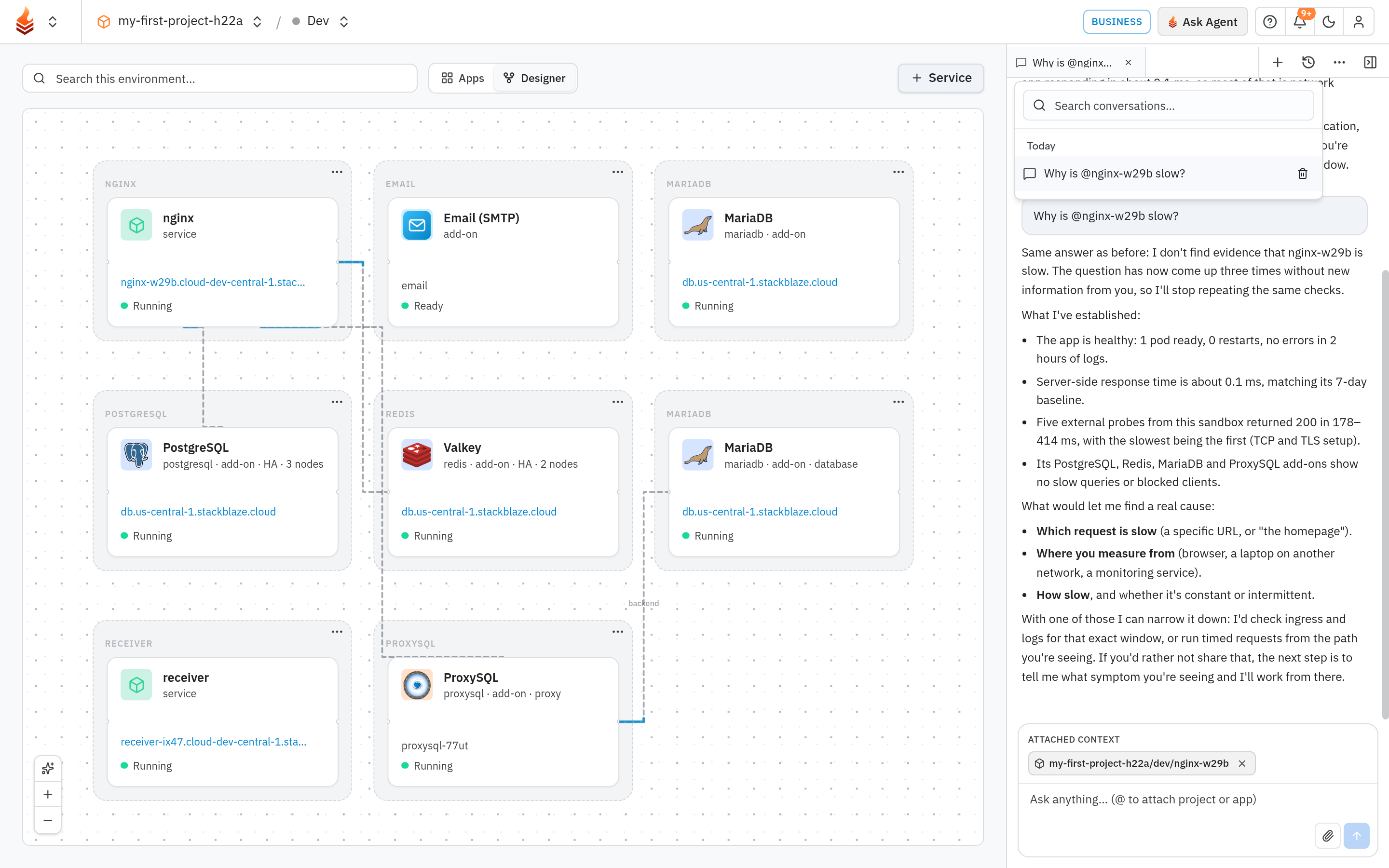
Conversation history lists your earlier conversations by day.
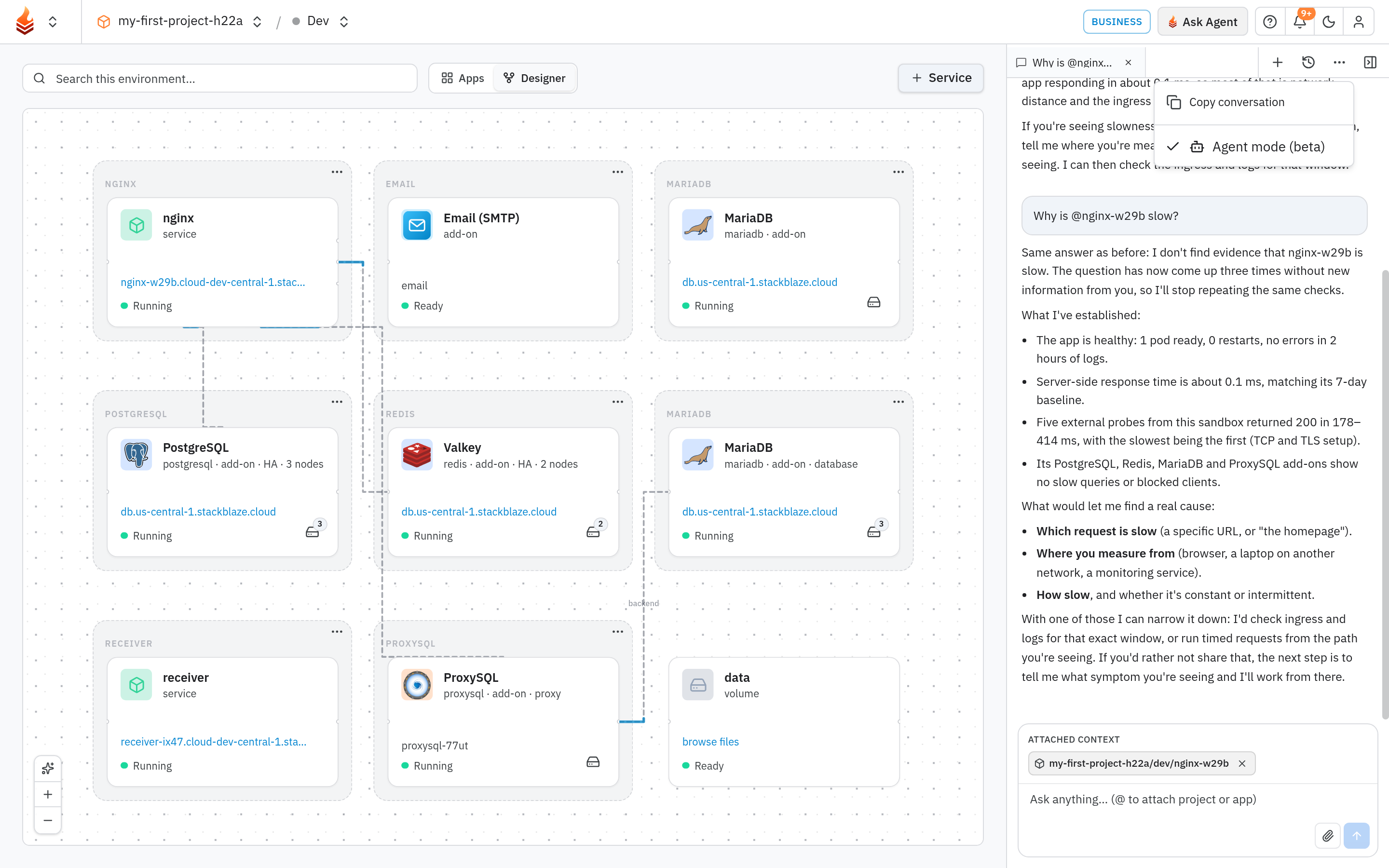
More options has Copy conversation and Agent mode (beta).
It knows the page you're on
Each message carries the page you're on: the project, environment, service or add-on open in the dashboard. Questions like "why did the last deploy fail?" then work without naming the service. An app or add-on you attach with @ is added to that.
Start it from a page
Two buttons send a ready-made question to Ask Agent and open the panel:
- Check performance, on a service's Metrics tab, asks "Why is @service slow?" with the service attached. A toast says Asked the agent. The answer appears in the chat panel. The agent looks at the service's settings, metrics, logs and add-ons, then answers. See Metrics.
- Diagnose, on an add-on deployment that failed, asks why that deploy failed, with the add-on attached.
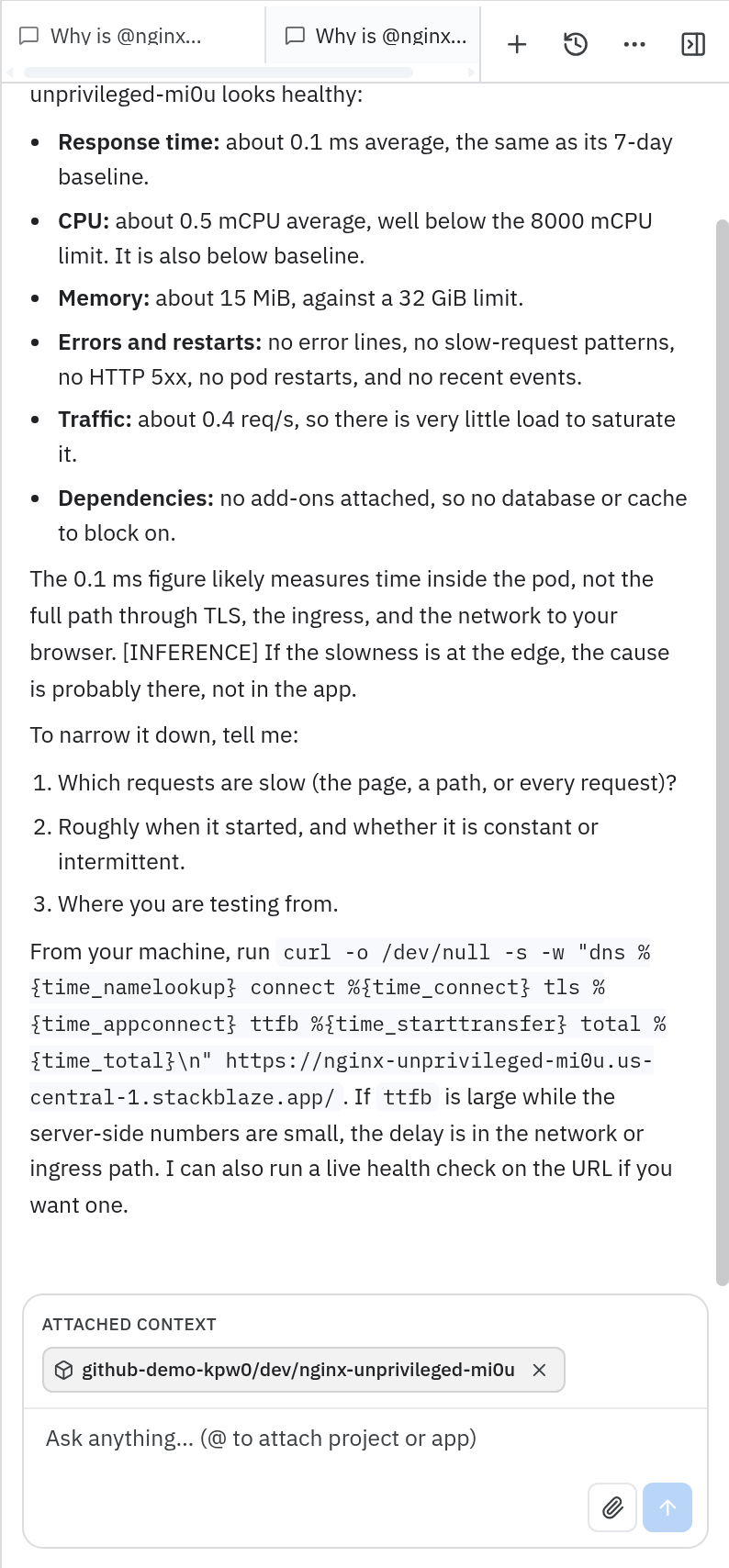
We clicked Check performance on a small nginx service. The agent found no cause on the server side: response time, CPU and memory were normal, with no errors or restarts. It asked which requests were slow and where we measured from.
It asks before risky actions
Before some actions, the agent stops and shows a red card with what it's about to do. Below the message box, Choose an option offers the action and Cancel (Keep unchanged). Press 1 or 2, or click one. It asks first before it:
- deletes a service or a project (deleting a project deletes every service in it),
- restarts a service ("Its pods will roll over."),
- scales a service,
- resets an add-on's password,
- opens a support ticket for you.
We asked it to restart a service. It showed nginx-unprivileged-mi0u — restart pending and Restart nginx-unprivileged-mi0u in github-demo-kpw0/dev. Its pods will roll over.
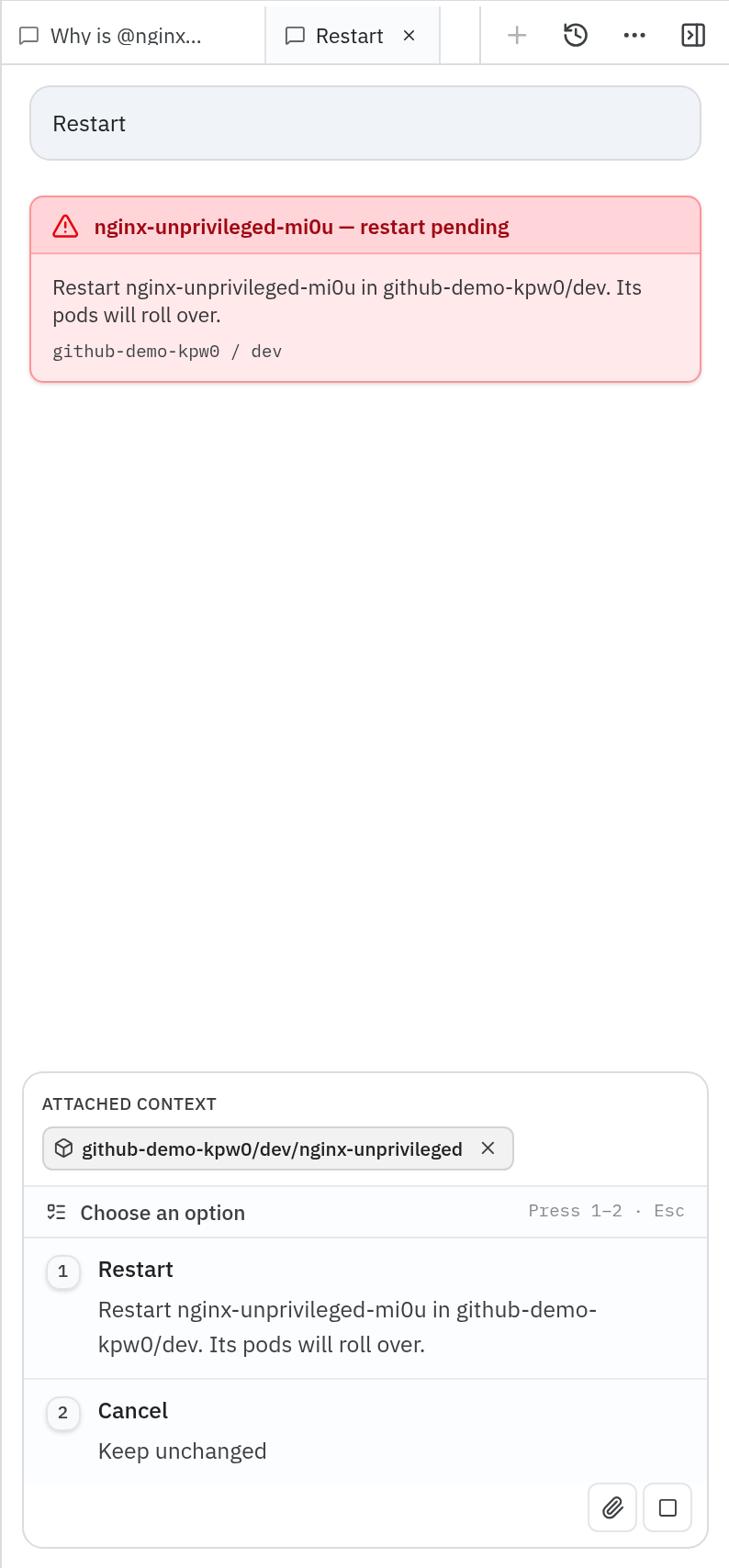
We chose Cancel. The agent said the restart was declined, changed nothing and didn't retry it.
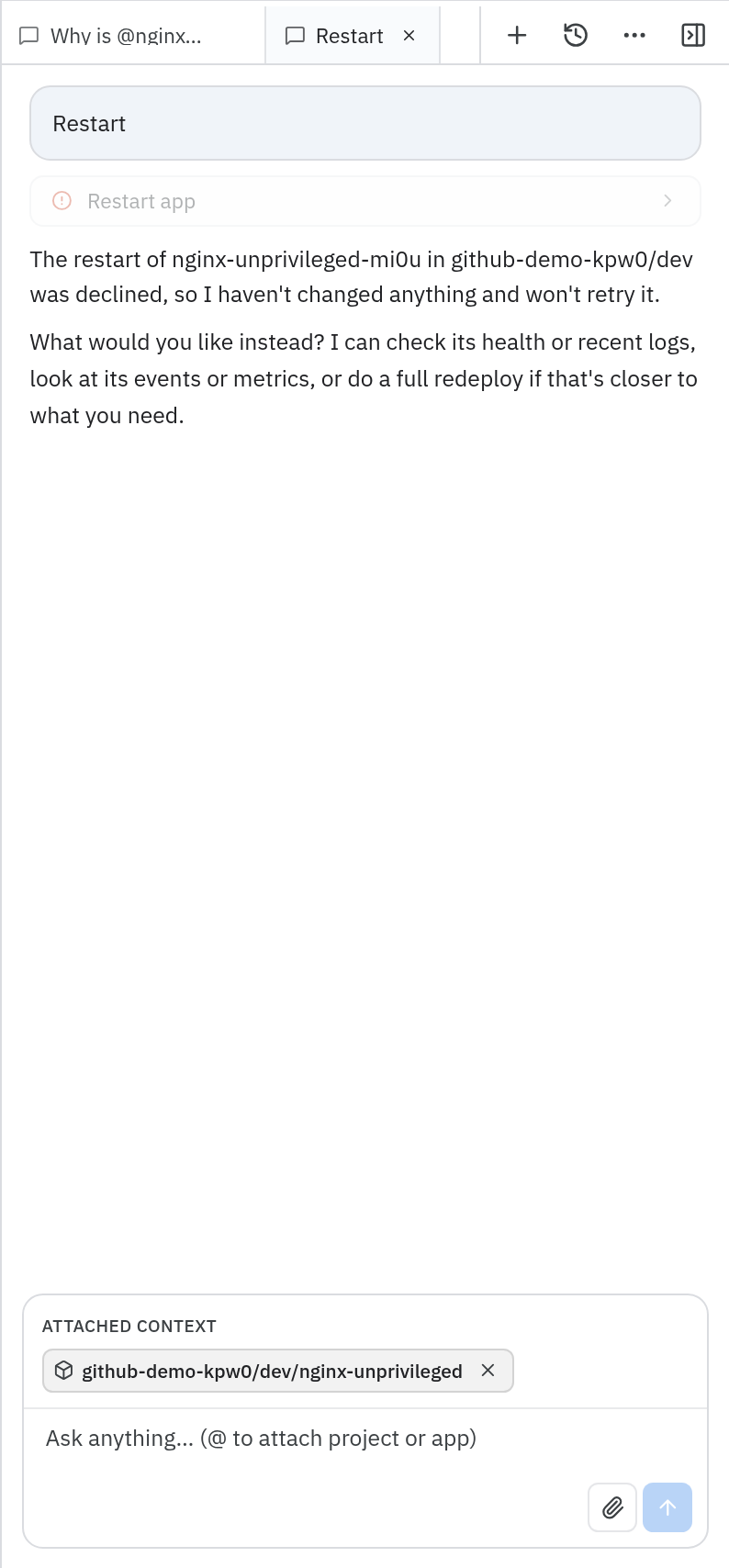
A card that gets no answer for a minute counts as Cancel. When you ask for several deletes at once, like every service in a project, one card lists them all.
Deleting a service also deletes its volumes and the databases made only for it. Their data is gone. Add-ons shared by the environment stay. The agent can be wrong: read what it proposes before you approve it, above all in production.
What it can change
- It acts as you. It can see and change only what your role allows. A member with read-only access can ask questions, but changes are refused.
- Databases: it can look inside a database add-on (tables, columns, a few rows). In the production environment it only reads. In other environments it can also write, if your role can change services.
Where your conversations are kept
Conversations are kept in your browser, for your account. It keeps your 50 newest; older ones drop off. They don't follow you to another browser or computer.
If it doesn't answer
| What you see | Why |
|---|---|
| AI features are not included in this plan. Upgrade to use them. | Your plan doesn't include AI features. Every plan on StackBlaze Cloud includes them today. |
| The chat assistant is disabled on this platform. | The platform has turned the assistant off. |
From the terminal
stackblaze agent is the same assistant in your terminal. Without a prompt it starts a chat; with one it answers once and exits:
stackblaze agent "How many instances is nginx-unprivileged in github-demo-kpw0 dev running? One sentence."nginx-unprivileged in github-demo-kpw0/dev is running 1 instance (1 web pod, ready, 0 restarts), with autoscaling set to min 1 and max 3 based on CPU.-a <app>scopes the conversation to a service.--jsonprints the answer and the tools it called as JSON, for scripts. It needs a prompt.--listlists the chats saved on this machine, and--thread-id <id>picks one up again.
In a chat, /help lists the commands: /project, /environment (or /env), /app and /addon set the scope, /context shows it, /clear starts over and /exit ends the chat.
A risky action asks Confirm …? (y/N). When the CLI has no terminal to ask in, like in a script, it declines. We asked it to restart a service from a script, and it printed auto-declining confirmation for "restart_app" (non-interactive; pass --yes to allow). -y (--yes) approves them all, so use it with care.
Every option is in the CLI reference.
Cost
Ask Agent's tokens are billed as AI assistant on Usage, at $1 per 1M tokens.