
Valkey
Add Valkey (a Redis-compatible key/value store) to an environment, connect an app, and manage its storage and high availability.
Valkey is a fast in-memory key/value store, compatible with Redis. Like every database, it belongs to one environment, and any app in that environment can connect to it.
Add Valkey
On the project canvas, click + Service, then Database or cache, and pick Valkey. A card appears under Databases marked Ready to deploy.
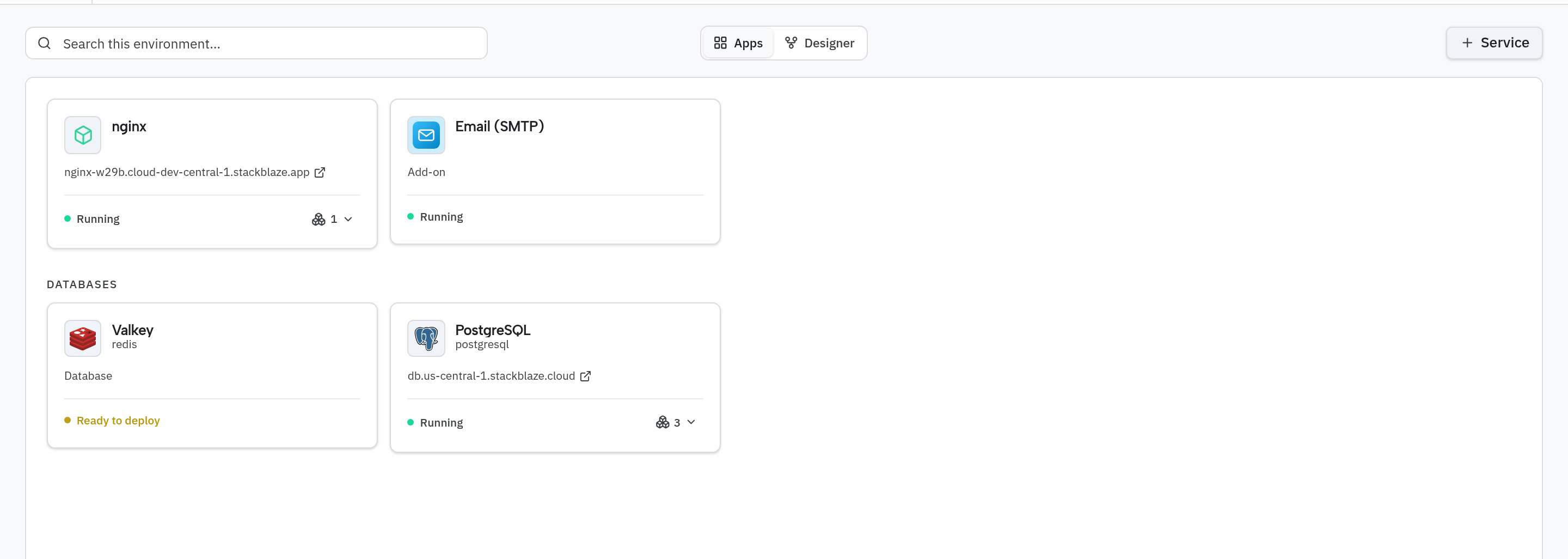
Deploy it
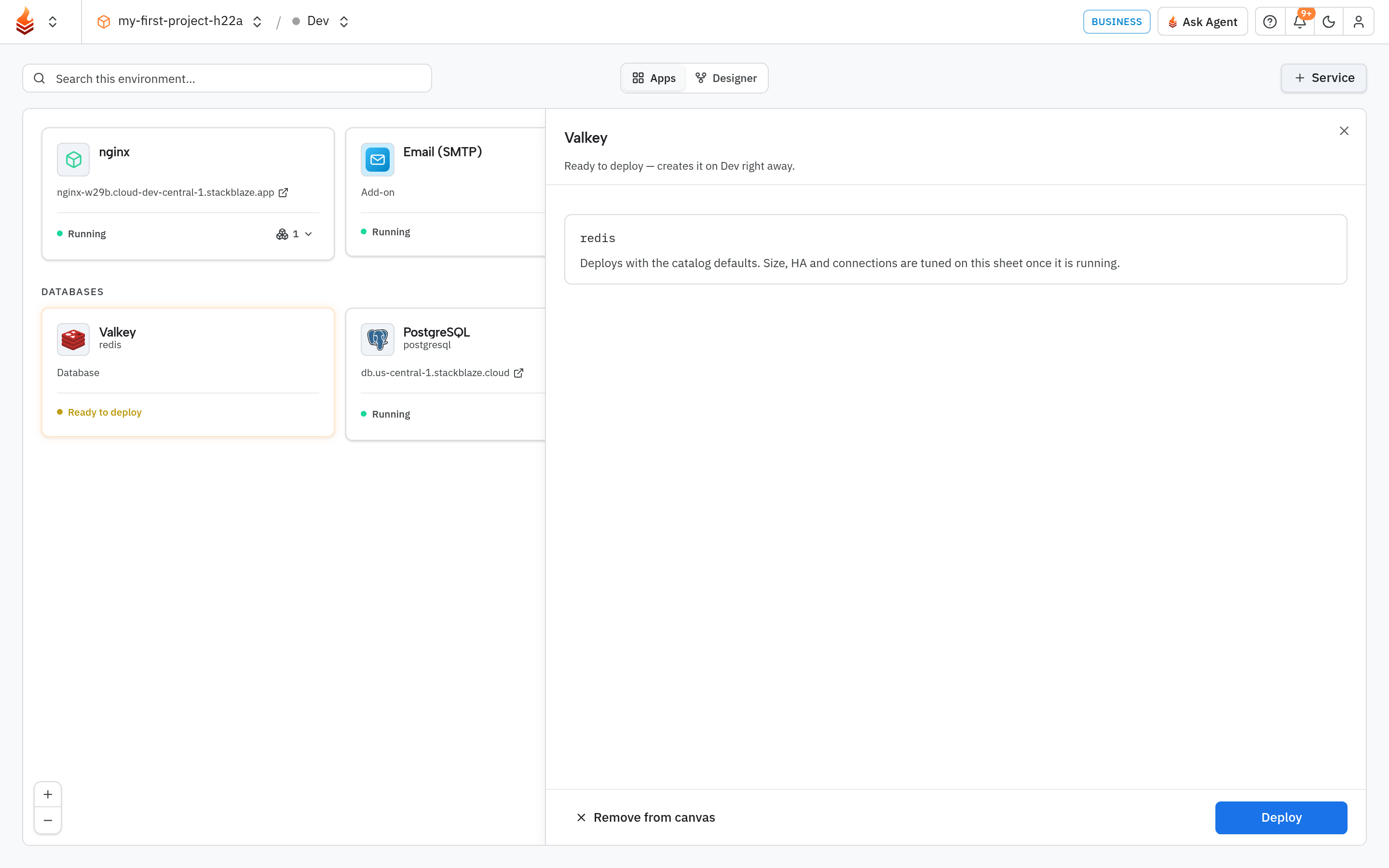
Click the card. It deploys "with the catalog defaults"; size, HA and connections are tuned in its panel once it is running. Click Deploy (or Remove from canvas to drop it).
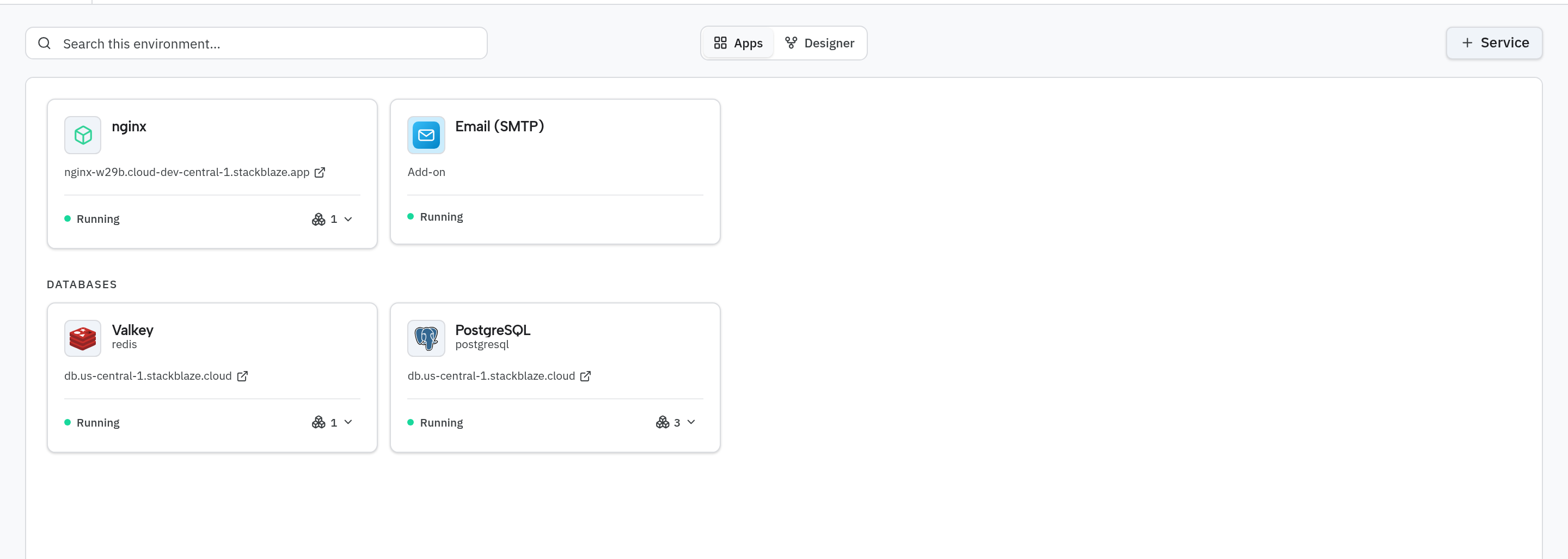
When it is ready, the card shows Running.
Connect an app
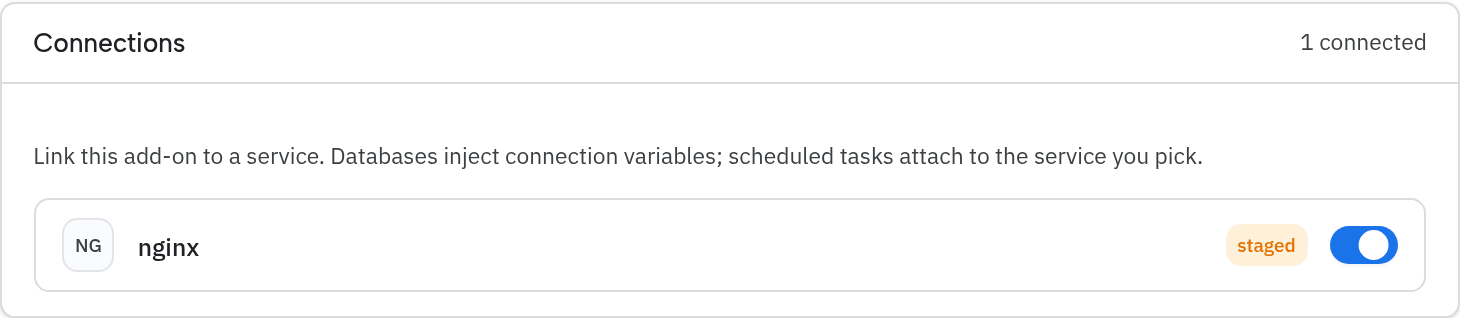
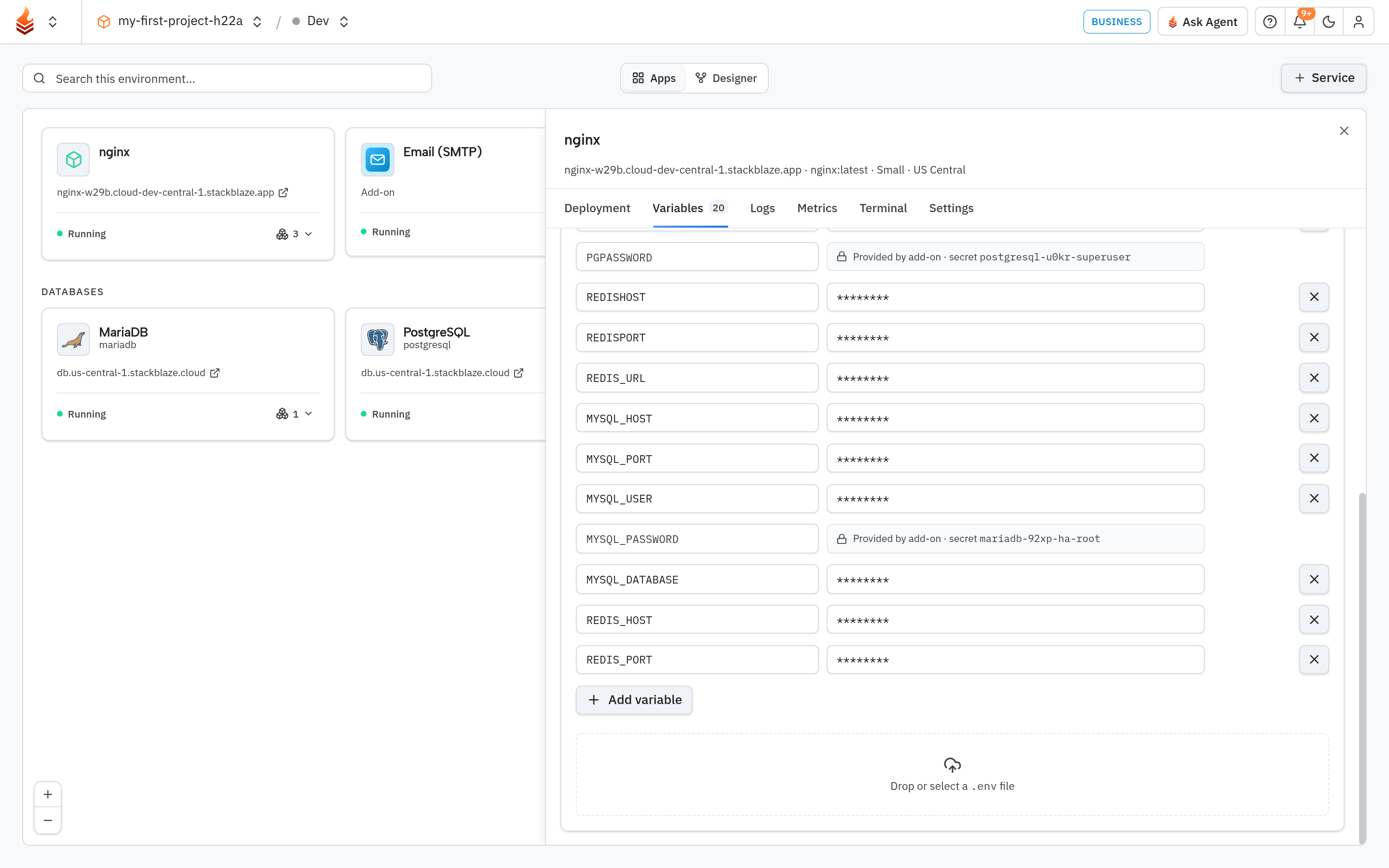
Click Valkey on the card, open Settings, and in Connections turn on the switch next to your app. Then Commit 1 change and Deploy 1 change. The app redeploys.
Connecting added these variables to the app:
| Variable | |
|---|---|
REDISHOST, REDISPORT | the in-cluster address and port (6379) |
REDIS_HOST, REDIS_PORT | the same address and port, under the names the Environment snippet uses |
REDIS_URL | the same as a redis:// URL |
From the connected app, redis-cli -u "$REDIS_URL" reached the database:
PING            → PONG
SET docs hello EX 60   → OK
GET docs        → "hello"
Connection details
Settings → Access → Connect from apps shows the Host, the short Service name, the Password and the Database index (0). On our database the password was (none): the database is only reachable from apps in the same environment ("not reachable from the public internet"). Connection URL and Environment snippet give the same details ready to paste.
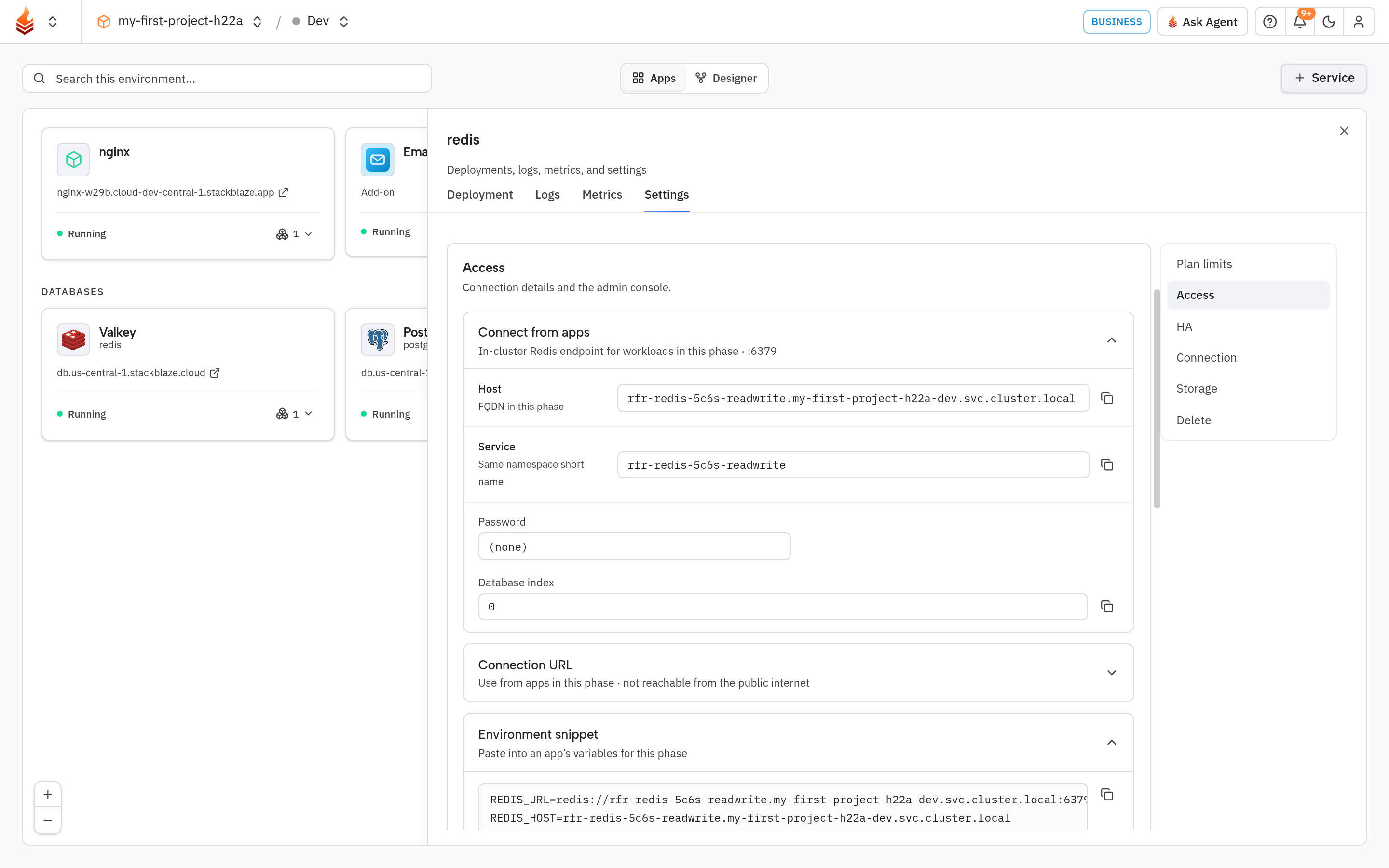
Valkey has no Public access setting.
There is no password and no TLS inside the environment: use REDIS_URL as it is (redis://…:6379), and don't add a password or switch it to rediss://.
Connect from your machine
stackblaze connect redis opens redis-cli through a connected app. --local runs your own redis-cli through a private tunnel, and --tunnel keeps a local port open for GUI tools:
stackblaze connect redis --local -p shop -e dev -a webTunnel 127.0.0.1:41761 → redis addon "redis-5c6s". Running local redis-cli…Plan limits
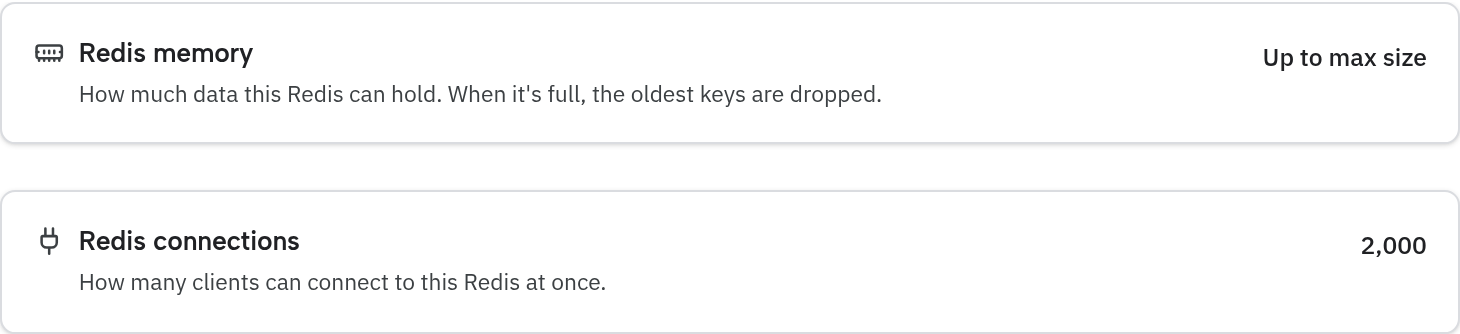
The top of Settings shows what your plan allows: Redis memory (how much data it can hold) and Redis connections (how many clients can connect at once).
When memory is full
Valkey runs with the eviction policy noeviction. We checked two databases:
> CONFIG GET maxmemory-policy
maxmemory-policy
noeviction
So when Valkey reaches its memory limit, it refuses writes with an out-of-memory error; it doesn't drop keys to make room. Keys you set with an expiry (EX, EXPIRE) still expire. Give cache keys a time to live, and keep queues and sessions well under the limit.
Storage
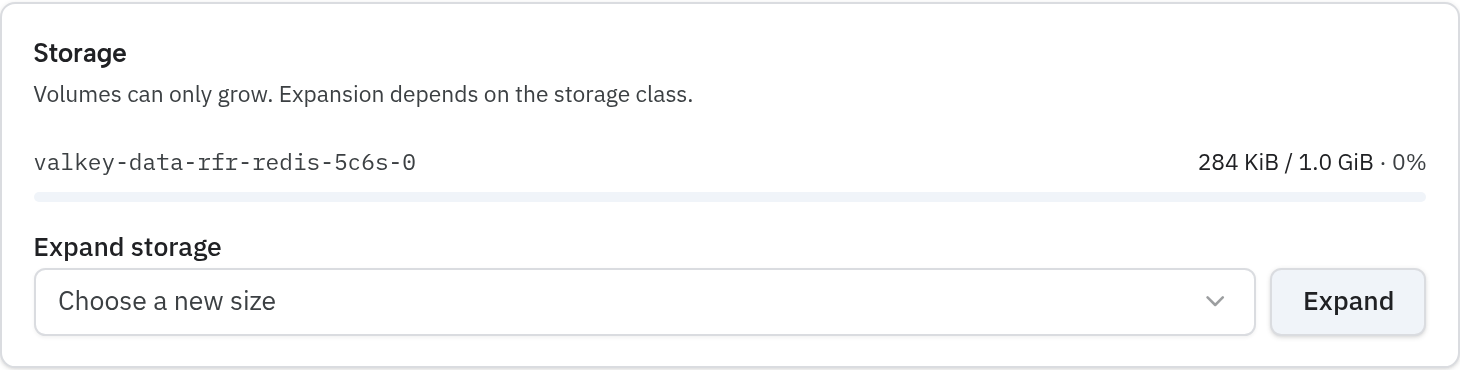
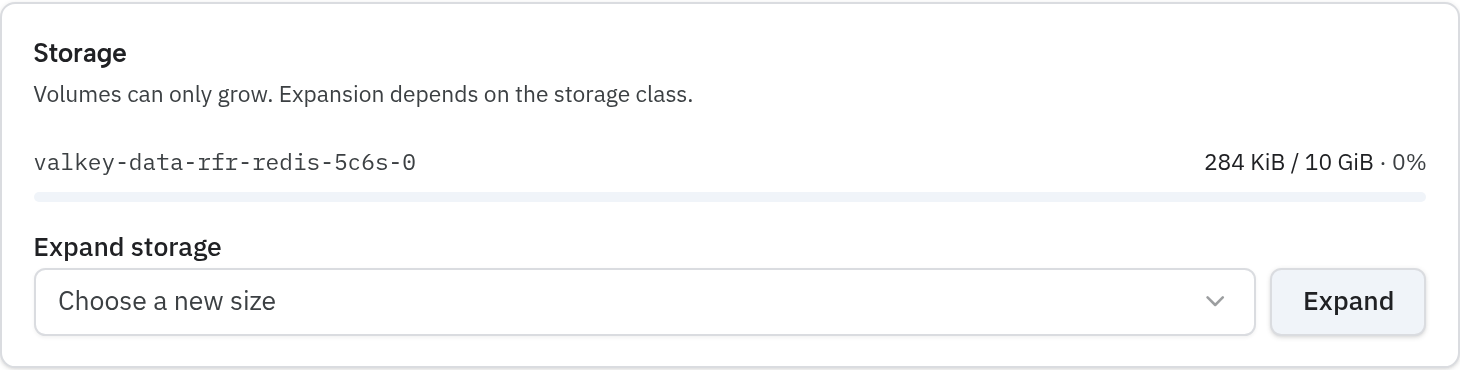
Settings → Storage shows the volume and Expand storage. Volumes can only grow. We expanded ours from 1 GiB to 10 GiB; the sizes offered were 10, 20, 30, 40 and 100 Gi.
High availability
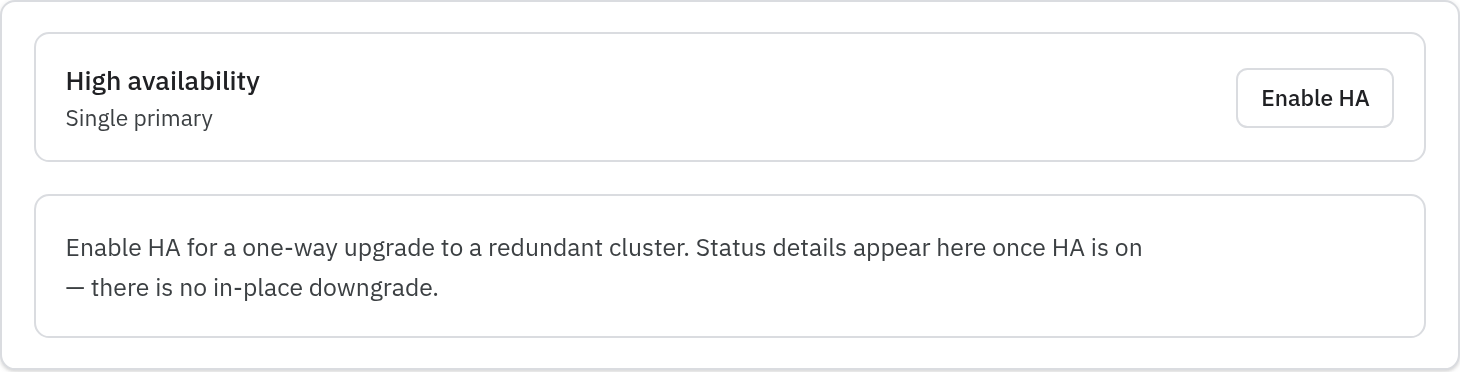
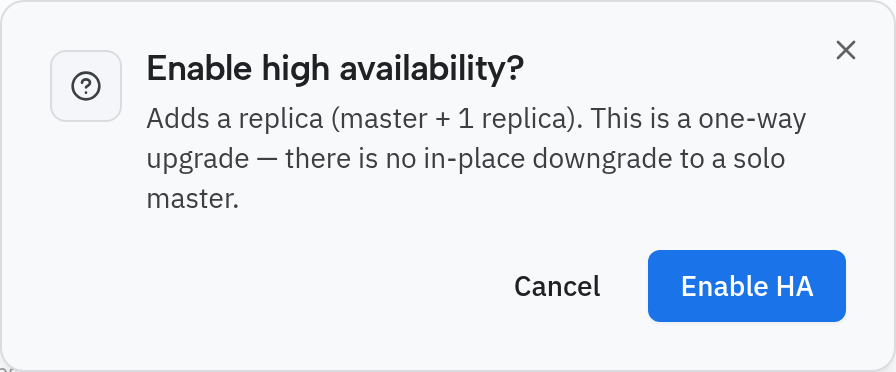
A new Valkey runs as a Single primary. Settings → HA → Enable HA asks first: it "Adds a replica (master + 1 replica). This is a one-way upgrade — there is no in-place downgrade to a solo master."
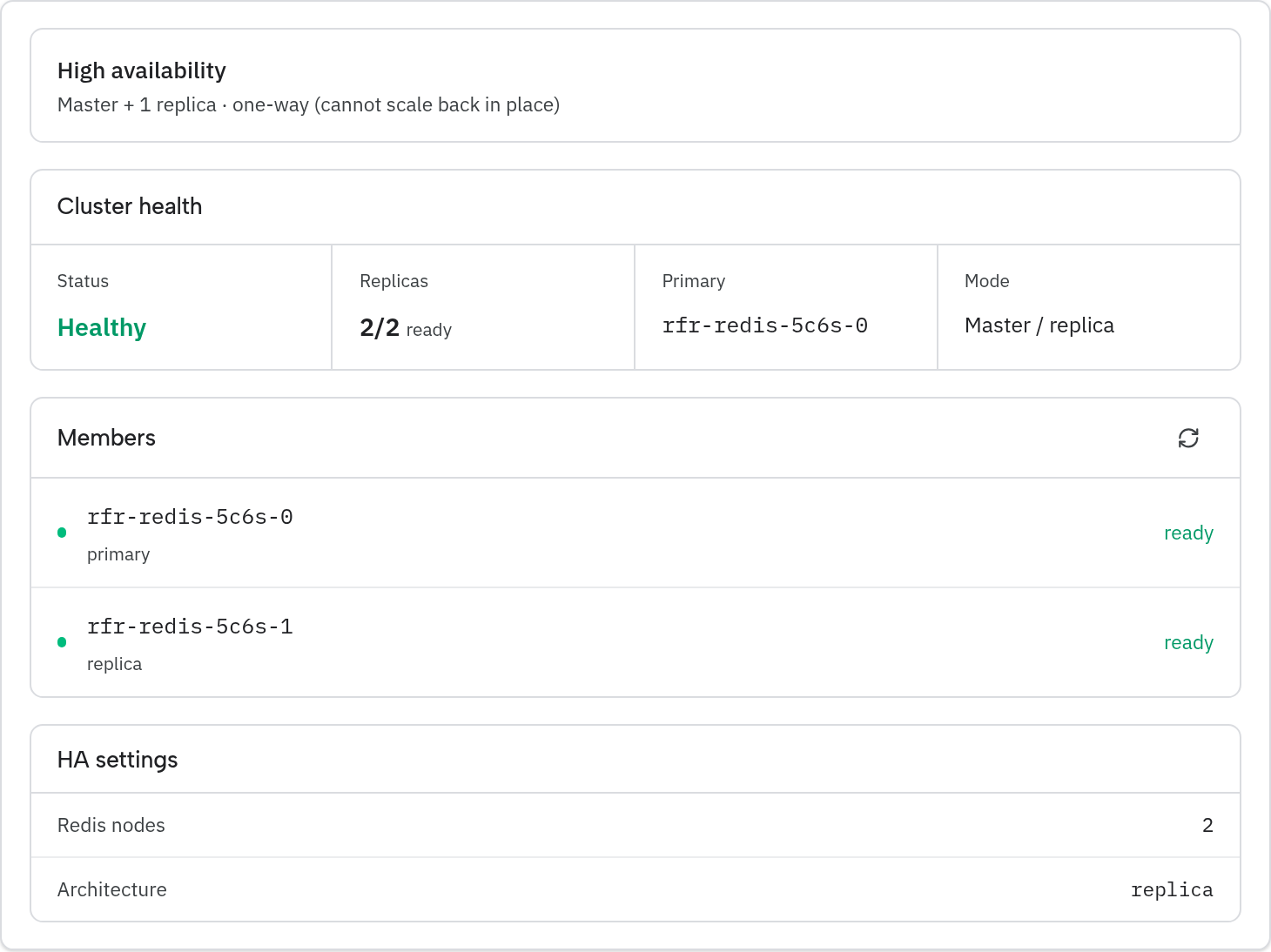
Ours came up Healthy with 2/2 ready: one primary and one replica.
Backups
Valkey has no dumps: a recovery point doesn't list it under Databases, and stackblaze addons backups answers "Per-database dumps are not available for Valkey add-ons". It has no point-in-time recovery.
Deployments, logs and metrics
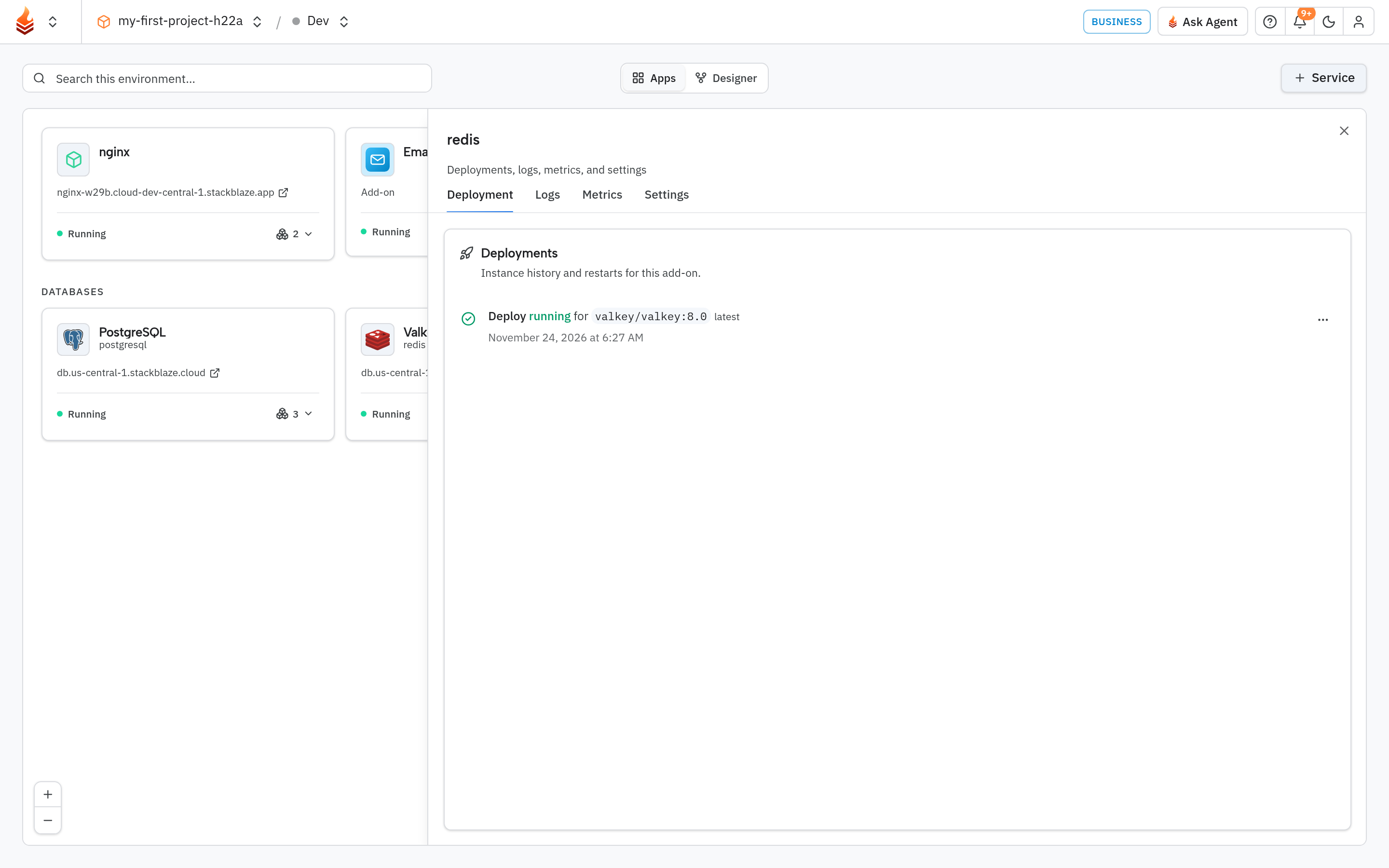
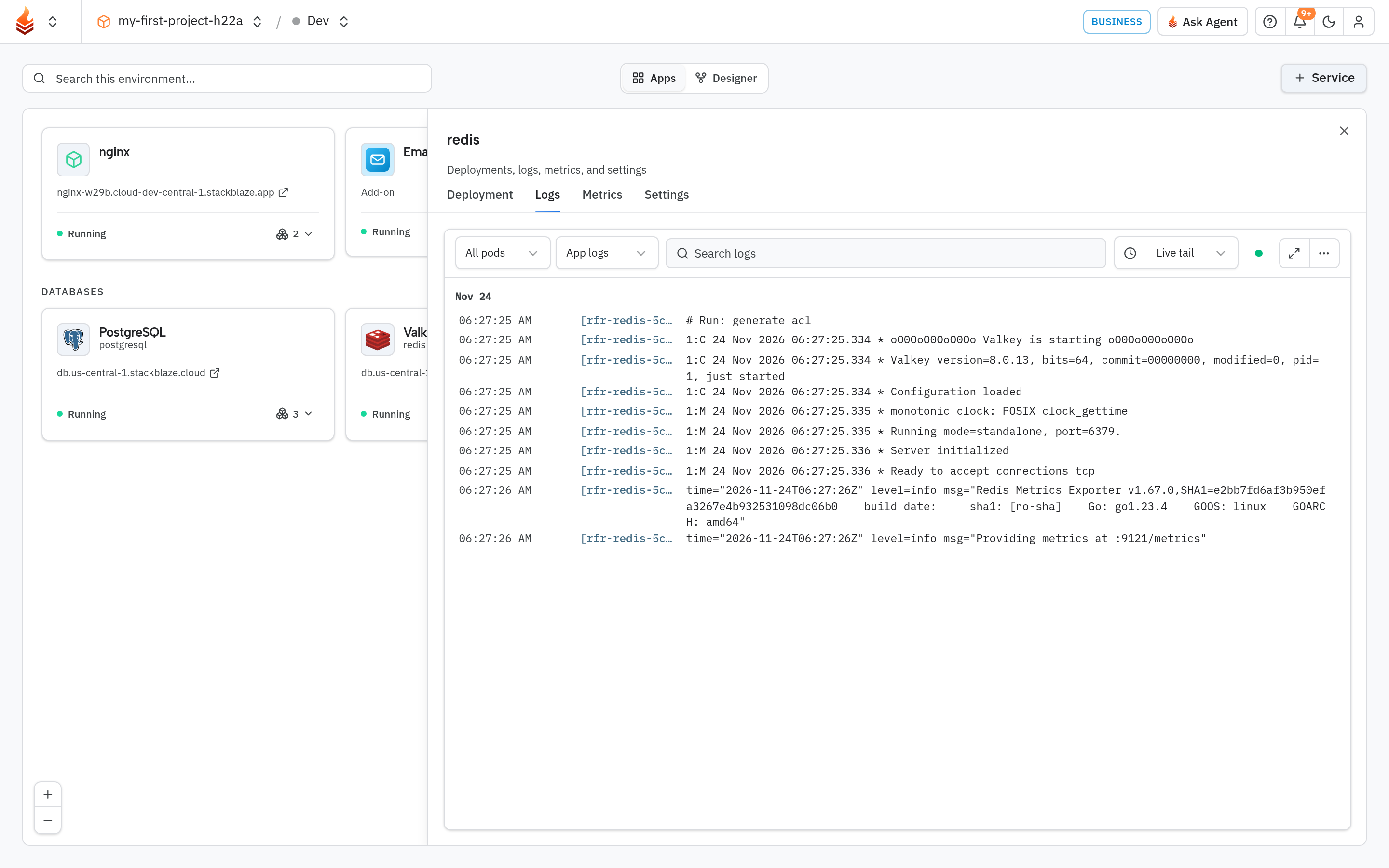
The panel's other tabs work like PostgreSQL's (see PostgreSQL): Deployment lists deploys and restarts, Logs streams the database's output.
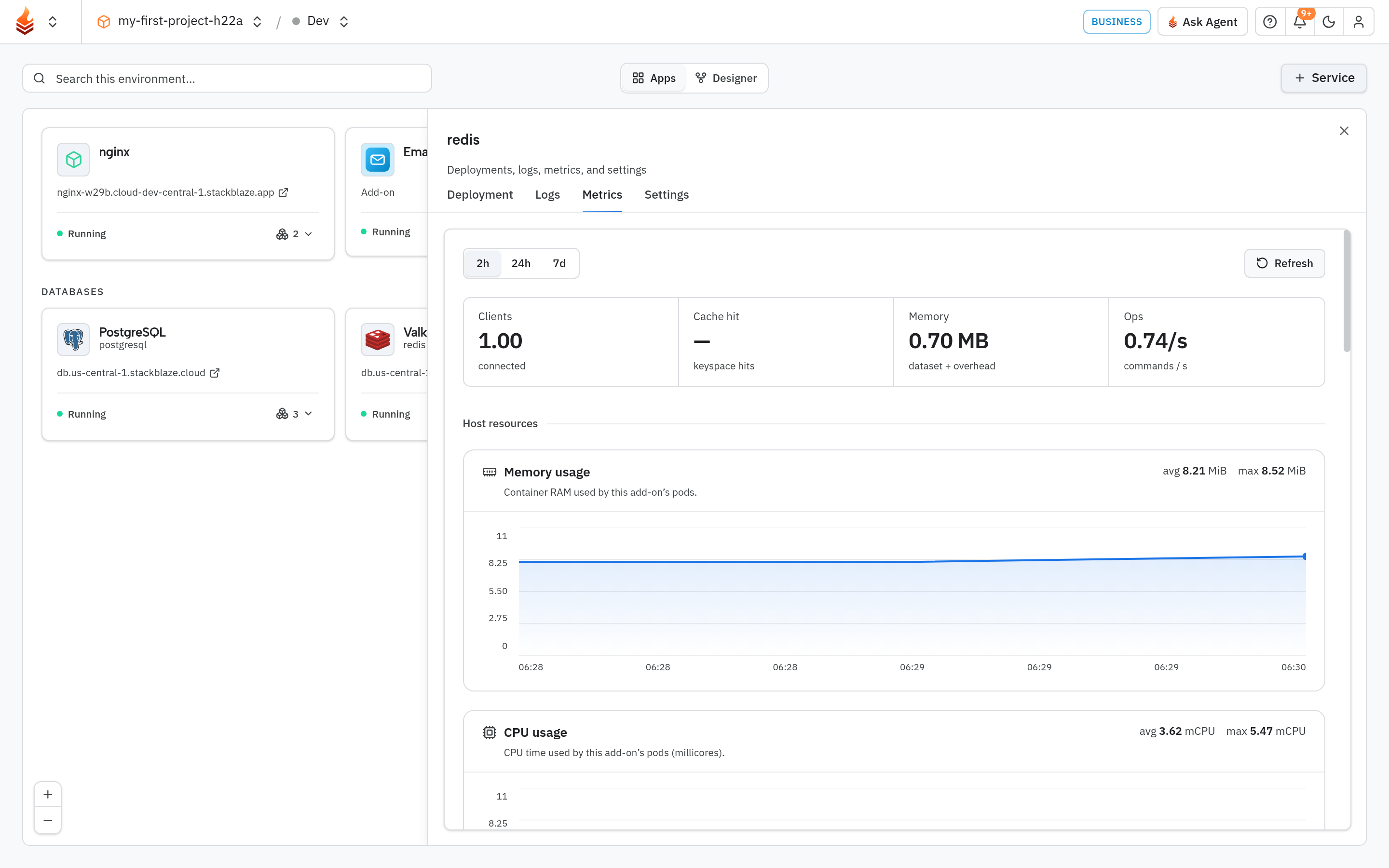
Metrics shows the last 2h, 24h or 7d, with Refresh. At the top: Clients (connected), Cache hit (keyspace hits), Memory (dataset + overhead) and Ops (commands per second). Below that are charts:
| Group | Charts |
|---|---|
| Host resources | Memory usage, CPU usage |
| Workload | Connected clients, Operations / s |
| Health | Keyspace hit ratio |
| Storage | Used memory, Keys, Evicted keys / s, Expired keys / s, Blocked clients |
Delete
Delete add-on at the bottom of Settings deletes the database and its data. Disconnect its apps first.
MariaDB
Add MariaDB (MySQL-compatible) to an environment, connect an app, open it to the internet from allowed IPs, install plugins and turn on high availability.
Import a database dump
Load a pg_dump or mysqldump file into a PostgreSQL or MariaDB database with the CLI, check the rows, and fix the common errors.