
MariaDB
Add MariaDB (MySQL-compatible) to an environment, connect an app, open it to the internet from allowed IPs, install plugins and turn on high availability.
MariaDB is a MySQL-compatible relational database. Like every database, it belongs to one environment, and any app in that environment can connect to it.
Add MariaDB
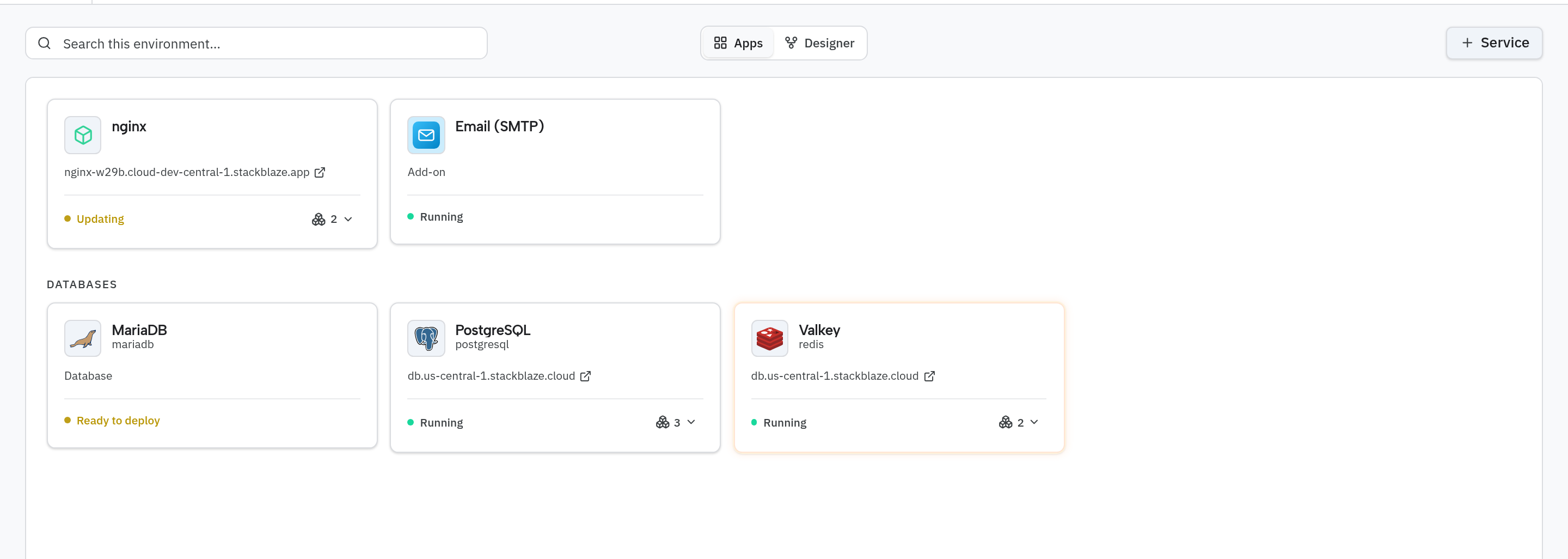
On the project canvas, click + Service, then Database or cache, and pick MariaDB. A card appears under Databases marked Ready to deploy.
Deploy it
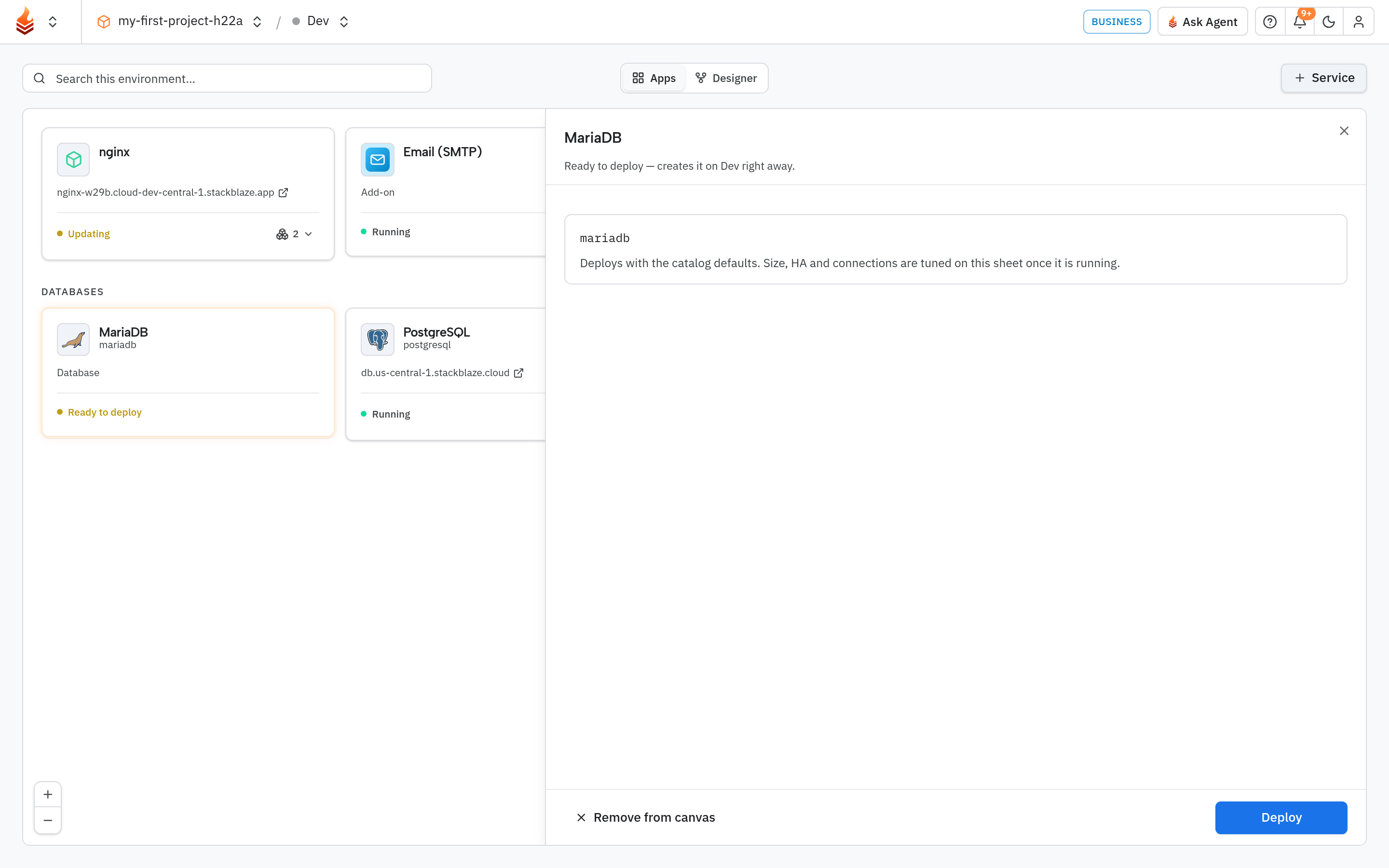
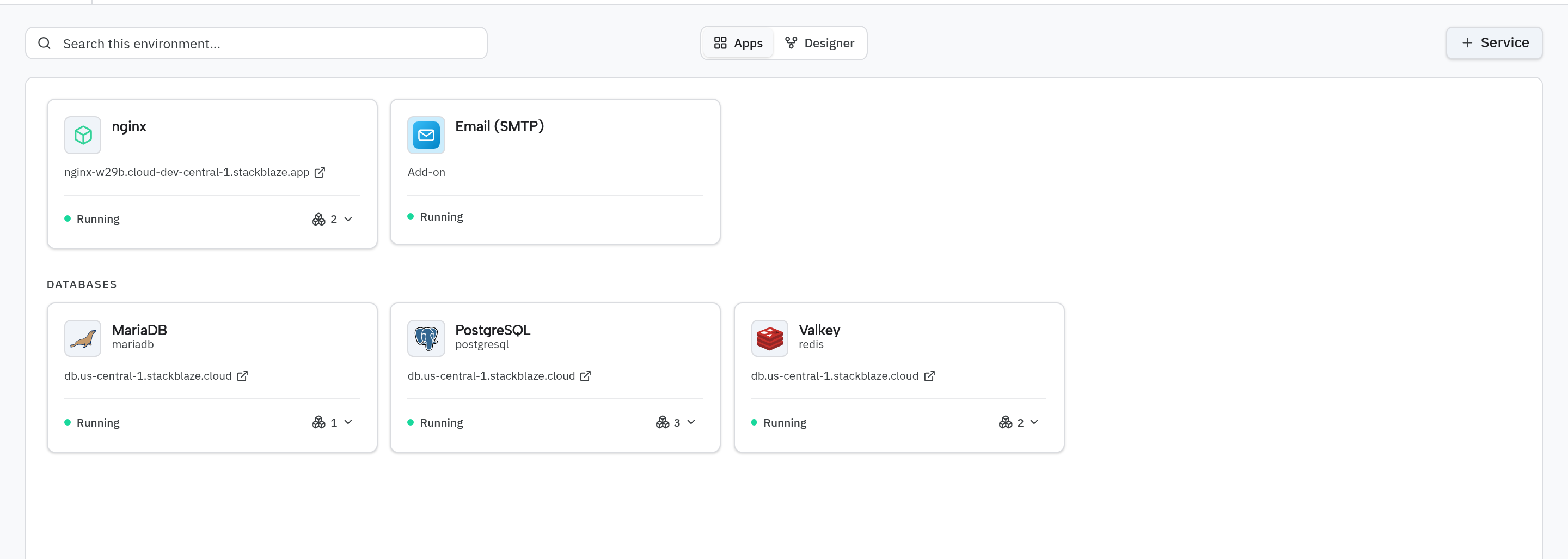
Click the card, then Deploy (or Remove from canvas to drop it). It deploys with the catalog defaults: MariaDB 11.4, a 1 GiB volume and the database app.
Connect an app
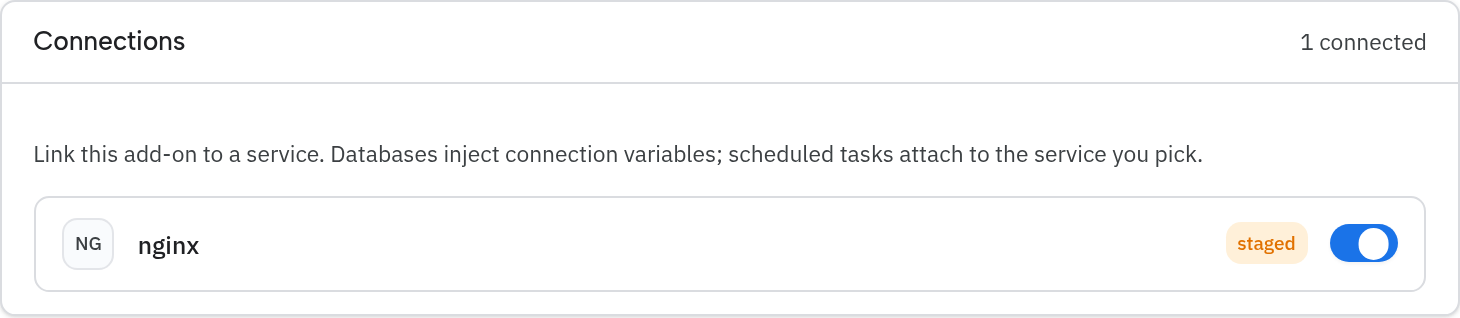
Click MariaDB on the card, open Settings, and in Connections turn on the switch next to your app. Then Commit 1 change and Deploy 1 change. The app redeploys.
Connecting added these variables to the app:
| Variable | |
|---|---|
MYSQL_HOST, MYSQL_PORT | the in-cluster address and port (3306) |
MYSQL_USER, MYSQL_DATABASE | the user (root) and database (app) |
MYSQL_PASSWORD | read from the database's secret ("Provided by add-on") |
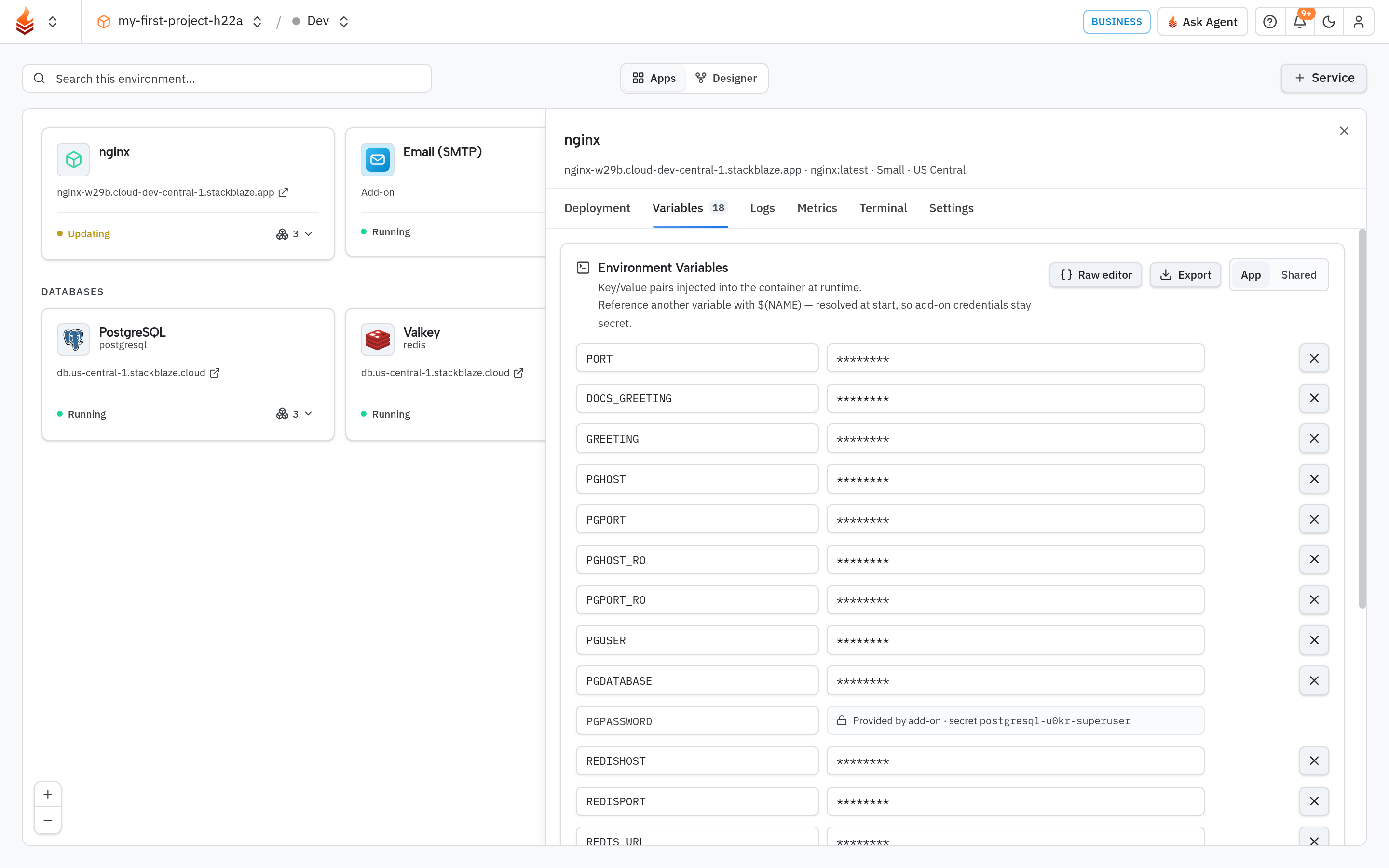
Connecting also adds DATABASE_URL, a mysql:// URL built from the MYSQL_* values. A variable you set yourself with the same name always wins. If another connected database already sets DATABASE_URL, this one's variables are also added under its own prefix, such as MARIADB_DATABASE_URL.
From the connected app, the MYSQL_* values reached the database:
$ MYSQL_PWD="$MYSQL_PASSWORD" mariadb -h "$MYSQL_HOST" -P "$MYSQL_PORT" -u "$MYSQL_USER" "$MYSQL_DATABASE" -e "select version();"
11.4.13-MariaDB-ubu2404-log
Connection details
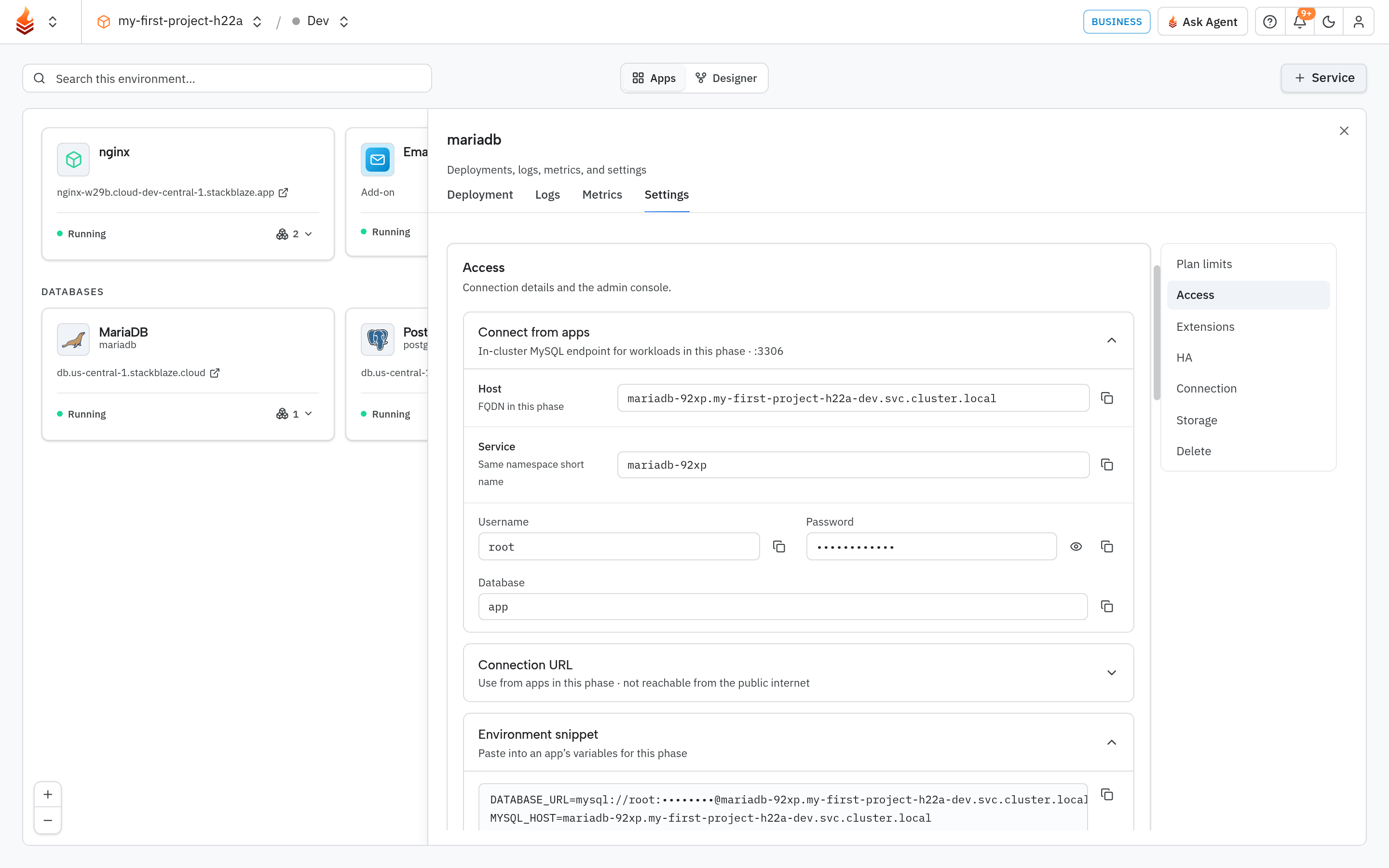
Settings → Access → Connect from apps shows the Host, the short Service name, Username, Password and Database. Connection URL gives a mysql:// URL and a JDBC URL; Environment snippet gives DATABASE_URL and the MYSQL_* lines. These work from apps in the same environment and are "not reachable from the public internet".
Connect from your machine
stackblaze connect mysql opens a MariaDB shell through a connected app, without opening the database to the internet. --local runs your own mysql client through a private tunnel; --tunnel keeps a local port open for GUI tools. They work like PostgreSQL's.
stackblaze connect mysql --local -p shop -e dev -a webServer settings
On our database:
> SHOW VARIABLES WHERE Variable_name IN ('character_set_server','collation_server','binlog_format','log_bin');
binlog_format         ROW
character_set_server  latin1
collation_server      latin1_swedish_ci
log_bin ON- The server's default character set is
latin1. For full Unicode (including emoji), create your databases and tables withCHARACTER SET utf8mb4 COLLATE utf8mb4_unicode_ci, or set it in your app's connection. - Binary logging is on, in
ROWformat with full row images. A change-data-capture connector, such as the Kafka MySQL / MariaDB connector, works without extra setup.
Connection pooling
To pool connections or split reads and writes in front of MariaDB, add ProxySQL.
Import a dump
MariaDB dumps load from your machine with stackblaze addons import dump.sql --local. See Import a database dump.
SQL console
The database address on the MariaDB card (db.…) opens a SQL console in a new tab. You're signed in, and the database is listed under Shared.
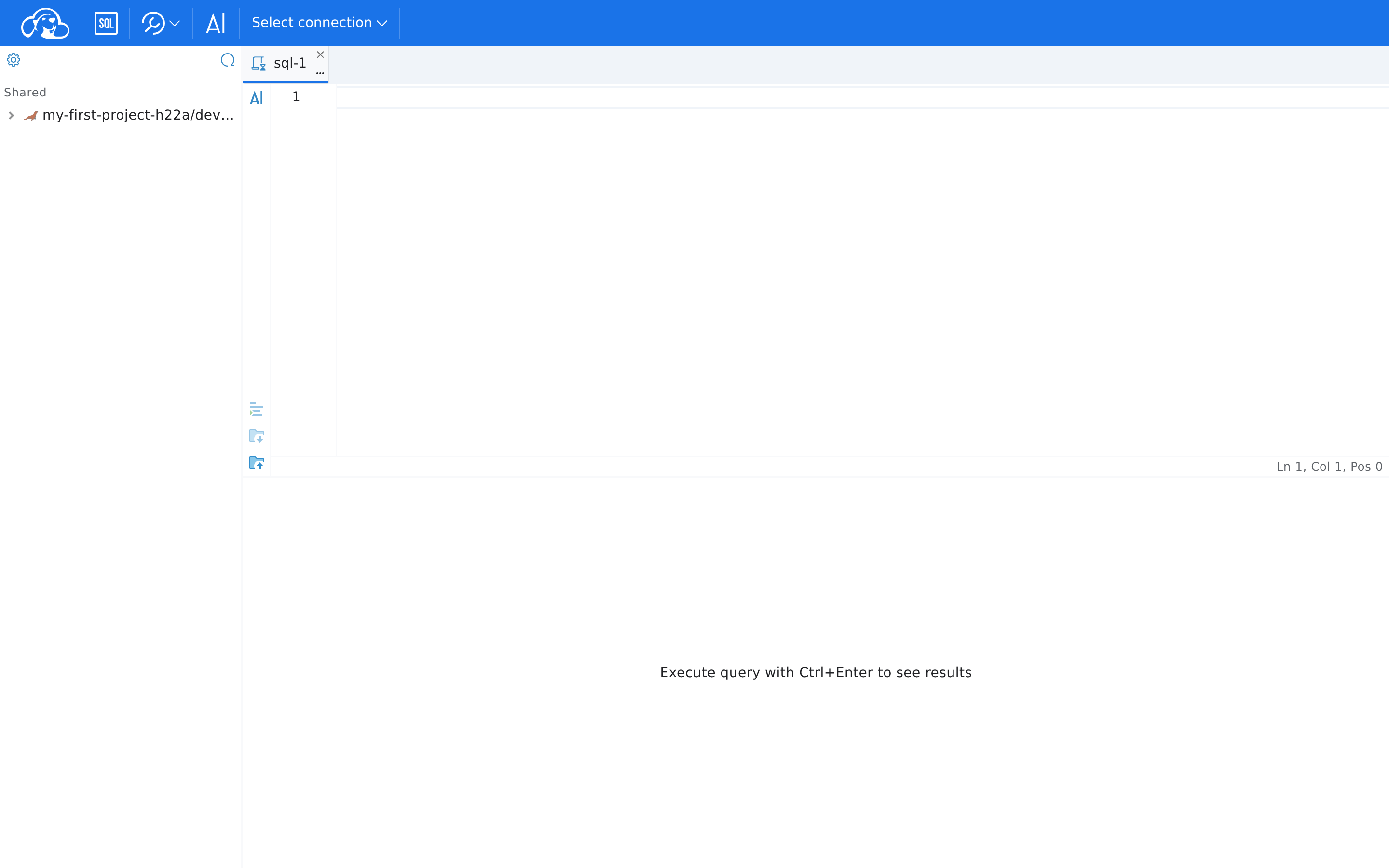
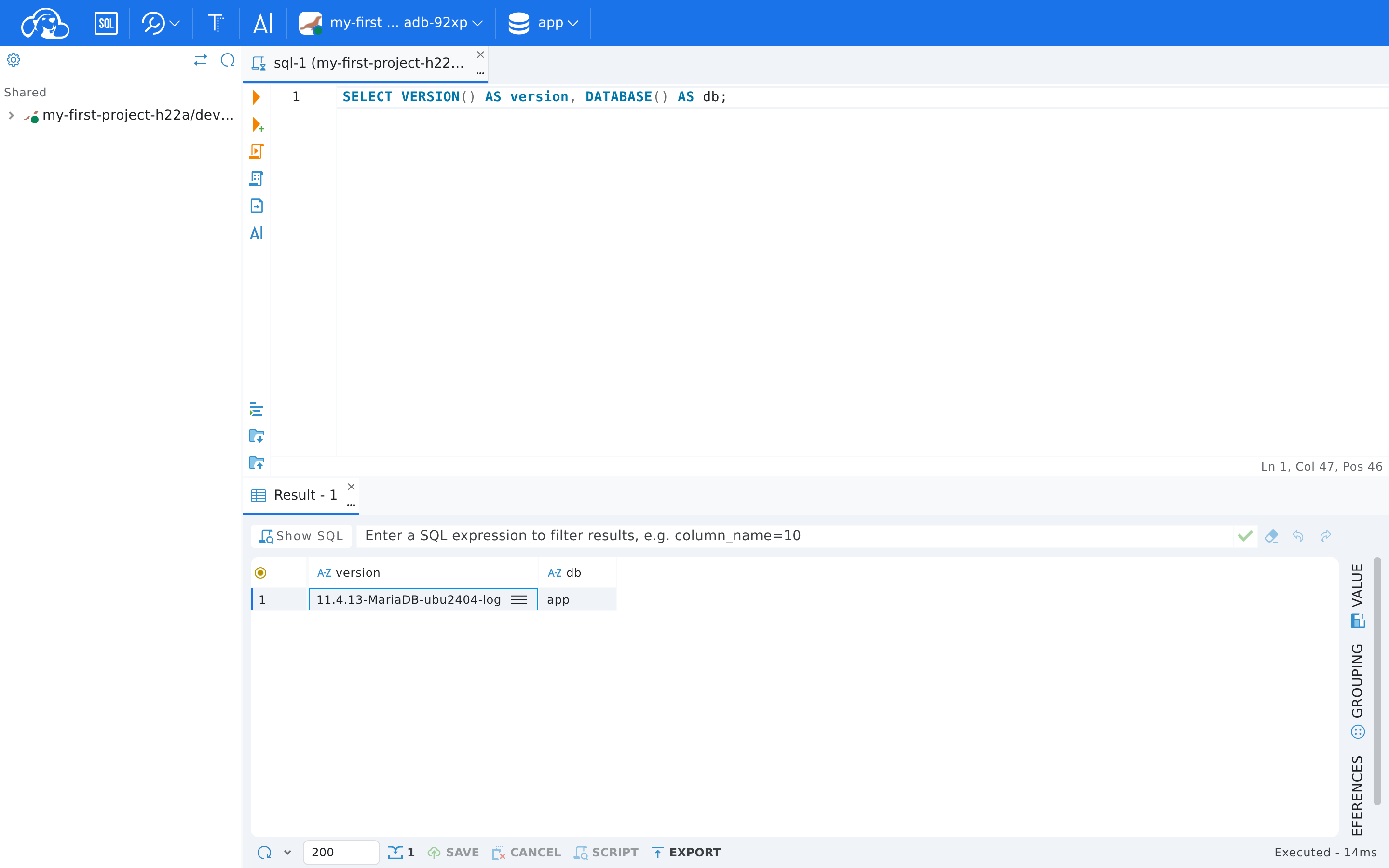
Open a SQL editor, type a query and run it with Ctrl+Enter. Here SELECT VERSION() AS version, DATABASE() AS db; returned the MariaDB version and the database name, app.
The Database console page covers the rest: the navigator, scripts, the execution plan, editing rows and exporting results.
Connect from outside StackBlaze
Public access opens the database to clients outside the platform, only from the IP addresses you allow, and only over TLS. Enter your addresses in Allowed IPs (CIDR ranges work too) and turn the switch on. You get an Address and a Connection string.
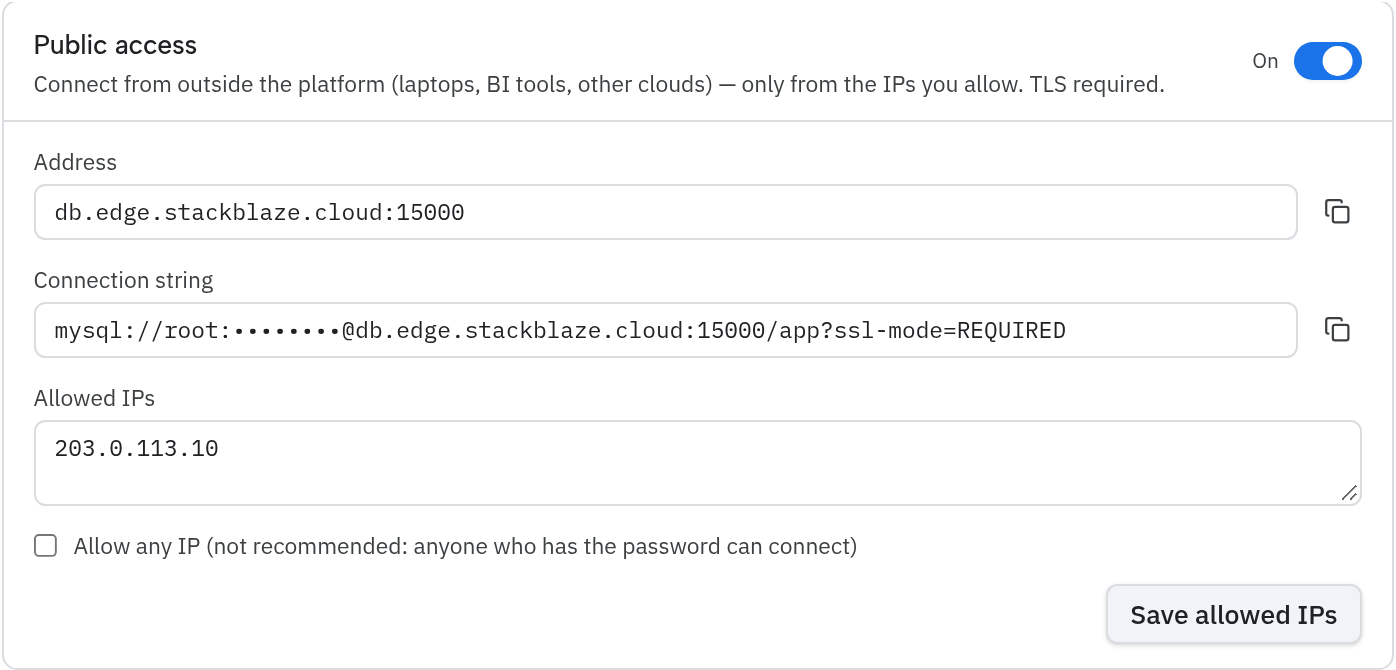
We connected from an allowed address with a MySQL client over TLS. The address took a few minutes after the switch turned on before it accepted connections. After we turned it off, it no longer accepted them. Turning it off asks first: "Turn off public access? Clients outside the platform will be disconnected."
Plugins
Settings → Extensions → Plugin libraries lists the plugins available on the database's image and how many are installed. Use Filter to find one and turn its switch on.
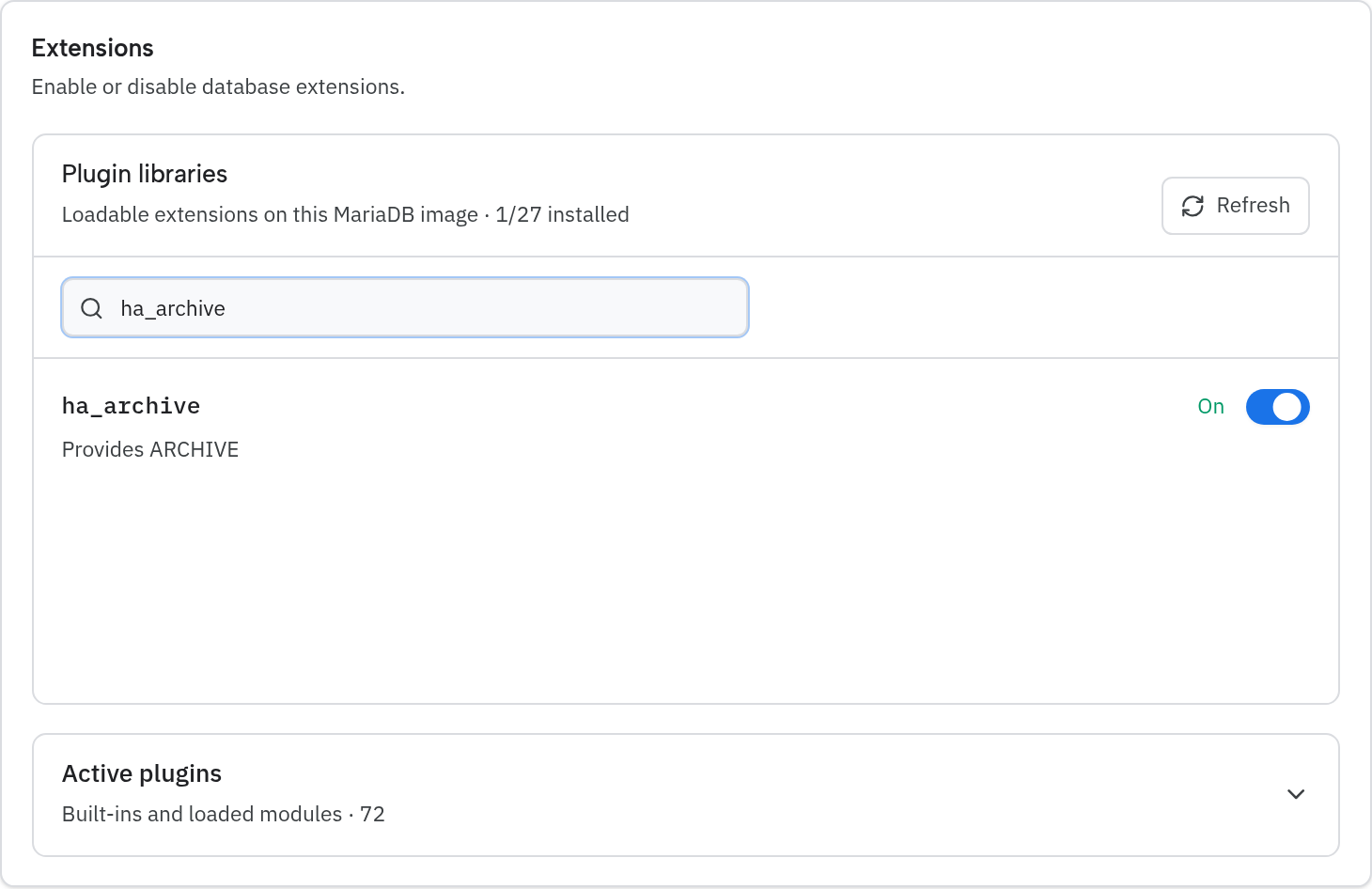
We installed ha_archive and checked over SQL that the plugin was ACTIVE.
Plan limits
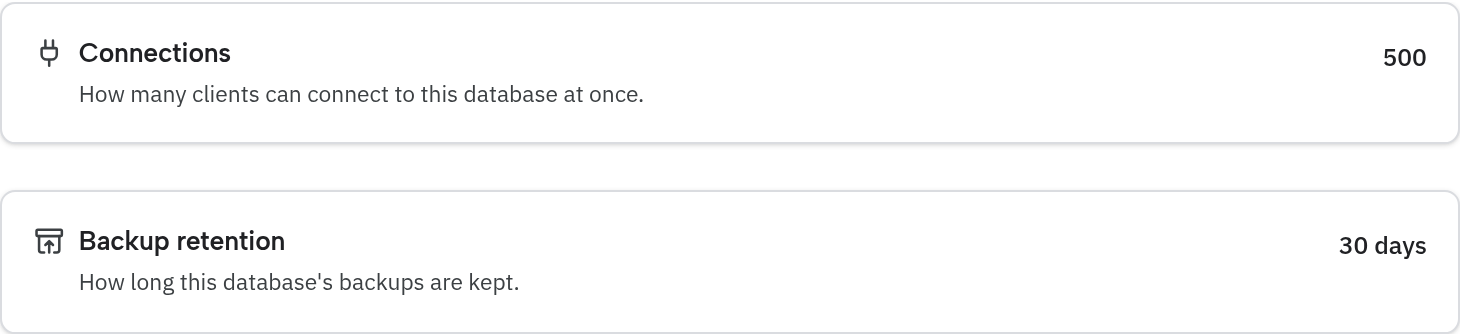
The top of Settings shows what your plan allows: Connections (clients at once) and Backup retention (how long its backups are kept).
Storage
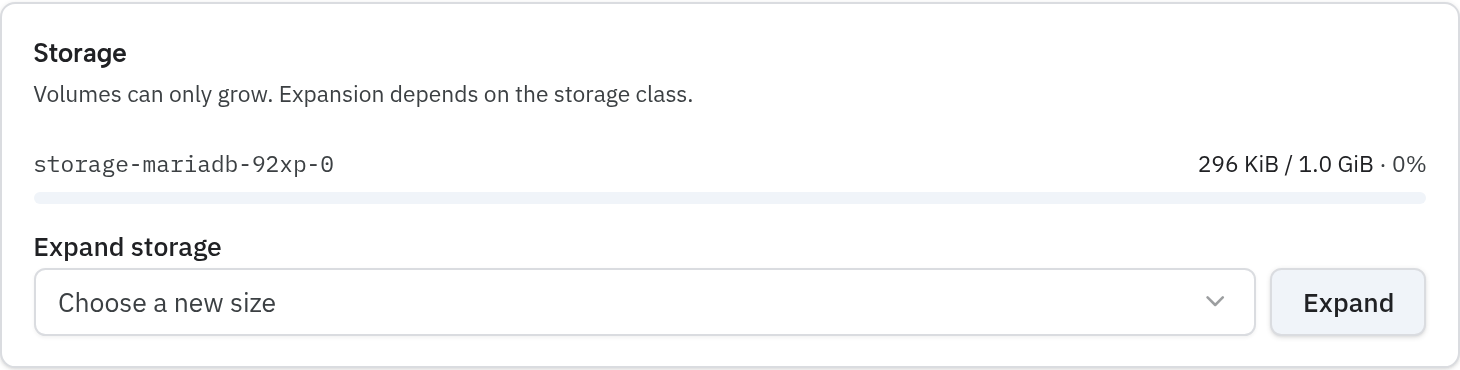
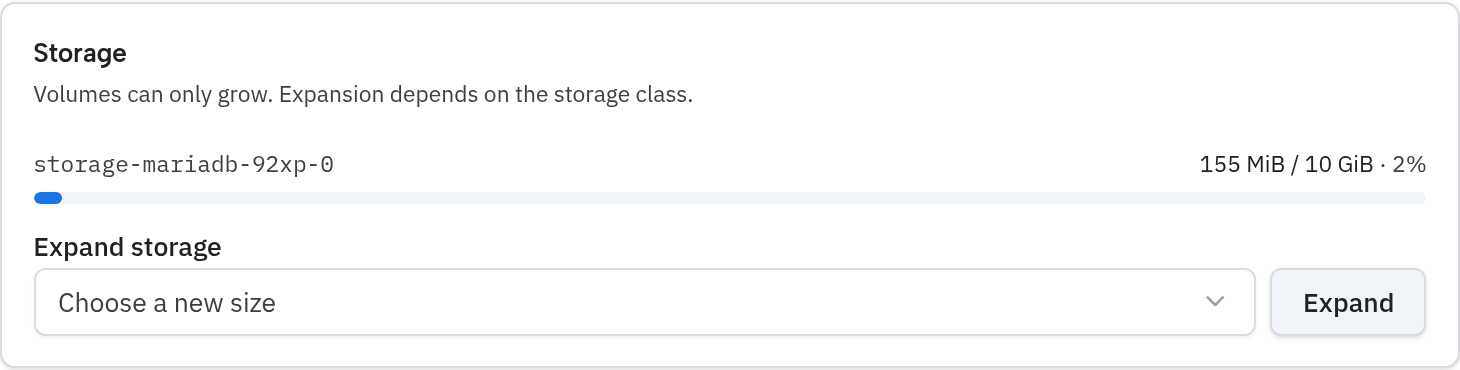
Settings → Storage shows the volume and Expand storage. Volumes can only grow. We expanded ours from 1 GiB to 10 GiB.
High availability
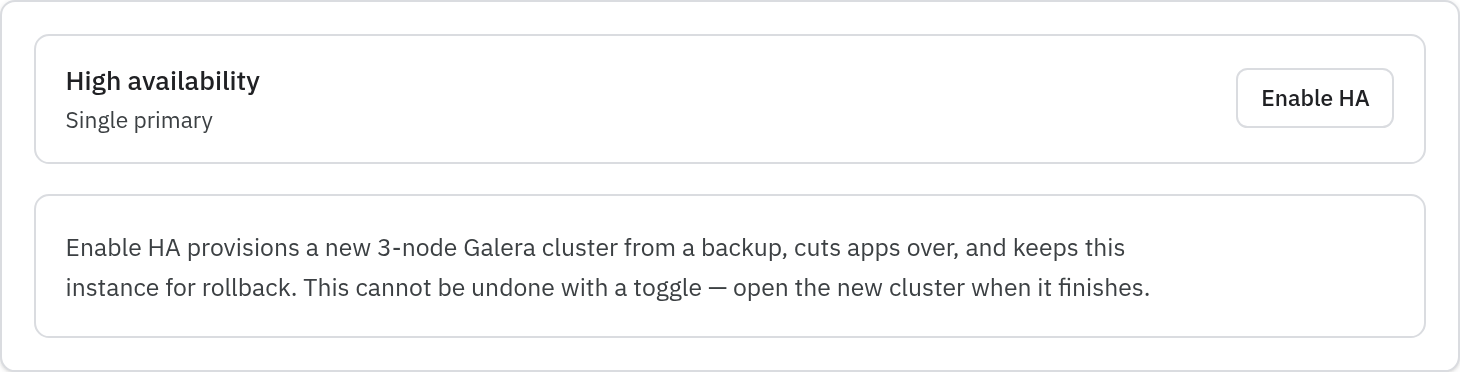
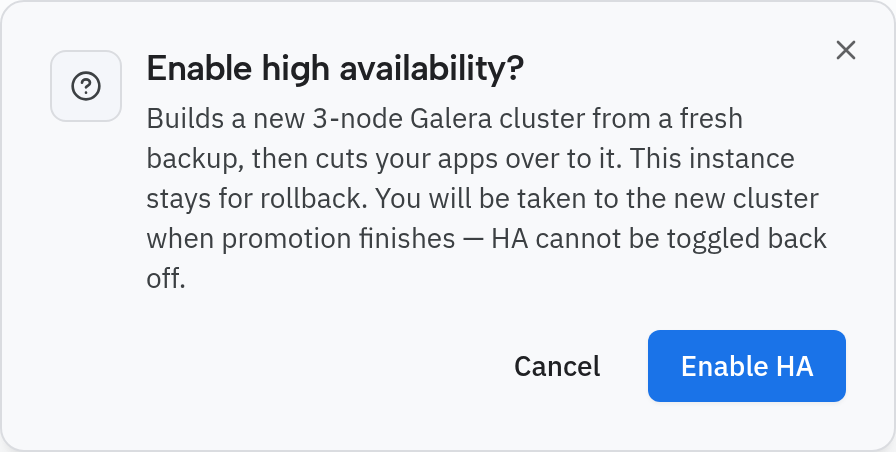
High availability works differently for MariaDB than for PostgreSQL or Valkey: it builds a new cluster. Settings → HA → Enable HA asks first:
Builds a new 3-node Galera cluster from a fresh backup, then cuts your apps over to it. This instance stays for rollback. You will be taken to the new cluster when promotion finishes — HA cannot be toggled back off.
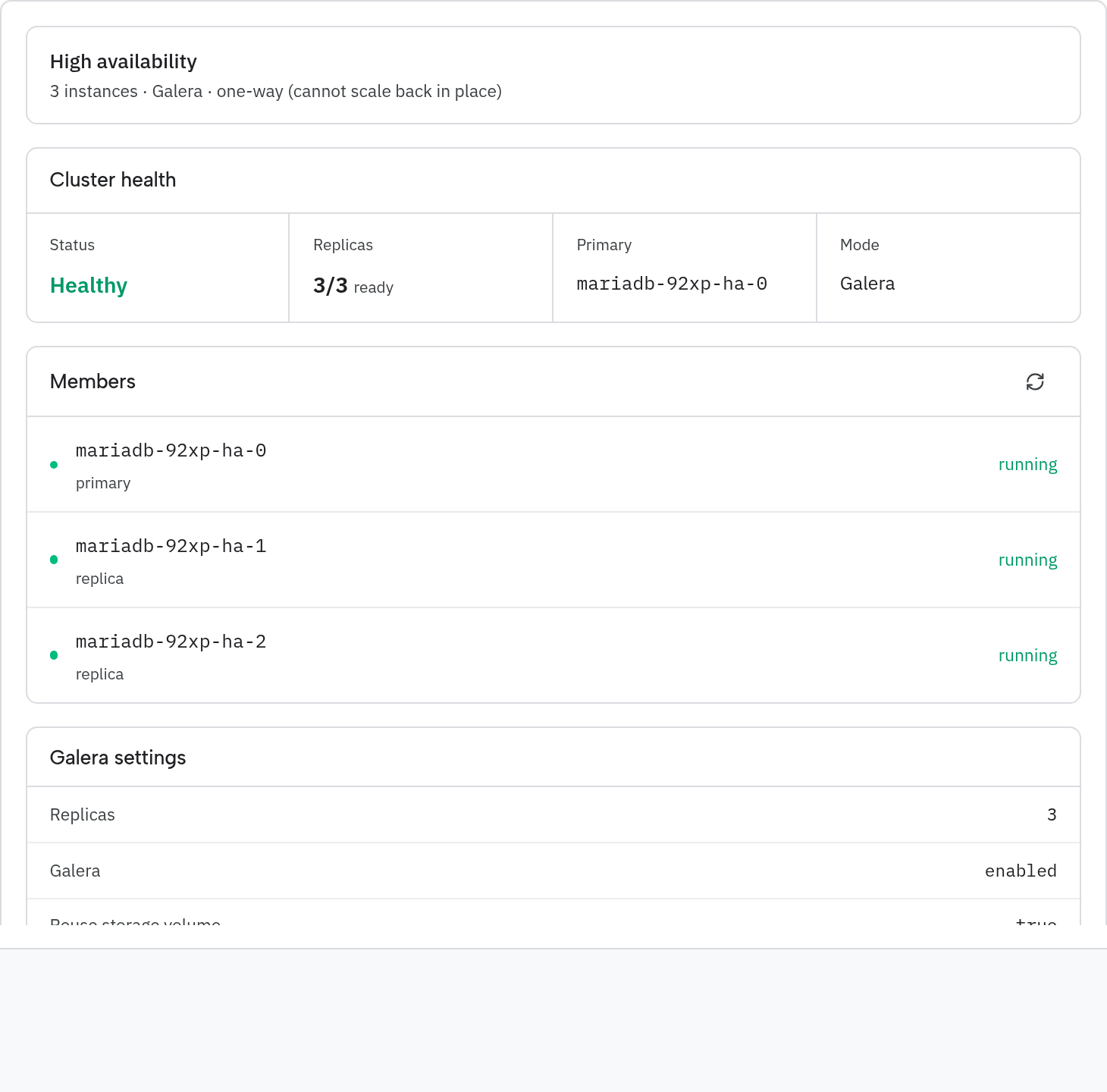
While it runs, the section lists its steps: Preflight checks, Fresh backup, Provision HA cluster, Wait for cluster ready, Cut over apps, Verify & finalize. Ours finished Healthy with 3/3 ready (one primary, two replicas), and our connected app was moved to the new cluster.
The canvas then shows two MariaDB cards. The original says it was "Promoted to …" and "is retained for rollback", with Open HA cluster.

Deployments, logs and metrics
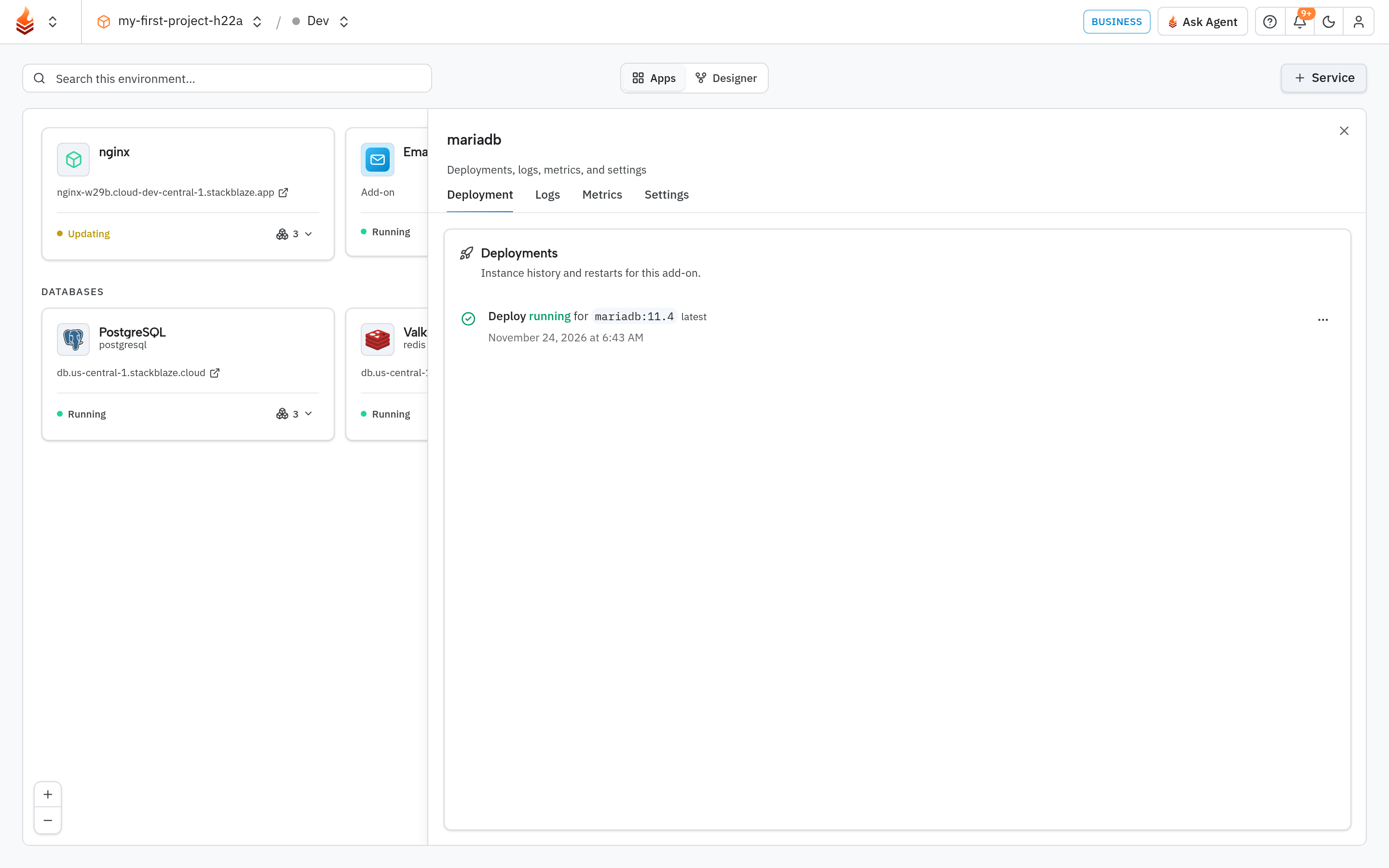
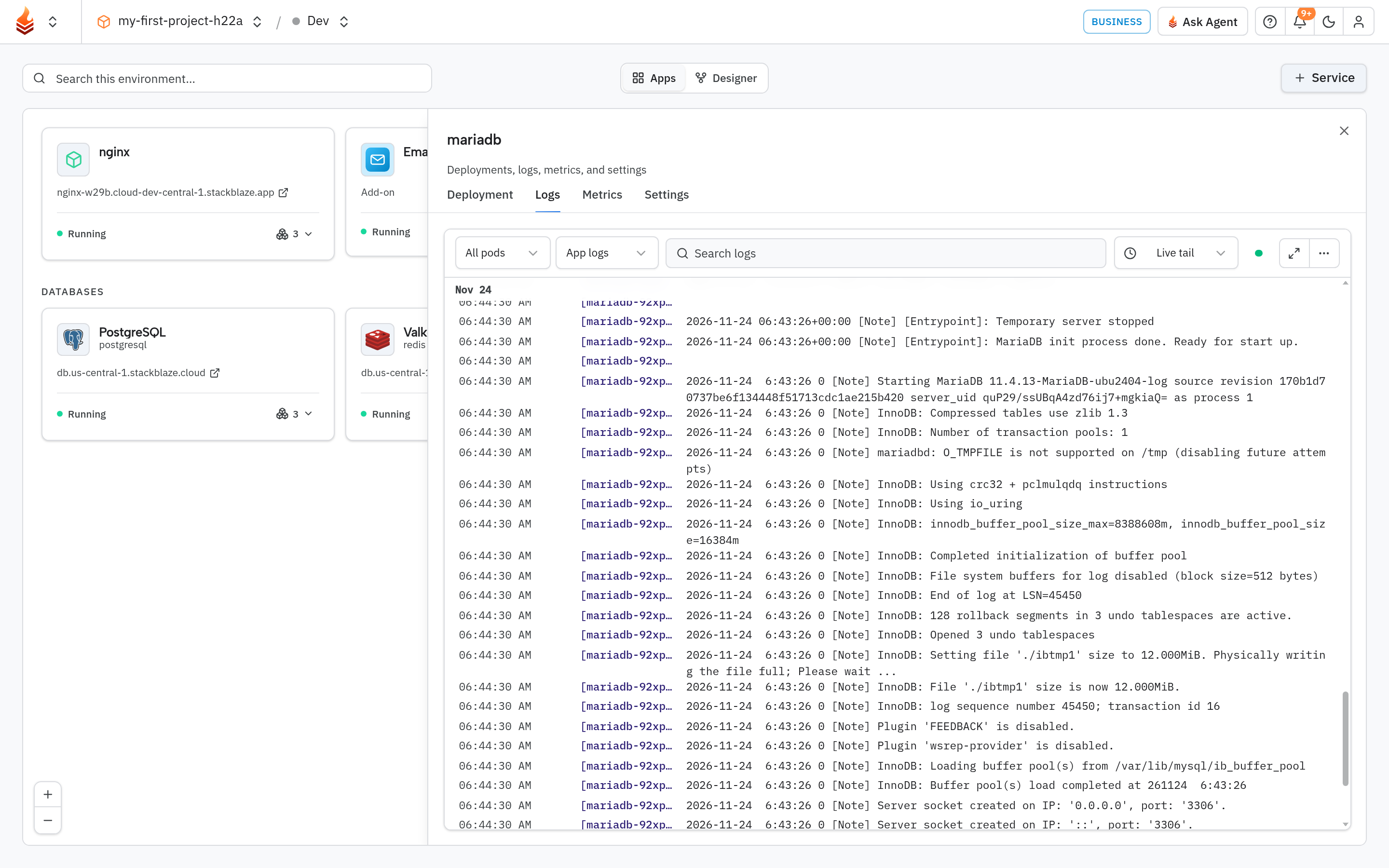
Deployment lists deploys and restarts, and Logs streams the database's output (see PostgreSQL for their menus).
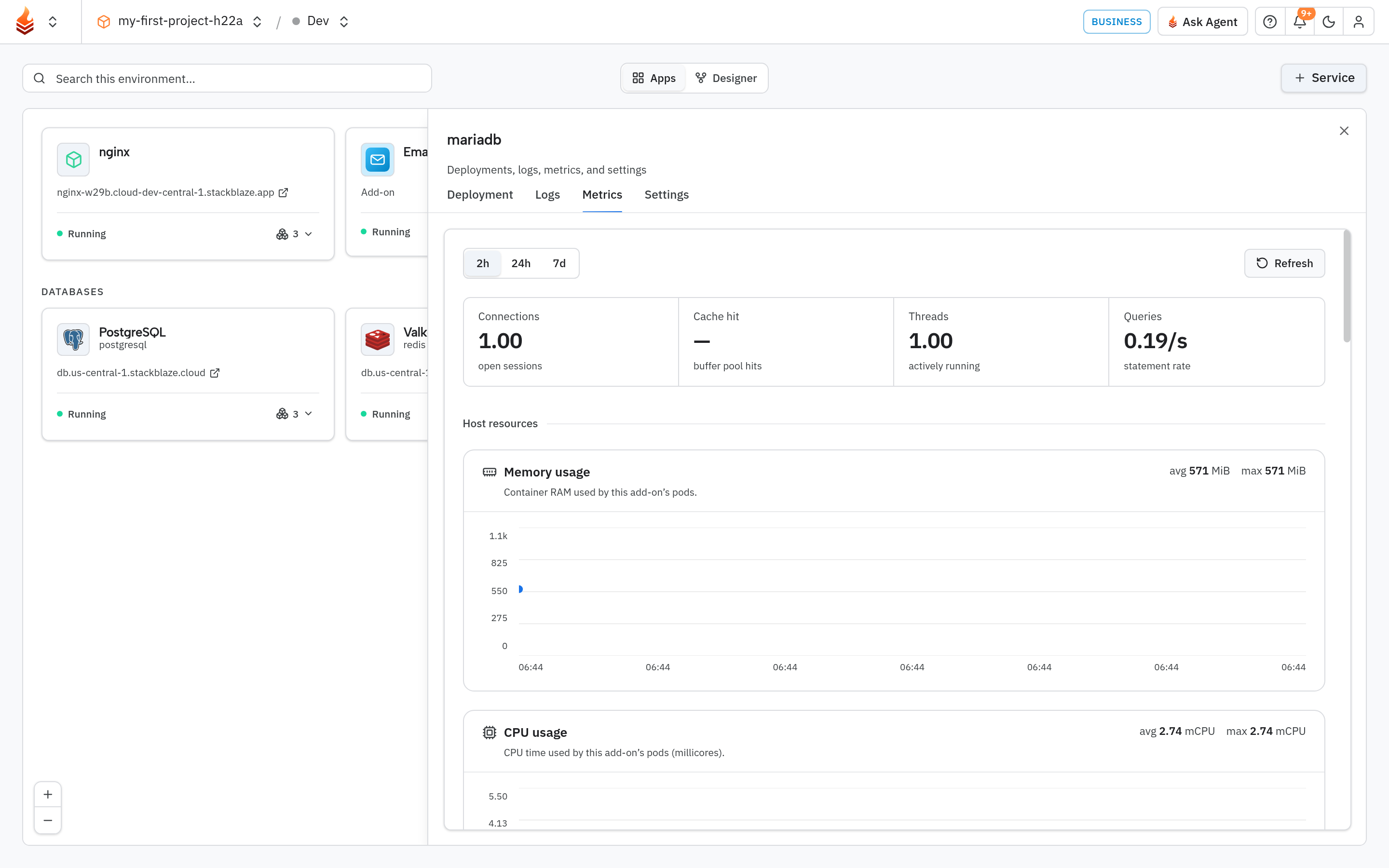
Metrics shows the last 2h, 24h or 7d, with Refresh. At the top: Connections (open sessions), Cache hit (buffer pool hits), Threads (actively running) and Queries (statement rate). Below that are charts for Host resources (Memory usage, CPU usage), Workload (Threads running, Queries / s, Commits / s, Rollbacks / s), Health (Buffer pool hit, Slow queries / s) and Network (Bytes sent / s, Bytes received / s).
Backups
A recovery point holds a dump of each MariaDB database. Restore it as a copy like any database: see Backups and restore. MariaDB has no point-in-time recovery.
Delete
Delete add-on at the bottom of Settings deletes the database and its data. Disconnect its apps first.