
TimescaleDB
Add a TimescaleDB database (PostgreSQL 17 for time-series data), connect an app and your machine to it, and create a hypertable with time_bucket queries.
TimescaleDB is PostgreSQL for time-series data. On StackBlaze it is a PostgreSQL 17 database running on a TimescaleDB image, with the timescaledb extension already created in the app database. Its sheet, connection variables, public access, storage and high availability work as for PostgreSQL. Import and restore are where it differs: see Import and export and Backups.
It's the open-source edition of TimescaleDB. The menu says so: "Open-source edition: no compression or continuous aggregates." See What the open-source edition leaves out.
TimescaleDB is its own choice when you add a database. An existing PostgreSQL database can't be switched to TimescaleDB, and a TimescaleDB database can't be switched back to plain PostgreSQL. The platform refuses the change with "can't be switched to or from TimescaleDB. Create a new TimescaleDB database and move the data instead."
Add TimescaleDB
On the project canvas, click + Service, then Database or cache. Pick TimescaleDB.

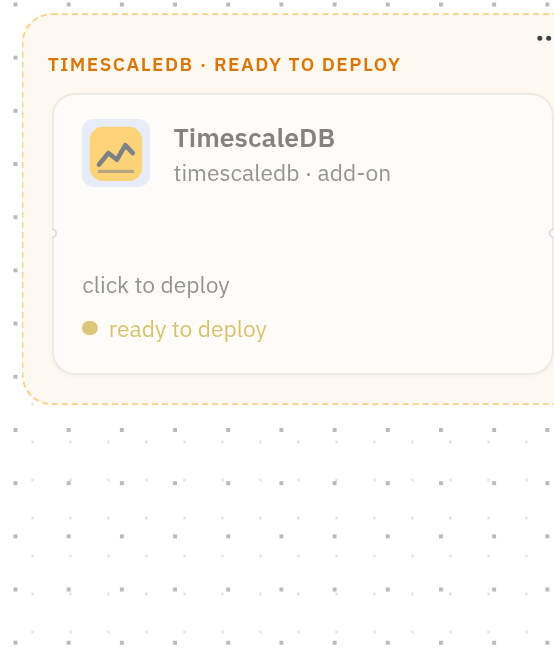
A card appears marked TimescaleDB · ready to deploy. Nothing has been created yet.
Review and deploy
Click the card. The sheet shows the new database's name (timescaledb) and says it "deploys with the catalog defaults. Size, HA and connections are tuned on this sheet once it is running." There is nothing else to choose before it is created.
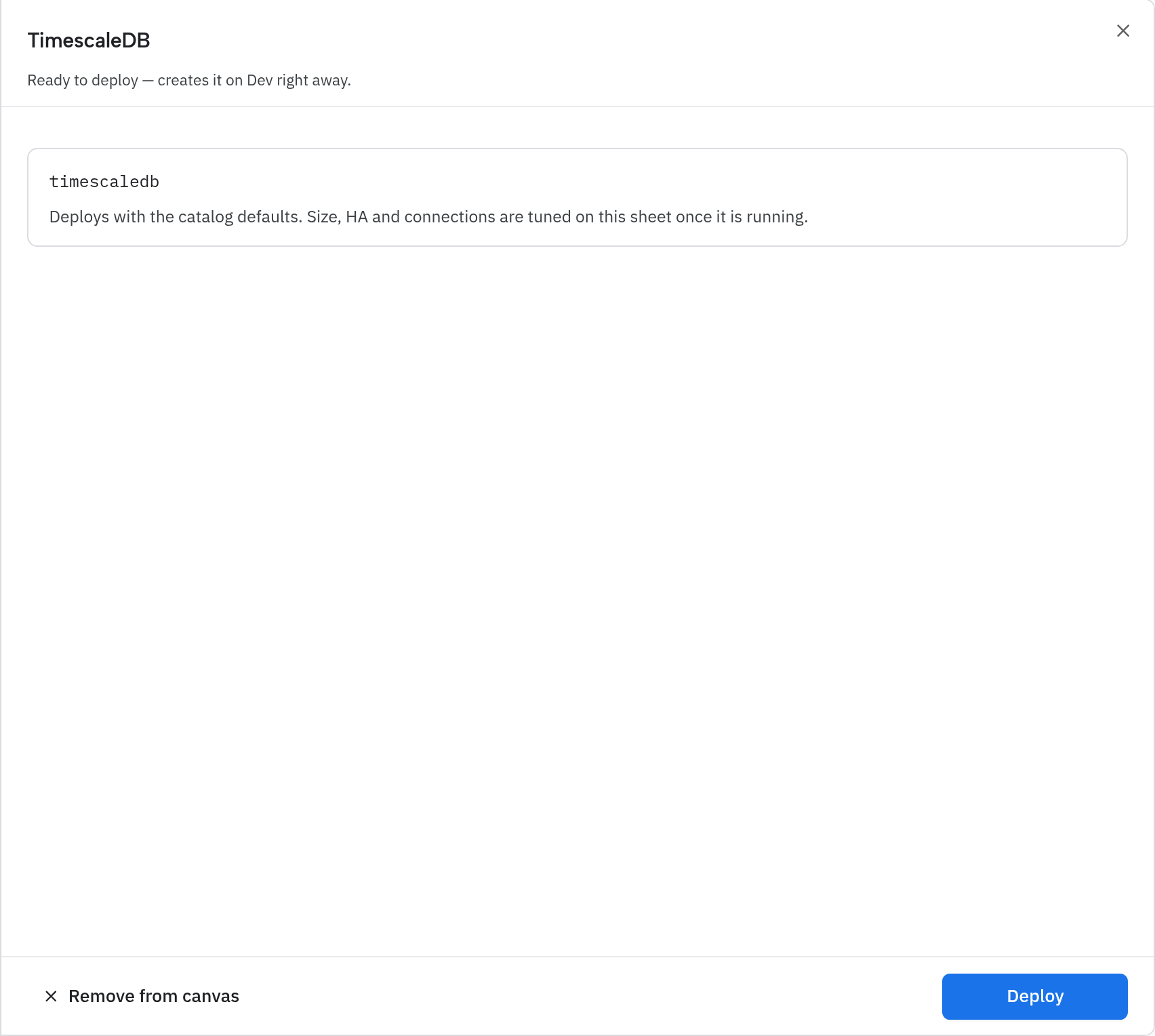
- Deploy creates the database in this environment right away.
- Remove from canvas takes the card away without creating anything.
The defaults are the same as PostgreSQL's: PostgreSQL 17 (17.11) with TimescaleDB 2.32.0, one instance, a 1 GiB volume, the user postgres and the database app.
When it is ready, the card shows Running. The db.… address on the card opens the SQL console.
Connect an app
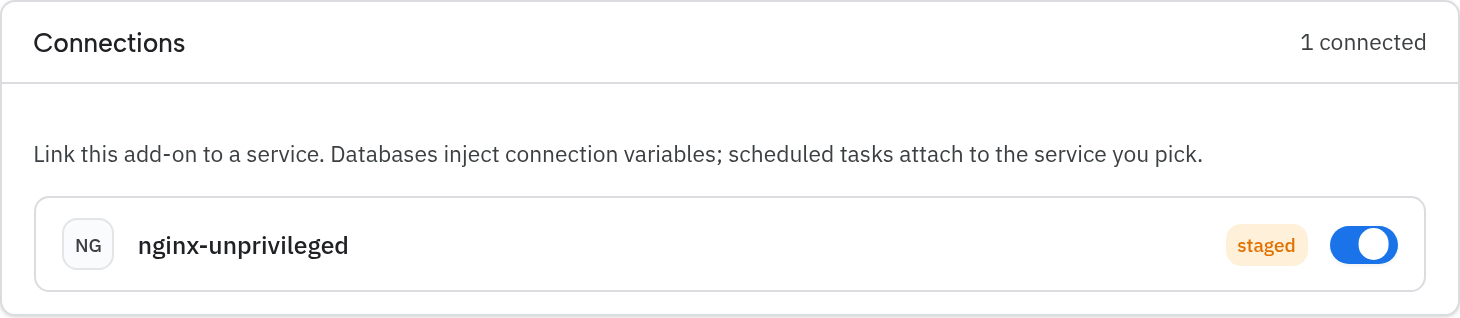
Click TimescaleDB on the card, open Settings, and scroll to Connections. Turn on the switch next to your app. The change is marked staged.
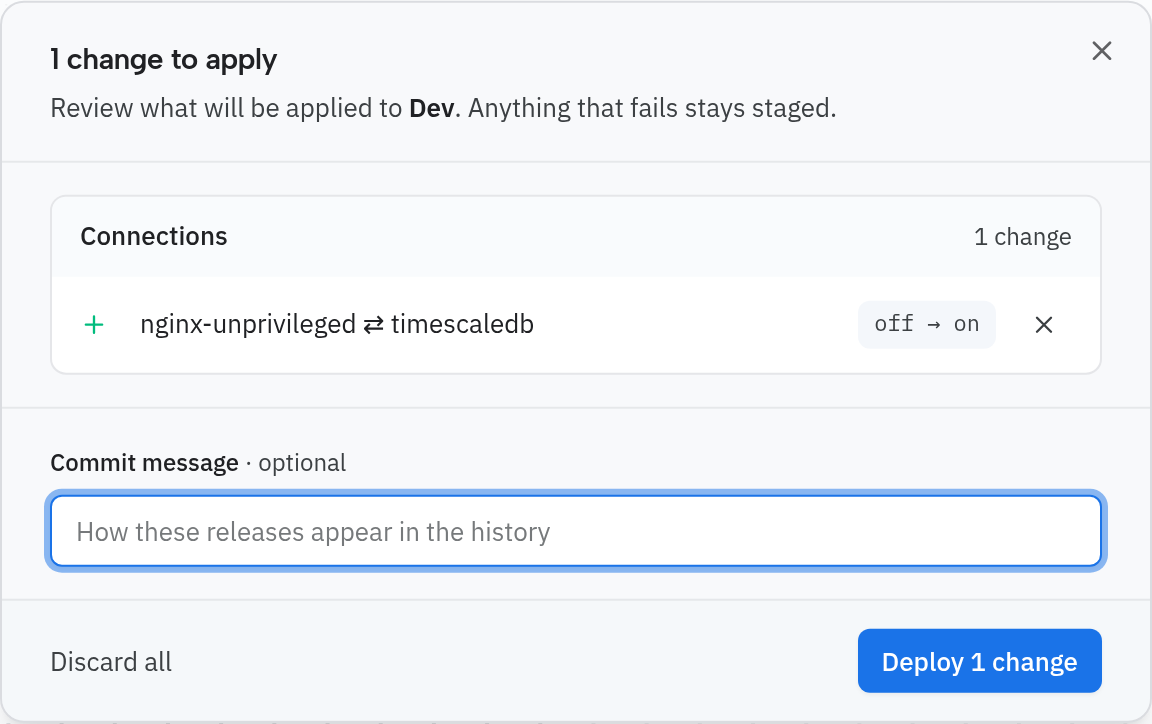
Close the sheet, click Commit 1 change, then Deploy 1 change. You can add an optional Commit message, or Discard all. The app redeploys.
Check the app's variables
Open the app and go to Variables. Connecting added the same variables a PostgreSQL database gives:
| Variable | |
|---|---|
PGHOST, PGPORT | the database's in-cluster address (the primary), port 5432 |
PGHOST_RO, PGPORT_RO | the read-only address of the replicas, which only has instances behind it once high availability is on |
PGUSER, PGDATABASE | postgres and app |
PGPASSWORD | read from the database's secret ("Provided by add-on") |
DATABASE_URL | a postgres:// URL built from the values above |
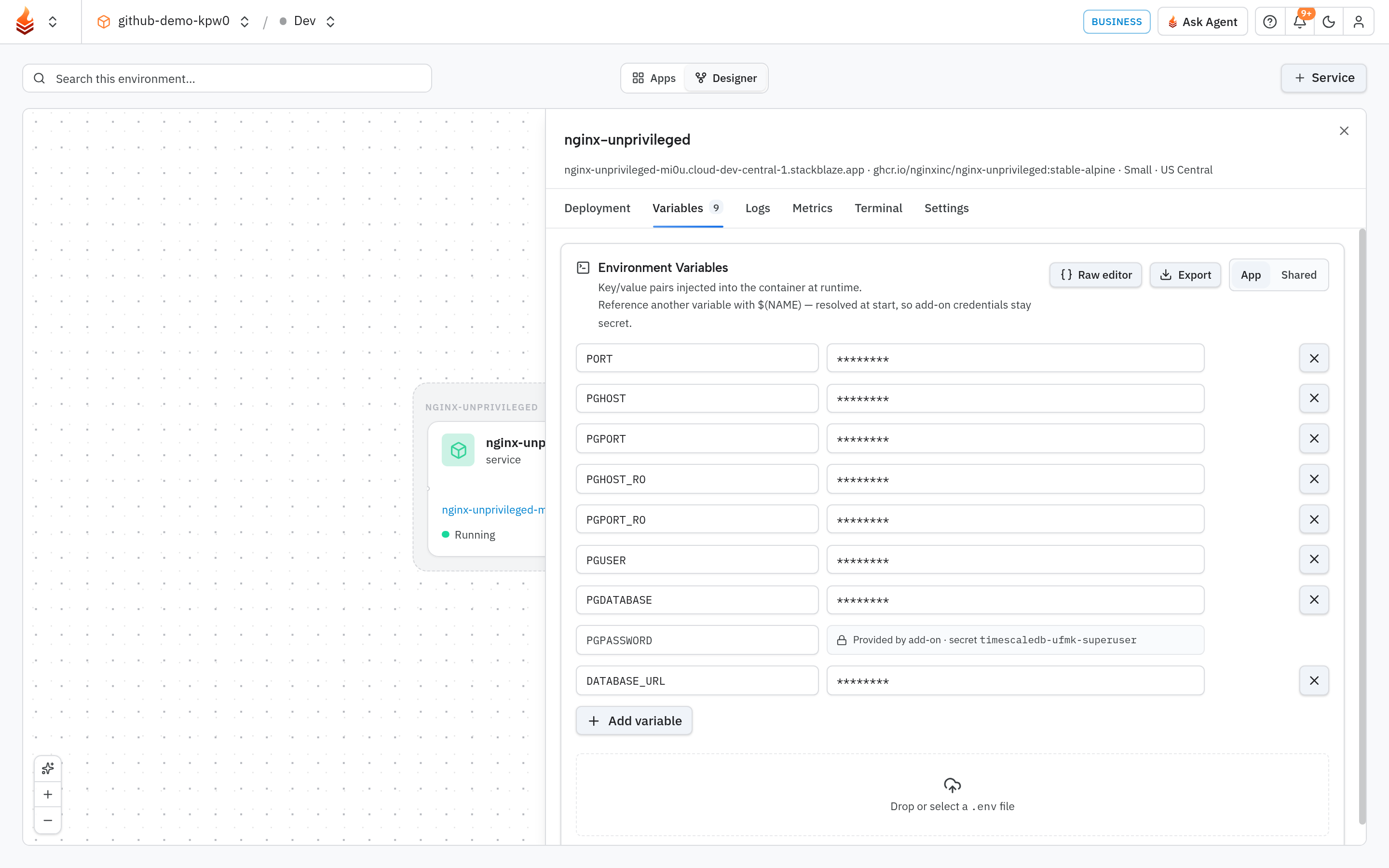
Any PostgreSQL driver or ORM connects with these. The rules for variables you set yourself, build steps and apps with several databases are the same as for PostgreSQL. To disconnect, turn the switch off and deploy the change.
The database sheet
Click TimescaleDB on the card. The sheet has four tabs: Deployment, Logs, Metrics and Settings.
Deployment lists the database's deploys and restarts ("Instance history and restarts for this add-on"), with the TimescaleDB image each one ran. Logs and Metrics work as for PostgreSQL.
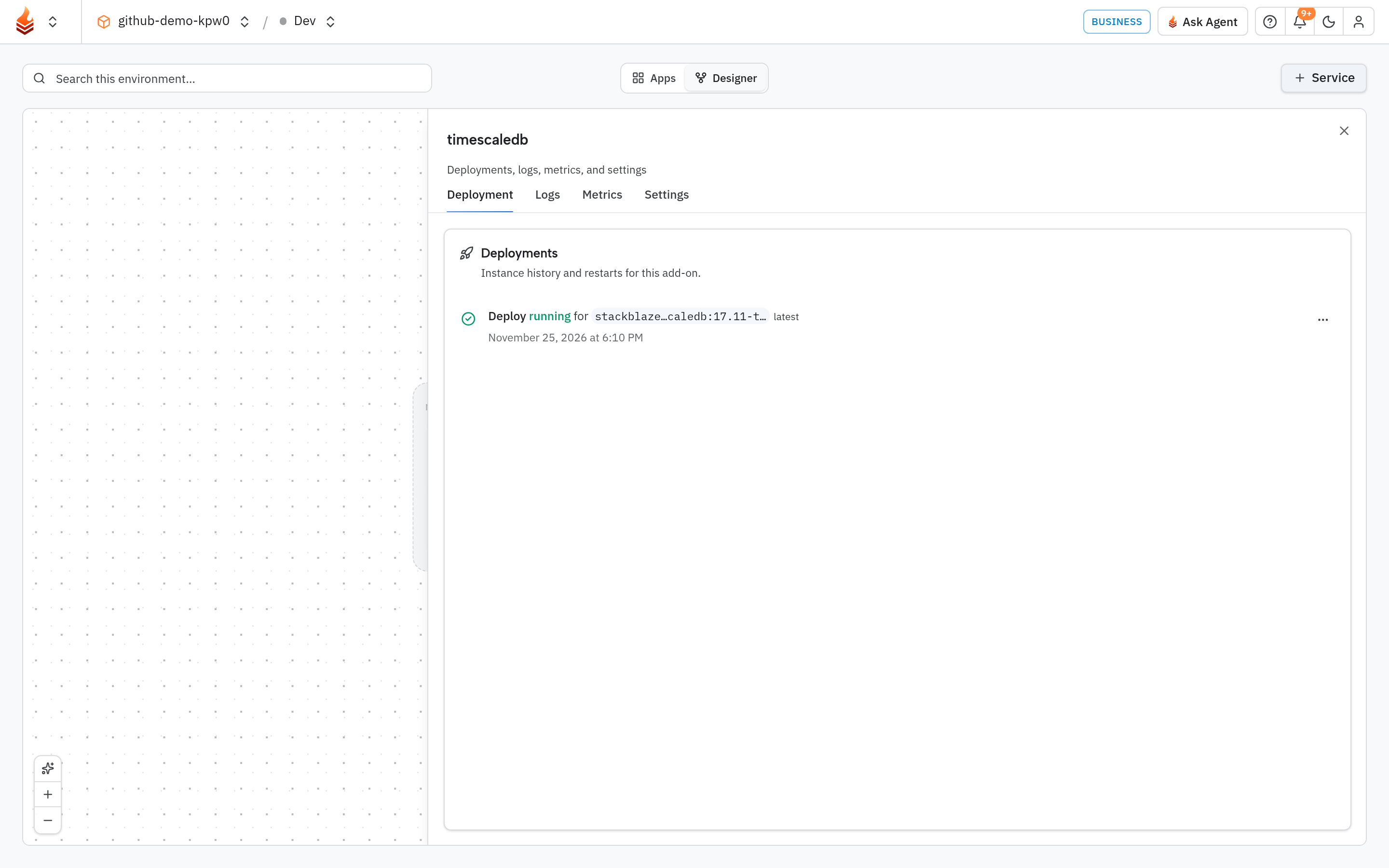
Settings has these sections, in this order.
Plan limits
How many clients can connect at once (Connections) and how long its backups are kept (Backup retention), from your plan. On the Business plan we saw 500 connections and 30 days.
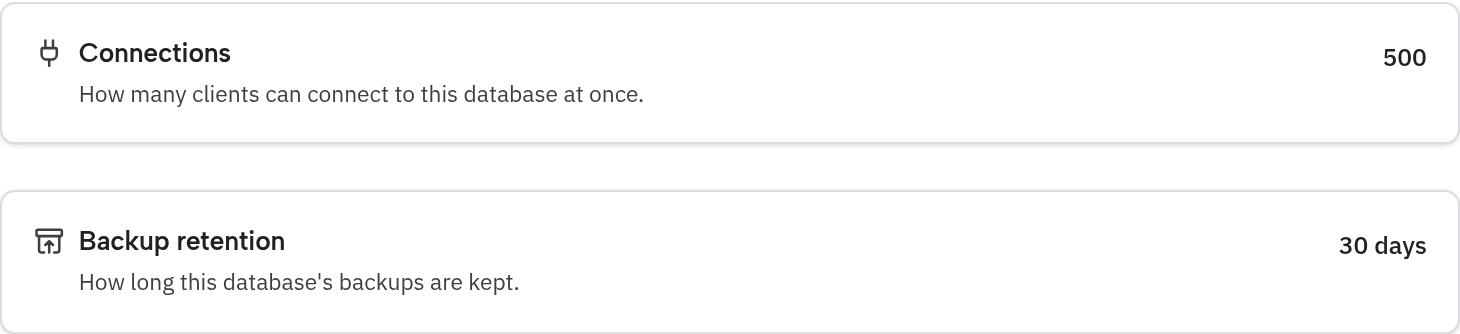
Access
- Connect from apps: Host (
timescaledb-…-rw.<project>-<environment>.svc.cluster.local), the short Service name, Username (postgres), Password and Database (app). The port is5432. - Connection URL: a
postgresql://URL and a JDBC URL. They work from apps in this environment and are "not reachable from the public internet". - Environment snippet:
DATABASE_URL,PGHOST,PGPORT,PGUSER,PGPASSWORDandPGDATABASE, ready to paste into an app's variables. - Public access: open the database to clients outside the platform, only from the Allowed IPs you enter, and only over TLS. Allow any IP is "not recommended". It works as described in Connect from outside StackBlaze.
Extensions
The extensions available on the TimescaleDB image, per database (pick app or postgres in the menu next to Refresh), with Filter by name…. A new database has 3 of 48 enabled: plpgsql, pg_stat_statements and timescaledb (2.32.0, marked needs restart because it is loaded at startup). The image also has vector (pgvector) and pgaudit. Turning an extension on or off works as on PostgreSQL.
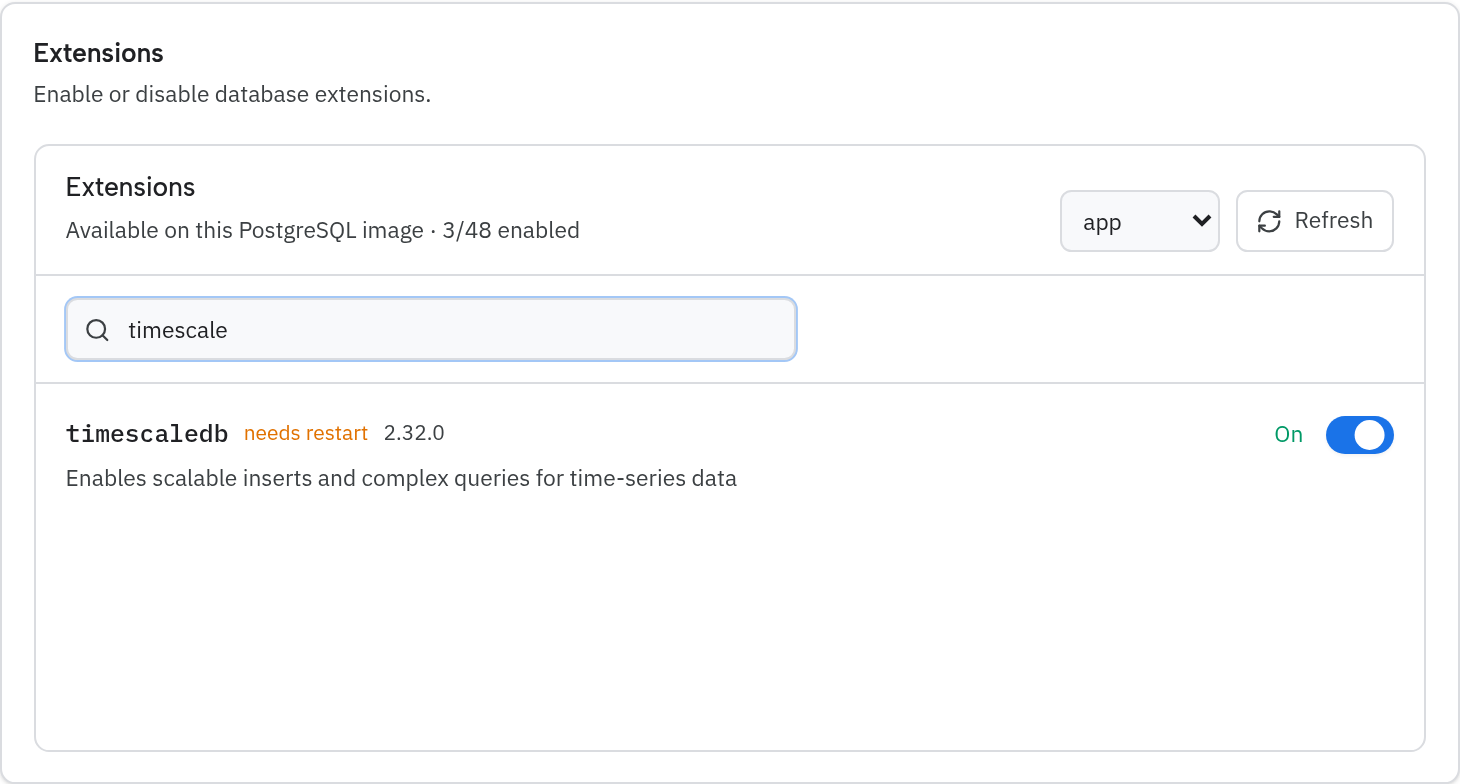
Leave timescaledb on in app: your hypertables depend on it.
High availability
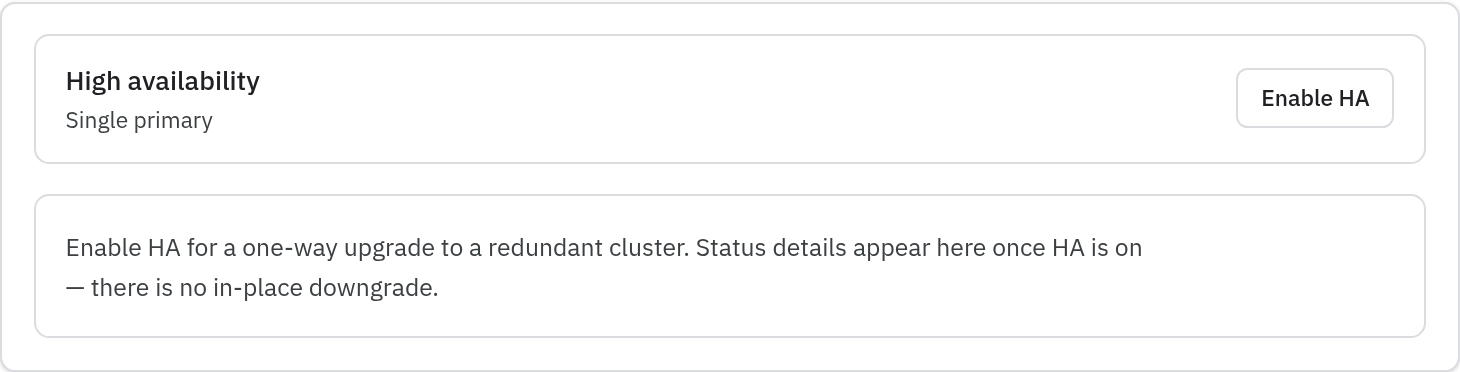
A new database runs as a Single primary. Enable HA turns it into a cluster of three instances with streaming replication, the same as PostgreSQL high availability. It's a one-way upgrade: "there is no in-place downgrade". High availability is included on the Pro and Business plans.
Switch instance and Connections
Switch instance points the connected apps at a restored copy of this database (see Backups and restore). Connections lists the apps in the environment, with a switch for each (see Connect an app).
Storage
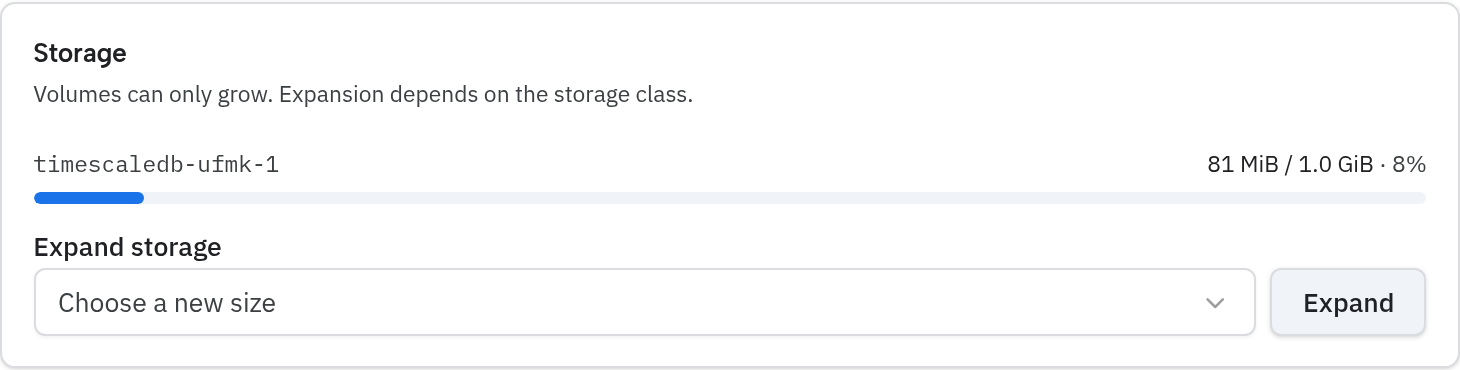
Each volume, how much of it is used (a new database used 81 MiB of 1.0 GiB), and Expand storage. Pick a size in Choose a new size and click Expand. "Volumes can only grow."
Delete add-on
"Deletes timescaledb and its data." See Delete.
Connect from your machine
stackblaze connect postgres reaches the database through an app that is connected to it, without opening the database to the internet. Name the app with -a:
stackblaze connect postgres --local -p <project> -e dev -a <app>              # psql on your machine
stackblaze connect postgres --tunnel -p <project> -e dev -a <app>             # keep a local port open for GUI tools
stackblaze connect postgres --local --port 15432 --print-only -p <project> -e dev -a <app>- Without
--local,psqlruns inside the app's instance. Our app's image had nopsql, and the CLI said so: "The postgres client is not installed in the app's image. Run it on this machine instead: stackblaze connect postgres --local (or --tunnel for GUI tools)." --localruns your ownpsqlthrough a private tunnel:Tunnel 127.0.0.1:33283 → postgres addon "timescaledb-ufmk". Running local psql…. It reads SQL from standard input too, so you can pipe a script into it.--tunnelkeeps the tunnel open and prints Host (127.0.0.1), Port, User (postgres), Password, Database (app) and a URL. Press Ctrl-C to close it.--print-onlyprints apostgresql://postgres:…@127.0.0.1:15432/appconnection string instead of starting a client;--portpicks the local port.
When the app has several databases, add --instance <name>. The tunnel listens on 127.0.0.1 only, closes after 30 minutes idle, and needs write access to the app.
stackblaze db info <instance> -p <project> -e dev shows the database's engine (PostgreSQL (CloudNativePG): TimescaleDB is that engine on its own image), CPU, memory and storage.
Through the tunnel, the new database reports:
$ stackblaze connect postgres --local -p <project> -e dev -a <app>
=> select version();
 PostgreSQL 17.11 (Debian 17.11-1.pgdg12+2) on x86_64-pc-linux-gnu, …
=> show timescaledb.license;
 apache
=> select extname, extversion from pg_extension order by 1;
 pg_stat_statements | 1.11
 plpgsql            | 1.0
 timescaledb        | 2.32.0
A time-series example
These are the statements we ran through stackblaze connect postgres --local, and their output.
Create a hypertable
Create an ordinary table with a time column, then turn it into a hypertable. TimescaleDB stores it in chunks, here one per day.
CREATE TABLE conditions (
  time        timestamptz NOT NULL,
  device      text        NOT NULL,
  temperature double precision
);
SELECT create_hypertable('conditions', by_range('time', INTERVAL '1 day')); create_hypertable
-------------------
(1,t)Insert sample rows
Three days of readings from three sensors, one every 10 minutes:
INSERT INTO conditions
SELECT t, 'sensor-' || (n % 3 + 1), 20 + 5 * sin(n / 10.0)
FROM generate_series(timestamptz '2026-11-20 00:00+00',
                     timestamptz '2026-11-22 23:50+00',
                     INTERVAL '10 minutes') WITH ORDINALITY AS g(t, n);

SELECT hypertable_name, num_chunks FROM timescaledb_information.hypertables;INSERT 0 432
hypertable_name | num_chunks
-----------------+------------
conditions | 3Aggregate with time_bucket
time_bucket groups rows into fixed intervals, here one day per device:
SELECT time_bucket('1 day', time) AS day, device,
       round(avg(temperature)::numeric, 2) AS avg_temp, count(*) AS readings
FROM conditions
GROUP BY day, device
ORDER BY day, device; day | device | avg_temp | readings
------------------------+----------+----------+----------
2026-11-20 00:00:00+00 | sensor-1 | 20.48 | 48
2026-11-20 00:00:00+00 | sensor-2 | 20.42 | 48
2026-11-20 00:00:00+00 | sensor-3 | 20.46 | 48
2026-11-21 00:00:00+00 | sensor-1 | 20.13 | 48
2026-11-21 00:00:00+00 | sensor-2 | 20.24 | 48
2026-11-21 00:00:00+00 | sensor-3 | 20.19 | 48
2026-11-22 00:00:00+00 | sensor-1 | 19.45 | 48
2026-11-22 00:00:00+00 | sensor-2 | 19.46 | 48
2026-11-22 00:00:00+00 | sensor-3 | 19.45 | 48
(9 rows)Drop old data
A retention policy (add_retention_policy) isn't part of the open-source edition:
=> SELECT add_retention_policy('conditions', drop_after => INTERVAL '30 days');
ERROR:  function "add_retention_policy" is not supported under the current "apache" license
Drop old chunks yourself with drop_chunks instead, for example from a scheduled task. It removes whole chunks older than the time you give:
SELECT drop_chunks('conditions', older_than => timestamptz '2026-11-21 00:00+00');
SELECT count(*), min(time) FROM conditions; drop_chunks
----------------------------------------
_timescaledb_internal._hyper_1_1_chunk
count | min
-------+------------------------
288 | 2026-11-21 00:00:00+00What the open-source edition leaves out
The image has only the Apache-2.0 build of TimescaleDB, and timescaledb.license is apache. Hypertables, chunks, time_bucket, drop_chunks, show_chunks and the timescaledb_information views work. These are refused:
| Feature | What you get |
|---|---|
Compression (ALTER TABLE … SET (timescaledb.compress)) | ERROR: functionality not supported under the current "apache" license |
Continuous aggregates (CREATE MATERIALIZED VIEW … WITH (timescaledb.continuous)) | the same error |
Retention policies (add_retention_policy) | ERROR: function "add_retention_policy" is not supported under the current "apache" license |
time_bucket_gapfill and the other hyperfunctions | ERROR: function "time_bucket_gapfill" is not supported under the current "apache" license |
The license can't be changed from a session: SET timescaledb.license = 'timescale' fails with "Cannot change a license in a running session."
SQL console
The db.… address on the database card opens the SQL console in a new tab. The Database console page covers it: the navigator, the SQL editor, scripts, the execution plan, editing rows and exporting results.
Import and export
Loading a dump with stackblaze addons import, and stackblaze addons export, aren't available for TimescaleDB yet. The import stops before it uploads anything:
$ stackblaze addons import dump.sql timescaledb-ufmk -y -p <project> -e dev -a <app>
x  Importing and exporting dumps is not available for TimescaleDB yet.
To load data, run your SQL or pg_restore through stackblaze connect postgres --local or --tunnel.
Backups
A TimescaleDB database is backed up as a dump, like PostgreSQL, in the environment's recovery points (Backups and restore). You can also dump it now from the CLI. It never creates a schedule:
$ stackblaze addons backups create timescaledb-ufmk --wait -p <project> -e dev -a <app>
dump dump-timescaledb-ufmk-1795631260387-edc069 → Completed
OK Backup dump-timescaledb-ufmk-1795631260387-edc069 completed
$ stackblaze addons backups list timescaledb-ufmk -p <project> -e dev -a <app>
  NAME                                        SIZE       TIME
  dump-timescaledb-ufmk-1795631260387-edc069  17.5 KB    2026-11-25T18:27:42.744Z
stackblaze addons backups status <instance> shows whether the environment's scheduled backups cover the database.
Delete
Delete add-on, at the bottom of Settings, deletes the database and its data. While apps are connected it says "Disconnect all apps first.": turn their switches off in Connections and deploy the change, then click Delete.