
API tokens
Create a token for the StackBlaze API and CLI, choose when it expires, and revoke it.
An API token lets scripts and CI call the StackBlaze API or CLI as you. A token belongs to one organization, the one you're in when you create it, and acts on your behalf there. Treat it like a password.
Open API tokens
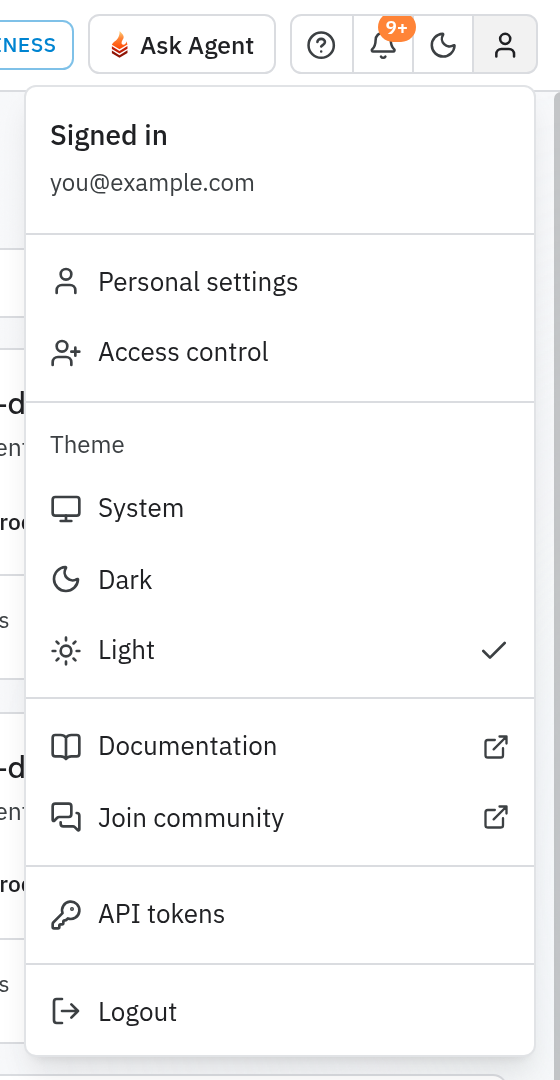
Click the person icon at the top right and choose API tokens. This opens Personal settings on the API tokens tab.
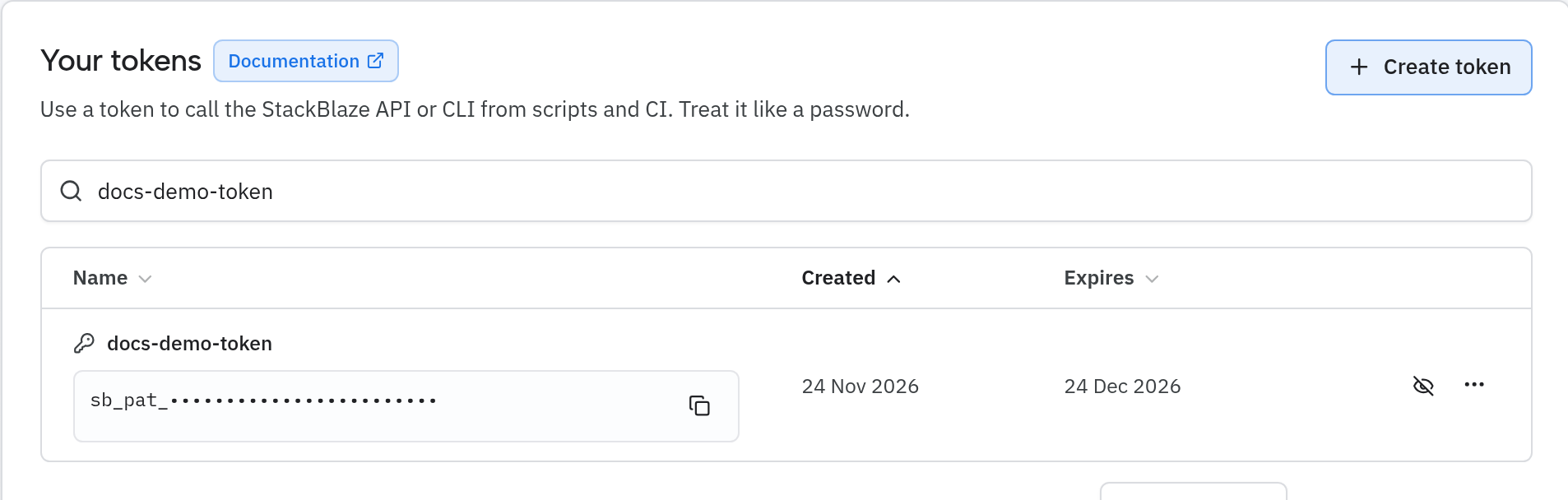
Your tokens lists each token's Name, when it was Created and when it Expires (Never for a token without an expiry). Sign-ins from the CLI add tokens here too, named like CLI · 2026-11-24.
Create a token
Name it
Click Create token. Create API token opens with a warning: the token is shown once, so copy it and keep it somewhere safe. You can't view it again.
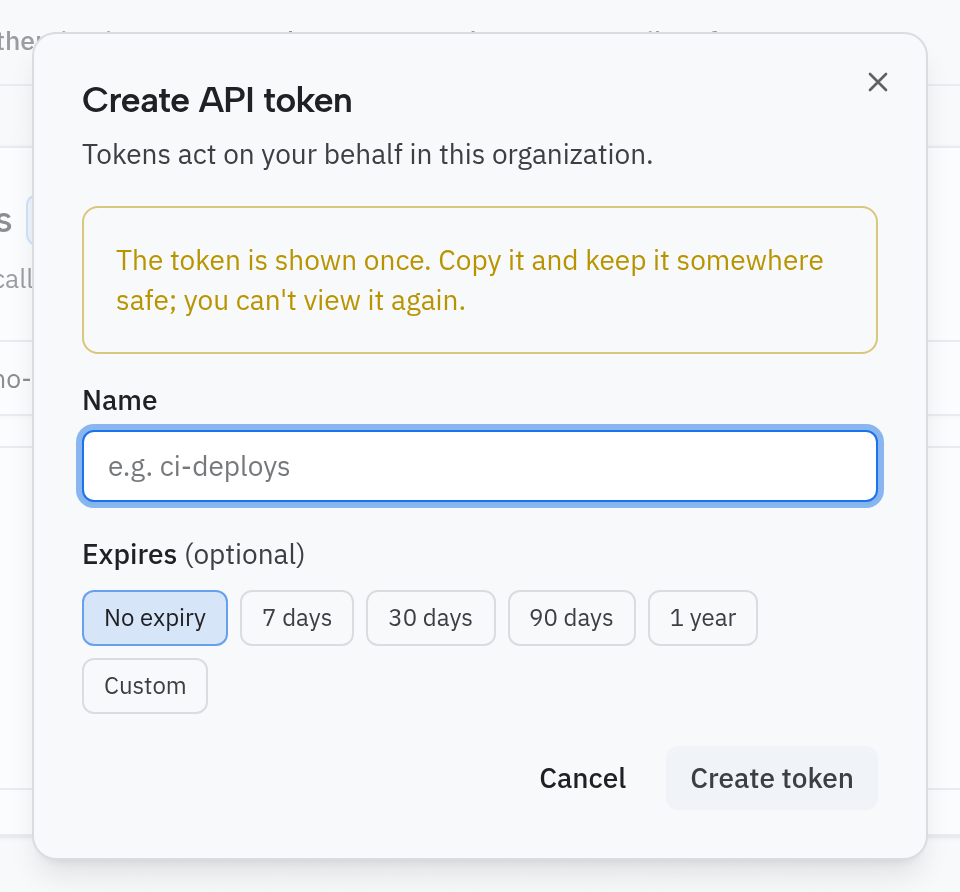
Enter a Name, for example ci-deploys.
Choose when it expires
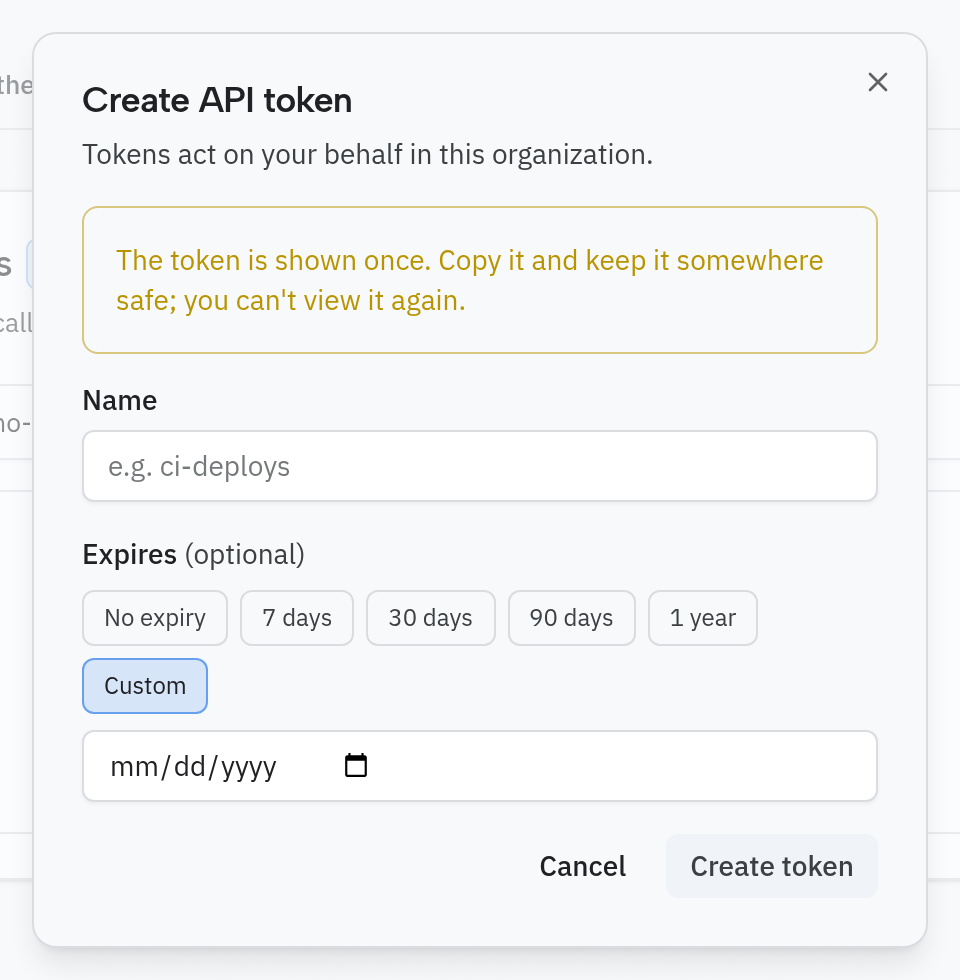
Under Expires (optional), pick No expiry (the default), 7 days, 30 days, 90 days, 1 year or Custom. Custom adds a date field. It can't be earlier than today.
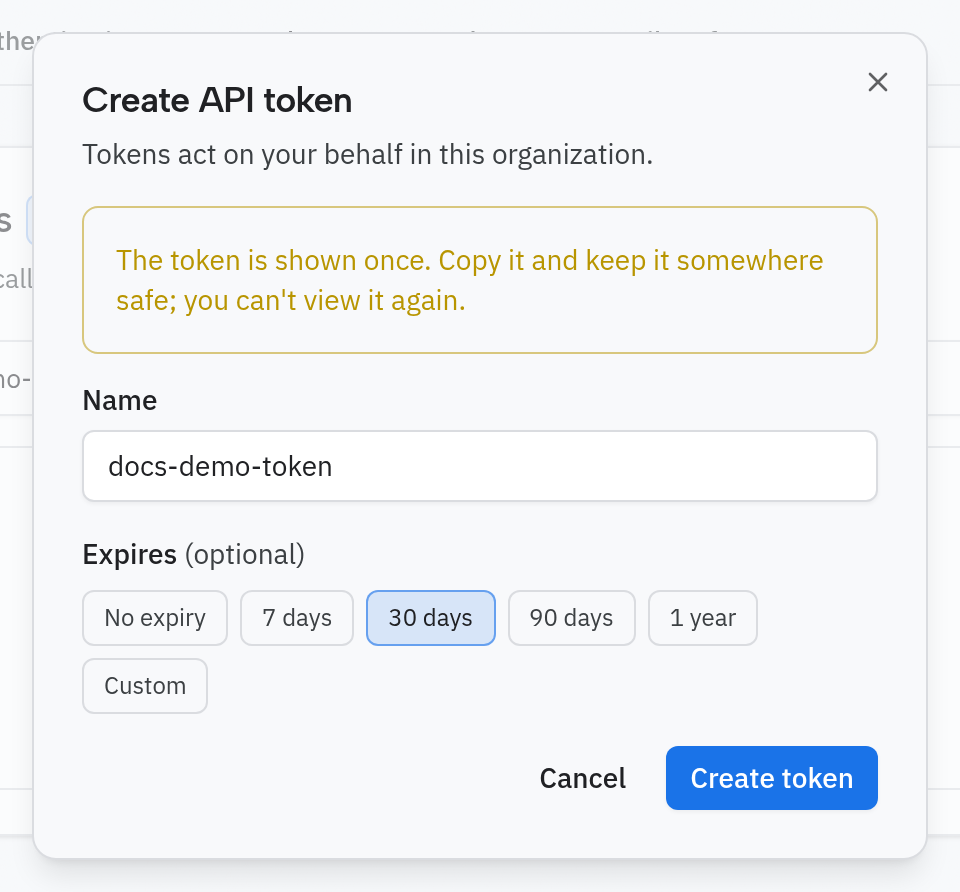
There are no scopes to pick. The token can do what you can do in this organization.
Copy it
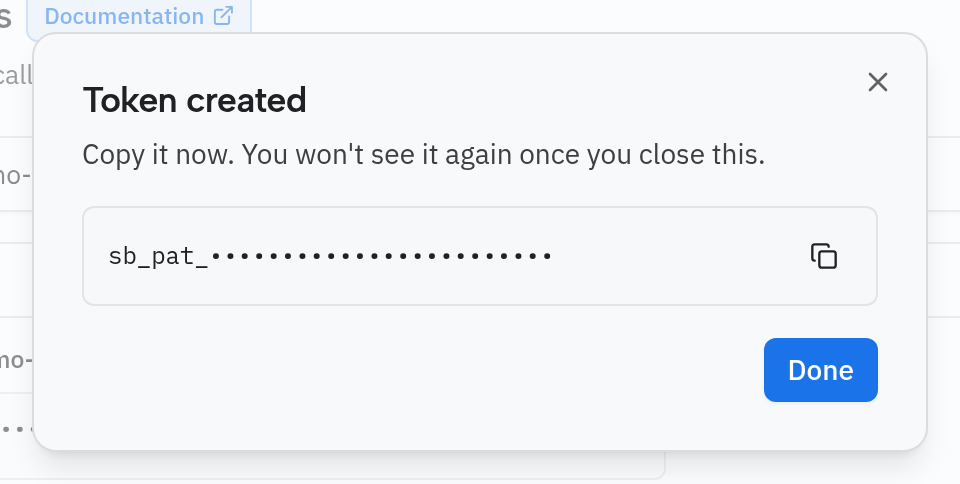
Click Create token. Token created shows the token once. Click the copy button, store the token safely and click Done.
Back in the list, the eye button shows or hides a token. Right after you create a token, this browser can still show its full value. Otherwise only its prefix is shown ("Only the prefix is shown. The full value was shown once, when it was created.").
To use the token with the CLI, see the CLI.
Revoke a token
Open the token's ⋯ menu and choose Revoke token. The browser asks "Revoke token "docs-demo-token"? Any service using it will lose access." Click OK and the token is gone from the list.
