
Vulnerability scans
Scan a service's image for known vulnerabilities after each deploy, read the results in the Security tab, and scan again on demand.
Vulnerability scans check the image a service runs for known vulnerabilities (CVEs). Scans run after a deploy goes live and never block it. Find the switch in the service's Settings → Scans.

Vulnerability scans are included in the Business plan.
Turn scans on
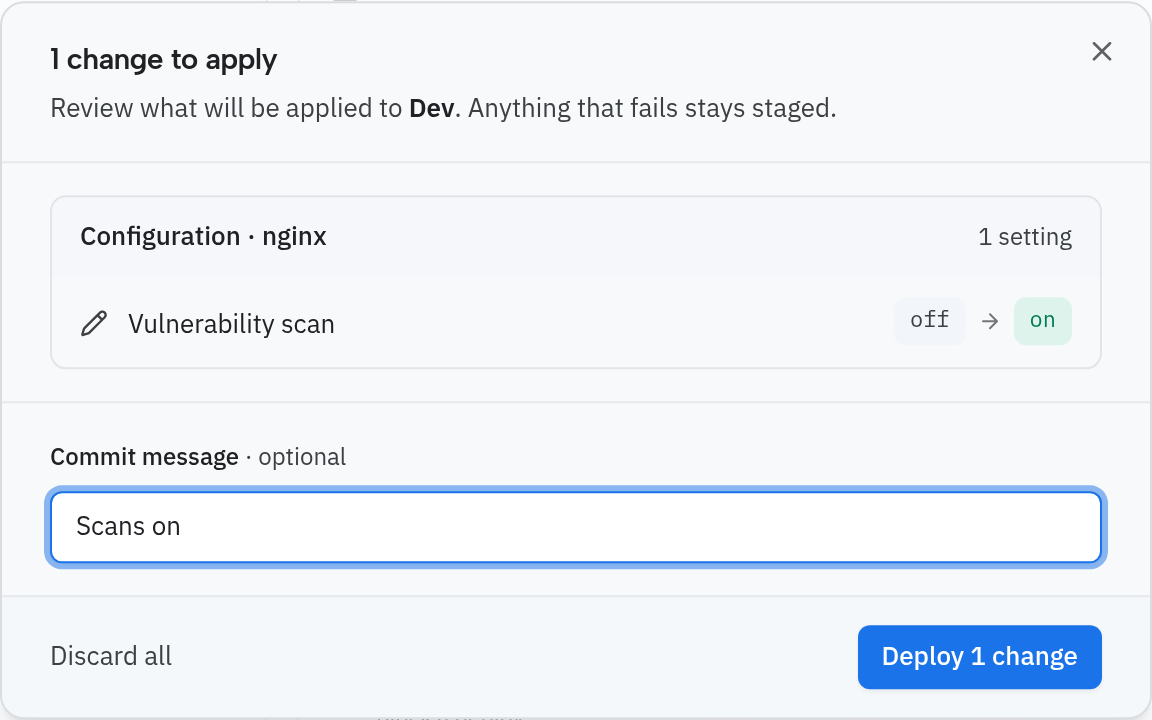
Switch Vulnerability scans on, then commit and deploy. The dialog lists Vulnerability scan going from off to on.
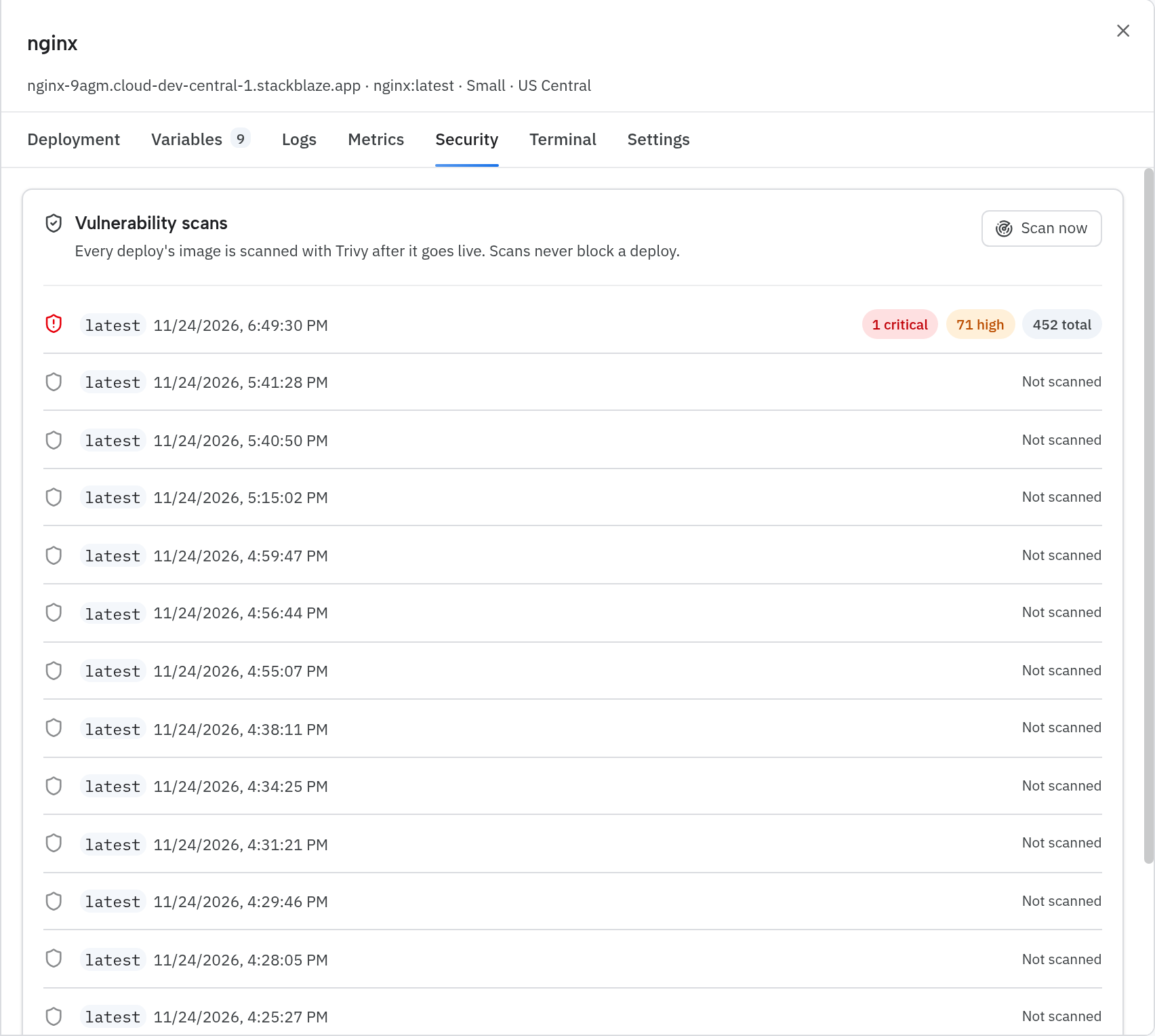
The service gets a Security tab. It lists the service's deploys, newest first, each with its scan result or Not scanned for deploys from before scans were on. The live deploy is scanned within a few minutes. Ours, nginx:latest, came back with 1 critical, 71 high and 452 total.
Read the report
Click View latest full report. The report opens below the list, and each finding shows its Severity, the CVE, the Package, the Installed version, and the version it's Fixed in when a fix exists.
Scan again
Scan now, at the top of the Security tab, scans the live deploy again, for example after new vulnerabilities are published for an image you haven't changed.
Turn scans off
Switch Vulnerability scans off, then commit and deploy. The Security tab goes away.