
Private registry
Save a registry login so your apps can pull private Docker images, then change or remove it.
Public images pull without a login. To deploy an image from a private repository, save a registry login for your organization. Every app in the organization pulls with it.
There is one login per organization. Saving a new one replaces the old one. Organization admins can change it.
Without a login: the pull fails
When you deploy a private image without a login, the deploy fails. On the app's Deployment tab, the failed deploy shows Couldn't pull the image, "Check the image name and that the registry is reachable.", the error (ErrImagePull, or ImagePullBackOff while it keeps retrying), and the link Private image? Add a registry login.
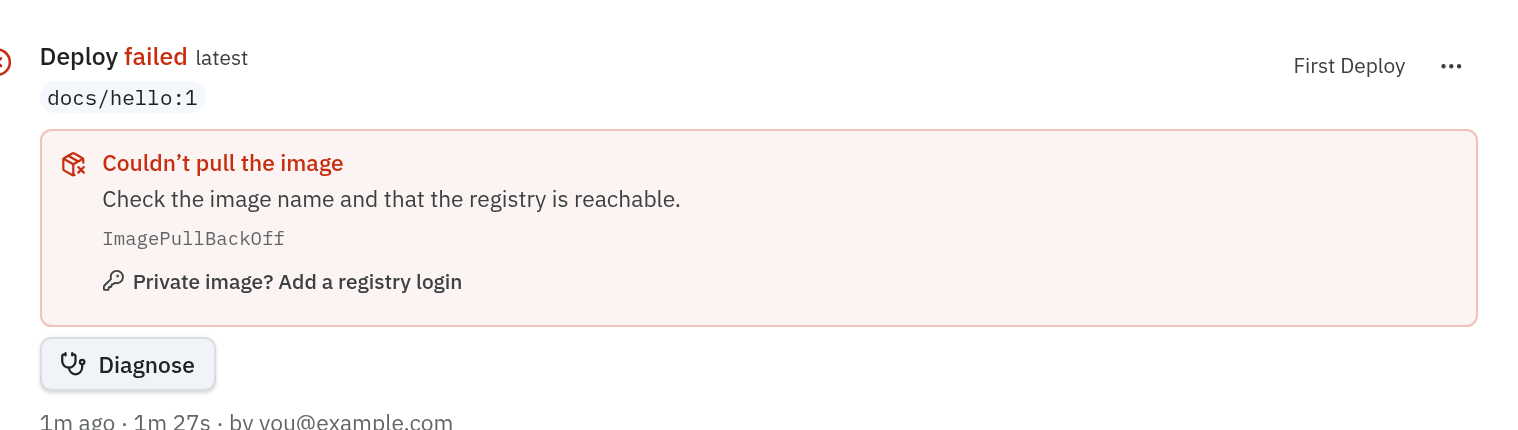
The same link is in the Docker image picker, under the image you selected. Both links open Settings → Private registry in a new tab, so the deploy you're setting up stays open.
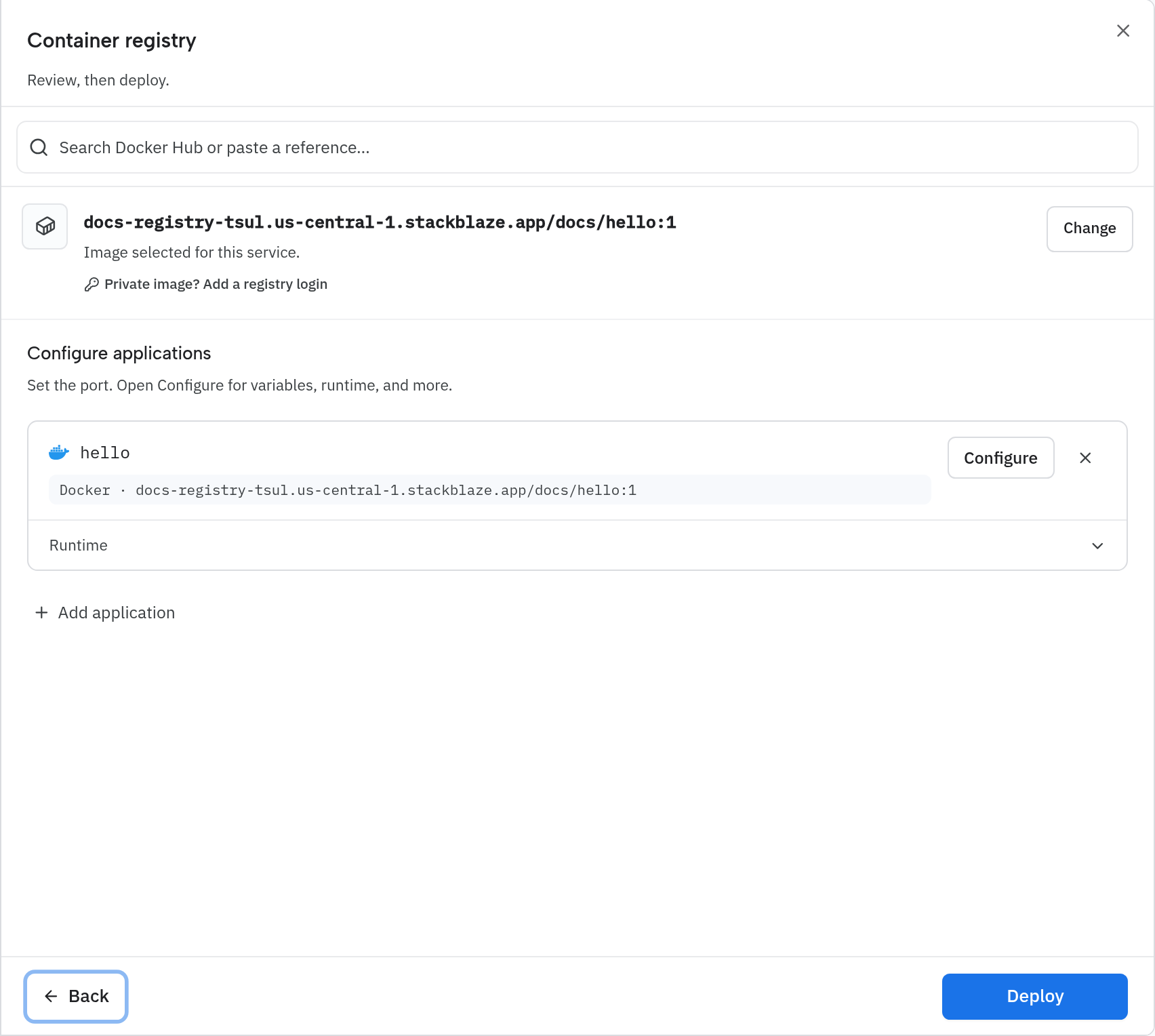
For a private image, check Port under Runtime before you deploy. For the image in this guide, which listens on port 80, it started at 8080. See Deploy a Docker image.
Add a registry login
Open Private registry
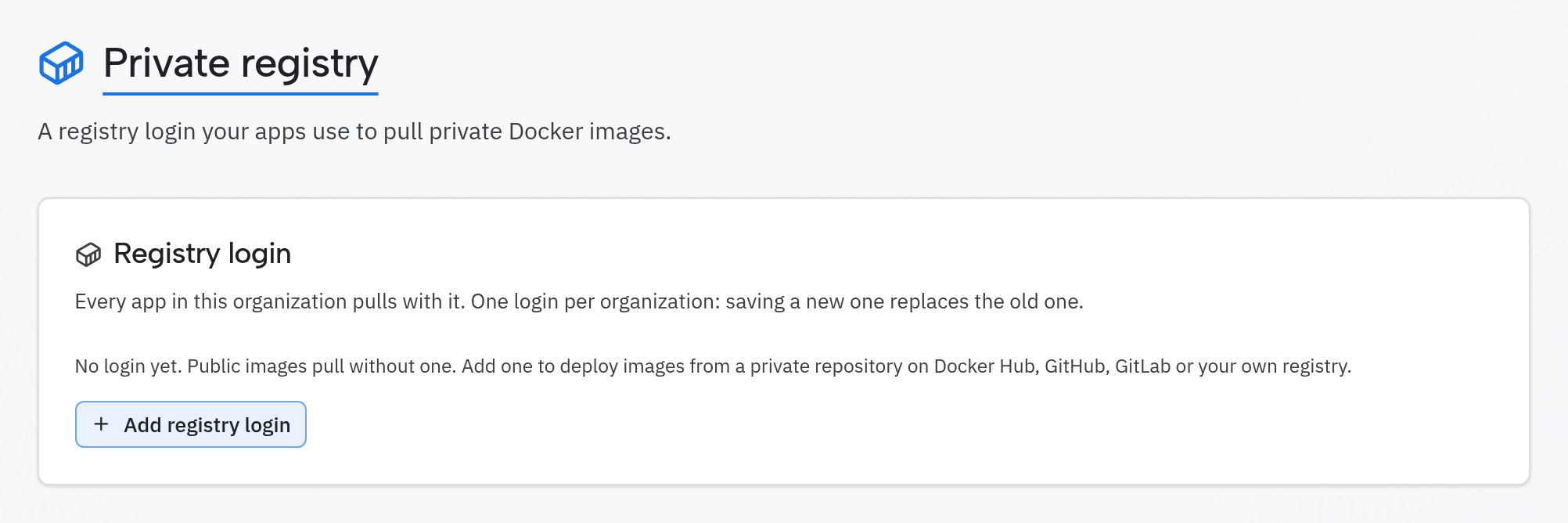
Click Settings in the sidebar, then Private registry. With no login yet, Registry login says "No login yet. Public images pull without one."
Fill in the form
Click Add registry login.
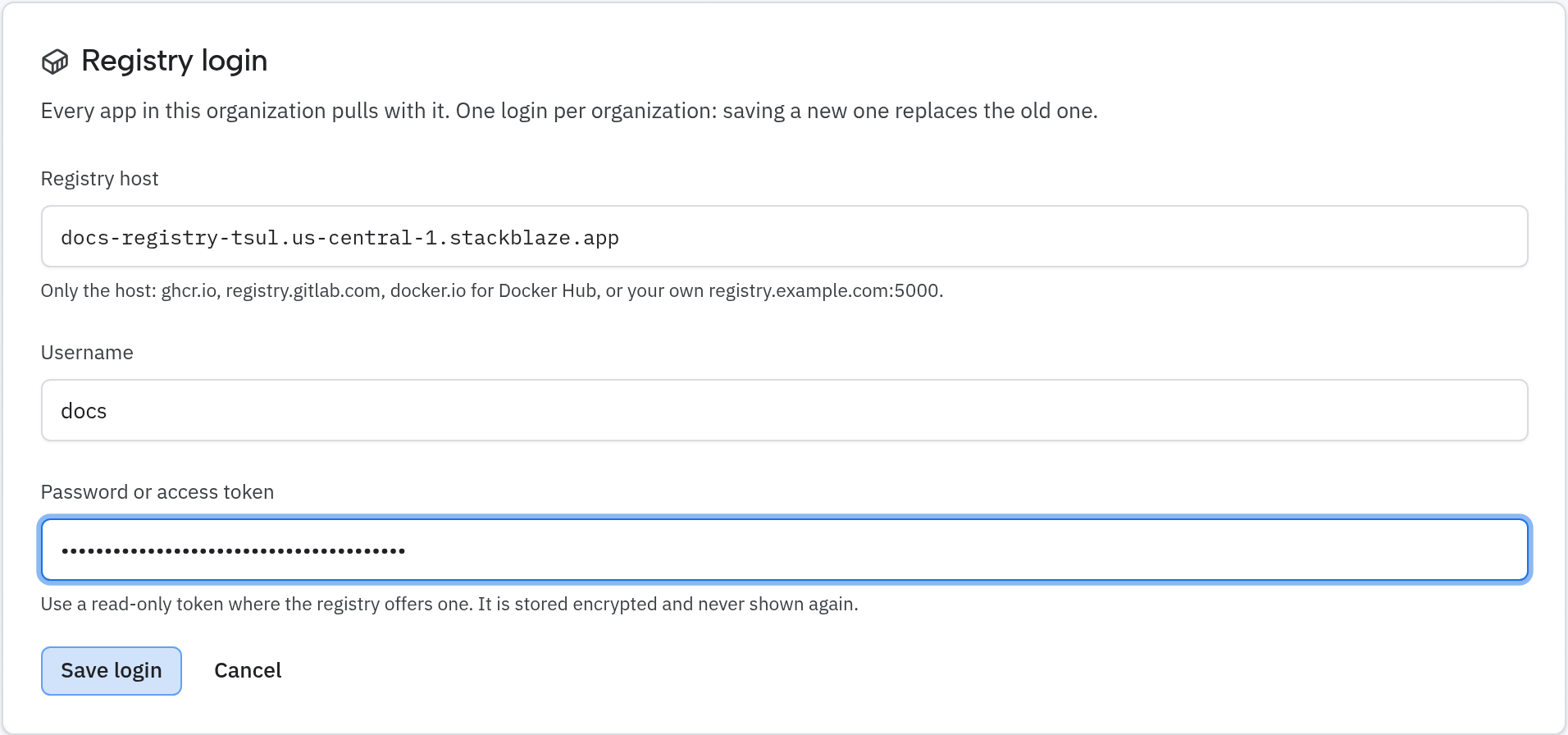
- Registry host: only the host, such as
ghcr.io,registry.gitlab.com,docker.iofor Docker Hub, or your ownregistry.example.com:5000. For the imageregistry.example.com:5000/docs/hello:1, that'sregistry.example.com:5000. - Username: your user name on that registry.
- Password or access token: use a read-only token where the registry offers one. It is stored encrypted and never shown again.
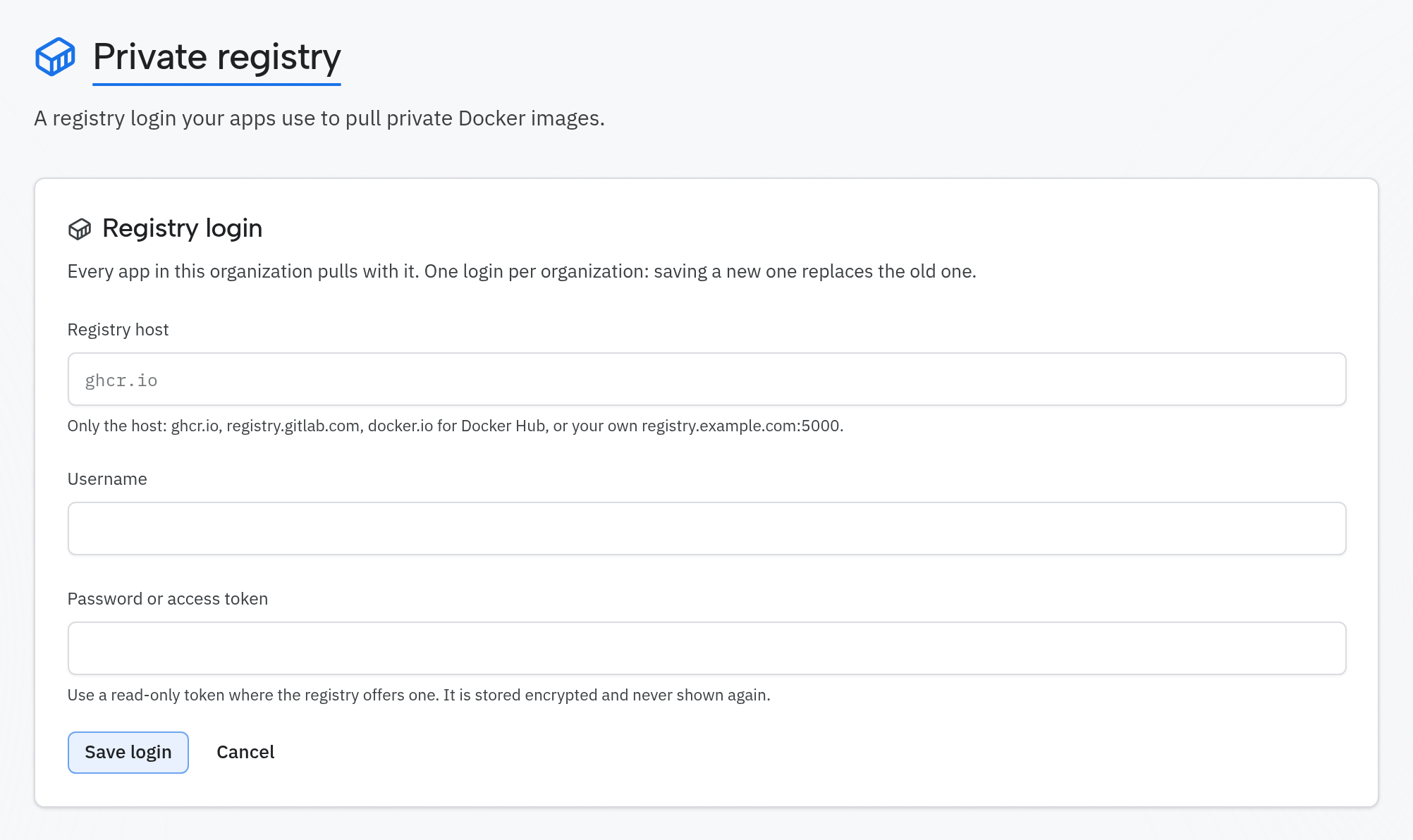
All three are required. Save login with a field empty shows what's missing: "Enter the registry host, like ghcr.io.", "Enter the user name for this registry." and "Enter the password or access token." A host that isn't a host name shows "Use a host name, like ghcr.io or registry.example.com:5000.", and a user name with a colon shows "The user name cannot contain a colon."
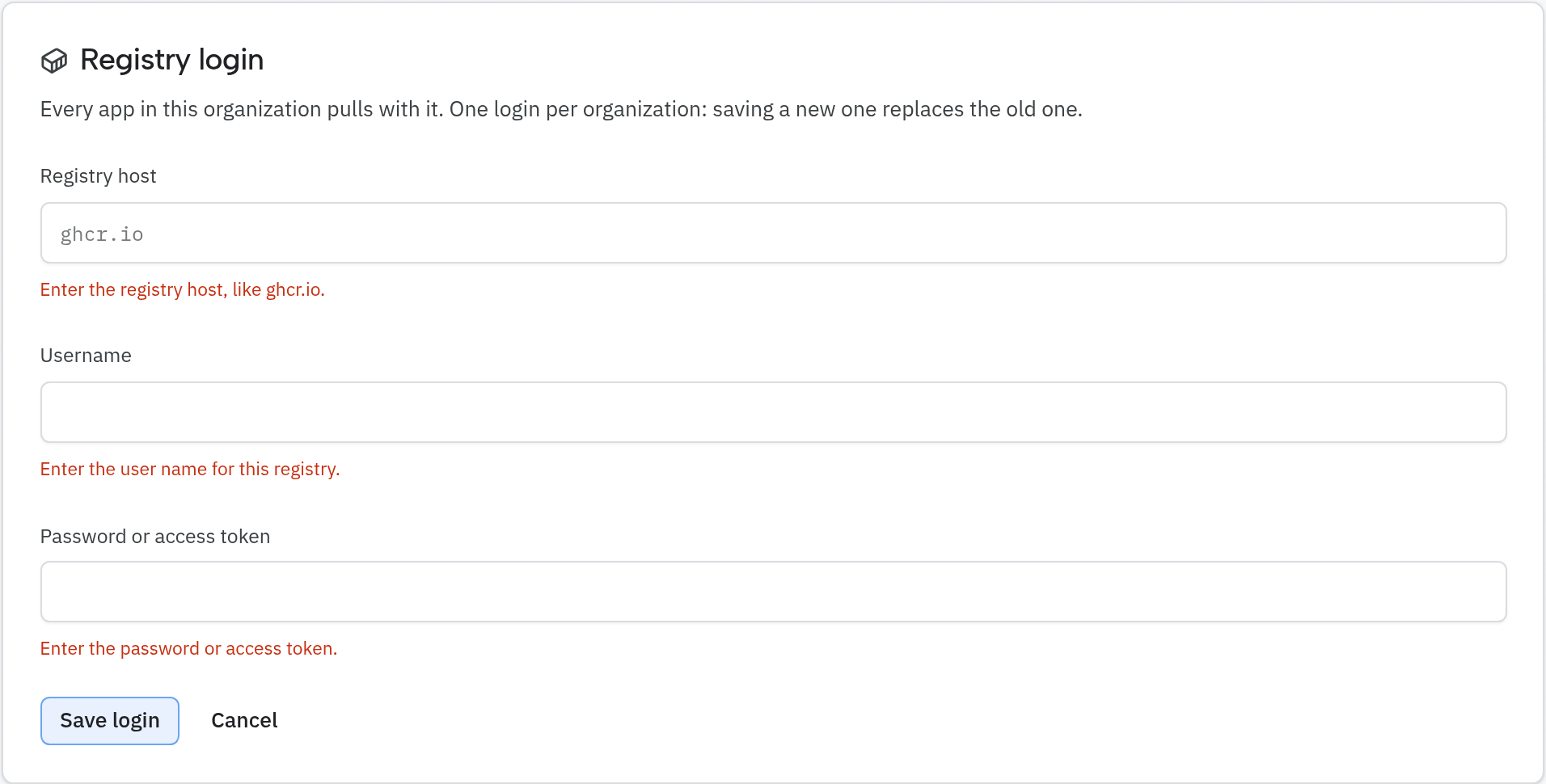
Cancel closes the form without saving.
Save
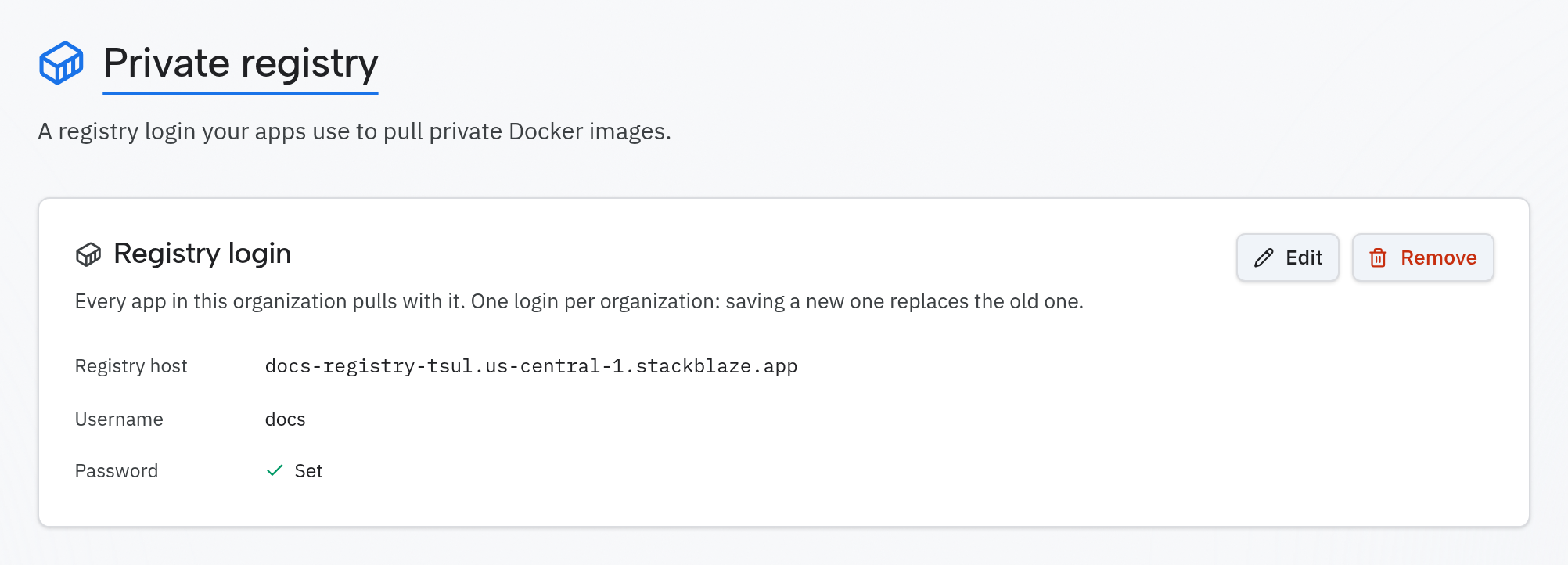
Click Save login. "Registry login saved. Apps pull with it from their next deploy." appears. The card shows the Registry host, the Username and Password: Set. The password itself is never shown.
Deploy the app again
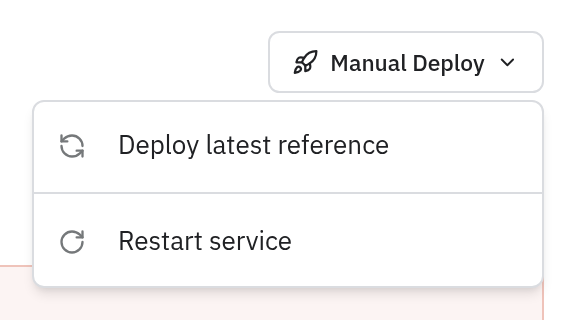
Apps already deployed pull with the login from their next deploy. Open the app, click Manual Deploy and choose Deploy latest reference.
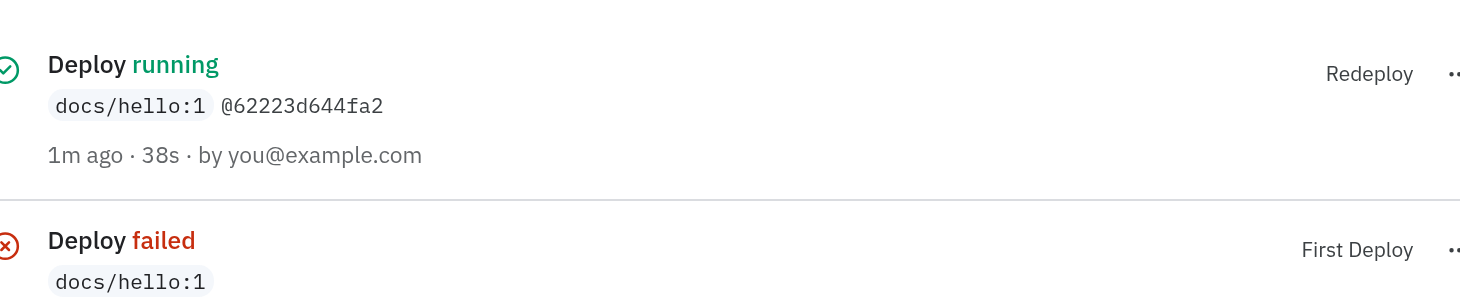
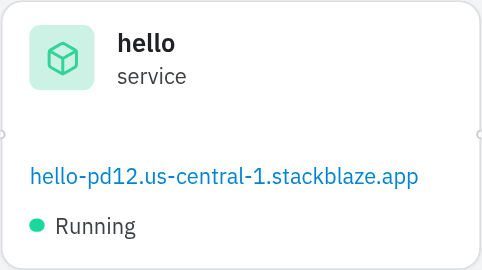
The image pulls, and the deploy shows running. The card shows Running with the app's URL.
Change the login
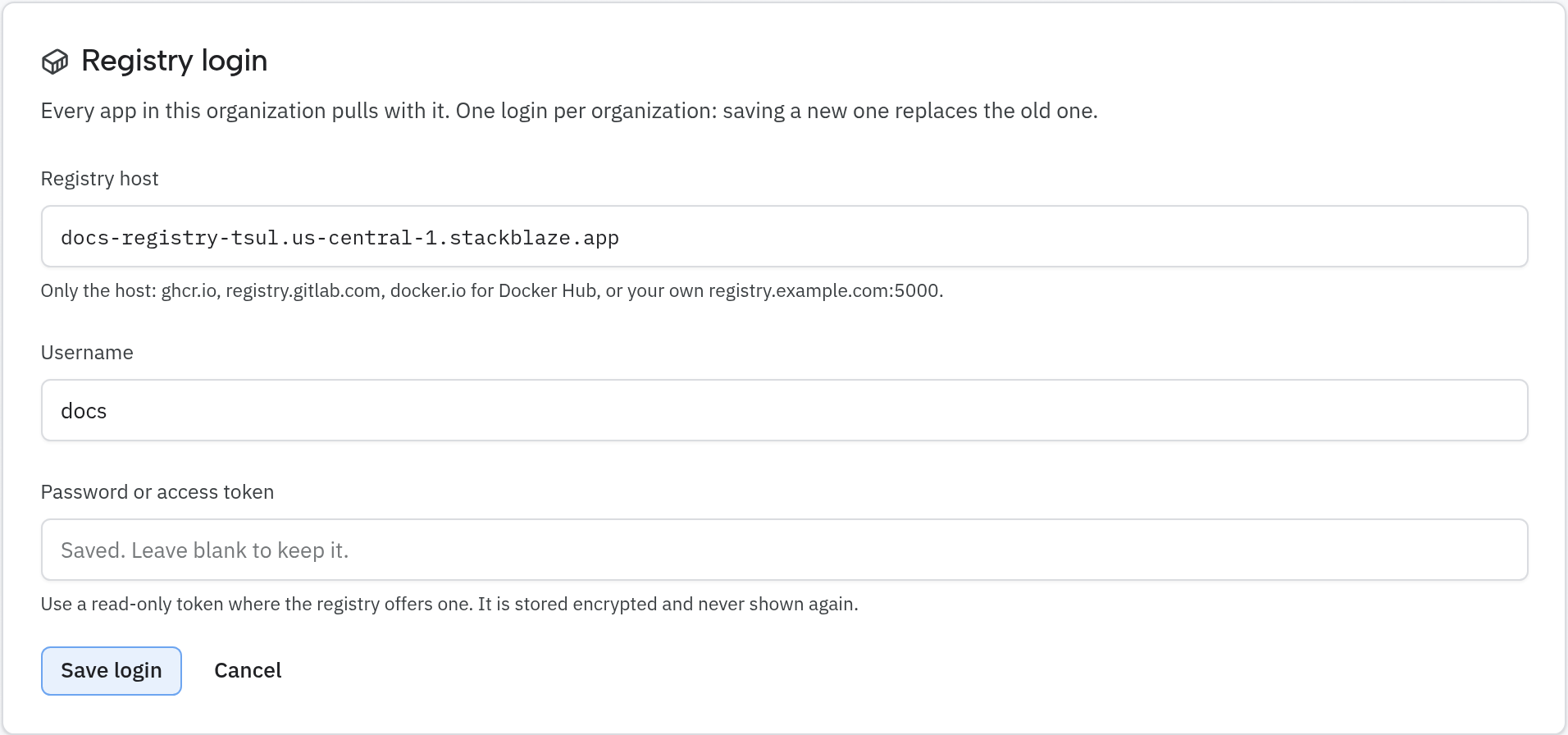
Click Edit. The host and username are filled in. The password box is empty, with "Saved. Leave blank to keep it.": leave it empty to keep the saved password, or type a new one.
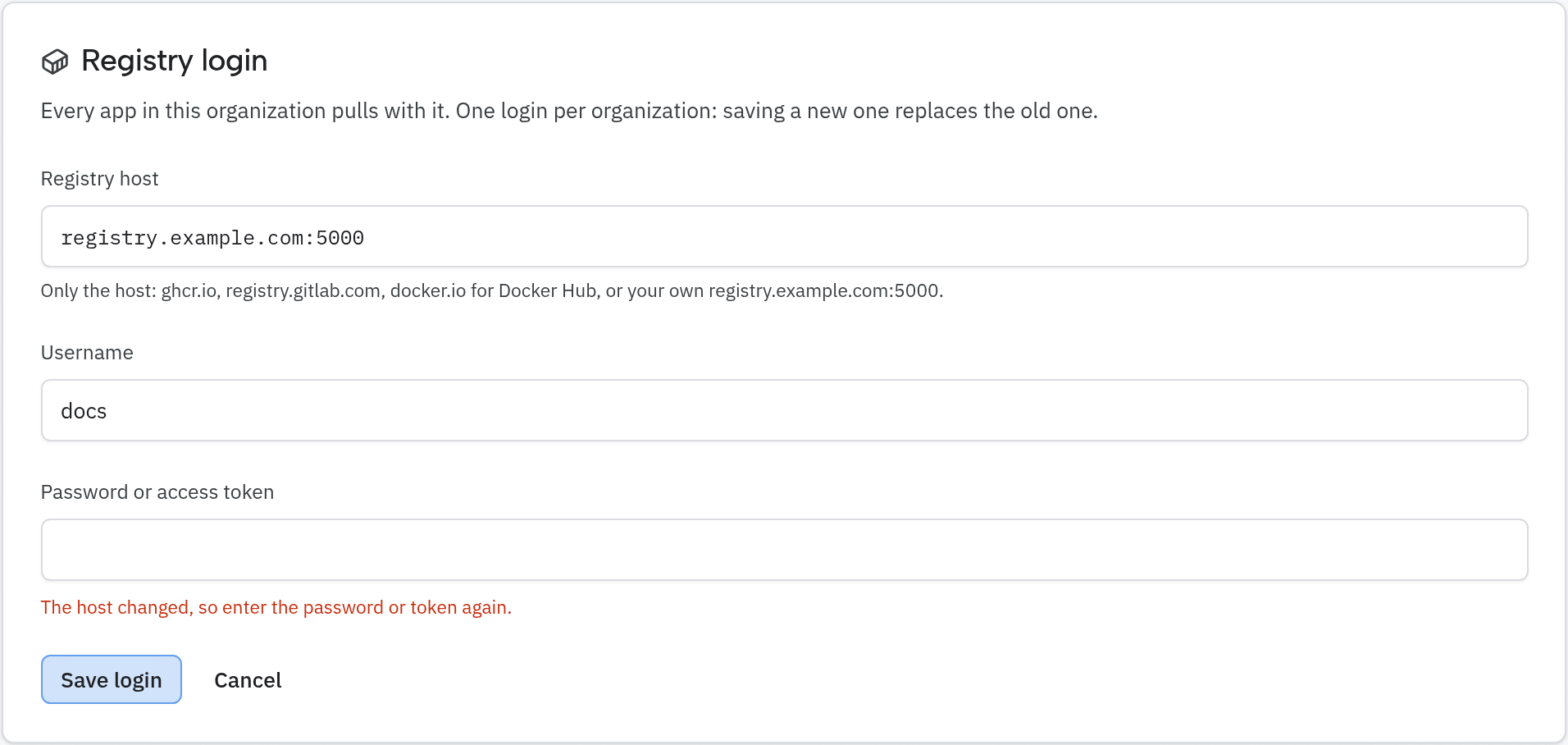
If you change the Registry host, the saved password isn't kept. Save login asks for it again: "The host changed, so enter the password or token again."
Remove the login
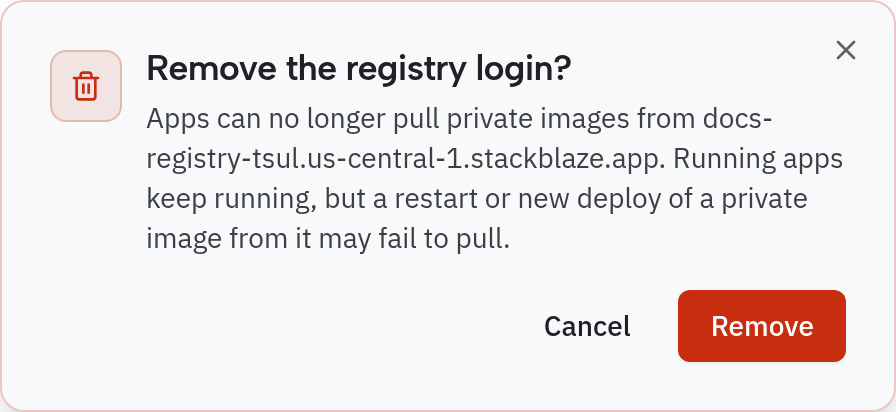
Click Remove. Remove the registry login? says that apps can no longer pull private images from that host, and that running apps keep running, but a restart or new deploy of a private image from it may fail to pull. Click Remove to confirm, or Cancel.
"Registry login removed" appears, and the card is back to "No login yet."
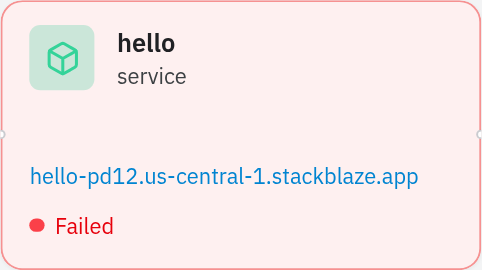
An app that already pulled the image keeps running and serving. When it's deployed again, the new copy can't pull the image, and after a minute or two the card shows Failed. The copy that was already running keeps serving the app's URL. Add the login again and deploy to fix it.
From the CLI
The CLI has the same login under stackblaze registry. It uses your active organization.
stackblaze registry statusregistry.example.com:5000 user docs password setIt shows the host, the user, and whether a password is set, never the password. With no login, it says "No registry login. Public images pull without one."
To save a login, pass the host and -u with the username. The password is never a flag: you're asked for it without echo, or you pipe it with --password-stdin.
stackblaze registry login registry.example.com:5000 -u docs
echo "$REGISTRY_TOKEN" | stackblaze registry login registry.example.com:5000 -u docs --password-stdin
Without a terminal and without --password-stdin, login stops with "No terminal to ask for the password: pipe it with --password-stdin." and changes nothing.
To remove it, run stackblaze registry logout. It asks you to confirm; -y skips the question. With no login saved, it says "No registry login to remove."
status, login and logout take --json for a JSON result. Only organization admins can run login and logout.