
SSH keys
Add a public key to your account so you can ssh, scp and sftp into your apps and sandboxes, then remove it when you no longer need it.
An SSH key on your account lets you open a shell on your running apps from your own terminal. It also works with scp, sftp, rsync, -L port forwards, stackblaze ssh --native, and VS Code or Cursor with Remote-SSH. Keys belong to you, not to an organization.
Open SSH keys
Click the person icon at the top right, choose Personal settings, then open the SSH keys tab.
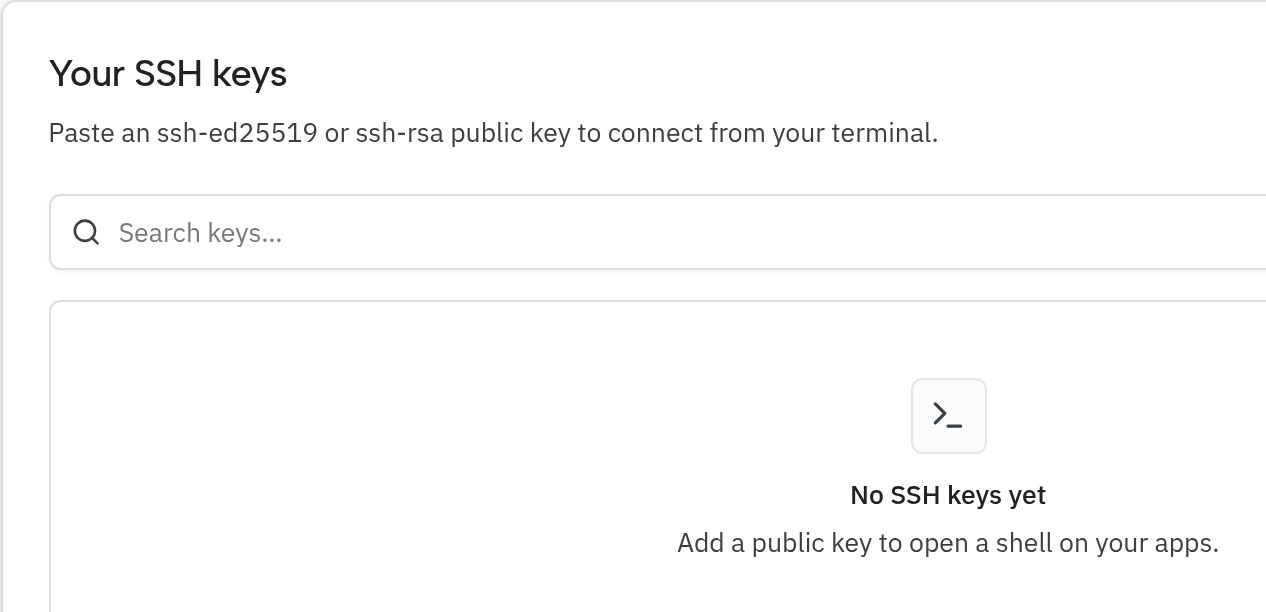
Add a key
Get your public key
If you don't have a key yet, create one:
ssh-keygen -t ed25519Then print the public half, the .pub file:
cat ~/.ssh/id_ed25519.pubThe page asks for an ssh-ed25519 or ssh-rsa public key.
Paste it
Click Add SSH key. Enter a Name you'll recognize, for example Work laptop, and paste the key into Public key.
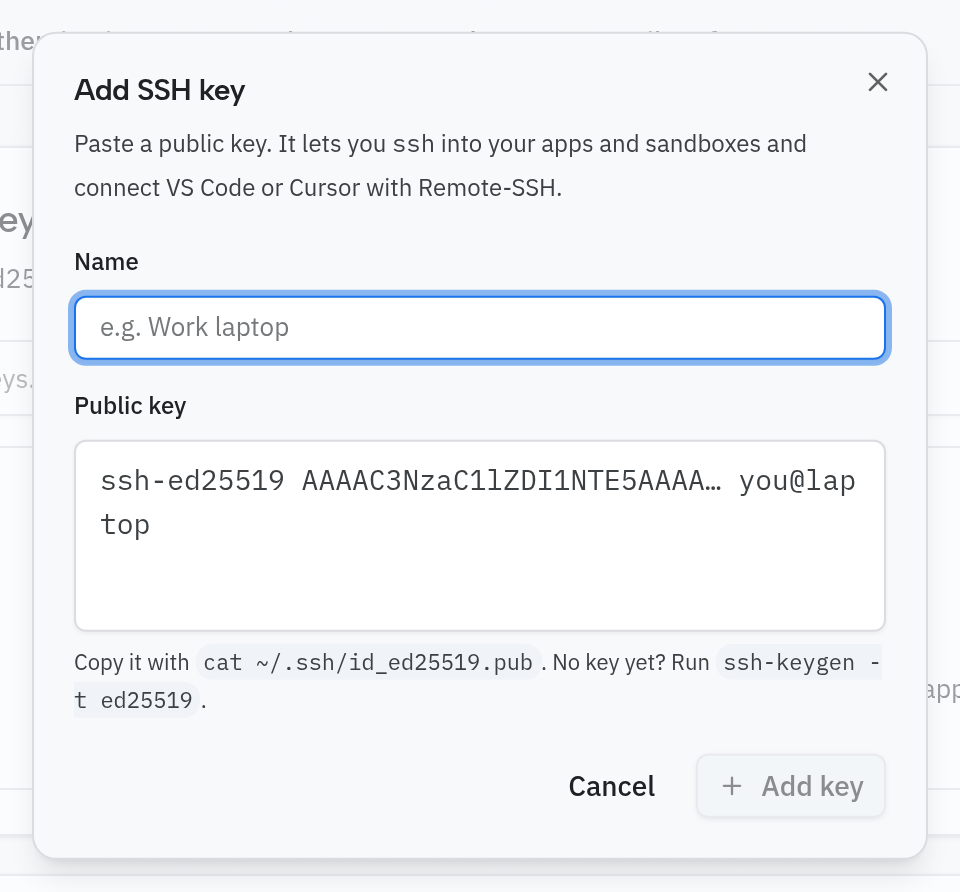
Add key stays disabled until both fields are filled. If the text isn't a valid public key, nothing is added and the dialog says "Invalid SSH public key. Paste a single-line public key (ssh-ed25519 / ssh-rsa / ecdsa-sha2-…)."
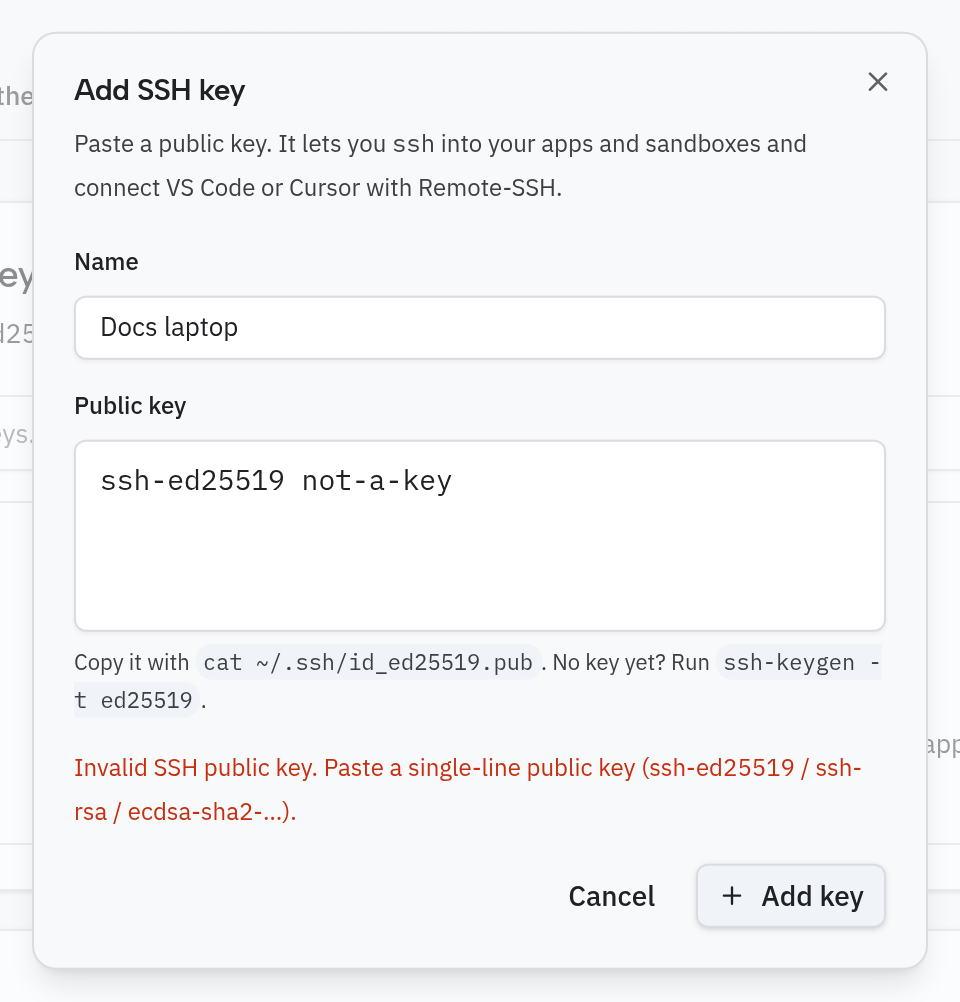
Paste the whole line of the .pub file. The error message stays until you click Add key again.
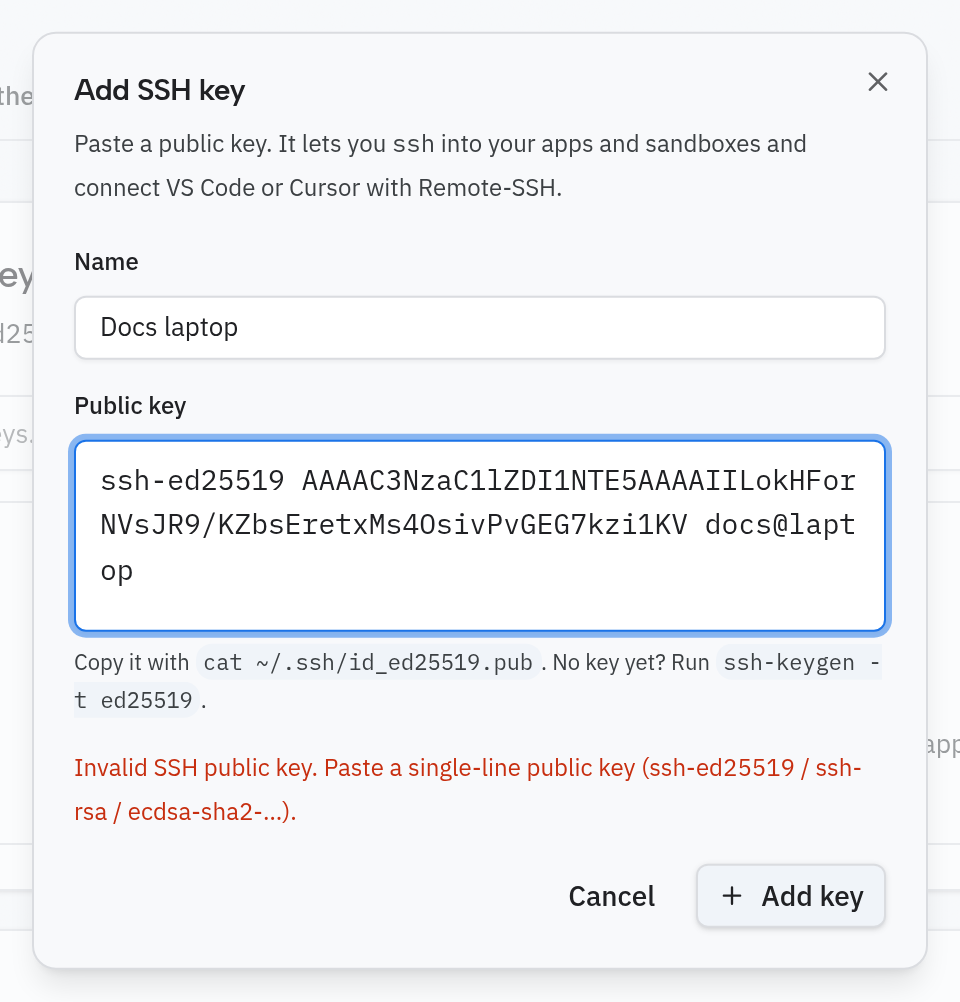
Add it
Click Add key. "SSH key added" confirms it. The list shows the key's Name, its Fingerprint and when it was Added. Once you've used it, the row also says when it was last used.
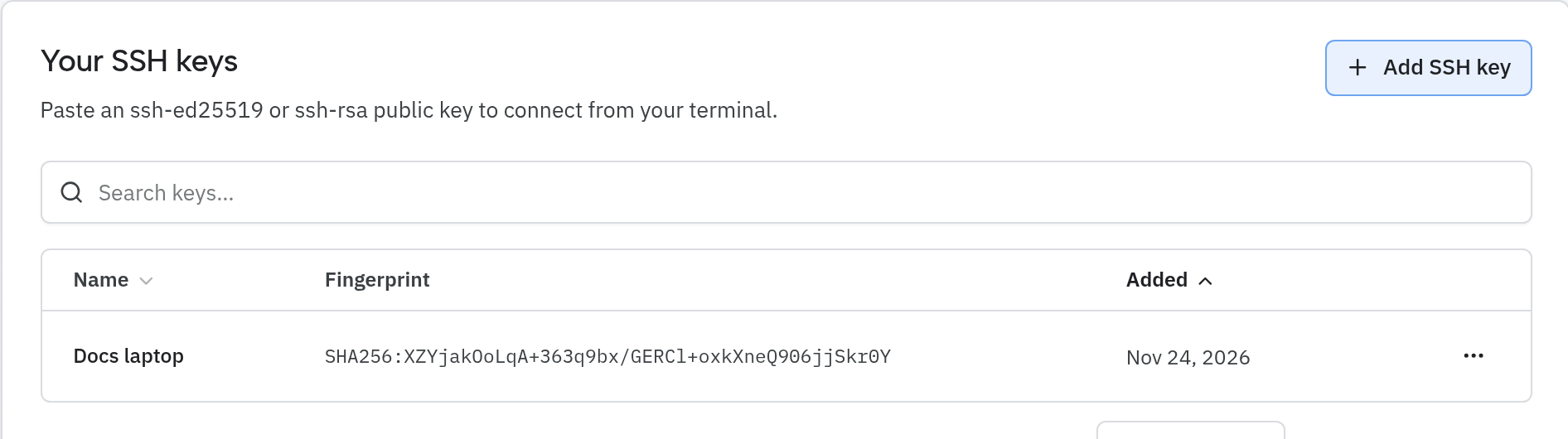
You can compare the fingerprint with the one on your computer: ssh-keygen -lf ~/.ssh/id_ed25519.pub.
Connect
The Connect card under the list explains the address. The SSH user is the app, written project.environment.app, and your key signs you in. Each region has its own address and host key:
| Region | Address | Host key |
|---|---|---|
| US Central | ssh.us-central-1.stackblaze.cloud, port 2202 | SHA256:BLPHXSd404l6QjYuKC8yHMMJeRZNYSxBMwO5hcqpEvU |
| US East | ssh.us-east-1.stackblaze.cloud, port 2203 | SHA256:2jQ49MLaO0FwDMpkYJUtdiOCKdQ62SRwoeNHghxZqQ0 |
| US West | ssh.us-west-1.stackblaze.cloud, port 2201 | SHA256:FCtoOCcaMlZUiUrX5ABfXSuI1X8M/deZ8xP8LwdHQes |
Use the address of your app's region. Copy SSH command on the app picks it for you. For example, in US Central:
ssh -p 2202 'project.production.app'@ssh.us-central-1.stackblaze.cloud
scp -P 2202 ./dump.sql 'project.production.app'@ssh.us-central-1.stackblaze.cloud:/tmp/
See Terminal and SSH for the other ways in, and stackblaze ssh-keys to manage keys from the CLI.
Delete a key
Open the key's ⋯ menu and choose Delete key. The browser asks you to confirm ("Delete SSH key “Docs laptop”?"). Click OK. "SSH key deleted" confirms it.
