Import a stack
Bring services and databases in from a docker-compose file, render.yaml, fly.toml or stackblaze.yaml.
Import reads a file that describes your stack and adds its services and databases to the canvas, staged. Nothing is created until you commit. It reads docker-compose files, render.yaml, fly.toml and stackblaze.yaml.
Open Import
In your project, click + Service and choose Import (Compose, render.yaml, fly.toml).
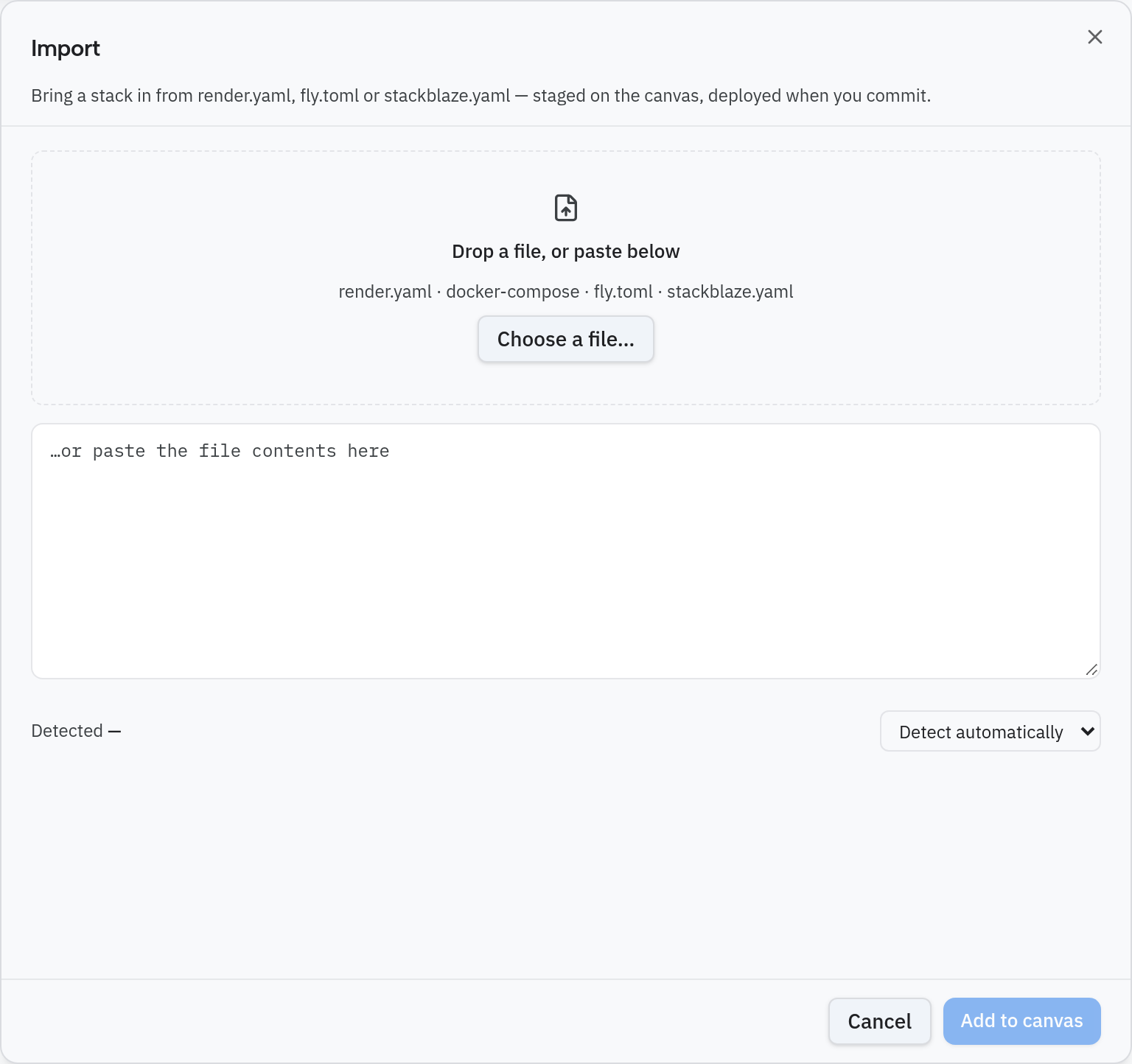
Add your file
Click Choose a file…, or paste its contents into the box. The format is detected for you; Detect automatically next to it lets you pick stackblaze.yaml, render.yaml, docker-compose or fly.toml yourself.
This guide imports this docker-compose.yml:
services:
  web:
    image: nginx:1.27
    ports:
      - "8080:80"
    environment:
      DATABASE_URL: postgres://app:app@db:5432/appdb
      REDIS_HOST: cache
      GREETING: ${GREETING}
    depends_on:
      - db
  db:
    image: postgres:16
    environment:
      POSTGRES_DB: appdb
      POSTGRES_USER: app
  cache:
    image: redis:7
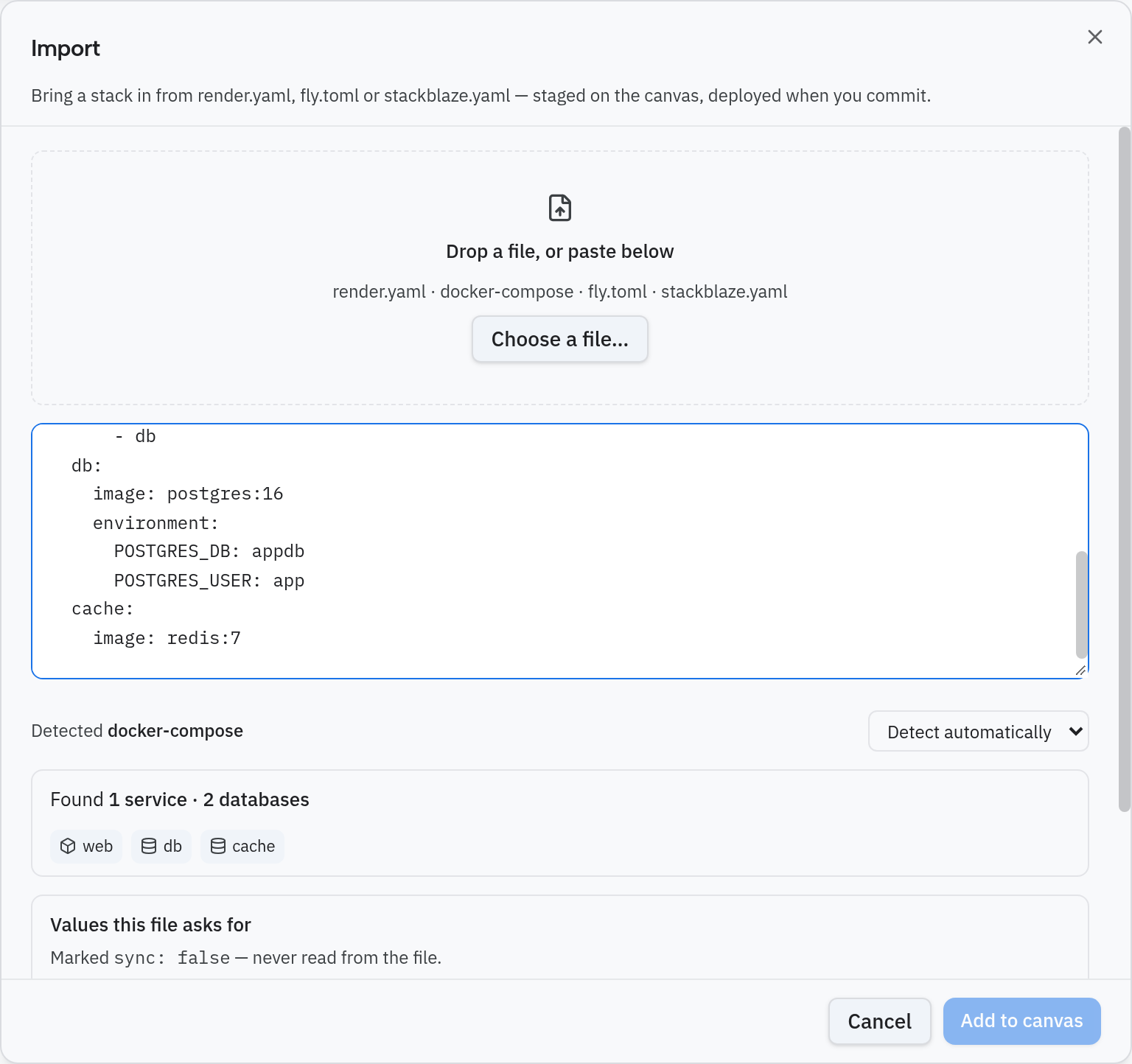
Check what was found
The dialog lists what it will add: here Found 1 service · 2 databases (web, db, cache). The postgres and redis services become a PostgreSQL and a Valkey database instead of containers.
Below that are notes about what changed on the way in. For this file:
DATABASE_URL"was repointed at the db add-on (compose service DNS does not carry over)".depends_on"is ignored — services start independently and retry".
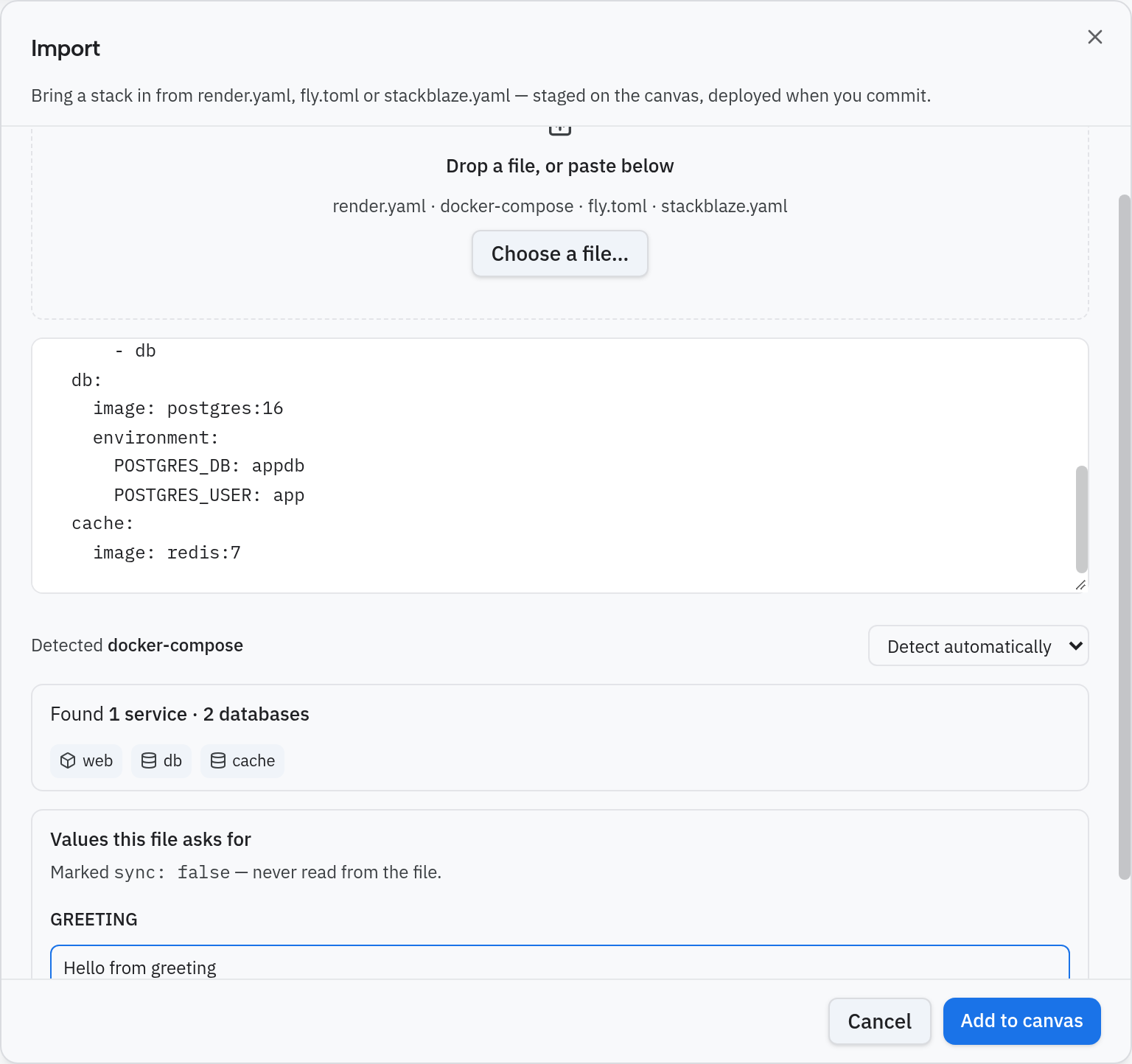
Fill in the values the file asks for
A value the file doesn't contain, such as ${GREETING} here, is listed under Values this file asks for. Type a value for each one; Add to canvas stays disabled until you do.
Add to canvas, then commit
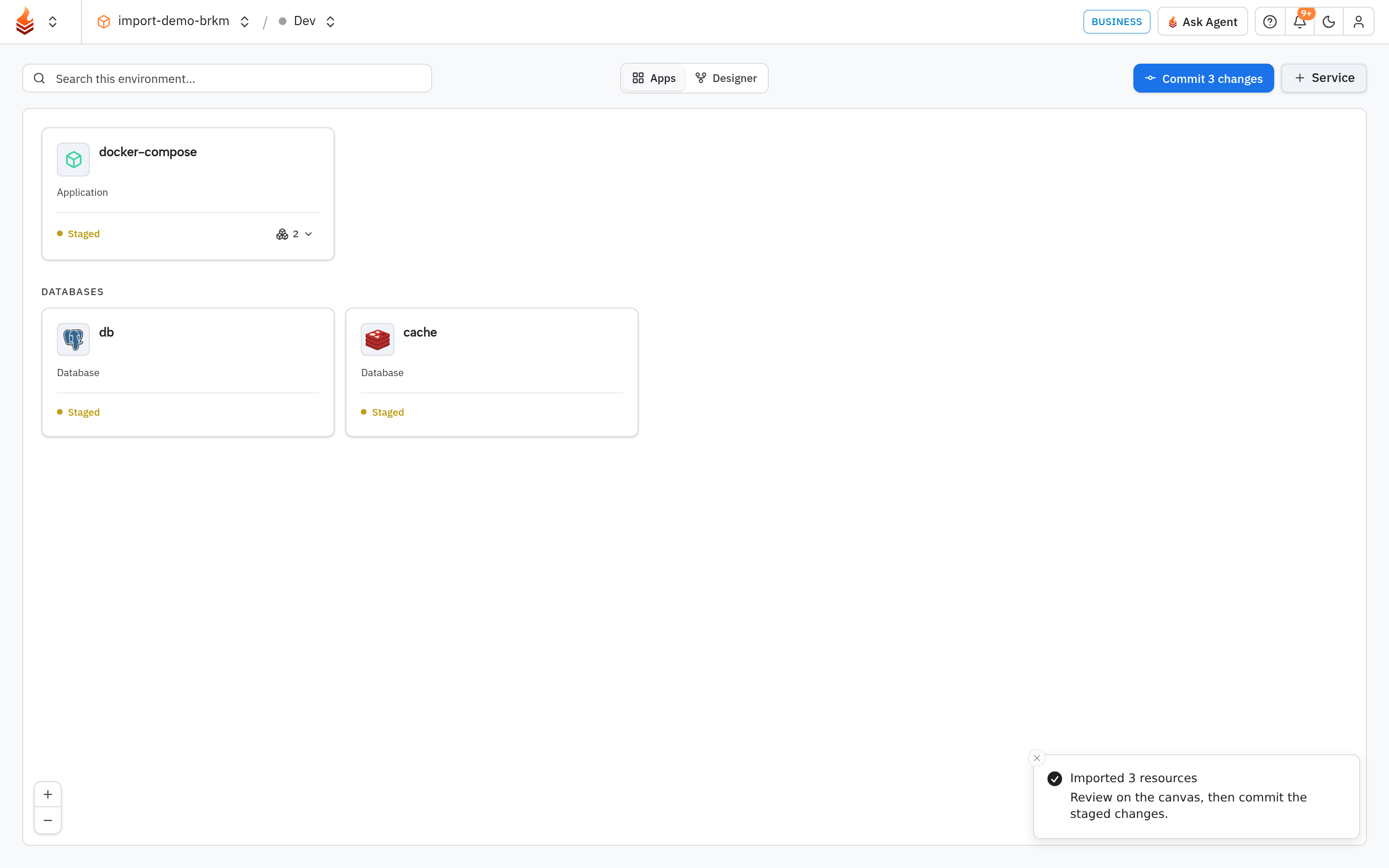
Click Add to canvas. The service and both databases appear as Staged, and Commit 3 changes shows in the toolbar.
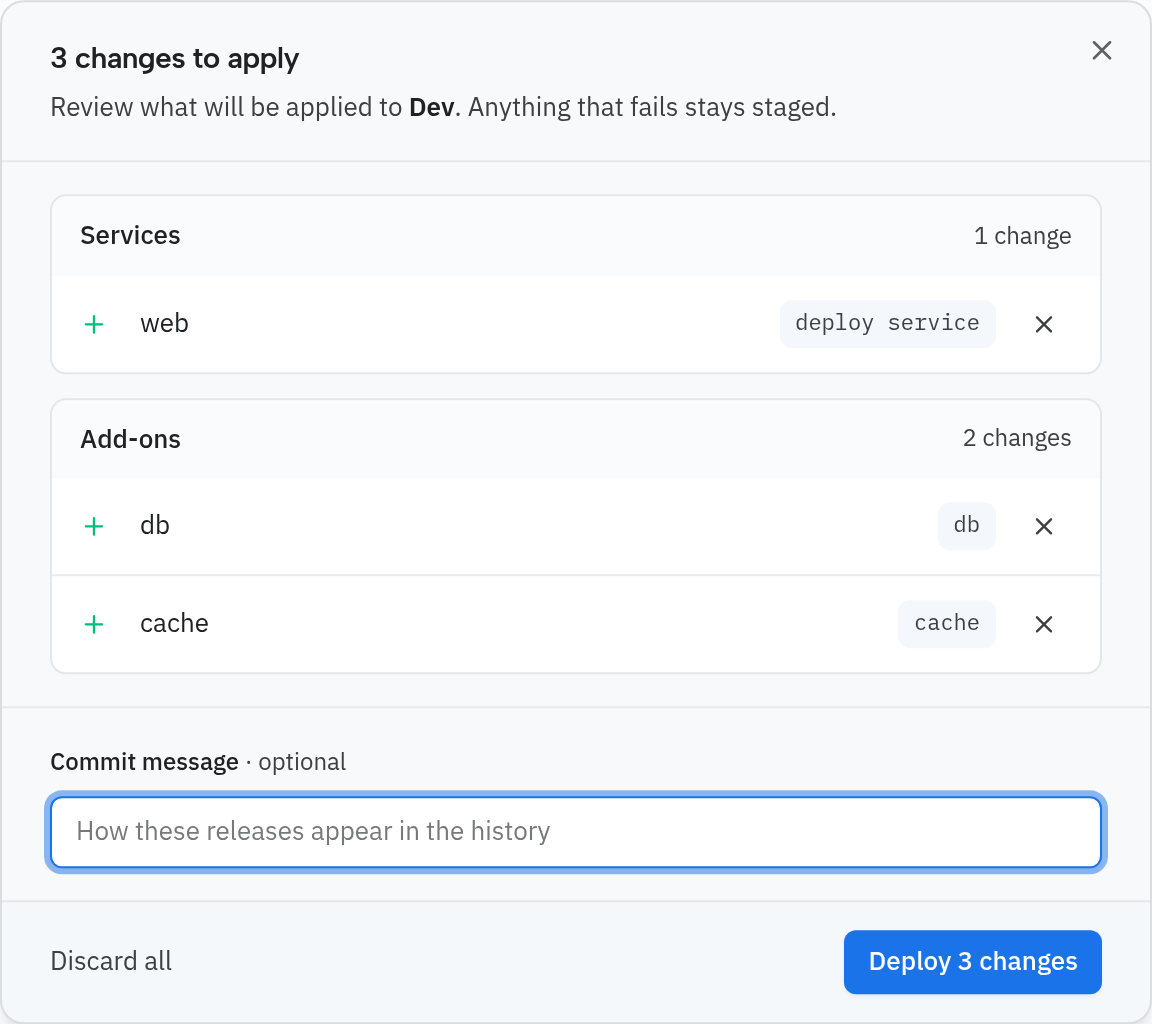
Click Commit 3 changes to review what will be applied (one service, two add-ons). Add a Commit message if you like, then click Deploy 3 changes. Discard all drops the import instead.
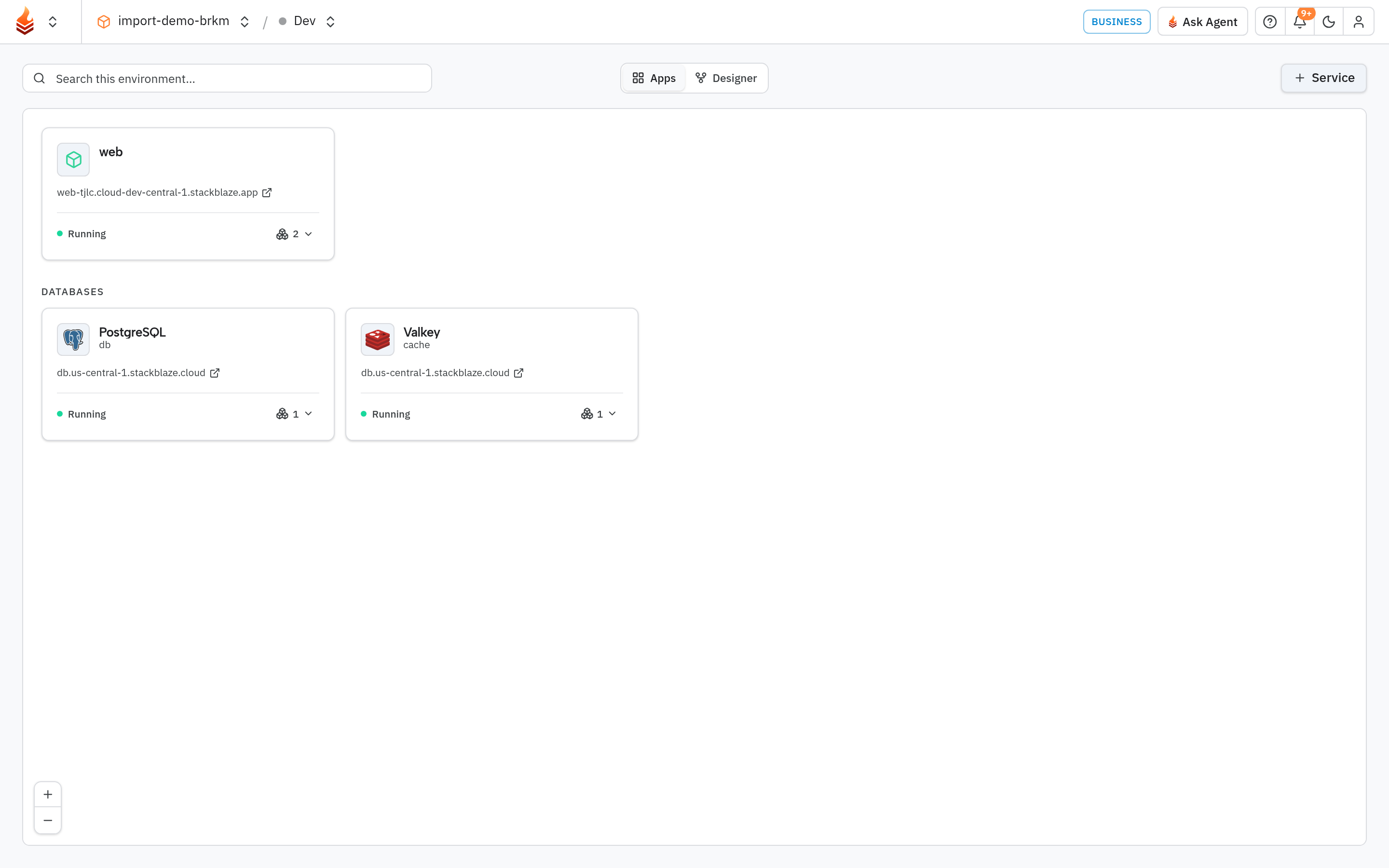
Running
When everything is Running, web is on its public URL and connected to both databases. Its DATABASE_URL points at the new PostgreSQL database, and REDIS_HOST at the Valkey one.
How a Compose file is read
We imported a docker-compose.yml that uses each of these fields into an empty environment and checked what the import made of it:
| Compose field | Becomes |
|---|---|
image: postgres, postgis | a PostgreSQL database. POSTGRES_DB and POSTGRES_USER name its database and user; the password is generated, not taken from the file. |
image: mariadb, mysql | a MariaDB database |
image: redis, valkey | a Valkey database |
image: kafka | a Kafka add-on |
any other image | a service that runs that image, with its tag |
build | a service built with Docker: context becomes the Build path and dockerfile the Dockerfile |
ports | the service's port: the container side, so "8080:3000" gives 3000. Only the first port is used. |
no ports | a Worker (no port, no URL) |
environment | variables. A value that names another Compose service, such as db or cache, is pointed at that database's private address. ${NAME} is asked for under Values this file asks for. |
command | the start command |
volumes (a named volume) | a 1 GiB volume at that path. Bind mounts such as ./src:/app are dropped. |
deploy.replicas | the number of instances |
Other datastore images that have no StackBlaze equivalent are skipped, with a note saying so. A service with neither image nor build is skipped too.
These fields are left out, each with a note in the dialog:
version: "is obsolete and was ignored".build.args: "are ignored — bake them into the Dockerfile or use env vars".healthcheck: "is a shell command; set an HTTP health check path on the service afterwards" (see Health checks).depends_on: "is ignored — services start independently and retry".- A second port: "only 3000 is routed (a service has one container port)".
Other formats
render.yaml
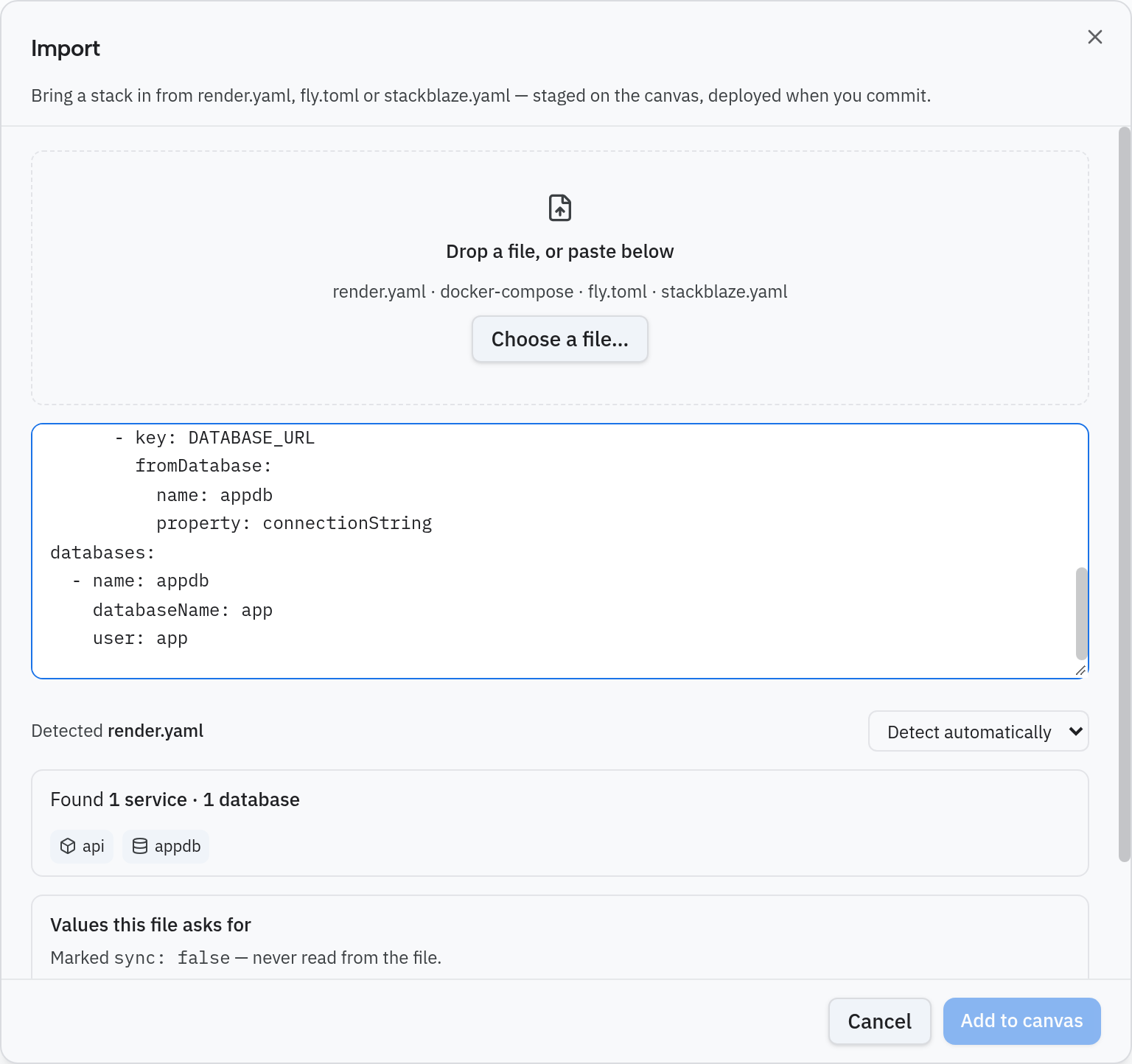
Services and databases come across. A variable marked sync: false is asked for under Values this file asks for.
fly.toml
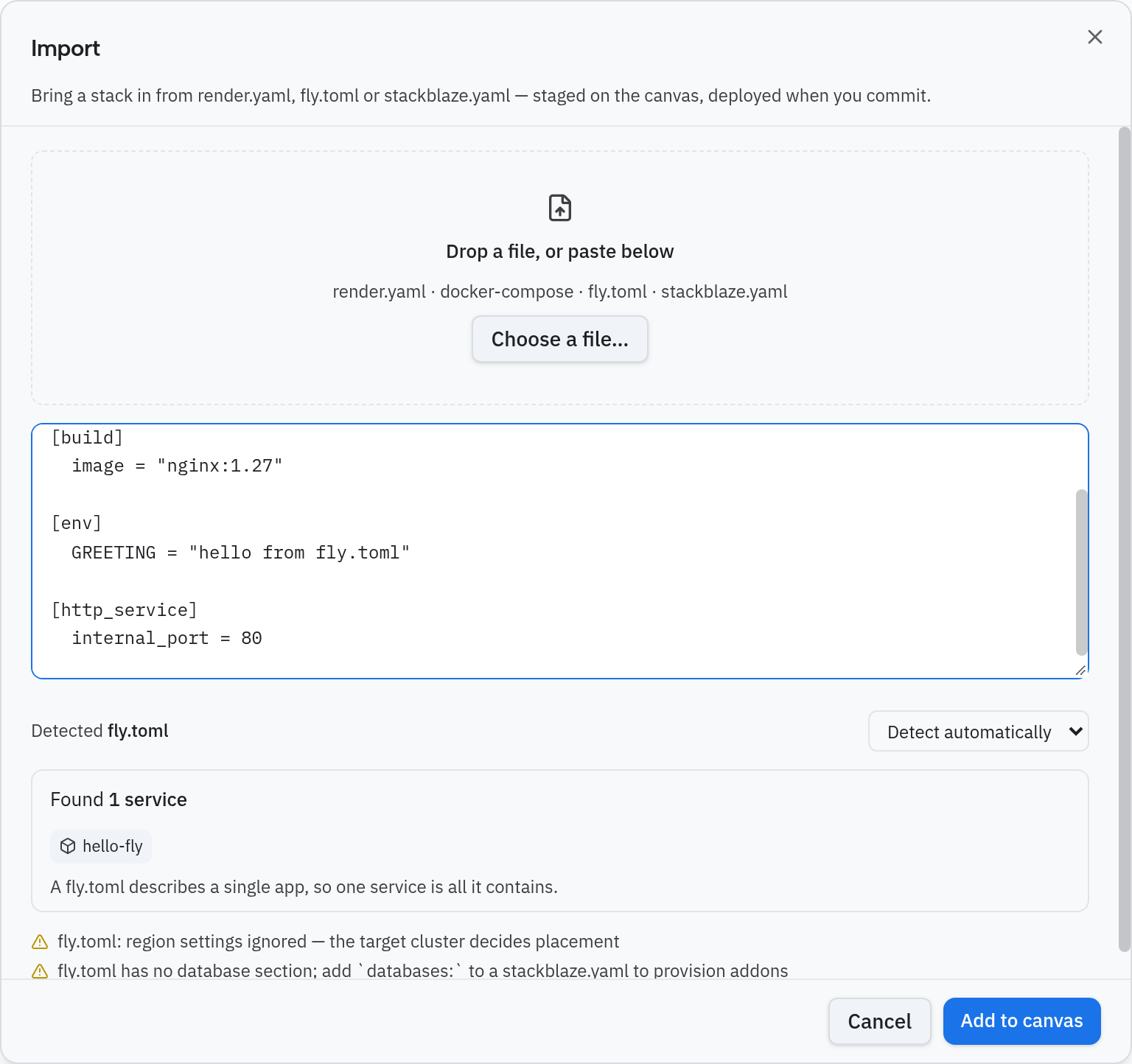
A fly.toml describes one app, so you get one service. Region settings are ignored (the cluster decides placement), and a fly.toml has no databases.
stackblaze.yaml
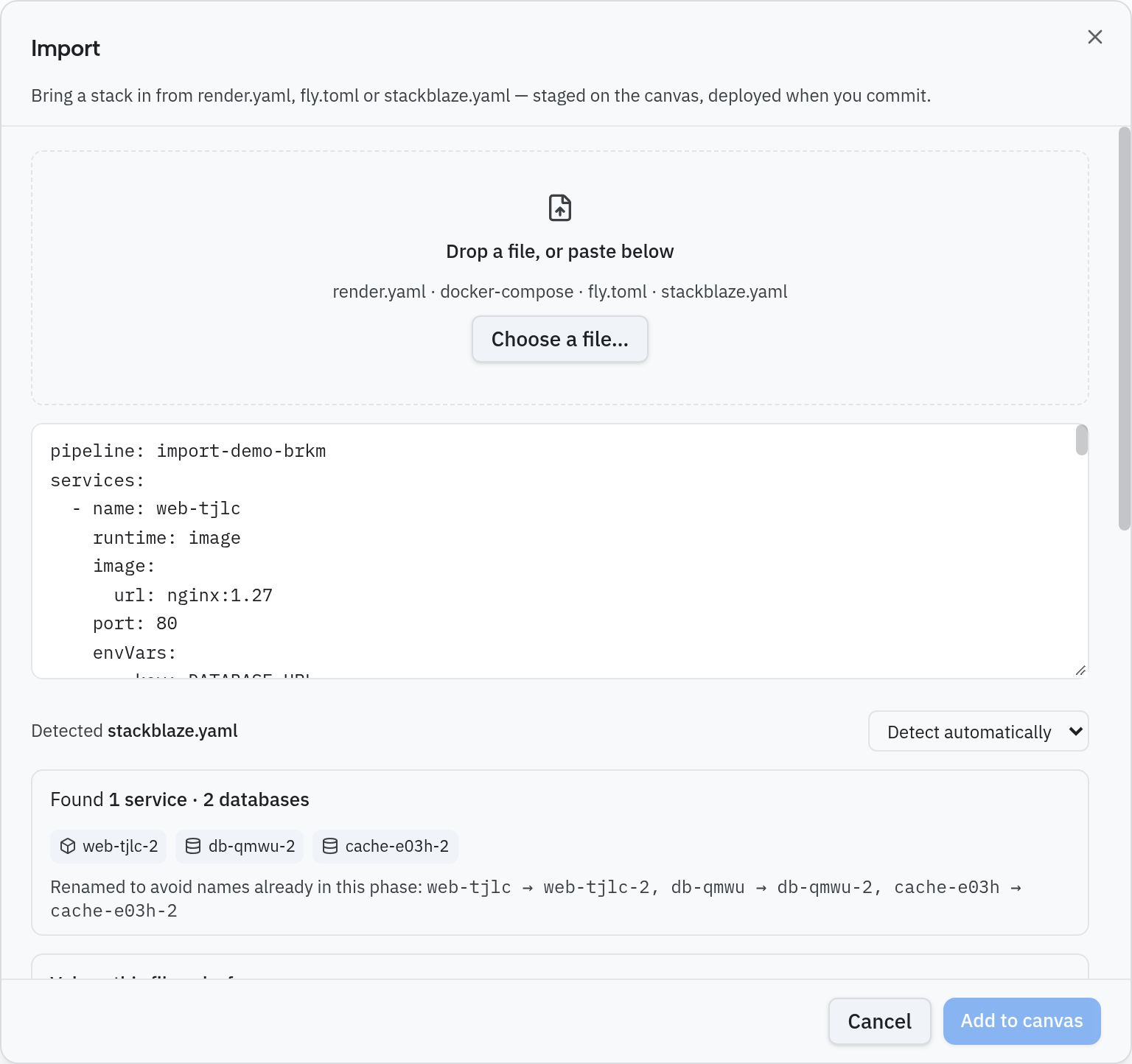
A stackblaze.yaml is StackBlaze's own format, the one a saved template uses; every field is in the stackblaze.yaml reference. Importing into an environment that already has services with the same names renames the new ones (here web-tjlc → web-tjlc-2), and lists the renames.
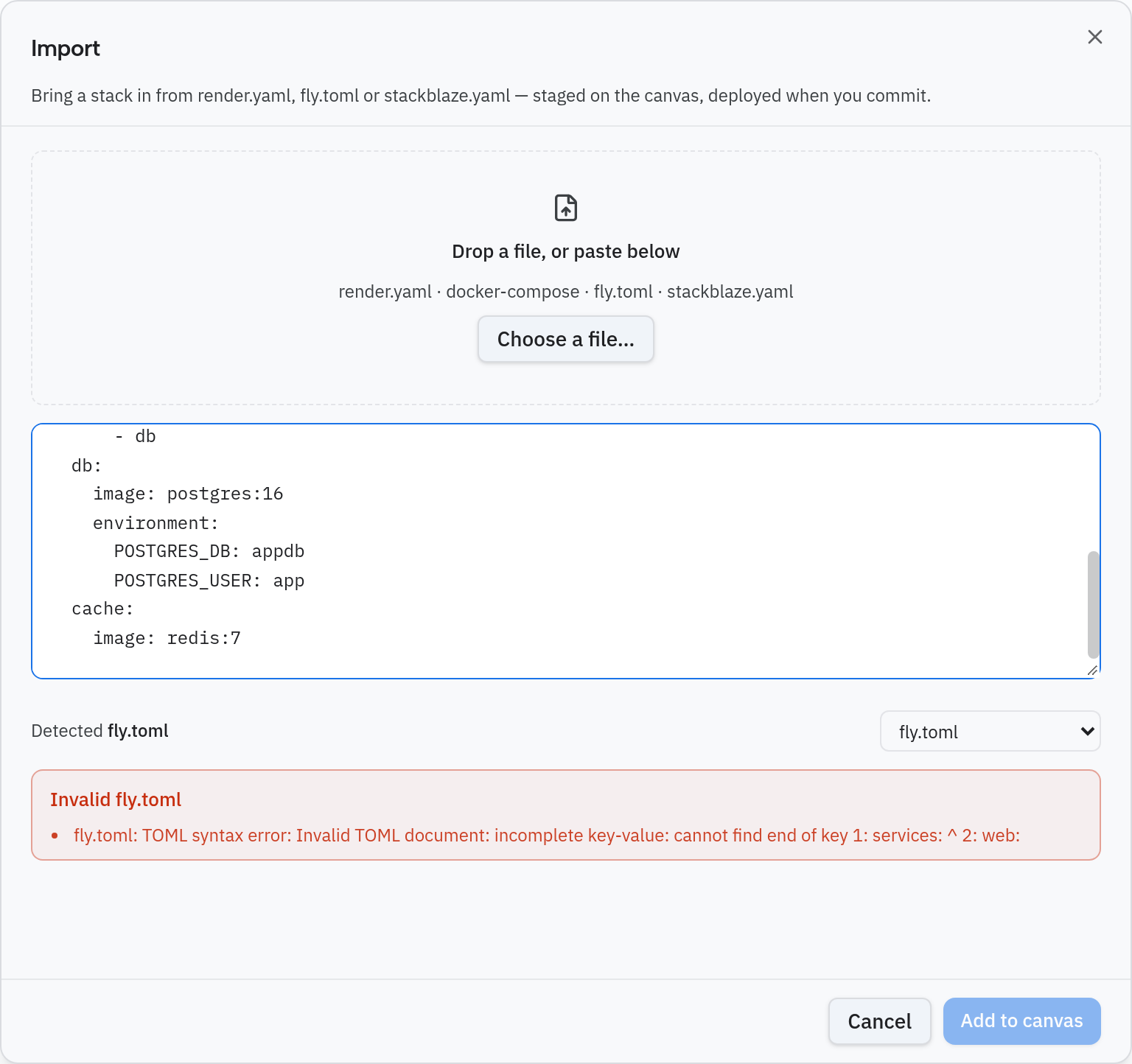
When the file can't be read
If the file has a syntax error, or doesn't match the format you picked, the dialog shows the error and its line, and Add to canvas stays disabled.