
Static sites
Build a site with Vite, Next.js export, Astro or another generator and serve it as a Public service.
StackBlaze has no separate static-site type. A static site is a Public service whose job is to serve files. You deploy it from a repository like any other app, and it gets a URL on stackblaze.app with HTTPS and any custom domains you add.
Deploy one from GitHub
Follow Deploy from GitHub. That guide deploys stackblaze/react-vite-starter, a Vite and React single-page app, and it's a static site:
- The repository has no Dockerfile, so the build method is Railpack (auto-detect, fast rebuilds).
- Railpack sees the
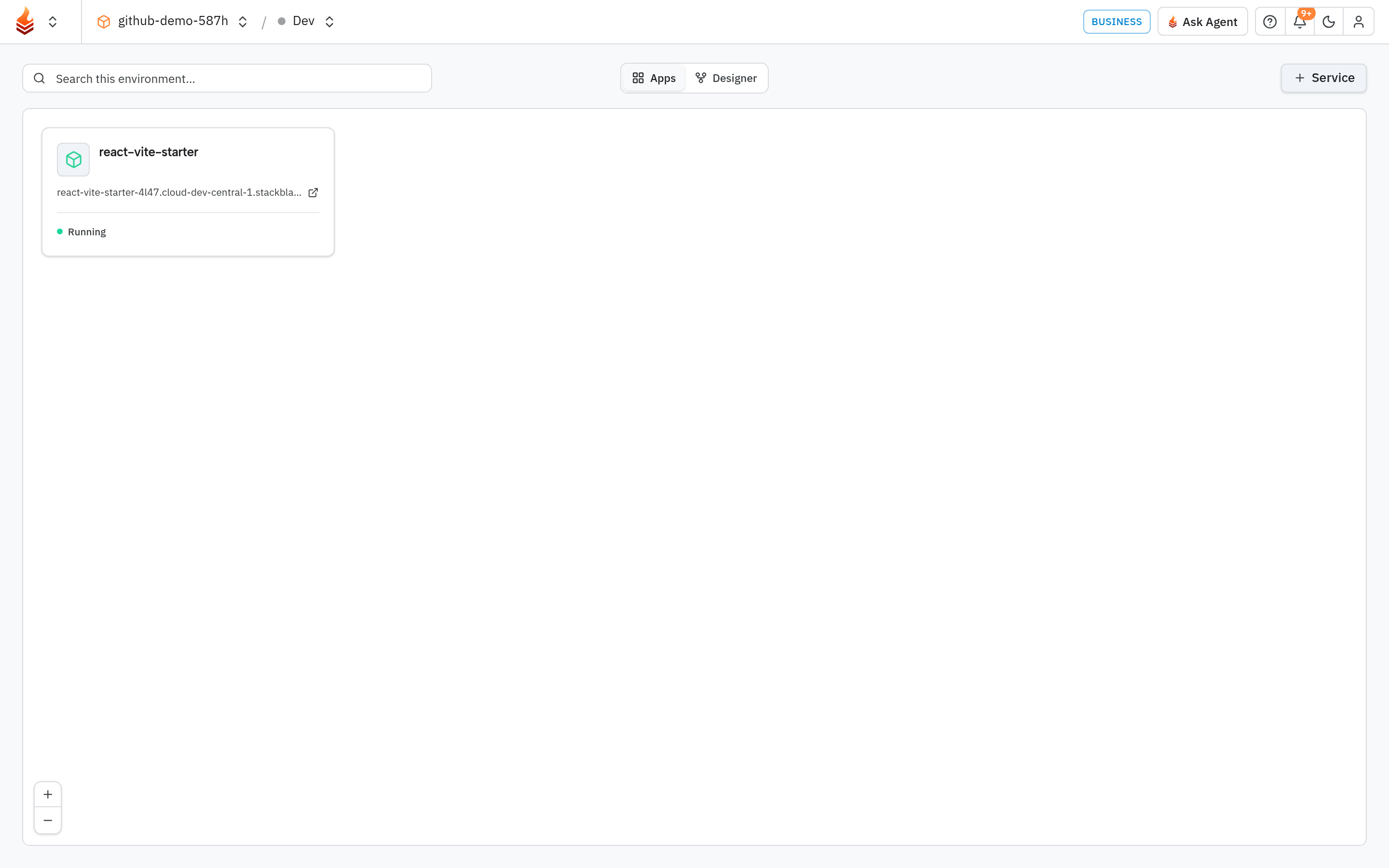
package.json, runs the project'sbuildscript, and the image serves the built files. There's no start command to write. - When the card shows Running, the site is on its URL.

Links inside a single-page app
On our react-vite-starter service, every path that isn't a file returned the app's index.html with 200: / and a deep link such as /some/deep/link both opened the app, so client-side routes work when you reload or share a link.
The same goes for a file that doesn't exist: /nope.js also returned index.html, not a 404. Keep that in mind when you look for a missing asset.
There is no _redirects file or other redirect rule on StackBlaze. Redirects belong in your app or in the web server your image runs.
Change the build
- Build command (Settings → Deploy) replaces the build step, for example
npm run build:prod. On a Railpack service it's passed to Railpack asRAILPACK_BUILD_CMD. Leave it blank for the framework's default. See Source and build. - Build path (Settings → Build) picks the folder to build in a monorepo, such as
apps/site. A push then only rebuilds the site when it changes files in that folder.
The build has to write the site to the folder your generator normally uses. Next.js needs output: 'export' in next.config.js to write a static site at all; without it, Next.js builds a server app, which also deploys fine as a Public service.
Variables in the browser
On a Railpack build, the service's variables are passed into the build. Frameworks copy the ones with a public prefix (such as VITE_ or NEXT_PUBLIC_) into the JavaScript they build, where anyone who loads the page can read them. Never give those a secret value.
Because variables are part of the build, saving a variable on a Railpack service starts a new build, so the new value reaches the page.
A Docker build gets no variables as build arguments. Give each ARG in your Dockerfile a default value.
Serve it yourself
To run your own web server (for example with your own cache headers or redirect rules), add a Dockerfile to the repository that builds the site and serves it. A Dockerfile in the repository is picked up when you add the service, and the build method becomes Docker. Set the service's Port to the port your server listens on.
Caching
Visitors reach a Public service through the edge network, which can cache its files. Builds that put a content hash in each asset's file name (Vite, Next.js and most generators do) get a new URL for every changed file, so a cached copy is never stale.