
Start command
Override the command a Docker image service starts with, and go back to the image default.
Settings → Deploy ("How this service starts and goes live.") has a Start command field on a Docker image service. It also has a Pre-deploy field.
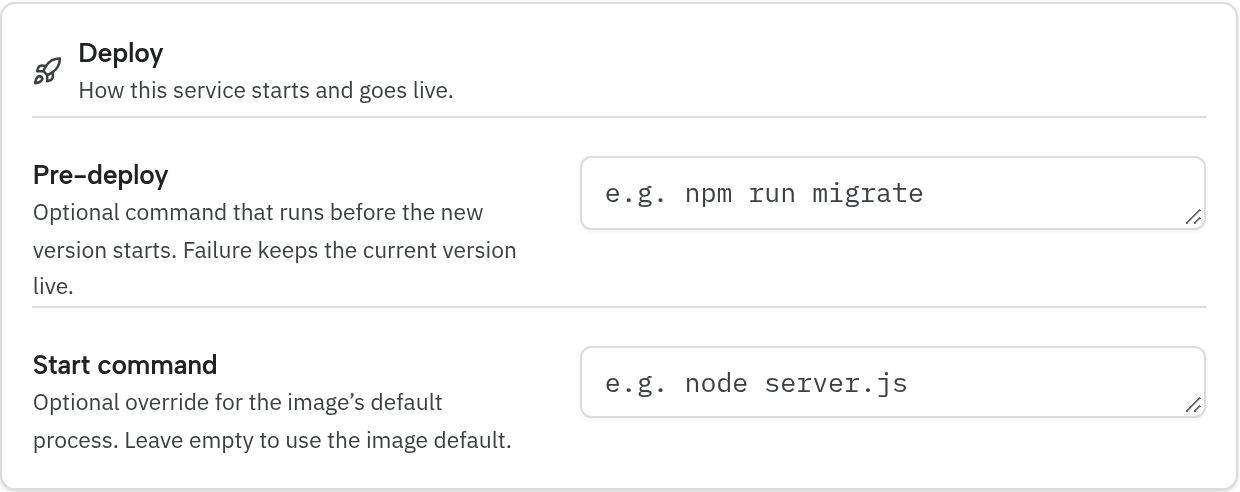
| Field | What the card says | Placeholder |
|---|---|---|
| Start command | "Optional override for the image's default process. Leave empty to use the image default." | e.g. node server.js |
It is staged like any setting: Commit 1 change, then Deploy 1 change.
Set a start command
Type the command
Here, a command that prints a line and then starts nginx the way the image does:
sh -c "echo started by the start command; exec nginx -g 'daemon off;'"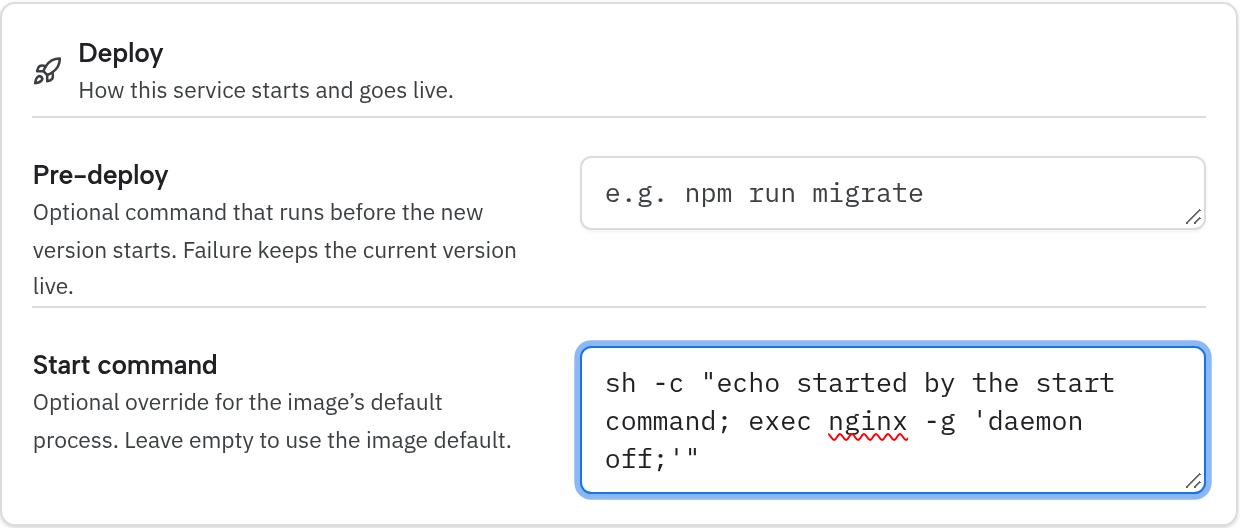
Commit and deploy
The dialog lists Start command with the new value. StackBlaze runs the command through a shell: it was saved as /bin/sh -c followed by what you typed, and the dialog shows it that way.
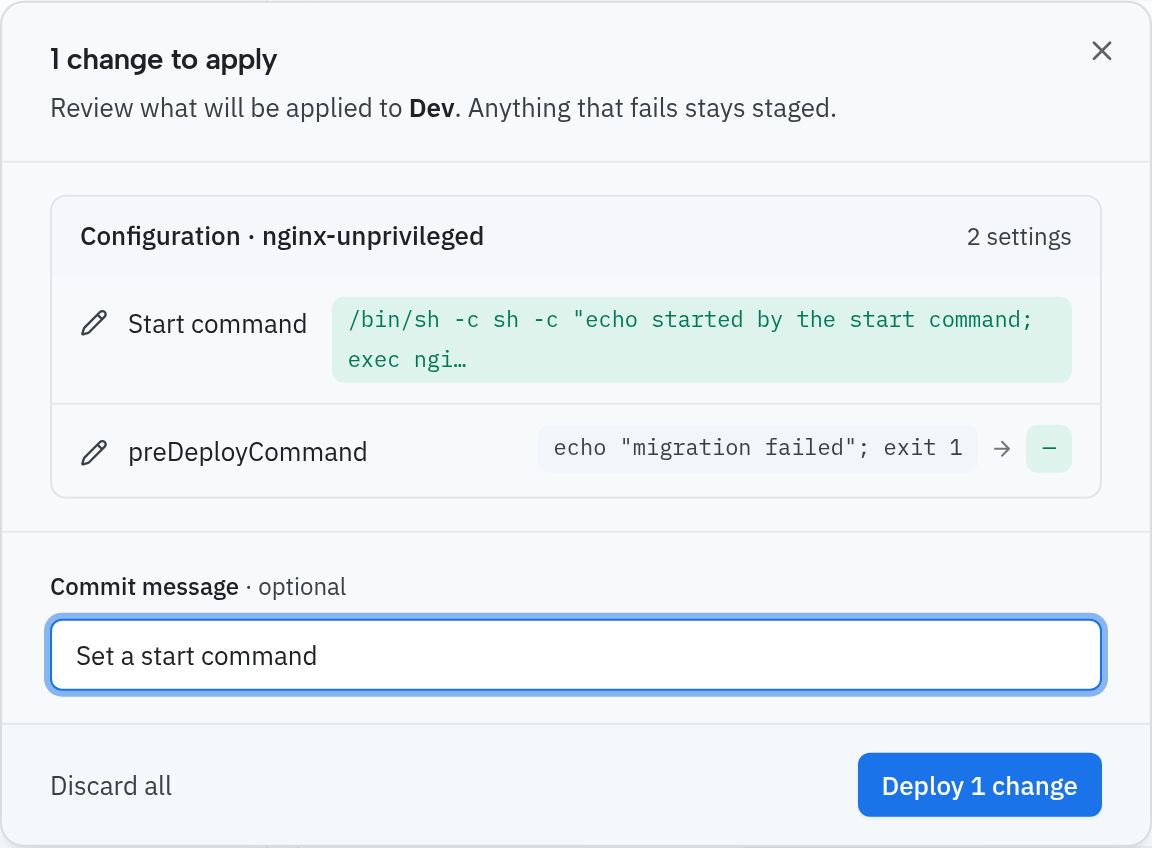
After the deploy, the site still answered 200, and Logs showed started by the start command.
To go back to the image's own command, empty the field and deploy. The dialog lists Start command going to —.
Rules for the start command
- Stay in the foreground. The service runs as long as the command runs. A command that starts a server in the background and exits (for example a daemon mode) ends the service, and it is restarted again and again.
- Use
execin a shell command.sh -c "…; exec node server.js"replaces the shell with your app, so the app gets the stop signal itself (see Stopping). - Listen on
PORTand0.0.0.0. StackBlaze setsPORTto the service's port.
We deployed a Node.js server that listened on 127.0.0.1 instead. It started and logged that it was listening, but the instance never became ready and was restarted. Its URL answered 503 with "This app is starting or temporarily unavailable".
Pre-deploy
Pre-deploy runs a command once in the new version before it takes traffic, for example to migrate a database. It runs in the new image, with the service's variables, through /bin/sh -c, so the image needs a shell. It can reach the service's databases and other services over the private network.
When it runs depends on how the service is built. The card says which:
| Service | What the card says |
|---|---|
| Built from source | "Optional command that runs before the new version starts. Failure keeps the current version live." |
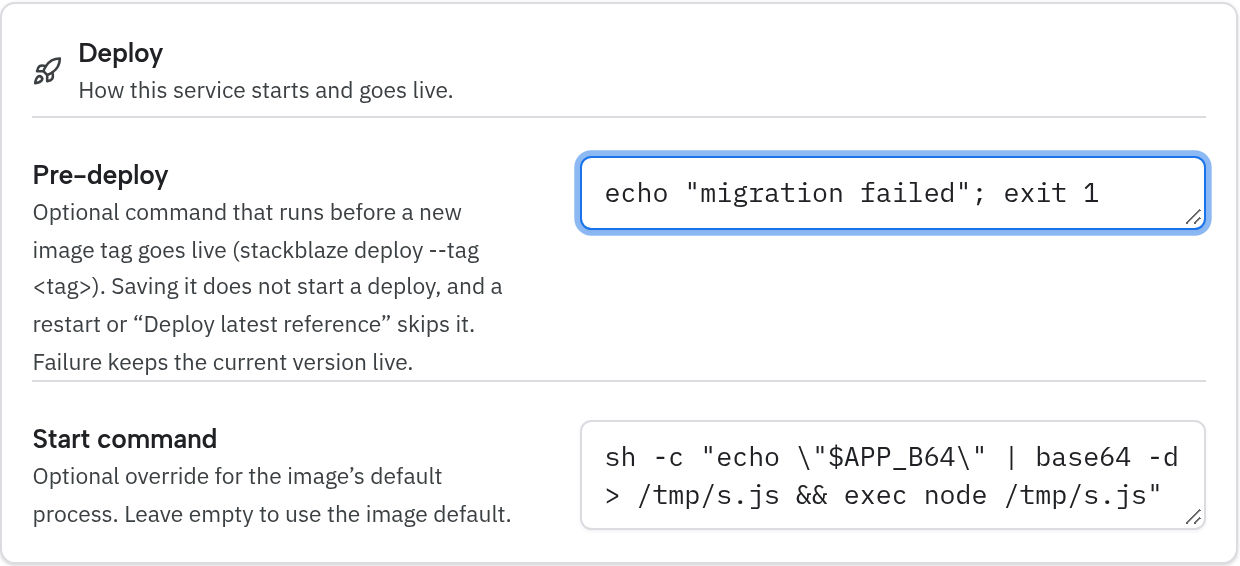
| Docker image | "Optional command that runs before a new image tag goes live (stackblaze deploy --tag <tag>). Saving it does not start a deploy, and a restart or “Deploy latest reference” skips it. Failure keeps the current version live." |
When it fails
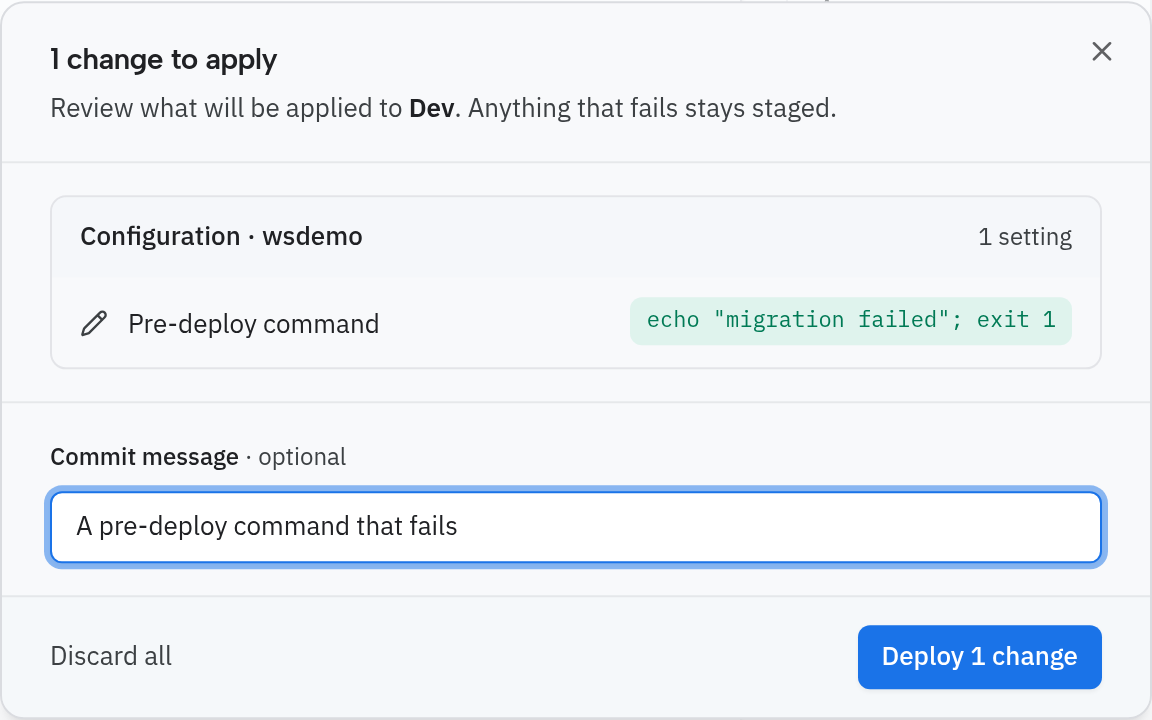
We set Pre-deploy on a Docker image service to echo "migration failed"; exit 1. The commit dialog listed Pre-deploy command with the new value.
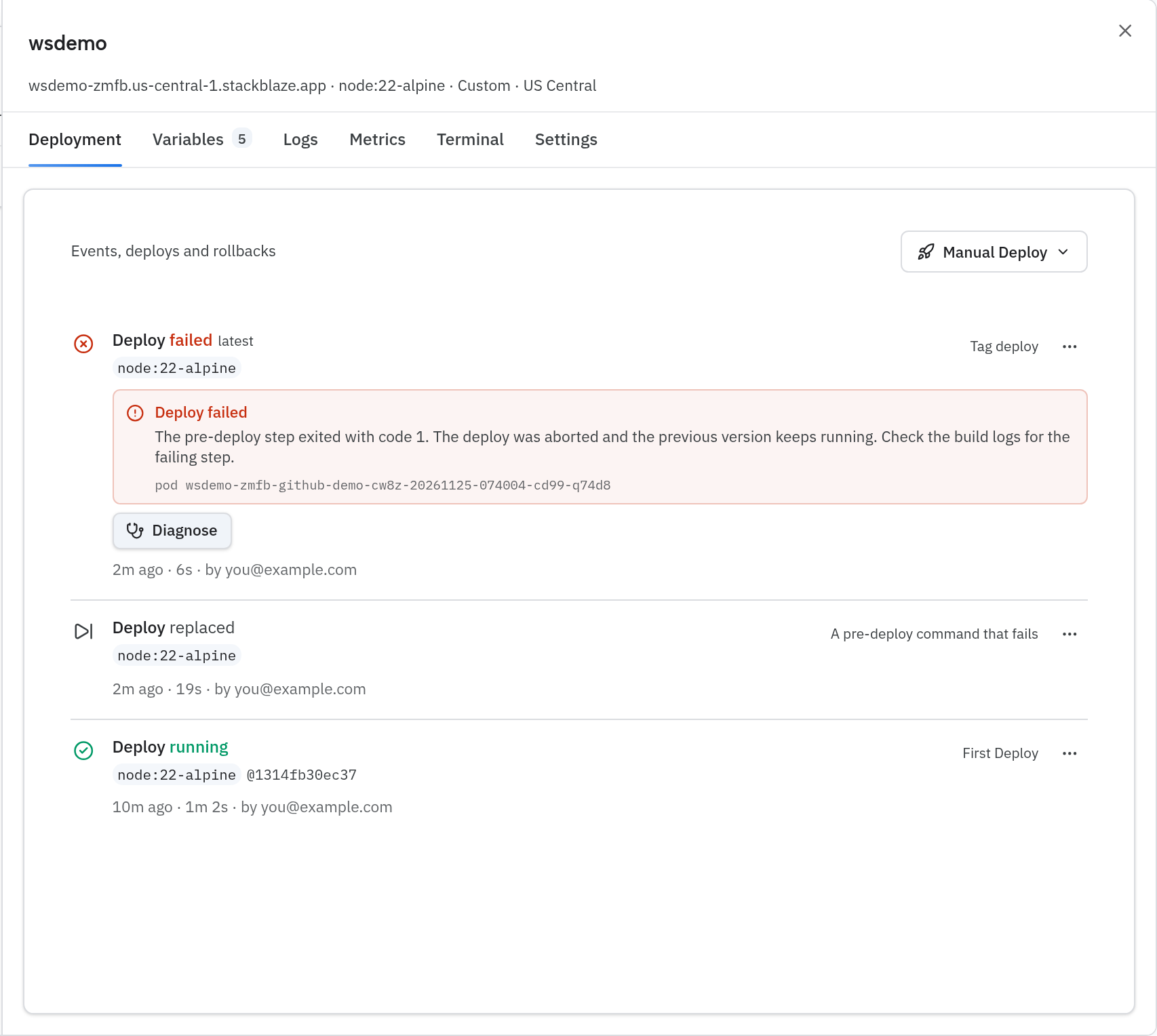
Then we deployed the image tag again with stackblaze deploy --tag 22-alpine. On the Deployment tab the deploy was Deploy failed: "The pre-deploy step exited with code 1. The deploy was aborted and the previous version keeps running. Check the build logs for the failing step." with a Diagnose button. The site answered 200 the whole time.
To remove it, empty the field and deploy. The dialog lists Pre-deploy command going to —.
How a new version goes live
A deploy replaces the instances one at a time:
- One new instance starts next to the running ones.
- It must pass the health check, when that is on, before it gets traffic.
- Then one old instance is stopped, and the next new one starts.
So a service never has fewer instances serving than you asked for, and for a moment it has one more. When we restarted a service, the old instance kept serving until the new one was ready, about 50 seconds later, and only then got the stop signal.
If the service has a volume that only one instance can mount (ReadWriteOnce), this can't work: Deploy then says "A ReadWriteOnce volume is attached — the old pod stops before the new one starts, so expect a brief gap on each deploy."
Stopping
An instance that is being replaced gets SIGTERM. Finish the requests in flight, close connections and exit. If it is still running 30 seconds later, it is killed. We measured this with a server that ignored SIGTERM: it logged got SIGTERM, kept running, and stopped 30 seconds later.
The test server was started with sh -c "…; exec node /tmp/s.js", so exec made Node.js the process that received the signal.
Changing a database during a deploy
For a moment, old and new instances run side by side against the same database, and the old version keeps running if a deploy fails. So make each migration work with both versions: add a column or table first, and drop or rename one only in a later deploy, once no running version uses it.