
Source and build
For a service built from a git repository, pick its repository and branch, how it's built, and a custom build command.
A service deployed from a git repository has two more sections at the top of its Settings: Source and Build. Deploy also gets a Build command.
Source
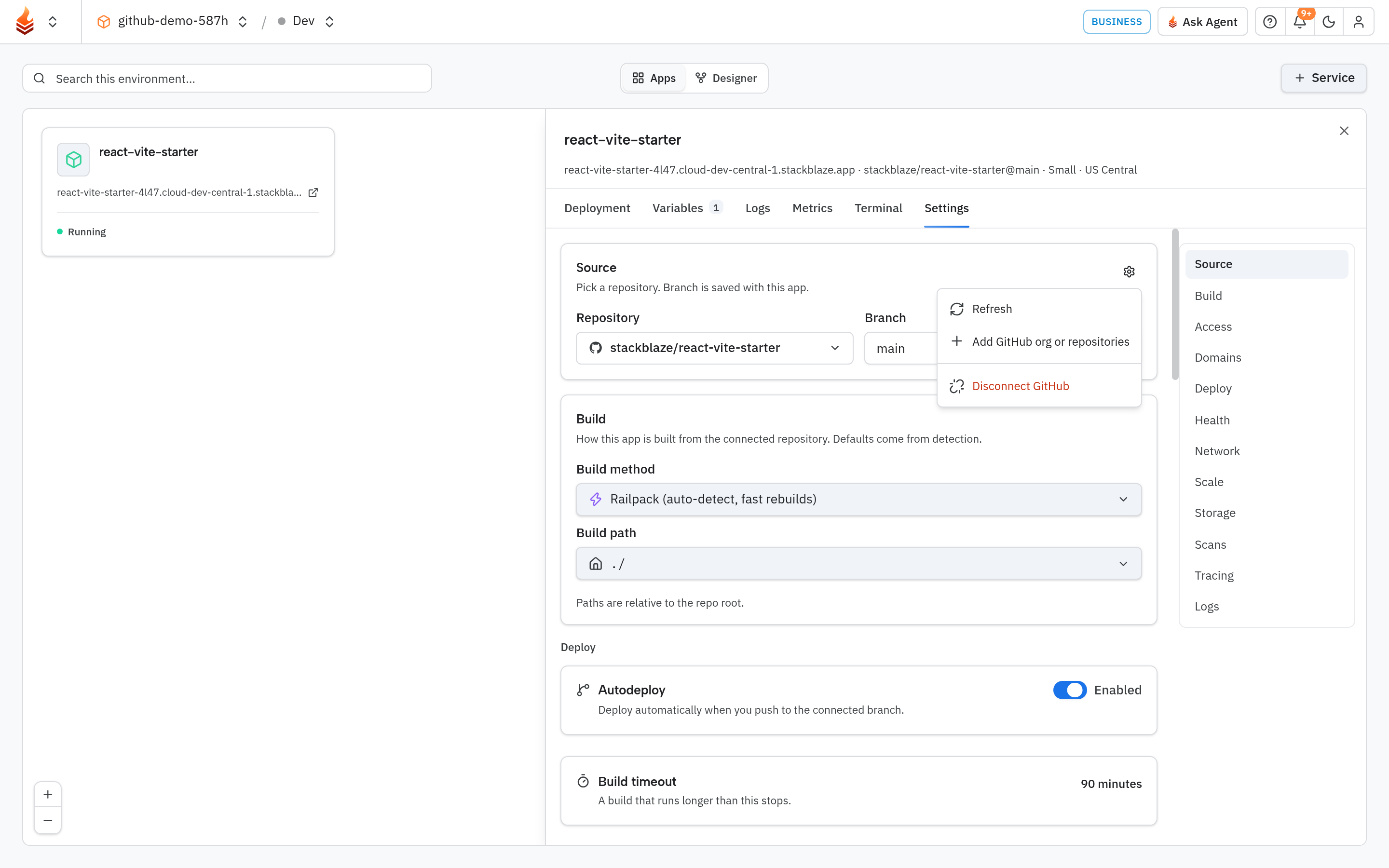
Source ("Pick a repository. Branch is saved with this app.") shows the Repository, for example stackblaze/react-vite-starter, and the Branch it deploys, here main.
The gear button next to it has Refresh, Add GitHub org or repositories and Disconnect GitHub.
Build
Build ("How this app is built from the connected repository. Defaults come from detection.") has two settings:
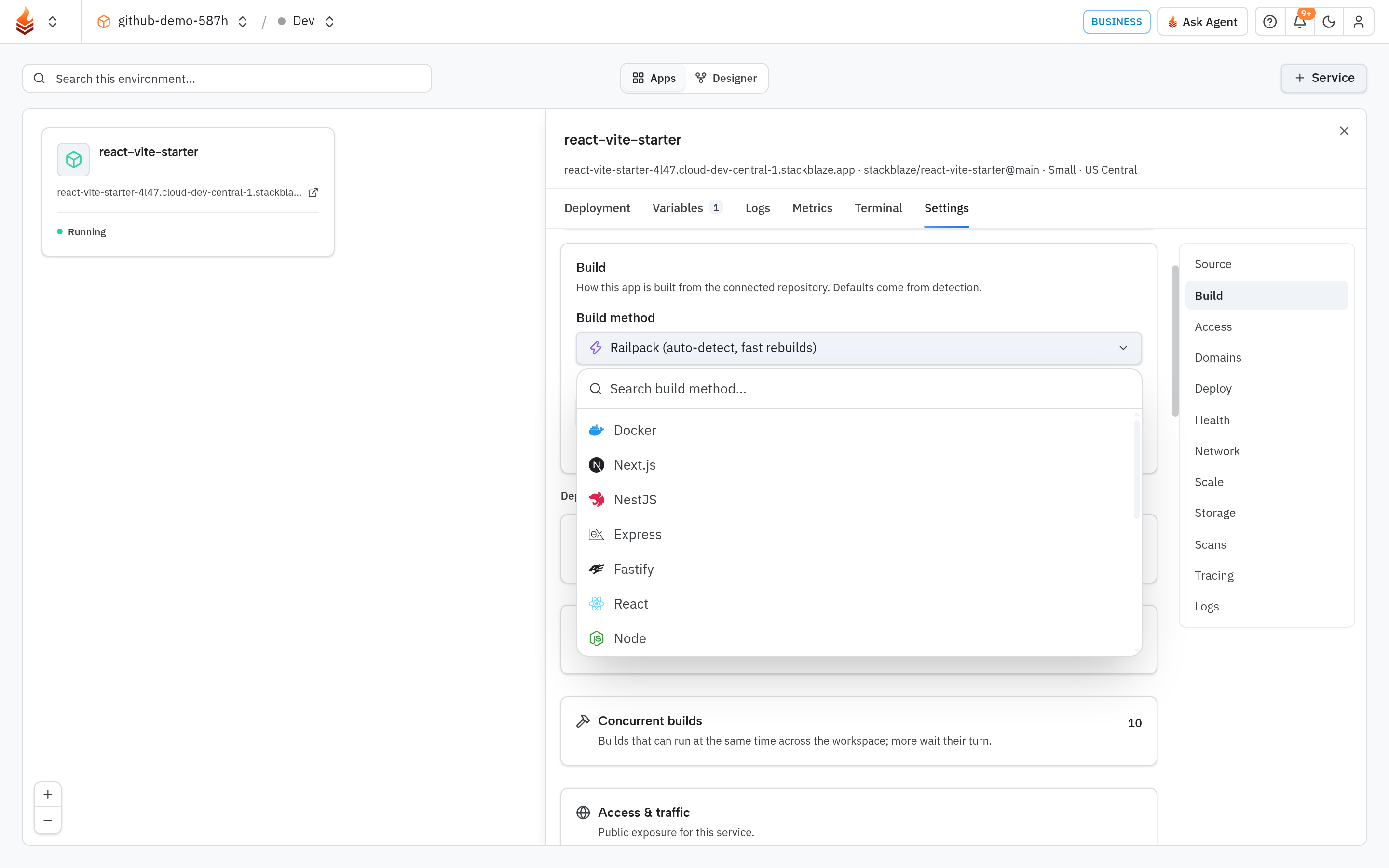
- Build method, here the default Railpack (auto-detect, fast rebuilds). The menu, with Search build method…, also lists Docker, Buildpacks, and presets for Next.js, NestJS, Express, Fastify, React, Node, FastAPI, Flask, Django, Python, Go, Ruby and Rust.
- Build path, the folder to build from, ./ by default. "Paths are relative to the repo root."
What detection fills in
When you pick a repository, StackBlaze reads its files and proposes the build settings:
- If the repository has a Dockerfile, the method is Docker. The shallowest Dockerfile is used (the root one when there is one), its folder becomes the Build path, and the port comes from its
EXPOSEline and the health check path from itsHEALTHCHECKline, when it has them. - Otherwise the method is Railpack. The port is guessed from the files at the repository root:
package.json3000,go.mod8080,requirements.txt,pyproject.tomlorPipfile8000 (5000 for Flask),Gemfile3000 andCargo.toml8080.
Change any of it in the review panel or here.
The build methods
- Railpack works out the language and framework from your files and builds an image with no Dockerfile. It caches dependencies between builds, so later builds are faster. It needs the files a language normally has, such as
package.json,go.mod,requirements.txtorGemfile. - Docker builds the repository's Dockerfile, with the Build path as the build context. With Docker selected, a Dockerfile menu (Search Dockerfile…) lists the Dockerfiles found in the repository, so you can pick another one. Service variables are not passed as build arguments: give each
ARGa default value, and keep secrets out of the image. - Buildpacks builds with Cloud Native Buildpacks.
- The presets (Next.js, Django and the others) are Railpack builds that also set the framework's usual port, for example 3000 for Next.js, 8000 for Django and 5000 for Flask.
What starts a new build
Saving any of these on a service built from git builds it again: the Repository or Branch, the Build method, the Build path, the Dockerfile, the Build command, or a variable. Variables count because a Railpack build reads them (see Static sites). PORT and the variables that follow the public URL don't start a build.
Changing the Branch builds the newest commit of the new branch.
Which pushes rebuild
By default a service rebuilds on a push that changes a file in its Build path; with the build path at the root, any change does. For finer rules (for example, also rebuild when packages/shared/ changes), set buildFilter in a stackblaze.yaml. There's no field for it in the dashboard. The other rules for pushes are in How StackBlaze works.
Build command
In Deploy, Build command ("How this app is built. Leave blank to use the framework default.") replaces the build step. Here it runs the project's build and then prints a line:
npm run build && echo built-with-a-custom-command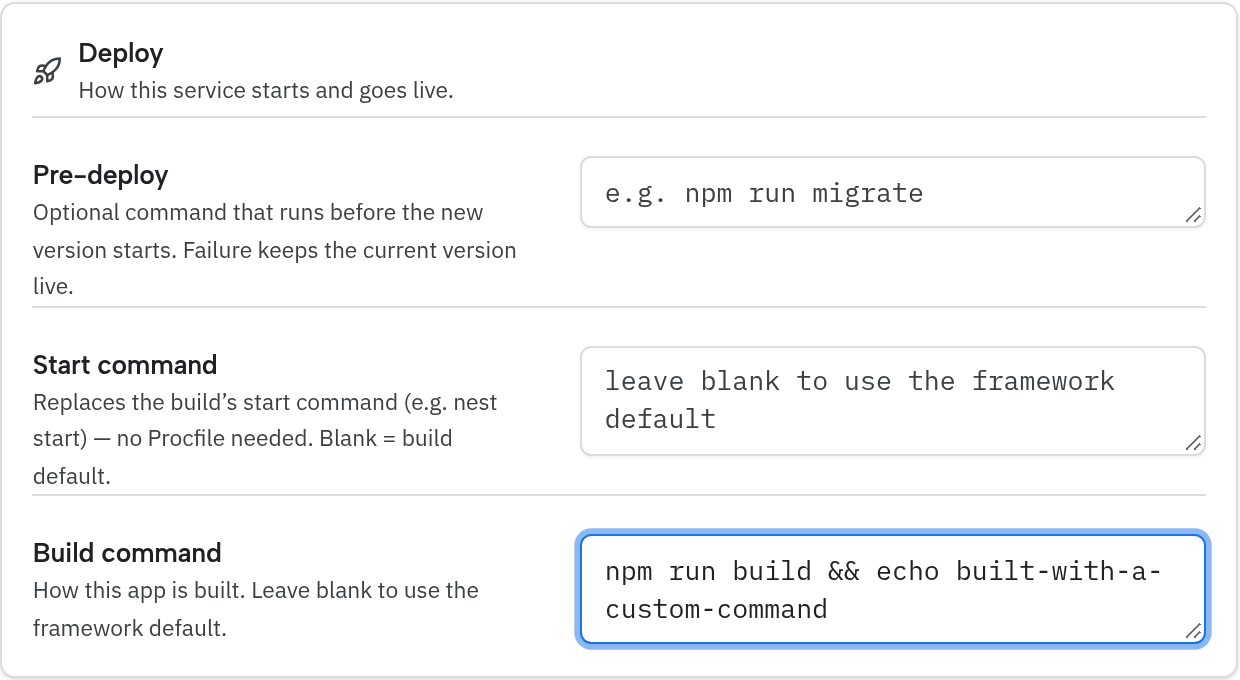
Commit and deploy it. The dialog lists the new command:
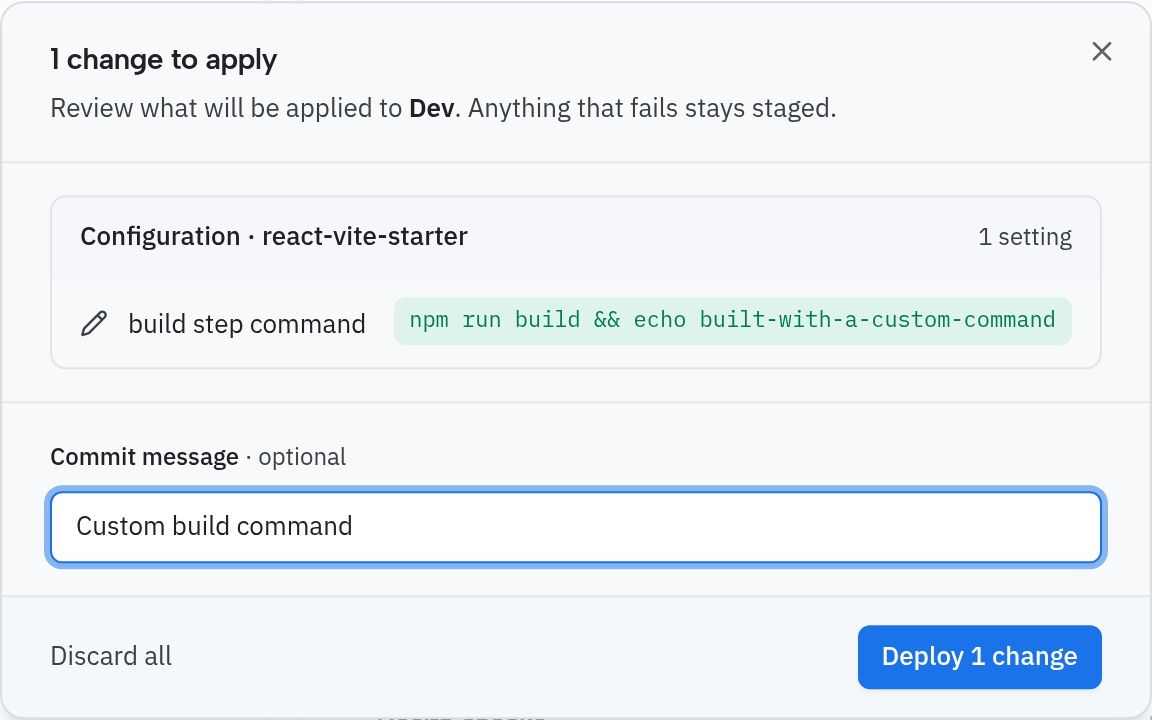
Saving it started a new build. In the build's log (stackblaze builds logs), the step ran our command and printed built-with-a-custom-command; the build Succeeded and the site kept answering 200. To go back to the default, empty the field and deploy again.
Build limits
Further down, Deploy shows two build limits that come from your plan: Build timeout ("A build that runs longer than this stops."), here 90 minutes, and Concurrent builds, here 10: how many builds can run at the same time across the organization.
A build over the concurrent limit is not queued: it's refused and nothing is built. A push that hits the limit shows as Skipped: build limit on the Deployment tab. Start it again when a build has finished. See Builds at the same time.
Autodeploy ("Deploy automatically when you push to the connected branch.") is also there; it was on for this service. With it off, pushes are listed on the Deployment tab as skipped, and you deploy with Manual Deploy.