
Scaling
Set how many instances of a service run, let it autoscale on CPU or memory.
Settings → Scale holds two cards: Scale ("How many copies of this service run.") and Sleep mode.
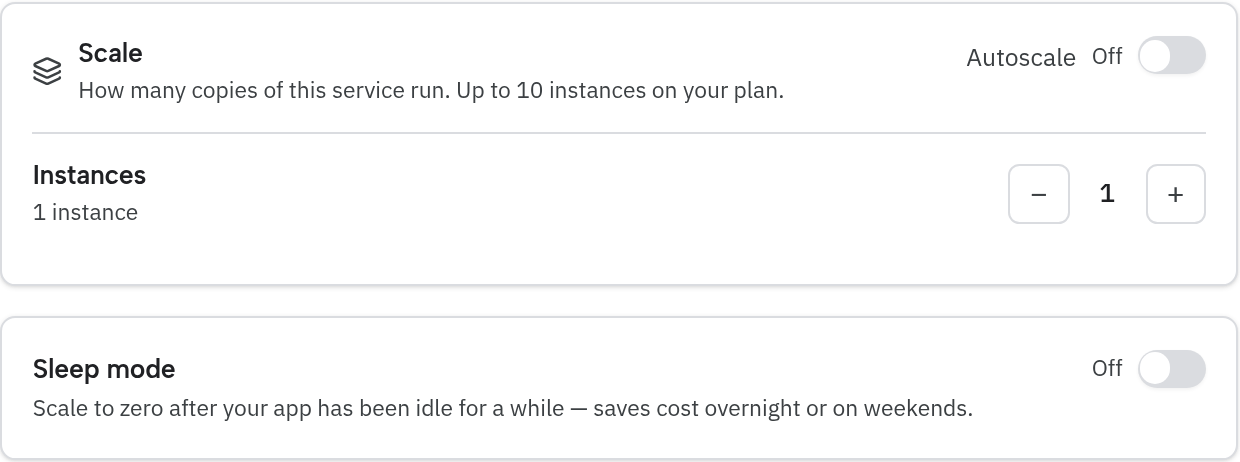
Instances
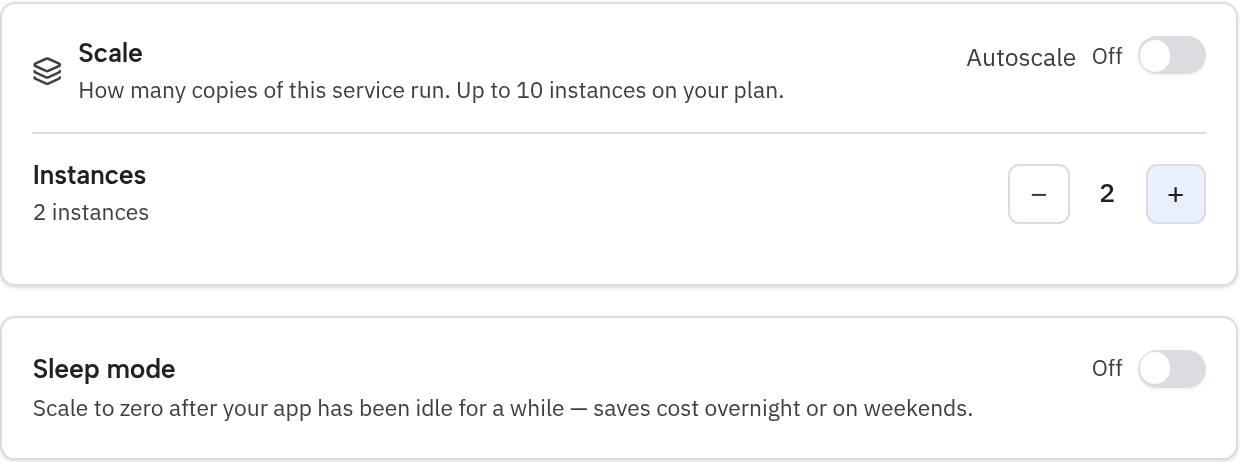
Instances is the number of copies that run, set with − and +. The card says how many your plan allows, for example "Up to 10 instances on your plan." The limit per plan:
| Plan | Instances per service |
|---|---|
| Trial | 1 |
| Developer | 1 |
| Pro | 3 |
| Business | 10 |
Commit and deploy
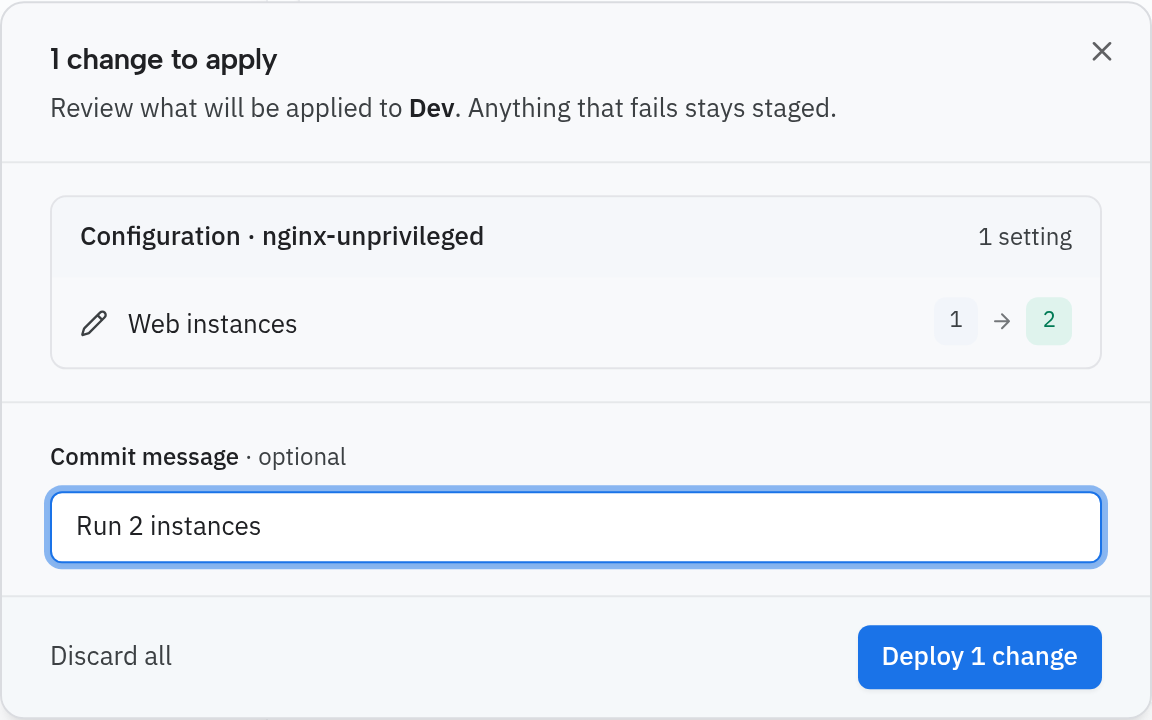
Click Commit 1 change. The dialog lists Web instances 1 → 2. Click Deploy 1 change. A minute later both instances are running and ready.
Autoscale
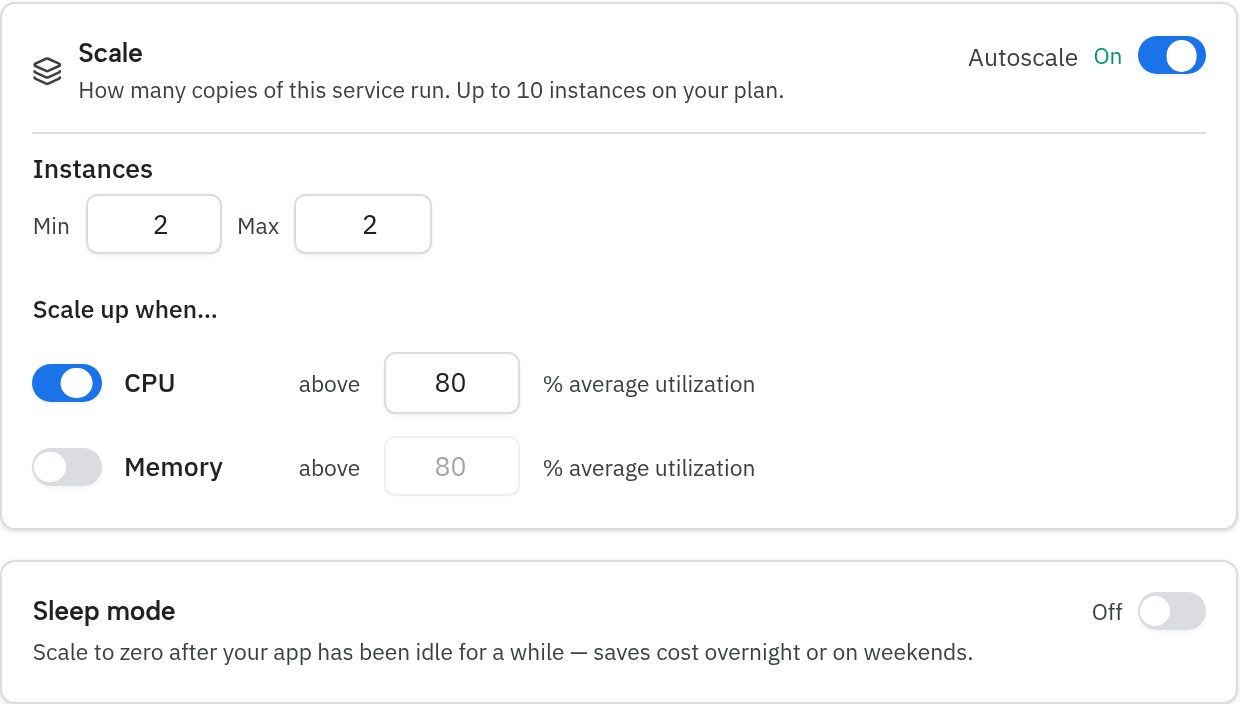
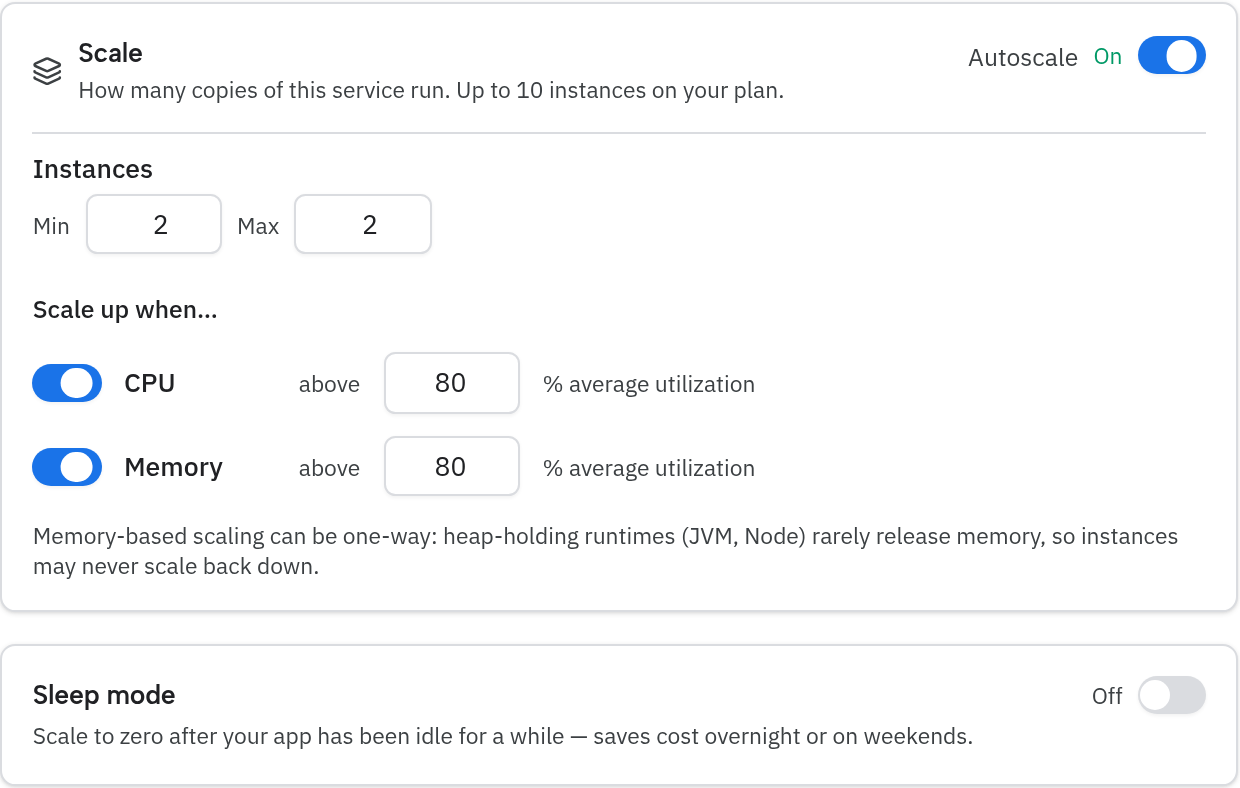
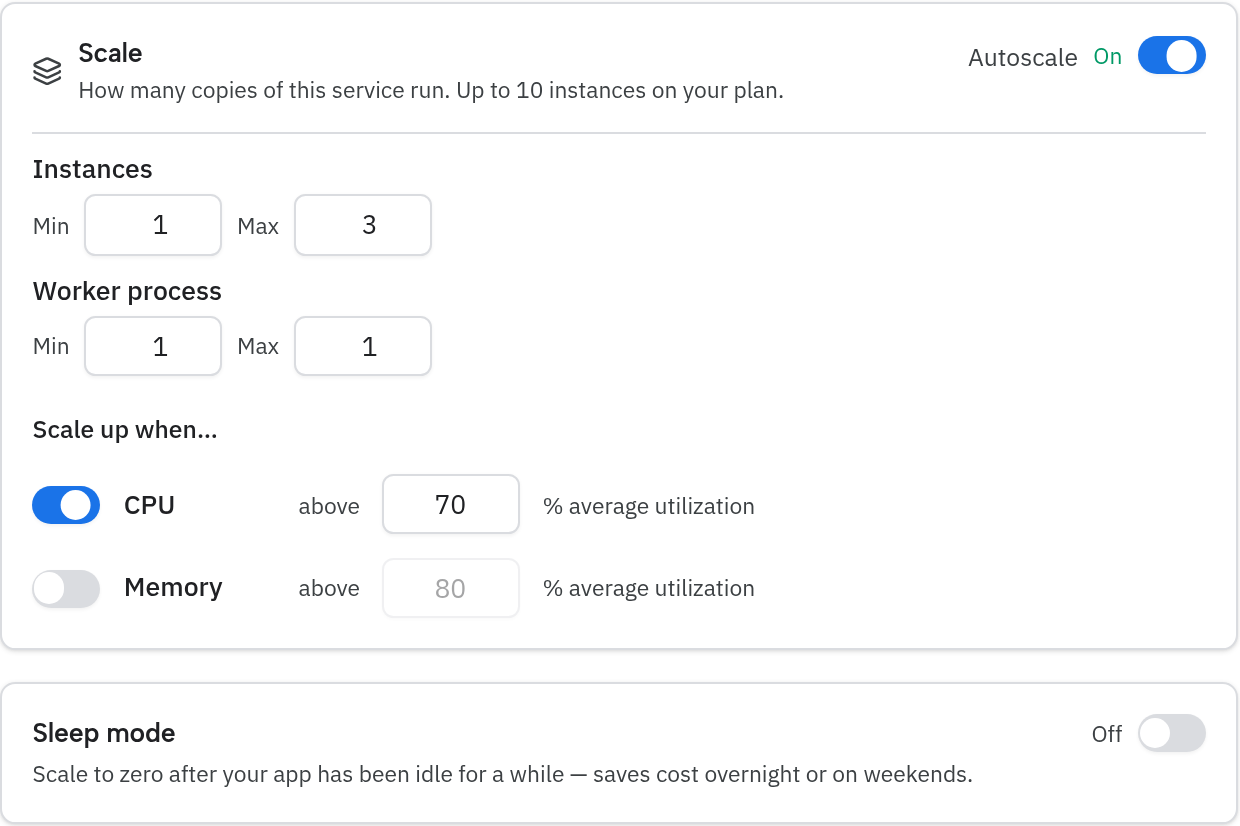
Turn on Autoscale in the Scale header. The fixed count is replaced by a range and the metrics to scale on:
- Instances: Min and Max. Both start at the current number of instances. If you set Min above Max, Max moves up with it.
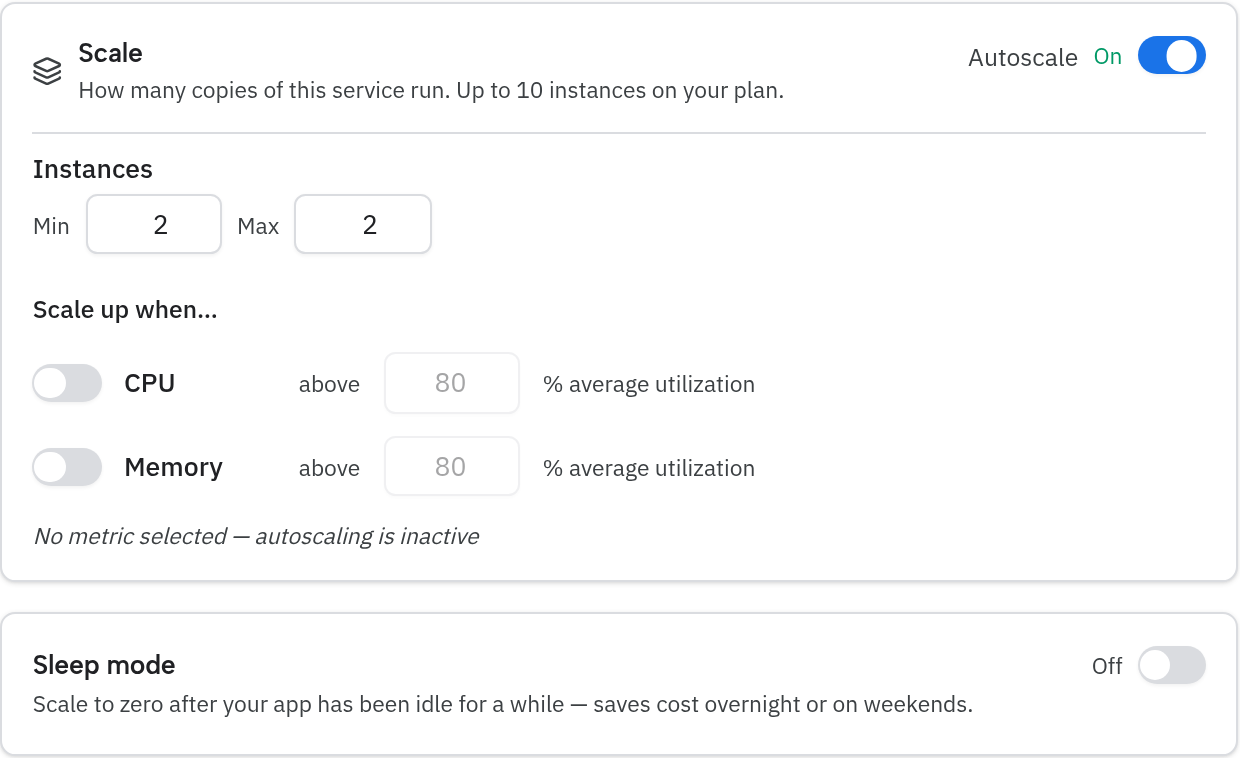
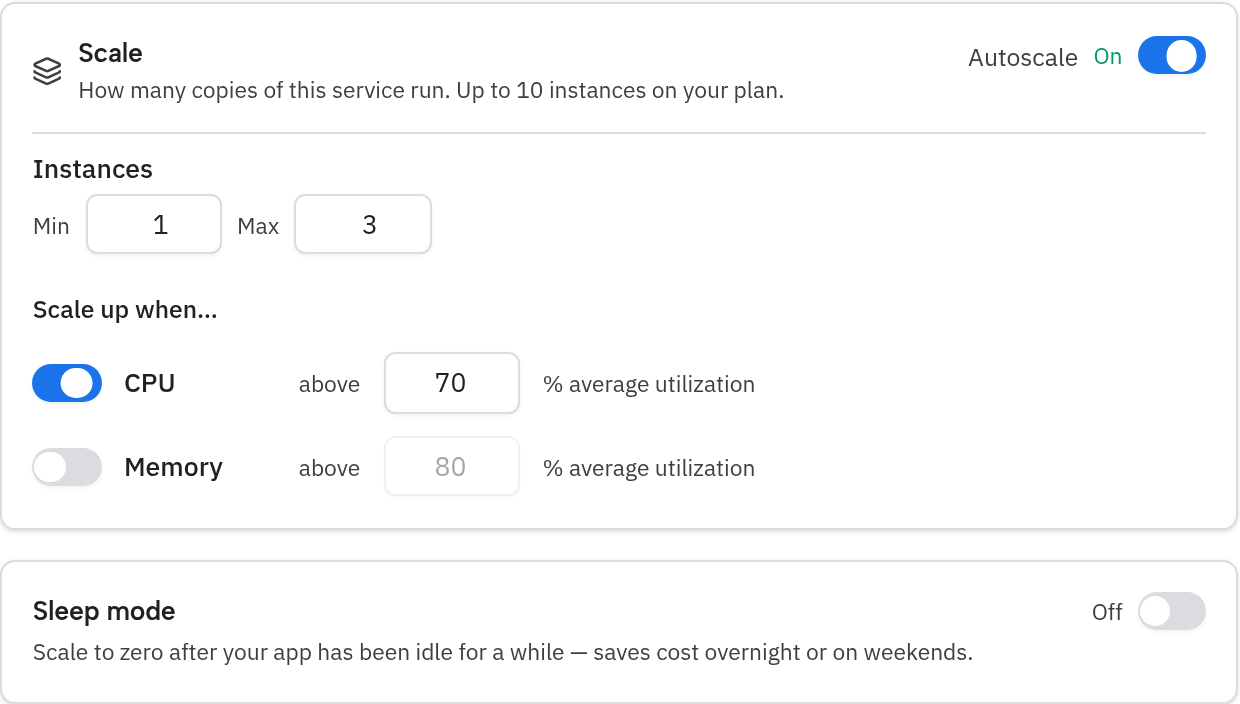
- Scale up when…: CPU and Memory, each with a switch and a target in "% average utilization". Both targets start at 80. CPU is switched on for you.
Switching on Memory adds a warning: "Memory-based scaling can be one-way: heap-holding runtimes (JVM, Node) rarely release memory, so instances may never scale back down."
With both switched off, the card says "No metric selected — autoscaling is inactive".
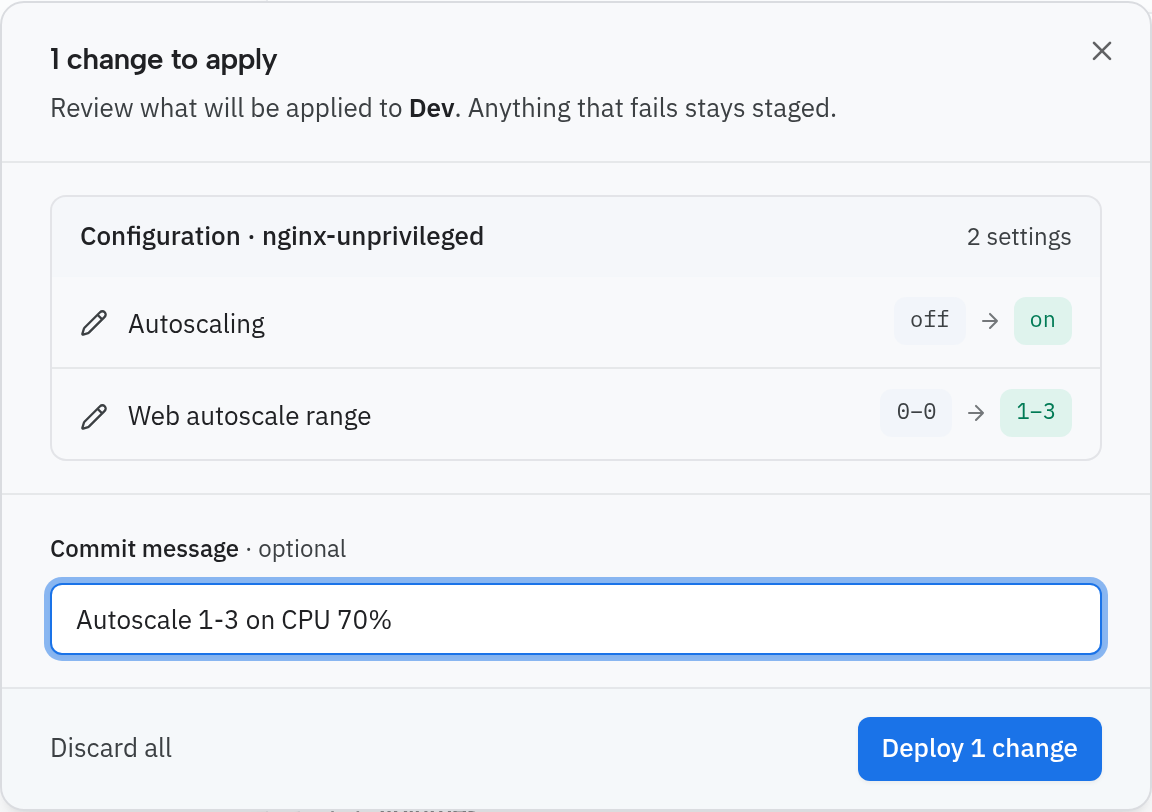
Commit and deploy
The dialog lists Autoscaling off → on and Web autoscale range 0–0 → 1–3. Click Deploy 1 change. The saved service has a range of 1 to 3 instances and a CPU target of 70%.
Limits of the fields
- CPU and Memory targets go from
10to90, in steps of5. Typing5or95marks the field invalid ("Value must be greater than or equal to 10.", "Value must be less than or equal to 90."). - Min and Max go from
1to10. Your plan's limit per service still applies. - At your plan's limit, when a bigger plan allows more, an Upgrade tag appears next to Scale: "Your plan's instance limit per service is reached." On Trial and Developer, which allow one instance, there is nothing to scale between.
When autoscale is on, a worker gets its own Worker process Min and Max, with the warning "Scales on CPU/memory, not queue depth. For queue-driven workers, prefer setting instances manually."
A worker process next to the web process
A web service can also run a worker process: a second set of instances from the same image, with no port and no traffic. There is no switch for this in the dashboard. Add it from the CLI:
stackblaze scale web=1 worker=1 -a crondemoThe CLI said web → 1 instance(s) and worker → 1 instance(s) (was 0). Scale then shows a Worker process row ("1 instance · background") under Instances, with its own − and +, up to 10. The worker process ran the service's start command, the same as the web process.
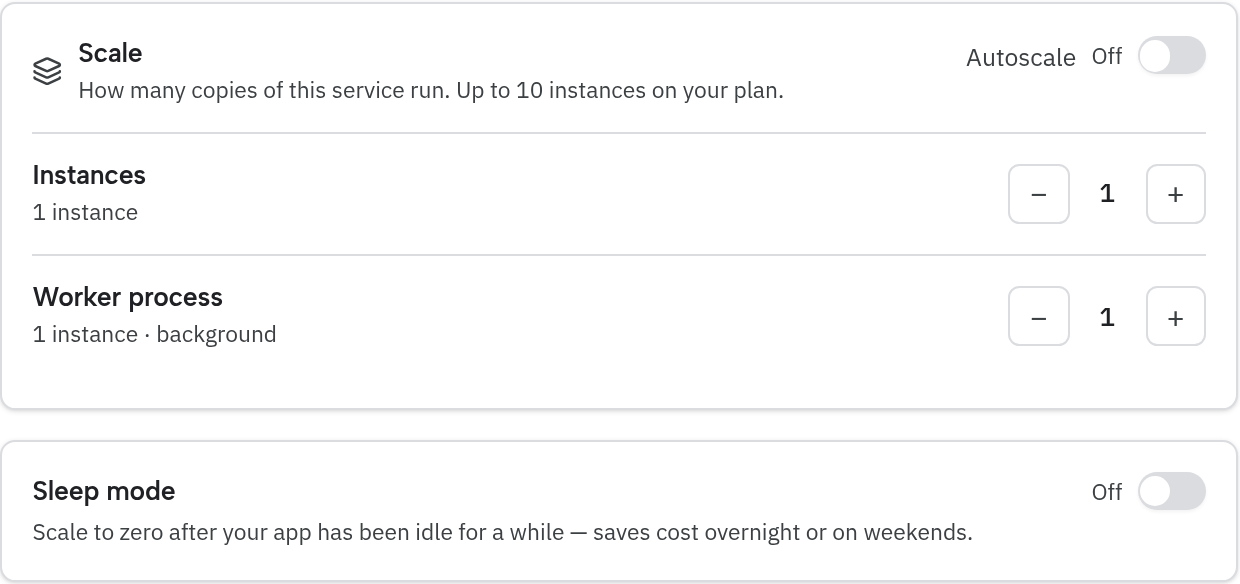
With autoscale on, it has its own range:
From the CLI
stackblaze scale changes both processes in one release:
| Command | What it does |
|---|---|
stackblaze scale web=3 | Run 3 web instances |
stackblaze scale web=2 worker=1 | Set both processes at once |
stackblaze scale --autoscale web=2:5 | Autoscale between 2 and 5 web instances |
stackblaze scale --autoscale-off web | Back to a fixed number |
Counts are checked against your plan's limit per service. See stackblaze scale.
In stackblaze.yaml
In stackblaze.yaml, a service takes numInstances for a fixed number, or a scaling block with minInstances, maxInstances, targetCPUPercent and targetMemoryPercent.
Before you add instances
Requests are spread over all instances, so any of them can get the next request from the same visitor. Keep state out of the instance:
- Keep sessions and caches that all instances must see in Valkey or in your database, not in memory.
- Keep files on a volume, which every instance mounts, not on the container's own disk.
- Every instance opens its own database connections. Size the database's connection limit for Max instances, not for one.
Instance size
The panel header shows the service's instance size, for example Small. Settings has no control to change it.