
Support
Ask the StackBlaze team for help with billing, your account or an app, and follow your requests.
Open Support from the sidebar. It lists your requests to the StackBlaze team, with their replies: "New replies show up here as soon as they arrive." The filters show All, Open, Pending and Solved requests.
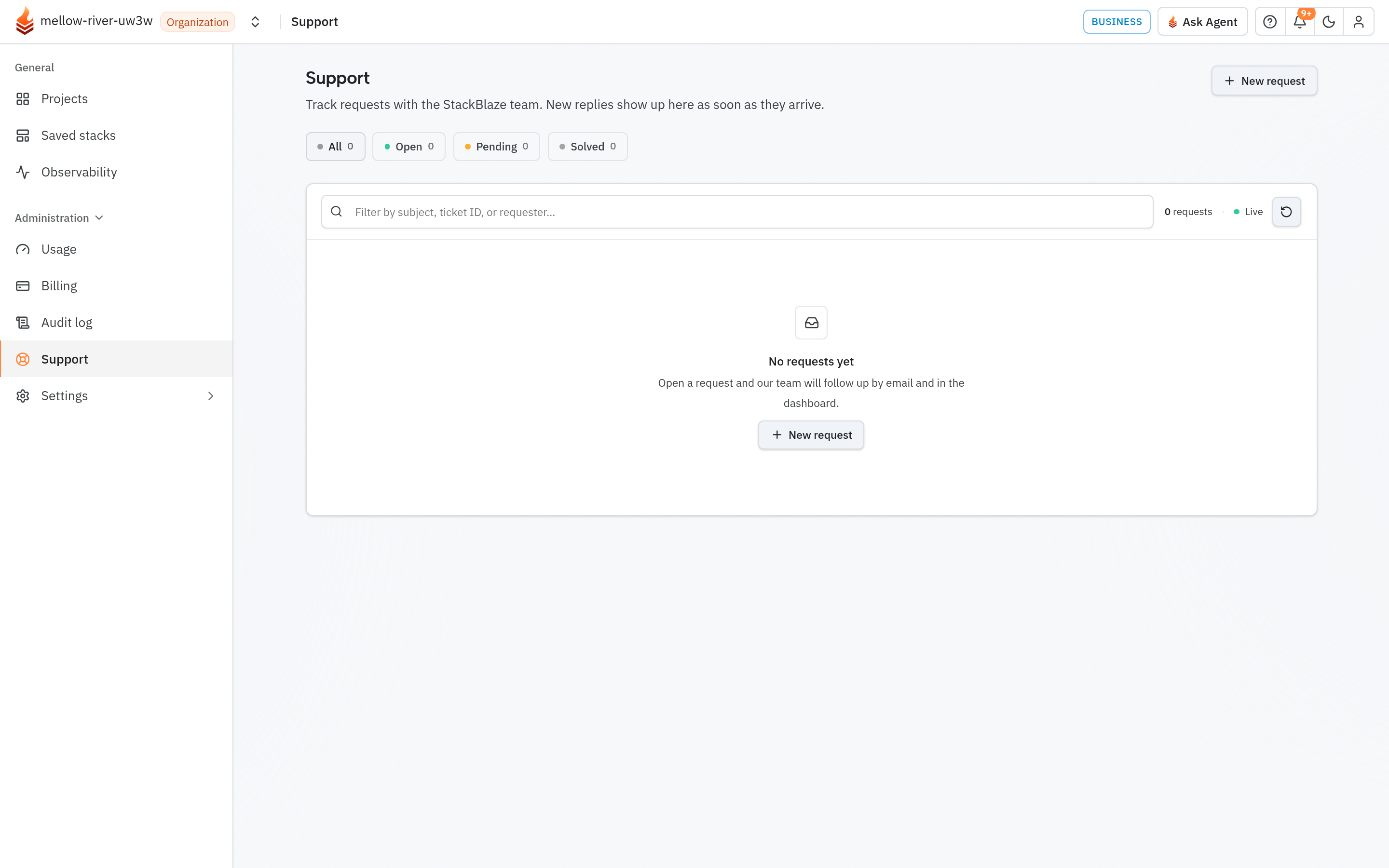
Open a request
Click New request. New support request asks for:
- Request type: Billing & payments, Account & access, Technical — app or deployment, General question or Other;
- Subject, a short summary;
- Description: "Include timestamps and error text when relevant — it helps us respond faster."
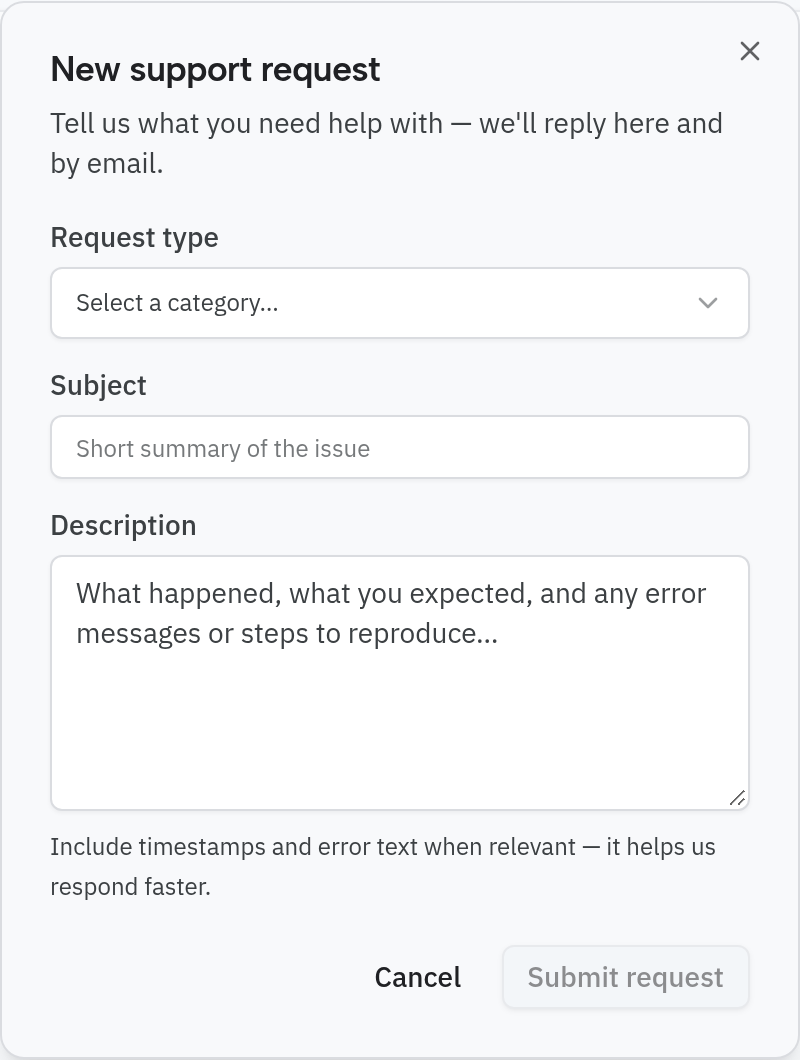
Click Submit request. The team replies on the request and by email.
Which support you get, and how fast, depends on your support plan; see Support plans.